
Self-host olla
v0.0.29High-performance LLM proxy and load balancer
- Stars
- 320
- RAM
- less than 50Mb RAM
- Port
- 40114 (HTTP proxy and admin dashboard)
ghcr.io/thushan/olla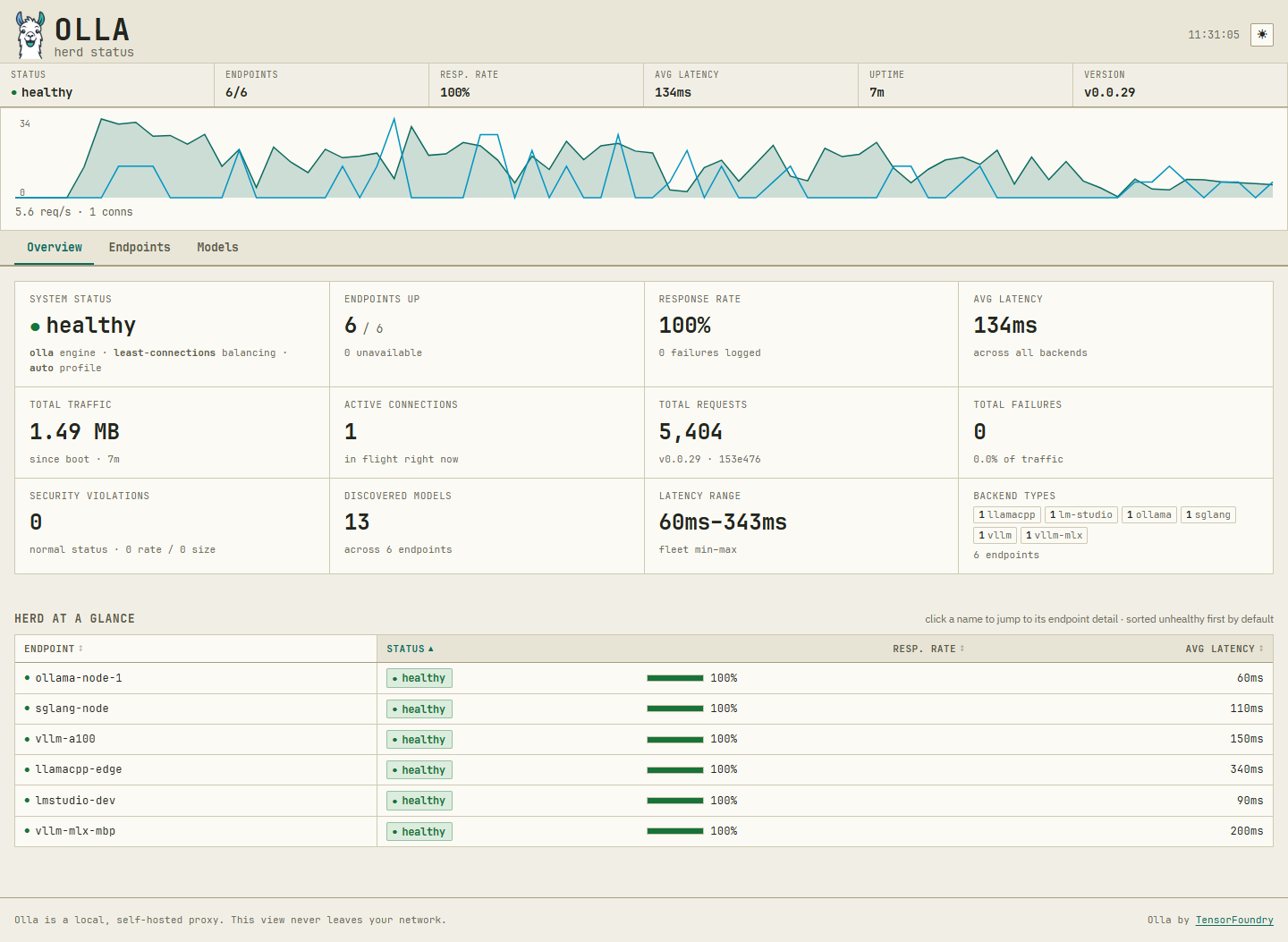
What is olla?
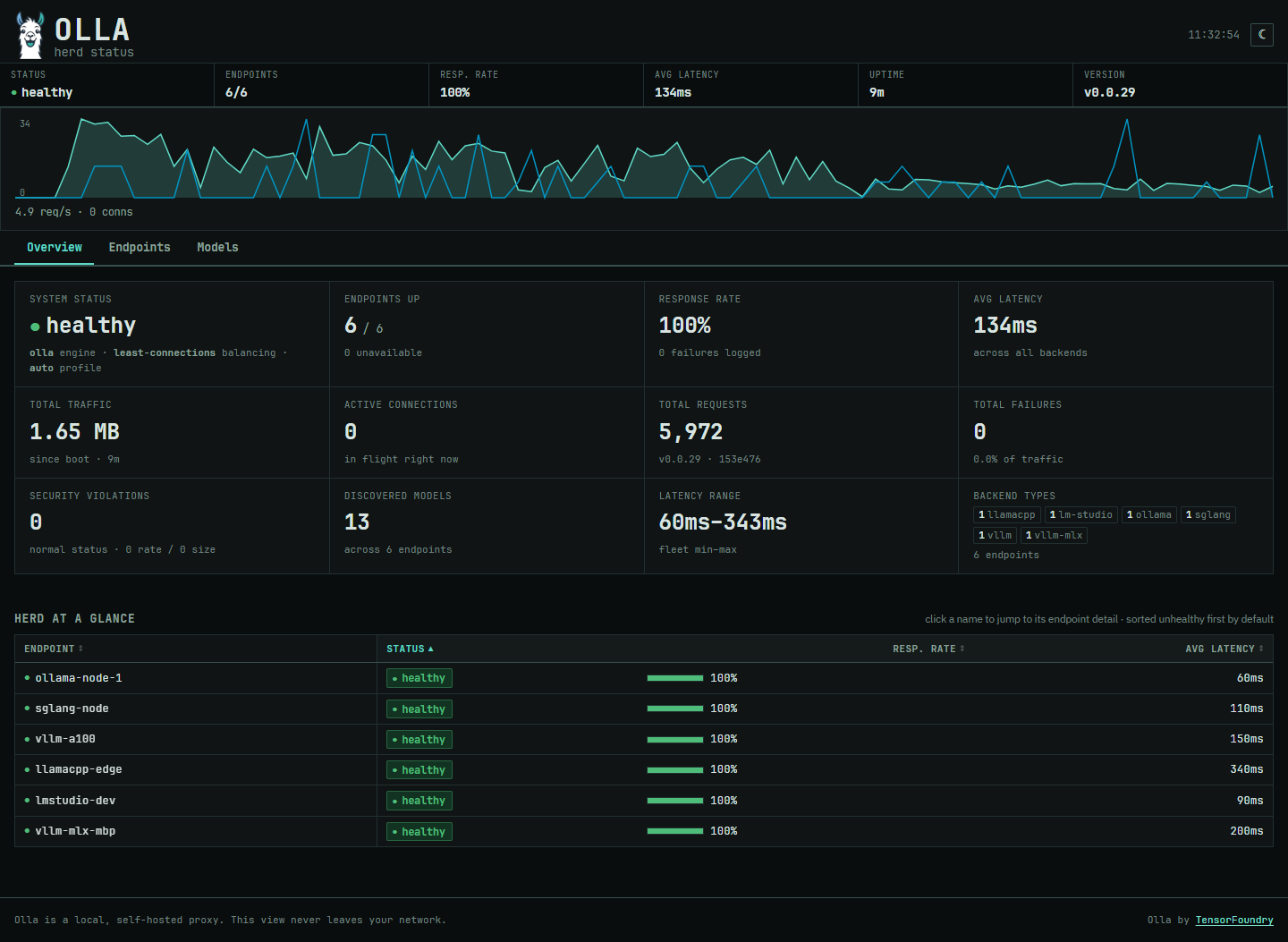
Olla is a lightweight proxy and load balancer built for LLM infrastructure. It routes requests across local inference backends like Ollama, LM Studio, vLLM, SGLang, and llama.cpp. Features include priority-based load balancing with failover, sticky sessions for conversation affinity, two proxy engines (simple and high-performance), health checks with circuit breakers, backend authentication, rate limits, and a built-in admin dashboard. The single binary uses under 50MB RAM, runs on Linux, macOS, and Windows (AMD64/ARM64), and installs via Docker, binary download, or Go. Licensed Apache-2.0.
Should you self-host olla?
olla scores 48/100 on selfhost.directory (how scoring works) and ranks #59 of 125 in AI. It has 320 GitHub stars.
It shipped 9 stable releases in the past year. The latest, v0.0.29, came out on 12 August 2026. New versions land roughly every 6 weeks.
Setup is moderate: expect some configuration beyond a single command. An official Docker image is available. It is Apache-2.0-licensed and written mostly in Go.
Its closest alternative on selfhost.directory is ComfyUI (93/100, 143 714 stars). It scores higher overall, so compare the two before you pick. See olla vs ComfyUI side by side.
Features
- Admin Dashboard
- Advanced Filtering
- Anthropic Messages API
- Backend Authentication
- Dual Proxy Engines
- Health Monitoring
- High Performance
- Intelligent Retry
- LLM-Optimised
- Production-Ready
- Request Tracking
- Self-Healing
- Smart Load Balancing
- Smart Model Unification
- Sticky Sessions
olla README
FAQ
Does Olla work with local LLM deployments?
Yes, Olla is specifically designed to work with local LLM deployments and can route requests across local inference nodes running Ollama, LM Studio, or other local backends.
What are the main features of Olla?
Olla provides unified model registry, intelligent load balancing with priority-based routing, automatic failover and recovery, health monitoring with circuit breakers, built-in rate limiting and security features, and comprehensive observability with structured logging and metrics.
What inference backends does Olla support?
Olla supports 9+ inference backends including Ollama, LM Studio, vLLM, vLLM-MLX, SGLang, llama.cpp, LiteLLM, Lemonade and Docker Model Runner, plus a generic OpenAI-compatible catch-all.
What license is Olla distributed as?
Olla is distributed under the Apache-2.0 license.
Is Olla free and open source?
Yes, Olla is completely free and open source software under the Apache License, Version 2.0.
What is Olla?
Olla is a high-performance, open-source LLM proxy and load balancer that intelligently routes requests across multiple inference backends including Ollama, LM Studio, vLLM and SGLang.
Who is Olla designed for?
Olla is perfect for small businesses, development teams, startups and growing organisations that need reliable, production-grade AI routing without enterprise complexity.
More in Proxy
 PasteGuardSelf-hosted privacy proxy that masks personal data and secrets before requests reach AI providers like OpenAI and Anthropic.
 PgDogSelf-hosted, open-source PostgreSQL proxy written in Rust: transaction-mode connection pooling, read/write load balancing with health checks, and automatic sharding.
 pia-tunSelf-hosted Docker container for PIA WireGuard VPN with strict killswitch, port forwarding, SOCKS5/HTTP proxies, and port syncing for torrent clients.
 PipeGatePipeGate is an open-source, self-hosted HTTP tunneling proxy that exposes local servers via WebSocket — a lightweight ngrok alternative with no cloud dependencies.
- PrivoxyPrivoxy is a non-caching web proxy with advanced filtering capabilities for enhancing privacy, modifying web page data and HTTP headers, controlling access, and removing ads and other obnoxious Internet content.
 s3-encryption-gatewaySelf-hosted transparent HTTP proxy adding client-side encryption to any S3-compatible storage without code changes, with envelope encryption via local or external KMS.
 ShadowsocksOpen-source, self-hosted Shadowsocks proxy in pure C (the renamed shadowsocks-libev) with AEAD and SIP003 obfuscation, static builds and Docker images.
 Signal TLS ProxyOpen-source Docker Compose proxy that fronts Signal's servers with a Let's Encrypt certificate on your own domain, shareable with other users via signal.tube.
 Smart-DNSSelf-hosted Smart DNS service that resolves whitelisted domains to a specified IP while forwarding other queries normally, using a Python DNS server and Nginx SNI proxy.
 spoofdpiSelf-hosted, open-source anti-censorship proxy that beats Deep Packet Inspection via TLS fragmentation, fake packets and DoH, in HTTP, SOCKS5 and TUN modes.
 squidSelf-hosted web proxy caching server reducing bandwidth usage and improving response times by caching frequently-requested web pages. Supports HTTP, HTTPS, FTP.
 TinyproxyCompact proxy server software handling web traffic on POSIX systems through buffering technology designed to minimize delays on shared internet links.
0 comments