
Self-host Notesnook Sync Server
3.3.27Self-hosted sync backend for Notesnook encrypted notes
docker compose up- Stars
- 947
- Port
- 5264 (Notesnook sync API server)
- Requires
- MinIO (S3-compatible storage), MongoDB
streetwriters/notesnook-sync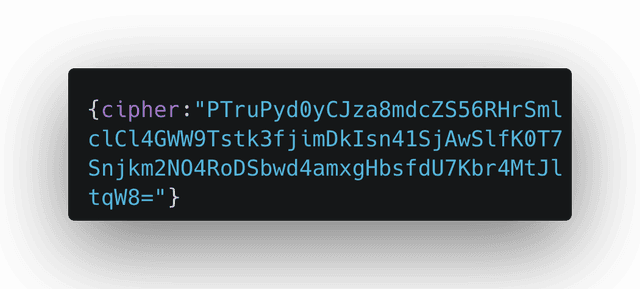
What is Notesnook Sync Server?
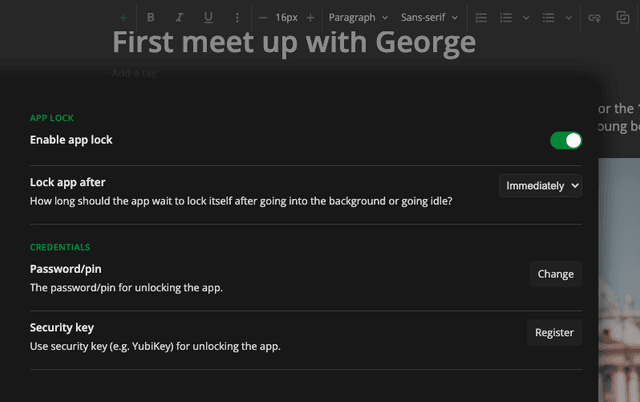
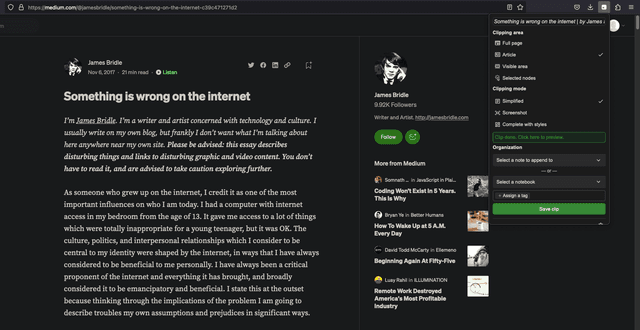
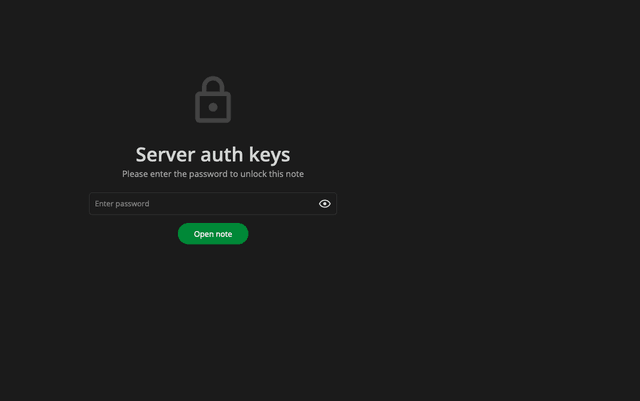
Notesnook Sync Server is the backend infrastructure for Notesnook, an open-source, end-to-end encrypted note-taking application. The sync server handles authentication, note synchronization, real-time messaging (SSE), attachment storage via S3-compatible APIs, and public note publishing (Monograph). It is licensed under AGPL-3.0 and can be self-hosted using Docker Compose, which orchestrates MongoDB, MinIO, and multiple .NET/Node.js services. The project is in alpha/beta stage with self-hosting documented but without official support. Users must configure required environment variables including API secrets and public URLs. Optional services include a themes server, CORS proxy, and inbox API for third-party integrations like Zapier. The sync server works with Notesnook clients (desktop, web, mobile) from version 3.0.18 onwards.
Should you self-host Notesnook Sync Server?
Notesnook Sync Server scores 48/100 on selfhost.directory (how scoring works) and ranks #43 of 81 in Notes & Editors. It has 947 GitHub stars.
There was no stable release in the past 12 months, so check the repository's recent activity before you rely on it.
Setup is advanced: plan for several services and some ongoing maintenance. An official Docker image is available. It is AGPL-3.0-licensed and written mostly in C#.
Its closest alternative on selfhost.directory is Memos (86/100, 64 139 stars). It scores higher overall, so compare the two before you pick. See Notesnook Sync Server vs Memos side by side.
Features
- Attachment storage
- Cross-device synchronization
- Custom themesOptional service (extras profile).
- End-to-end encryption
- External Database SupportDocumented in examples/ directory.
- Inbox APIOptional service (extras profile).
- Open source (AGPL-3.0)
- Public note publishing (Monograph)
- SMS 2FA via TwilioRequires Twilio credentials.
- Two-factor authenticationEmail 2FA requires SMTP configuration; otherwise users must use authenticator app.
Notesnook Sync Server README
More in Backend as a Service
 ParaPara is an open-source, self-hosted backend-as-a-service framework with REST API, multitenancy, full-text search, and flexible authentication for web and mobile apps.
 parse-serverParse Server is an open-source self-hosted backend providing database, authentication and real-time features for mobile applications.
 PostgRESTOpen-source, self-hosted web server that turns an existing PostgreSQL database into a RESTful API, with JWT authentication and authorization done in the database.
 pRESTOpen-source, self-hosted backend that turns a PostgreSQL or MySQL database into instant REST CRUD endpoints, custom SQL routes, JWT auth and a read-only MCP API.
 RowySelf-hosted open-source low-code backend: manage Firestore data in an Airtable-like spreadsheet UI and build cloud functions, webhooks and automations from the browser.
 SpacetimeDBSpacetimeDB is a source-available relational database that is also the server: your Rust or TypeScript module runs inside it. Self-hosted via Docker.
 supabase-automated-self-hostA bash script that automates deploying Supabase with Nginx or Caddy reverse proxy, Let's Encrypt SSL, and optional Authelia 2FA on Linux using Docker Compose.
 SurrealDBSelf-hosted, source-available Rust database unifying documents, graphs, vectors and time-series, with live queries and row-level permissions in SurrealQL.
 TaskingAIAn open-source, self-hosted BaaS stack for building LLM agents: unified model APIs, RAG, built-in tools and an admin console, deployed with Docker Compose.
 TrailBaseOpen-source, self-hosted Firebase alternative: one Rust executable with SQLite, type-safe REST and realtime APIs, auth, file storage, WASM endpoints and an admin UI.
 AnyCableOpen-source realtime server for reliable two-way WebSocket and SSE communication. Self-hosted alternative to Pusher or Reverb.
 any-sync-dockercomposeDeploy your own any-sync network with Docker Compose - self-host Anytype backend
0 comments