
Self-host MIND
V1.5.2Self-hosted reminder app with push notifications via Apprise
- Stars
- 297
- Port
- 8080 (HTTP web interface)
mrcas/mind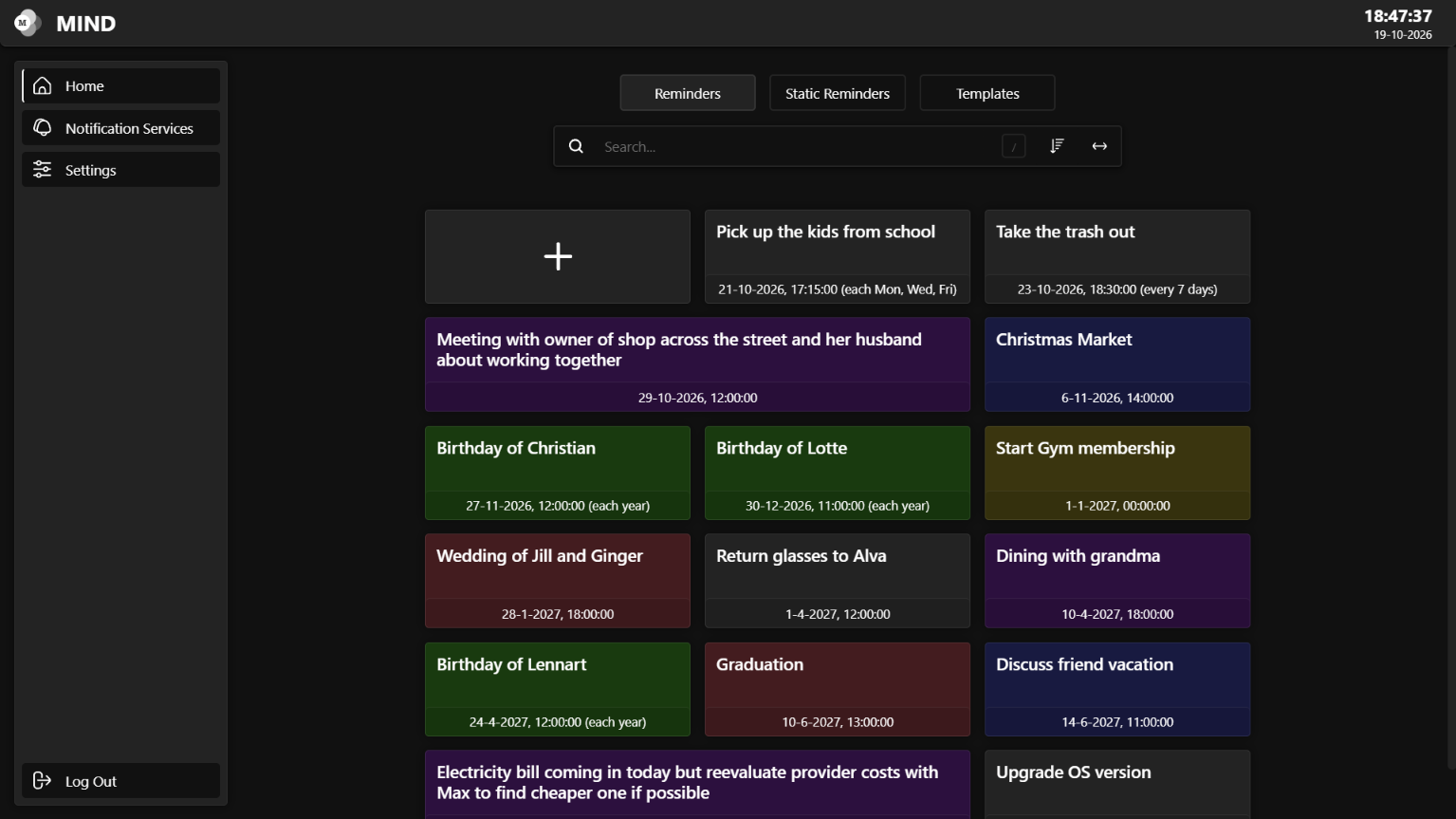

What is MIND?
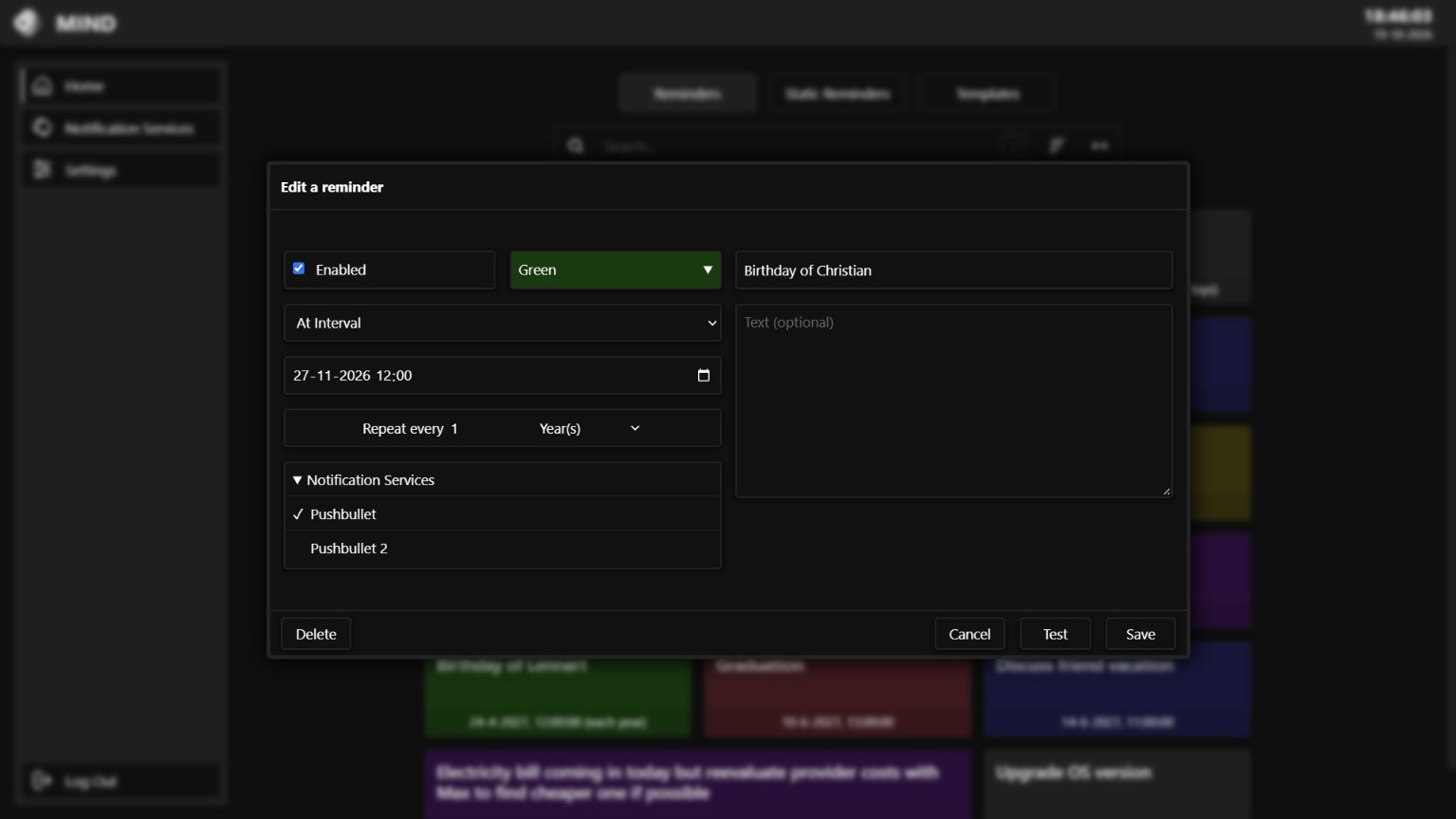
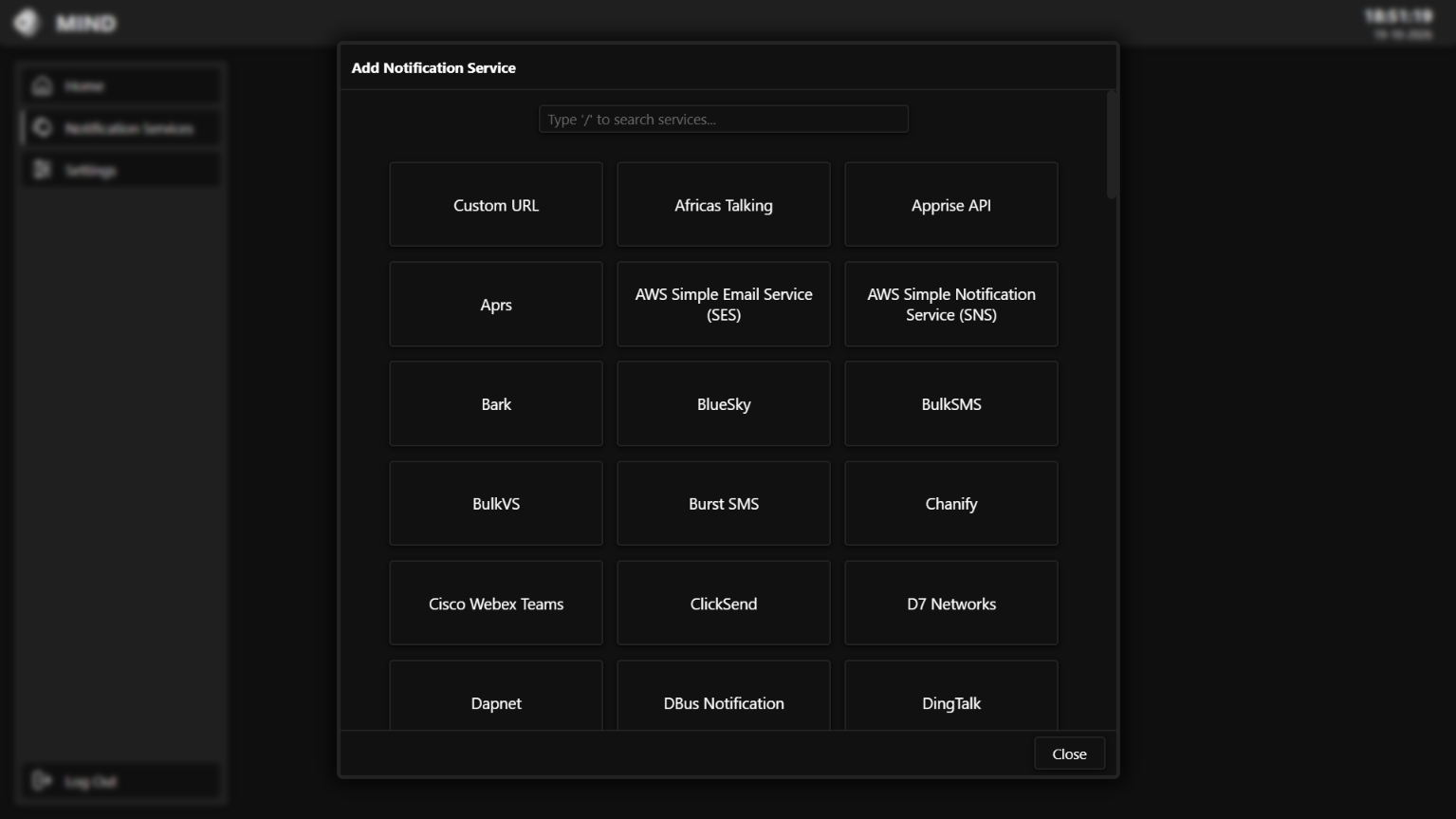
MIND is a self-hosted reminder application that delivers push notifications to your devices with second-level accuracy. You can schedule one-time alerts, recurring reminders at custom intervals, cron-based schedules, or manual triggers activated by pressing a button. Notifications route through the Apprise library, which supports over a hundred platforms such as email, Telegram, Discord, Slack, Pushover, and many others. The responsive web interface lets you sort, color-code, and search your reminders. An administration panel handles user accounts, system settings, and automated database backups. MIND runs on Linux, macOS, and Windows using Docker, Docker Compose, or a manual Python setup. It stores data in an embedded SQLite database and does not require any external services. The project is considered feature-complete and continues to receive bug fixes and security updates.
Should you self-host MIND?
MIND scores 50/100 on selfhost.directory (how scoring works) and ranks #13 of 19 in Notifications. It has 297 GitHub stars.
It shipped 3 stable releases in the past year. The latest, V1.5.2, came out on 27 October 2026. New versions land roughly every 4 days.
Setup is easy: most people get it running in one sitting. An official Docker image is available. It is GPL-3.0-licensed and written mostly in Python.
Its closest alternative on selfhost.directory is ntfy (85/100, 35 131 stars). It scores higher overall, so compare the two before you pick. See MIND vs ntfy side by side.
Features
- 100+ notification platforms via Apprise
- Admin Panel
- Apprise plugin support
- Cross-timezone support
- Database Backups
- Flexible reminder scheduling
- Multi-Platform Support
- Push Notifications
- Reminder management UI
- REST API
- Static reminders
- Templates
- Two-factor authentication (MFA)
- User Management
MIND README
More in Notifications
 mollysocketMollySocket is a self-hosted, open-source server that relays Signal notifications to Android via UnifiedPush distributors like ntfy.
 naaradNaarad is a self-hosted ntfy.sh instance for IIT Kharagpur community with Heimdall auth, message caching, attachments, web push, and iOS notifications via Docker Compose.
 nitropingNitroPing is a self-hosted, open-core feedback platform for product teams to collect and manage user feedback across web, iOS, and Android apps.
 NotifiarrSelf-hosted notification agent that connects *Arr apps, Plex, Jellyfin, and other services to Discord with rich formatting, health checks, and media request automation.
 notifkitSelf-hosted notification engine sending across channels with user preferences, timing rules, retries, fallback, scheduling, workflows, dashboard, and delivery tracking.
 NotifoOpen-source, self-hosted notification service with a REST API and management UI that fans events out over email, SMS, mobile push, web push and webhooks.
 NovuOne self-hosted API for product notifications and AI-agent conversations: drives in-app, push, SMS, email, and chat delivery; open-source core, MIT-licensed.
 ntfySelf-hosted push notification service sending alerts to phones/desktops via HTTP PUT/POST with priorities, attachments, and action buttons.
 ObicoObico Server is the self-hostable backend of the open-source Obico 3D printing platform: remote monitoring, streaming and AI failure detection for OctoPrint/Klipper.
 OctoboxOpen-source, self-hosted notification inbox for GitHub: archive, star, mute and filter threads, with Gmail-style keyboard shortcuts, search prefixes and a REST API.
 OperationalSelf-hosted event tracking tool for tech products that sends push notifications for critical events like signups, cronjobs, and webhooks.
 Operational.coOperational - open-source tool to track important events and receive push notifications on your device.
0 comments