
Self-host MailFlow
v4.1.0Unified webmail client for multiple email accounts
- Stars
- 606
- Ports
- 443 (HTTPS (nginx frontend)), 80 (HTTP (nginx frontend)), 3000 (Backend API (internal))
- Requires
- Nginx, PostgreSQL, Redis
ghcr.io/maathimself/mailflow-frontend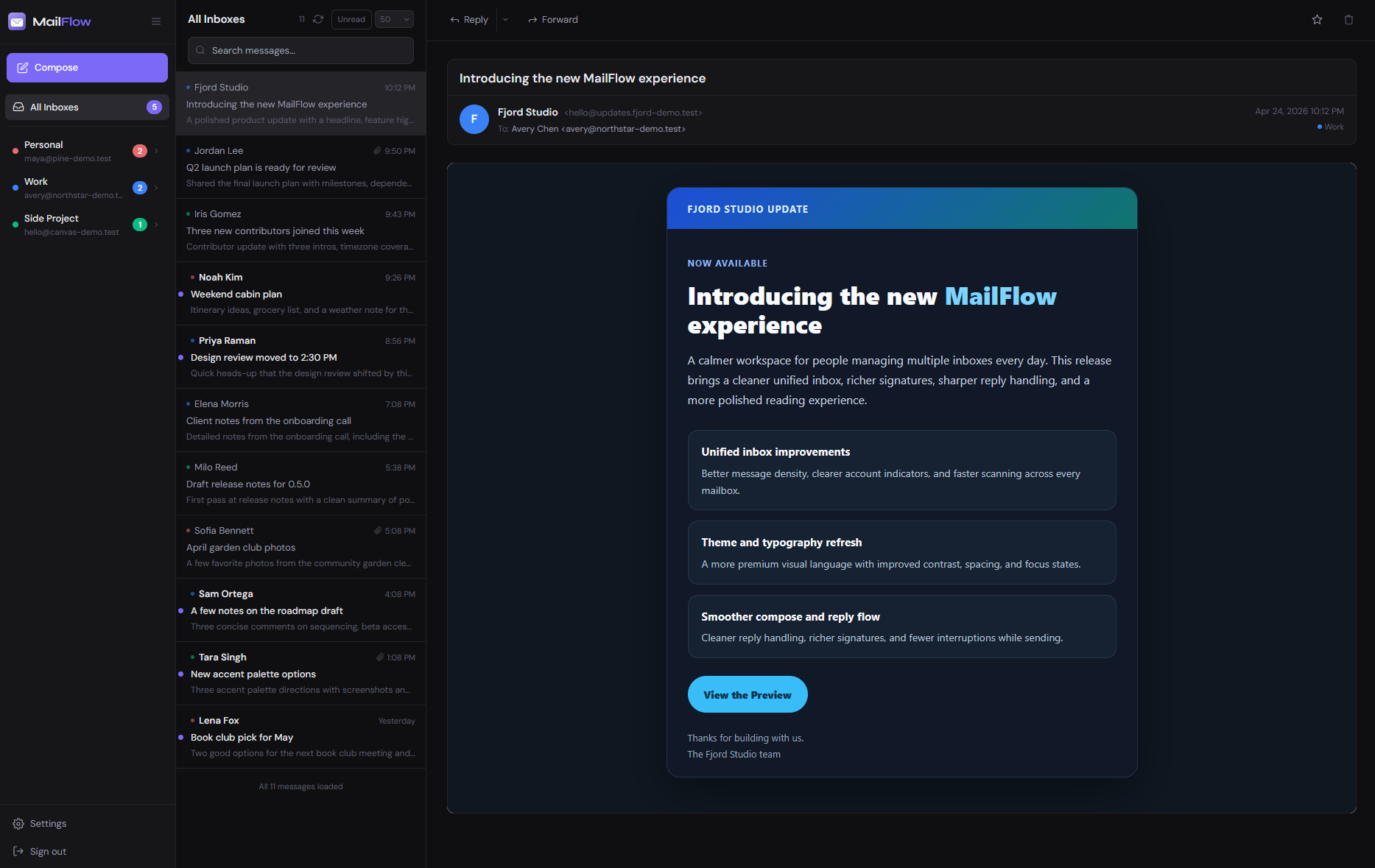
What is MailFlow?
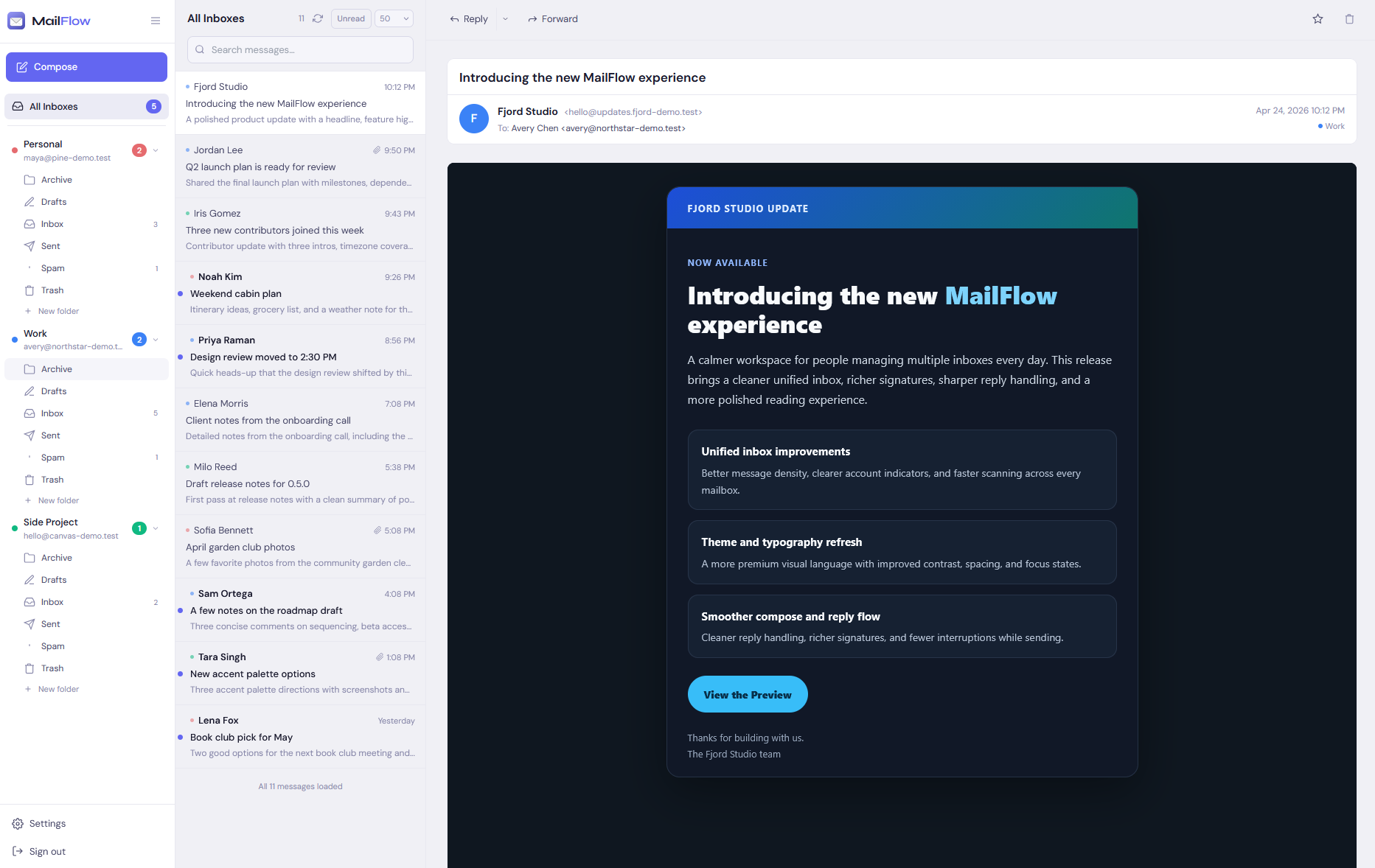
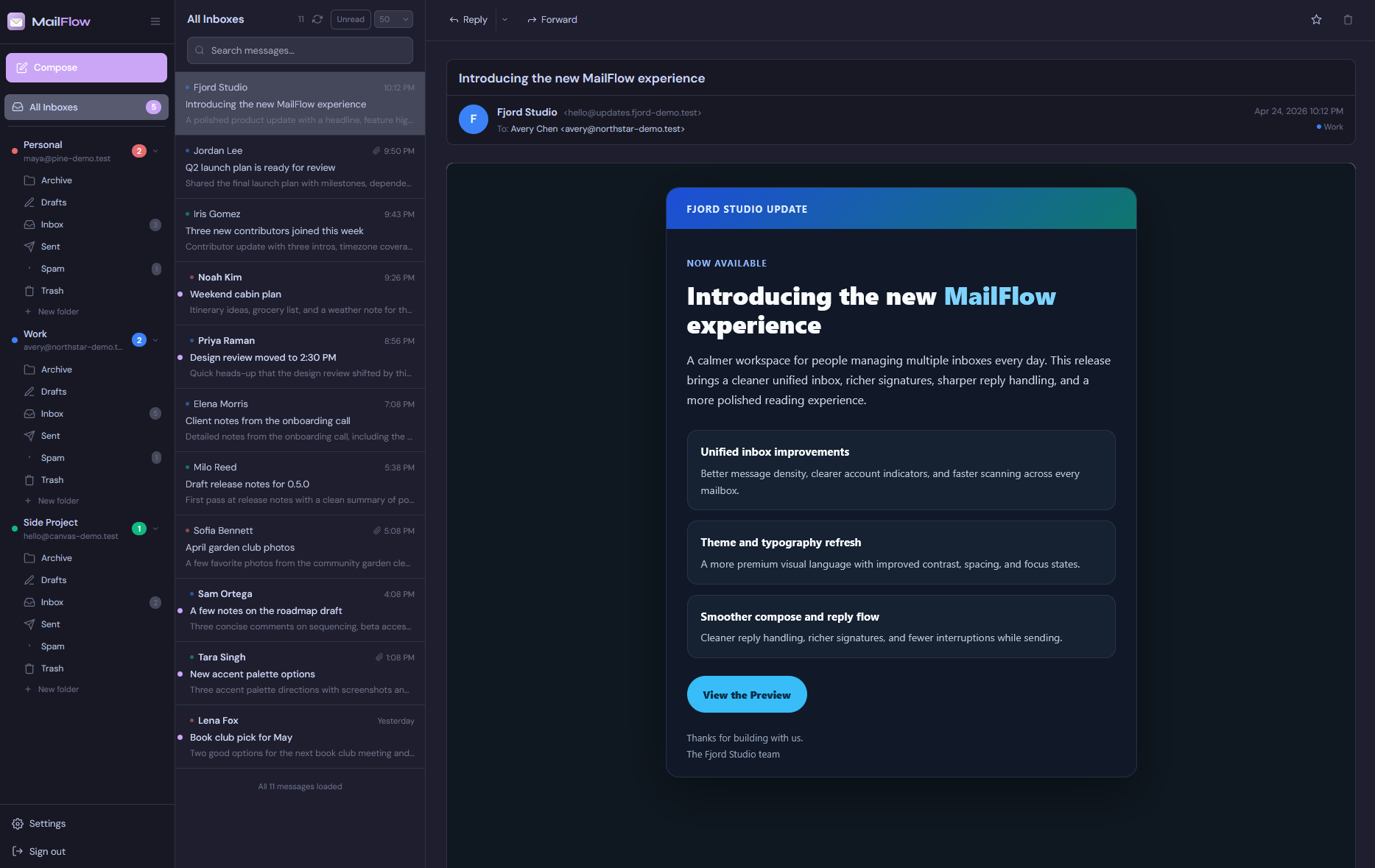
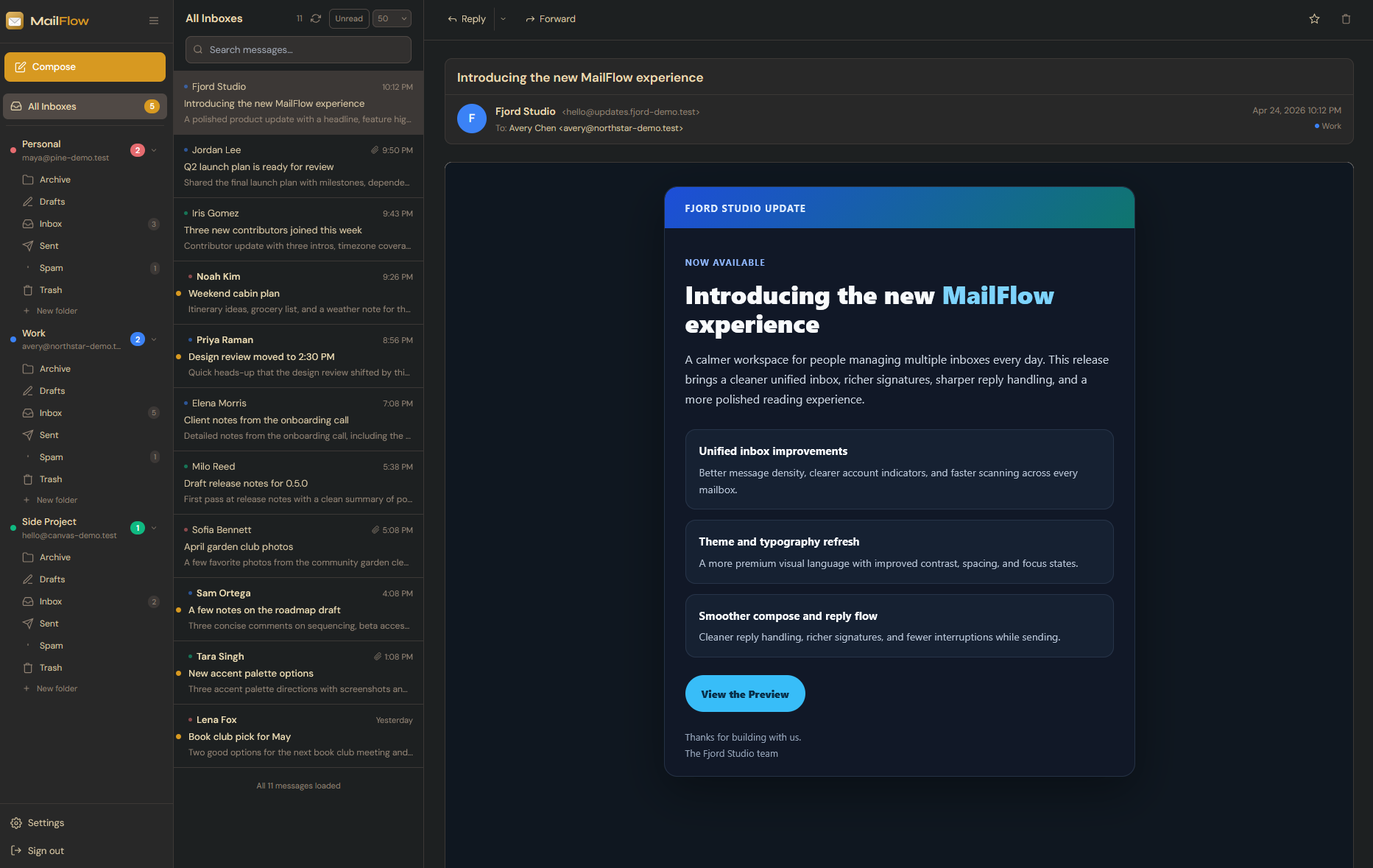
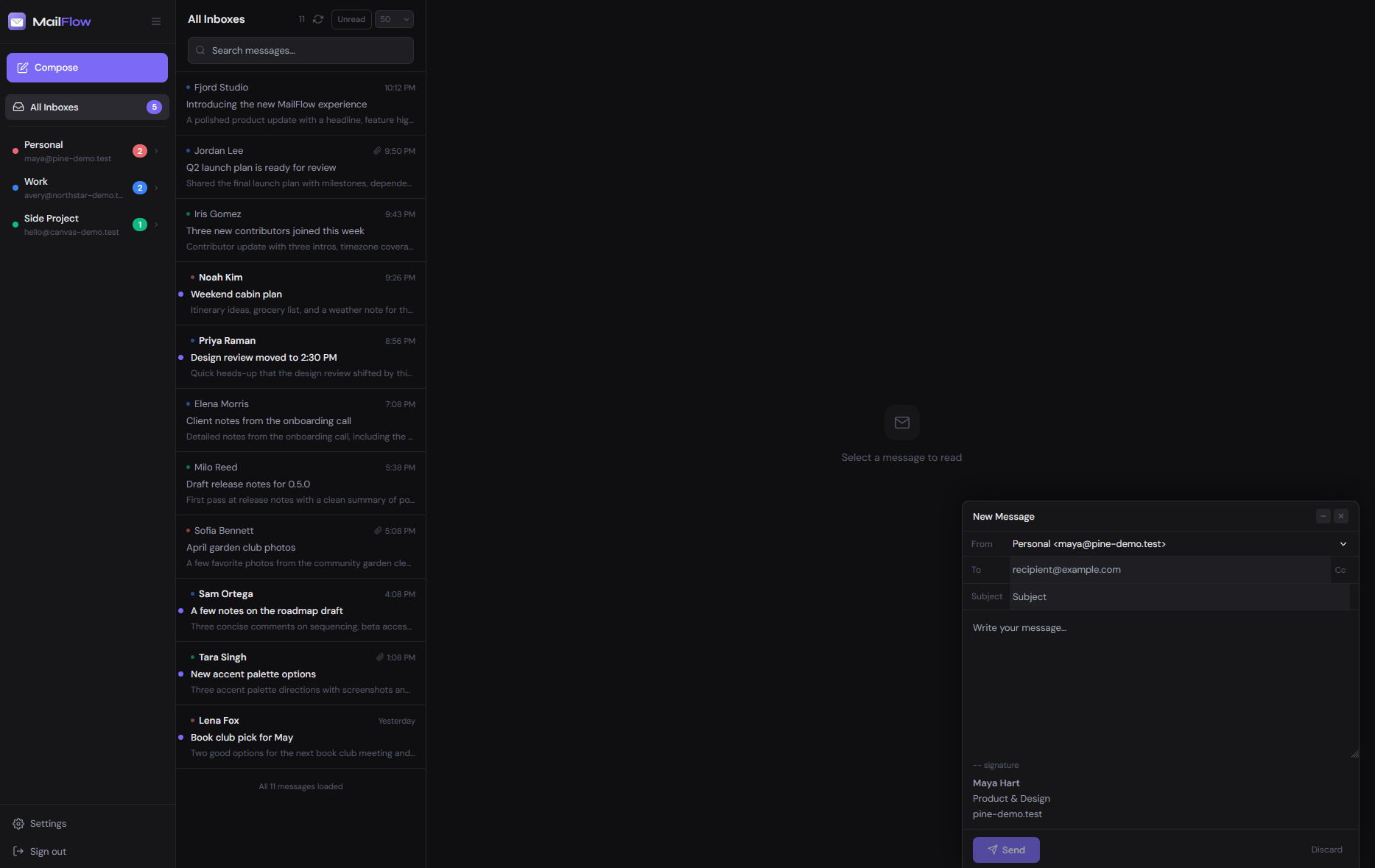
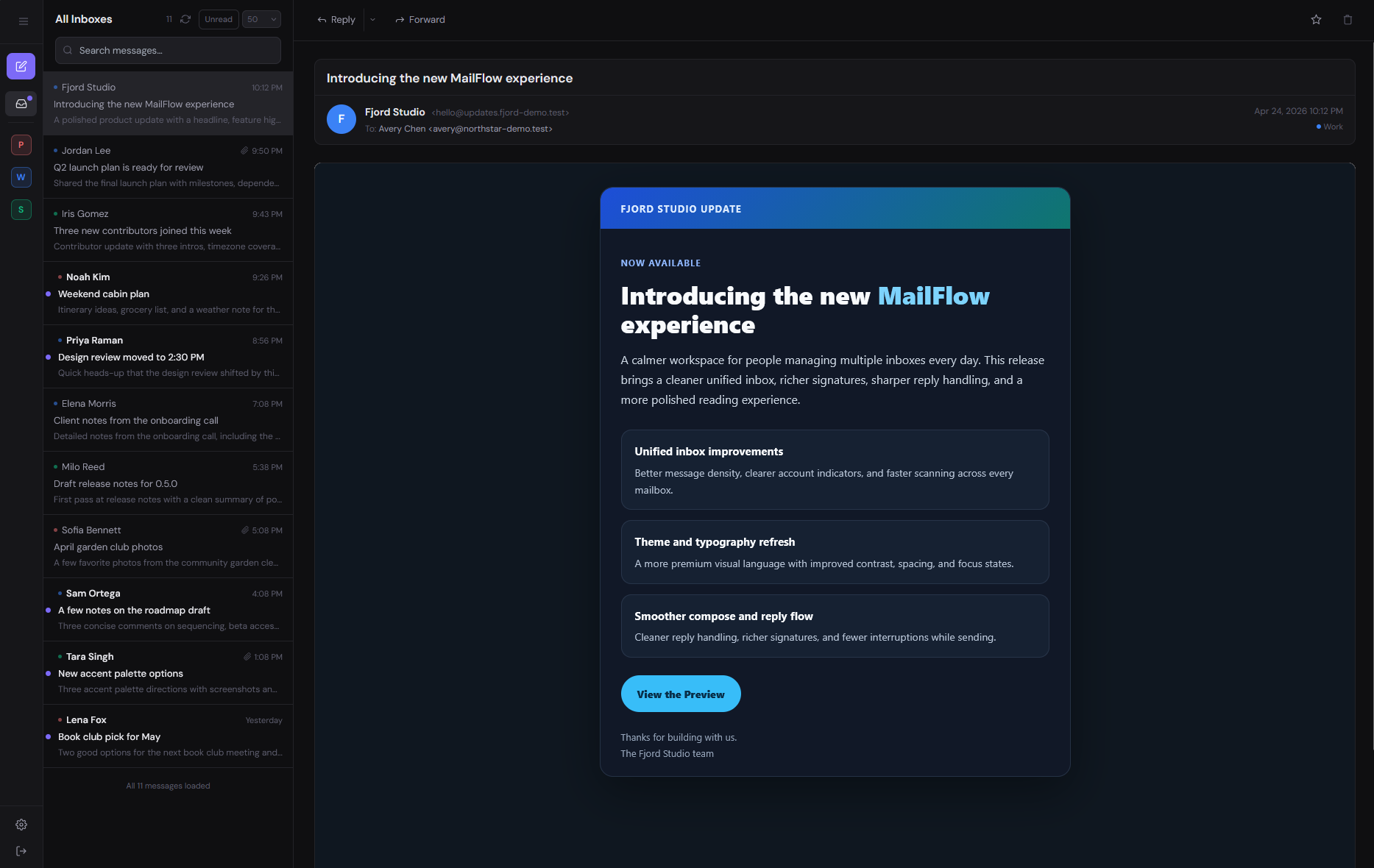
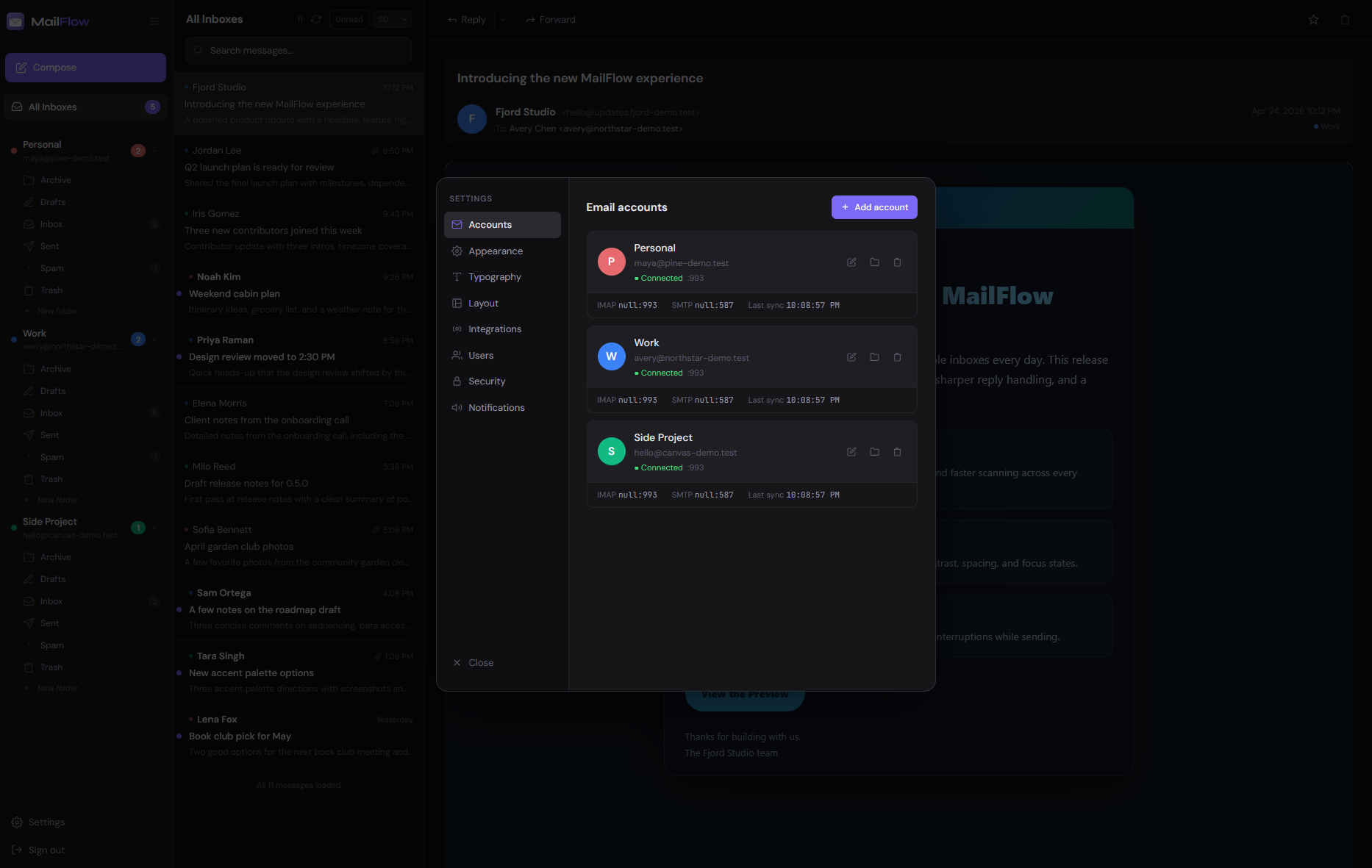
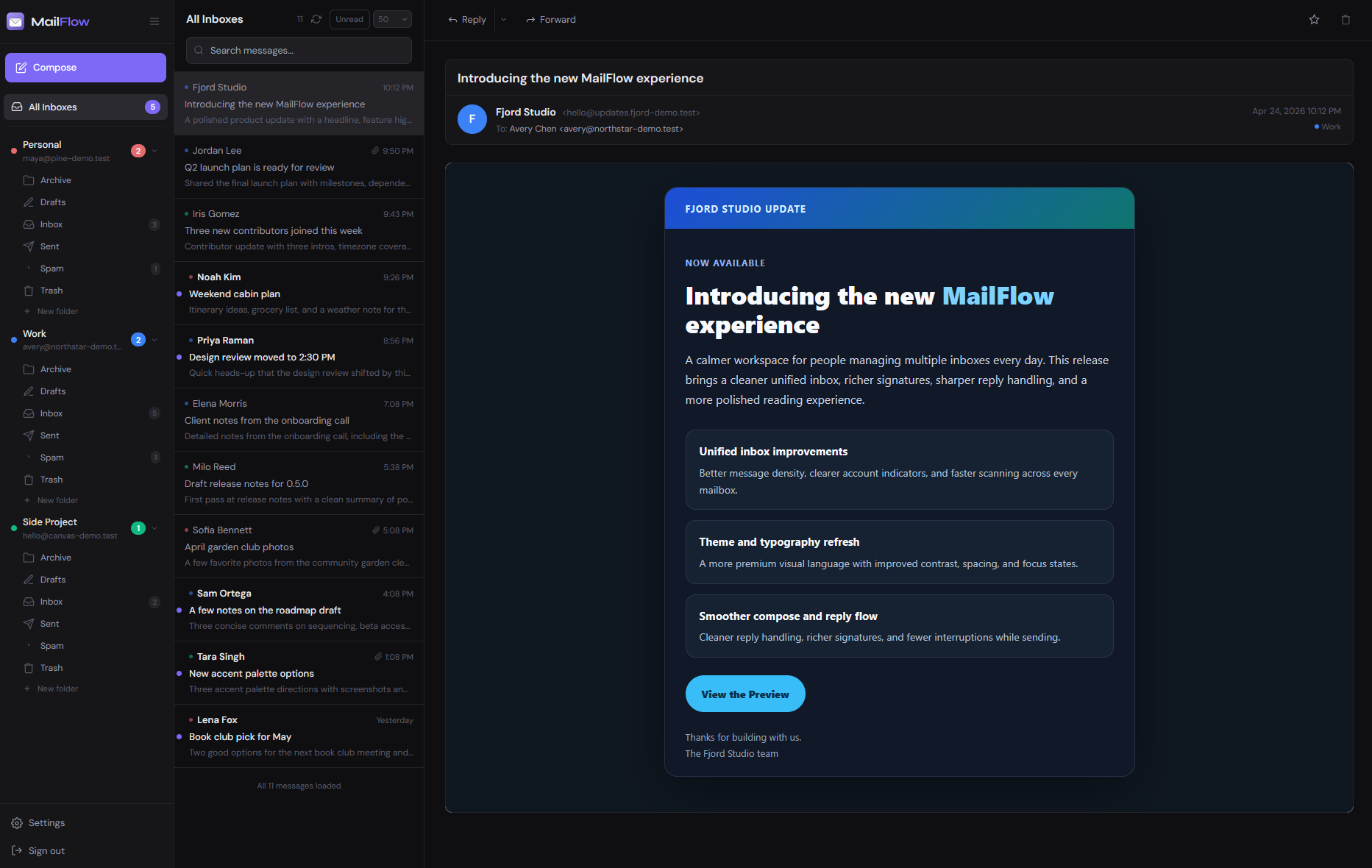
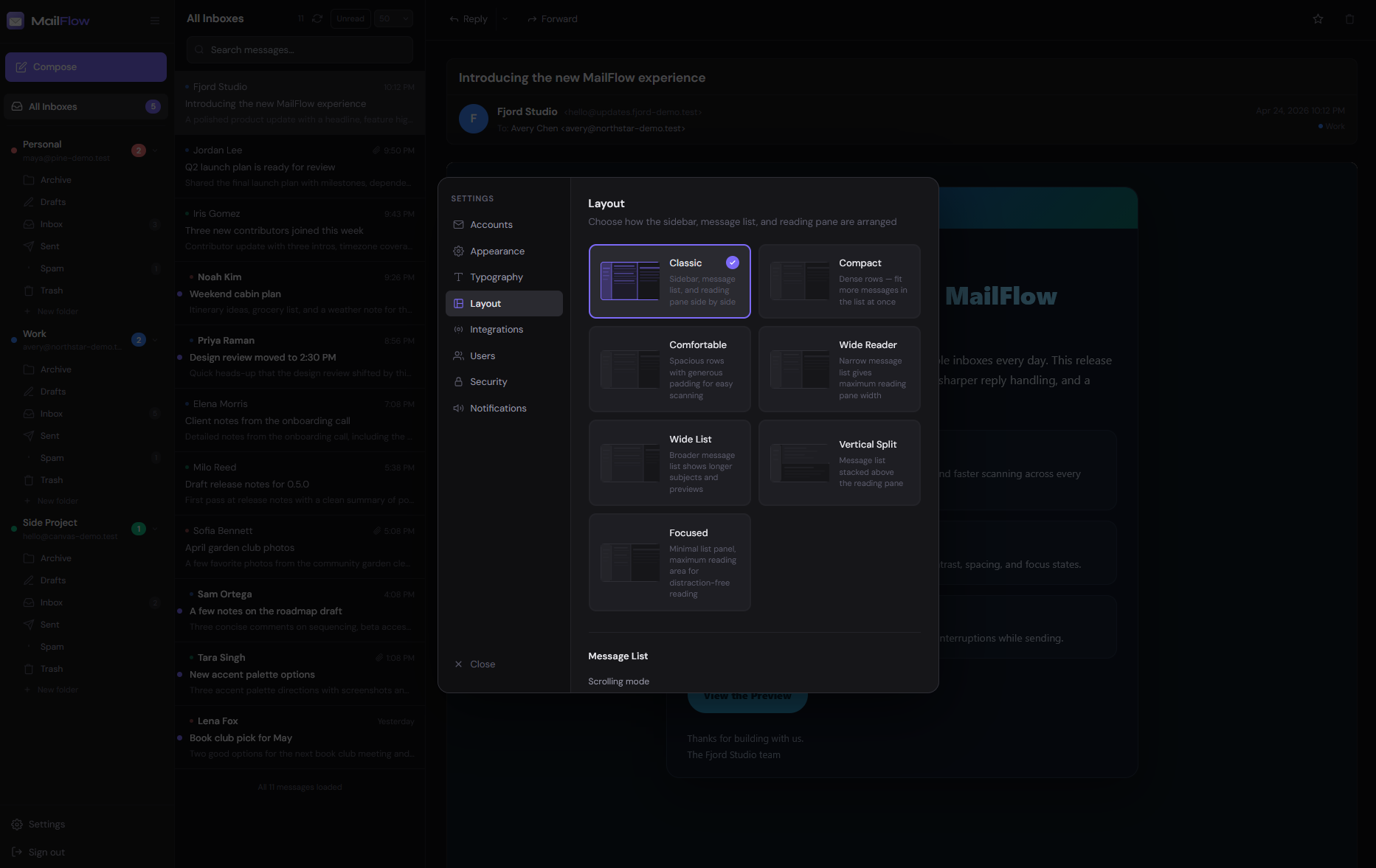
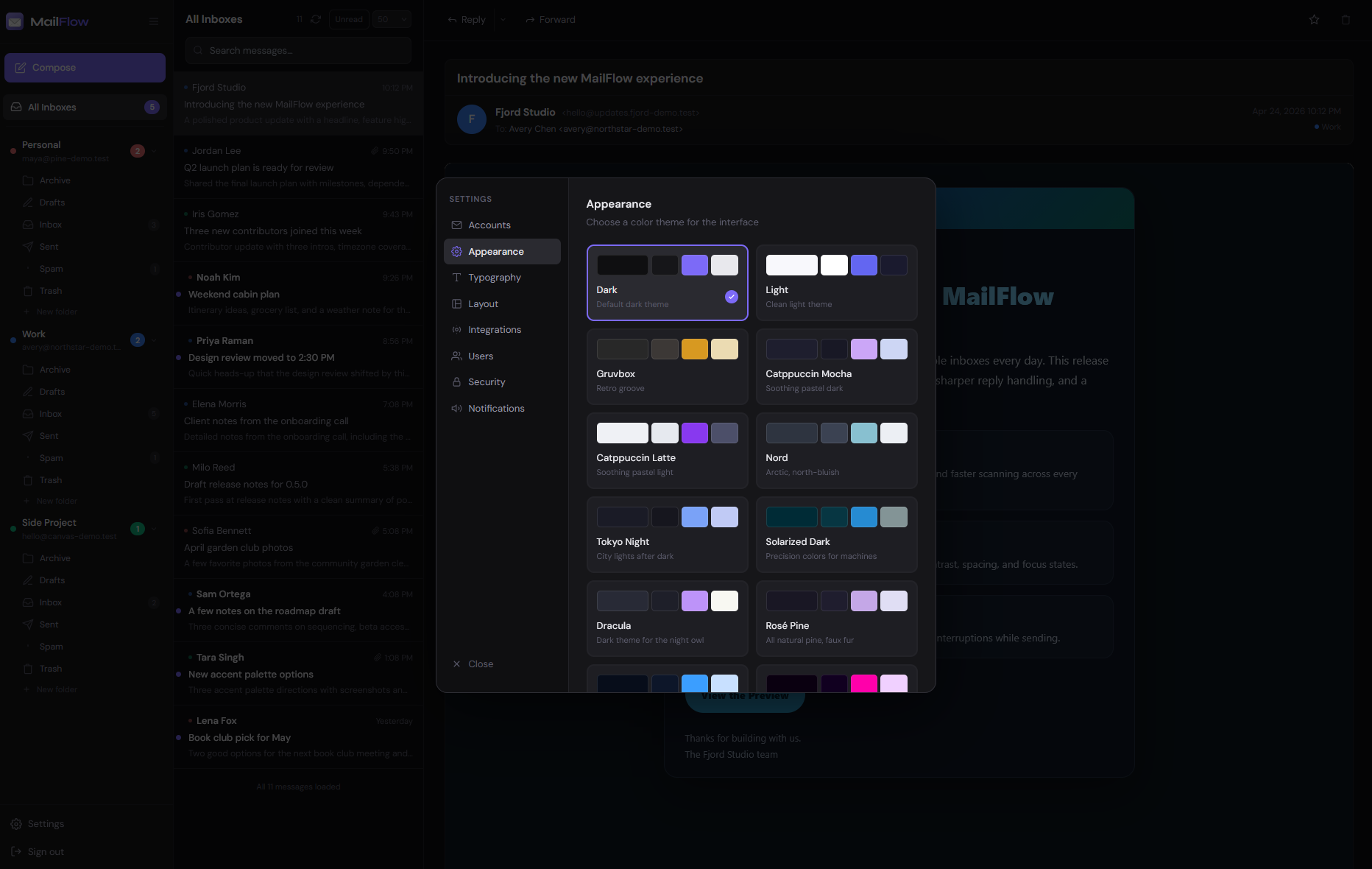
MailFlow is a self-hosted unified webmail client that merges multiple IMAP/SMTP email accounts into a single interface. It supports Gmail, iCloud Mail, Outlook.com, Microsoft 365, and any standard IMAP server. Key capabilities include a unified inbox with automatic email categorization (Primary, Newsletters, Social, Notifications, Other), real-time IMAP sync via WebSocket, full-text search across all accounts, rich-text compose with WYSIWYG editor, conversation threading, one-click unsubscribe for newsletters, inbox rules for automation, snooze, and an AI assistant using OpenAI-compatible APIs. It offers two-factor authentication (TOTP), SSO via OIDC, Microsoft and Google OAuth, Todoist integration, CardDAV contact sync, and a GTD workflow. The UI provides multiple themes (dark, light, Catppuccin, Gruvbox), layouts, and is installable as a PWA with push notifications. It runs via Docker Compose (pre-built images from GHCR) or natively on Linux/macOS/BSD with Node.js 22, PostgreSQL 16+, and Redis 7+. Licensed under AGPL-3.0 with optional paid business licenses.
Should you self-host MailFlow?
MailFlow scores 52/100 on selfhost.directory (how scoring works) and ranks #49 of 106 in Email. It has 606 GitHub stars.
It shipped 10 stable releases in the past year. The latest, v4.1.0, came out on 27 October 2026. New versions land roughly every 2 days.
Setup is moderate: expect some configuration beyond a single command. An official Docker image is available. It is AGPL-3.0-licensed and written mostly in JavaScript.
Its closest alternative on selfhost.directory is Nextcloud Mail (62/100, 1 043 stars). It scores higher overall, so compare the two before you pick. See MailFlow vs Nextcloud Mail side by side.
Features
- AI Assistant
- Command Palette
- Conversation threads
- Email categorization
- Full-Text Search
- Inbox rules
- Keyboard Shortcuts
- One-click unsubscribe
- Real-time notifications
- Rich-text compose
- Snooze
- SSO / OIDC
- Two-factor authentication
- Unified inbox
MailFlow README
FAQ
Is there a hosted version of MailFlow?
There is no hosted version of MailFlow today, and no launch date. Users can leave their email to be notified if it happens.
How is MailFlow different from Roundcube or Snappymail?
MailFlow is a modern, Docker-native email client with a unified inbox for multiple accounts simultaneously, real-time IMAP sync, a built-in AI assistant, inbox rules, and a React-based interface, while Roundcube and Snappymail are traditional single-account webmail clients built on older architectures.
Can multiple users share a MailFlow instance?
Yes, MailFlow supports multiple users on a single instance. The first registered user becomes admin and can invite others, close public registration, or set up Single Sign-On via OIDC.
Is MailFlow secure?
Yes, MailFlow encrypts stored email credentials at rest using AES-256, supports two-factor authentication, runs entirely on your own infrastructure, and never routes email through third-party servers.
How do I install MailFlow?
Download the compose file and environment template, fill in four values (APP_URL, SESSION_SECRET, DB_PASSWORD, ENCRYPTION_KEY), and run docker compose up -d.
What are the system requirements for MailFlow?
MailFlow requires Docker Engine 24+ and Docker Compose v2. It runs on any Linux server, VPS, NAS, or home lab machine.
Does MailFlow work with iCloud Mail?
Yes, MailFlow supports iCloud Mail via an App-Specific Password generated in Apple ID settings.
Does MailFlow work with Outlook or Hotmail?
Yes, personal Outlook.com, Hotmail, Live, and MSN accounts connect with no setup using Microsoft sign-in with a short code after enabling IMAP. Work/school Microsoft 365 accounts sign in through the organization's Microsoft Entra app.
Does MailFlow work with Gmail?
Yes, Gmail connects via Sign in with Google (when admin sets it up) or with a Google app password. Accounts with two-factor authentication are fully supported.
Is MailFlow free?
Yes, MailFlow is free to self-host under AGPL-3.0 for personal and business use. Businesses are asked to buy a voluntary business license ($100/instance/year) to support development.
What is MailFlow?
MailFlow is a self-hosted unified email client that connects Gmail, iCloud Mail, Outlook, and any IMAP server into one clean, modern interface.
More in Email
 mailformMailForm is a self-hosted, open-source email relay for contact forms with configurable SMTP targets, rate limiting, and captcha support.
 MailHogOpen-source SMTP testing tool: capture outgoing mail in a web UI or JSON API, release it to a real server. Runs self-hosted as a single binary or Docker image.
 Mail-in-a-BoxOpen-source, self-hosted mail server appliance: one script turns a fresh Ubuntu 22.04 VPS into a full mail stack with webmail, spam filtering, DNS and a control panel.
 MailnesiaMailnesia is a self-hosted disposable email service that auto-clicks registration links, supports aliases and alternate domains, and provides RSS feeds per mailbox.
 MailpileSelf-hosted webmail with PGP encryption. Custom search organizes email using tags. Open-source alternative to commercial email.
 MailpitAn open-source SMTP mail catcher for developers: a self-hosted single binary or Docker image with a web UI, REST API, POP3 server and HTML, link and spam checks.
 mailriseMailrise is a self-hosted, open-source SMTP server that transforms emails into Apprise notifications for 60+ services like Matrix, Nextcloud, and mobile push.
 mailspring-apiSelf-hosted API server replacing Mailspring's official sync backend, enabling metadata sync, read receipts, link tracking, and scheduled sending for the email client.
 mailtrainSelf-hosted newsletter app for email marketing. Built on Node.js with MySQL/MariaDB, MongoDB, Redis. Features subscriber lists, segmentation, MJML templates.
 MailuSelf-hosted open-source Docker-based mail server providing IMAP/SMTP services, webmail access, and admin interface. Replaces complex groupware setups.
 MauticA self-hosted, open-source marketing automation platform: email campaigns, lead nurturing, landing pages, web tracking, plus a REST API and webhooks.
 mbox-web-viewerA self-hosted, open-source Node.js tool that serves a web interface for browsing mbox email files, watching for live changes and supporting multiple email addresses.
0 comments