
Self-host jam
v0.4.1Web interface for JoinMarket NG with user-friendly design
- Stars
- 333
- Port
- 80 (HTTP web interface (container port, mapped to 8080 on host for jam-standalone))
- Requires
- Bitcoin Core, JoinMarket NG (jmwalletd, ob-watcher), Tor
ghcr.io/joinmarket-webui/jam-standalone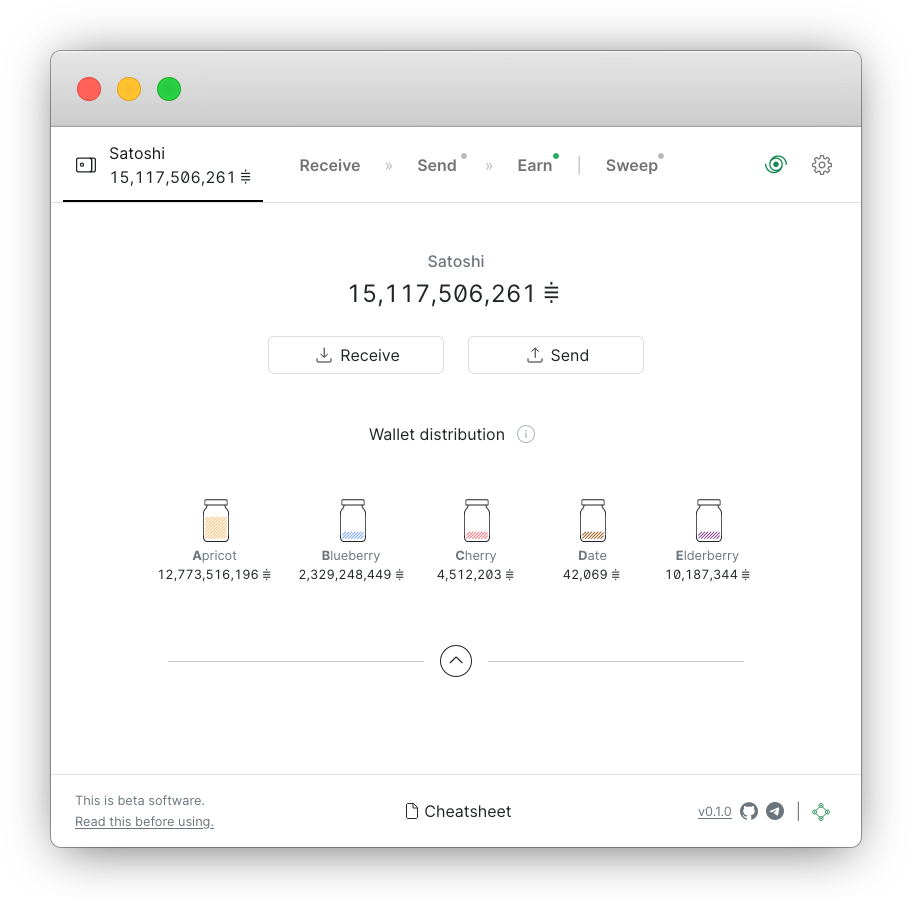
What is jam?
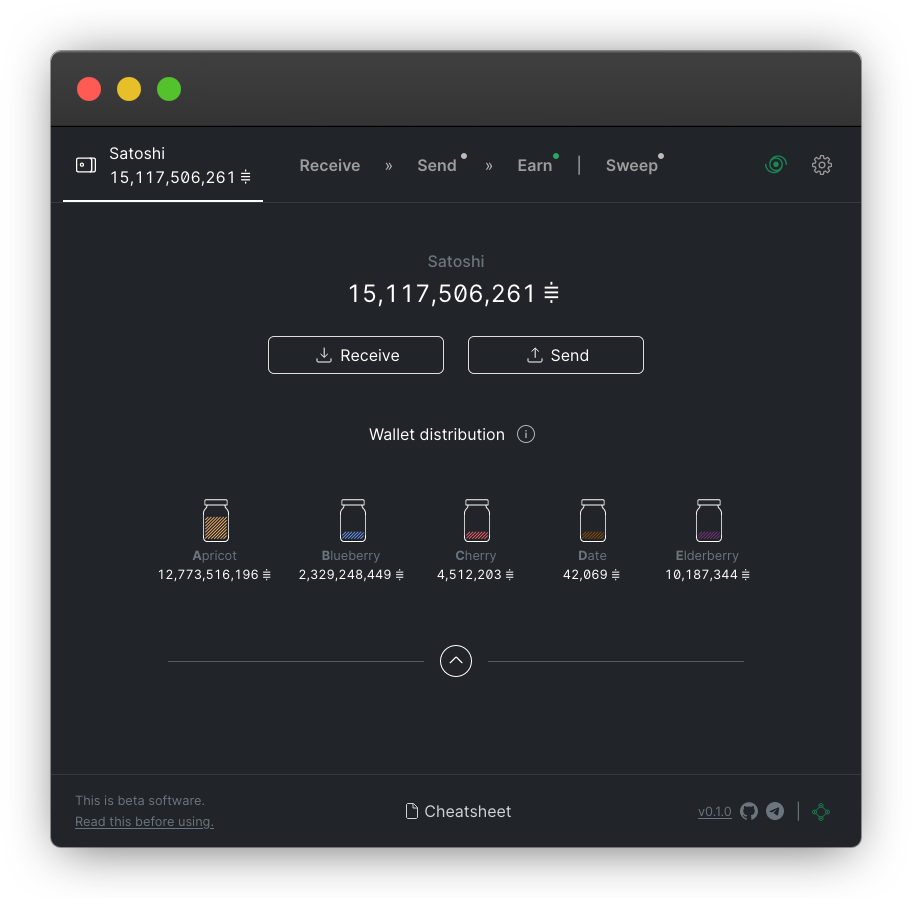
Jam is a free and open-source web interface for JoinMarket NG, a peer-to-peer Bitcoin CoinJoin implementation. It aims to make financial privacy accessible by providing a user-friendly UI with sensible defaults while retaining advanced features. Users can send and receive bitcoin, run a yield generator to earn fees by providing liquidity, create fidelity bonds, schedule transactions, and view the orderbook. Jam runs on popular Bitcoin node platforms like Umbrel, Citadel, RaspiBlitz, MyNode, Start9, and RaspiBolt, or can be installed manually via Docker or npm. It connects to a JoinMarket NG backend (jmwalletd and ob-watcher) which requires Bitcoin Core and Tor. The project is in beta with v2.0.0-beta.4 as the latest release.
Should you self-host jam?
jam scores 46/100 on selfhost.directory (how scoring works) and ranks #8 of 12 in Privacy. It has 333 GitHub stars.
There was no stable release in the past 12 months, so check the repository's recent activity before you rely on it.
Setup is advanced: plan for several services and some ongoing maintenance. An official Docker image is available. It is MIT-licensed and written mostly in Typescript.
Its closest alternative on selfhost.directory is FreedomBox (64/100). It scores higher overall, so compare the two before you pick. See jam vs FreedomBox side by side.
Features
- CoinJoin spending
- Fidelity Bonds
- Multi-language Support
- Multiple wallets
- Orderbook viewer
- PayJoin supportOn roadmap
- Regular spending
- Scheduled Transactions
- Wallet ImportSince v0.1.6
jam README
FAQ
Which Bitcoin Core versions are supported?
JoinMarket <=v0.9.11 supports Bitcoin Core up to v29. Bitcoin Core v26+ requires deprecatedrpc=create_bdb in bitcoin.conf. v30 not yet supported.
Can I try Jam on Testnet/Regtest/Signet?
Yes, Jam works on testing networks. Regtest or Signet recommended. Configure Bitcoin Core and JoinMarket for the test network, Jam will switch automatically.
Which bitcoin address types are supported?
All address types for sending. Only bech32 (p2wpkh) for receiving.
Can I import an existing wallet?
Yes, via the web interface since Jam v0.1.6 using the "Import existing wallet" button. Requires JoinMarket v0.9.10 or later.
How to resolve "No connection to gateway"?
Verify Bitcoin Core is running and synced, check backend service is reachable on configured ports, check logs for errors, restart services or reboot node.
How do I view the log file?
On integrated nodes, check Settings > Show logs. For standalone Docker, logs are in /var/log/jam/. For native JoinMarket, check ~/.joinmarket/logs/.
Does Jam need to be open for/during coinjoin?
No, the wallet stays active (unlocked) after closing the browser. The backend services must keep running and stay online.
Why is my collaborative transaction taking so long?
Single collaborative transactions usually take under 15 minutes. Scheduled sweeps can take hours or days. Longer times may indicate network issues, fee changes, or other problems.
I'm getting an error when trying to open the wallet
If JoinMarket didn't shut down cleanly, a wallet lock file may remain. Delete the .lock file manually to resolve.
Does Jam support PayJoin?
No, PayJoin is not currently supported for sending or receiving. It is on the roadmap.
What is the password used for?
The password encrypts the wallet file. It is not a passphrase extending the mnemonic seed. Only the seed is needed to recover funds.
How high are the fees that I do have to pay?
Fees depend on market and blockspace conditions, set by market makers. Takers voluntarily agree to offers. Mining fees also apply and depend on mempool conditions.
How much can I earn?
Earnings depend on market conditions and liquidity provided. More liquidity generally means more earnings, but margins are thin due to global competition. Check the orderbook and consider creating a fidelity bond to signal seriousness.
More in Privacy
 journiv-appJourniv - Self hosted private journaling app
 kurpodKURPOD is a self-hosted, open-source encrypted file storage system with dual-volume plausible deniability, hiding files in innocuously named blobs.
 kynsKYNS is a self-hosted, open-source AI chat platform on LibreChat with uncensored chat, image generation, web search, and 24-hour auto-deletion.
 lastsignalSelf-hosted dead man's switch that sends encrypted messages to recipients when you stop checking in via email. Zero-knowledge architecture with client-side encryption.
 LibredditSelf-hosted, open-source private front-end for Reddit written in Rust that proxied all traffic server-side; it stopped working in 2023 and lives on as the Redlib fork.
 librexLibreX is a self-hosted, open-source metasearch engine that pulls from Google, Qwant, Ahmia, and torrent sites without tracking users or needing JavaScript.
 LibreYLibreY is a self-hosted, open-source meta search engine that aggregates results from Google, DuckDuckGo, Brave, and others without JavaScript or user tracking.
 lingva-translateOpen-source Google Translate front-end that scrapes translations so browsers avoid Google tracking; self-hosted with Docker, REST and GraphQL APIs, 100+ languages.
 LitlyxOpen-source, cookieless web analytics you can self-host with Docker, featuring AI insights and GDPR compliance as an alternative to Google Analytics.
 LiwanLiwan is a self-hosted, open-source web analytics platform with real-time dashboard, no tracking cookies, configurable data collection, and OIDC single sign-on.
 MailpileSelf-hosted webmail with PGP encryption. Custom search organizes email using tags. Open-source alternative to commercial email.
 marretaOpen-source, self-hosted paywall bypasser that cleans pages, strips tracking parameters and blocks domains, run via Docker Compose with an admin panel and REST API.
0 comments