
Self-host HomeGenie
v2.0.34Local-first smart home automation server with AI agents
- Stars
- 459
- Ports
- 80 (Default HTTP port for the web UI and API), 8080 (Fallback HTTP port when 80 is busy (first available from 8080))
What is HomeGenie?
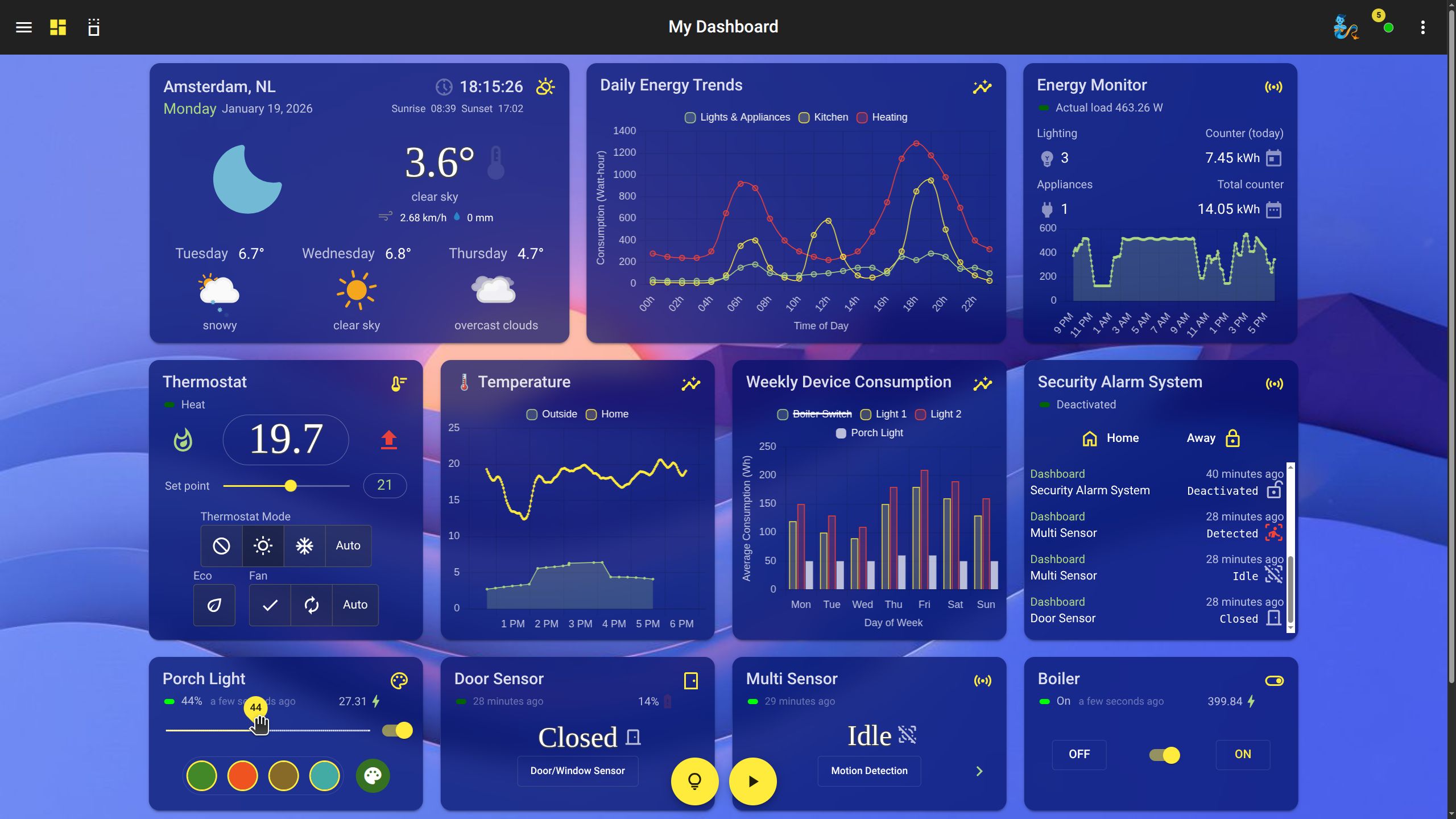
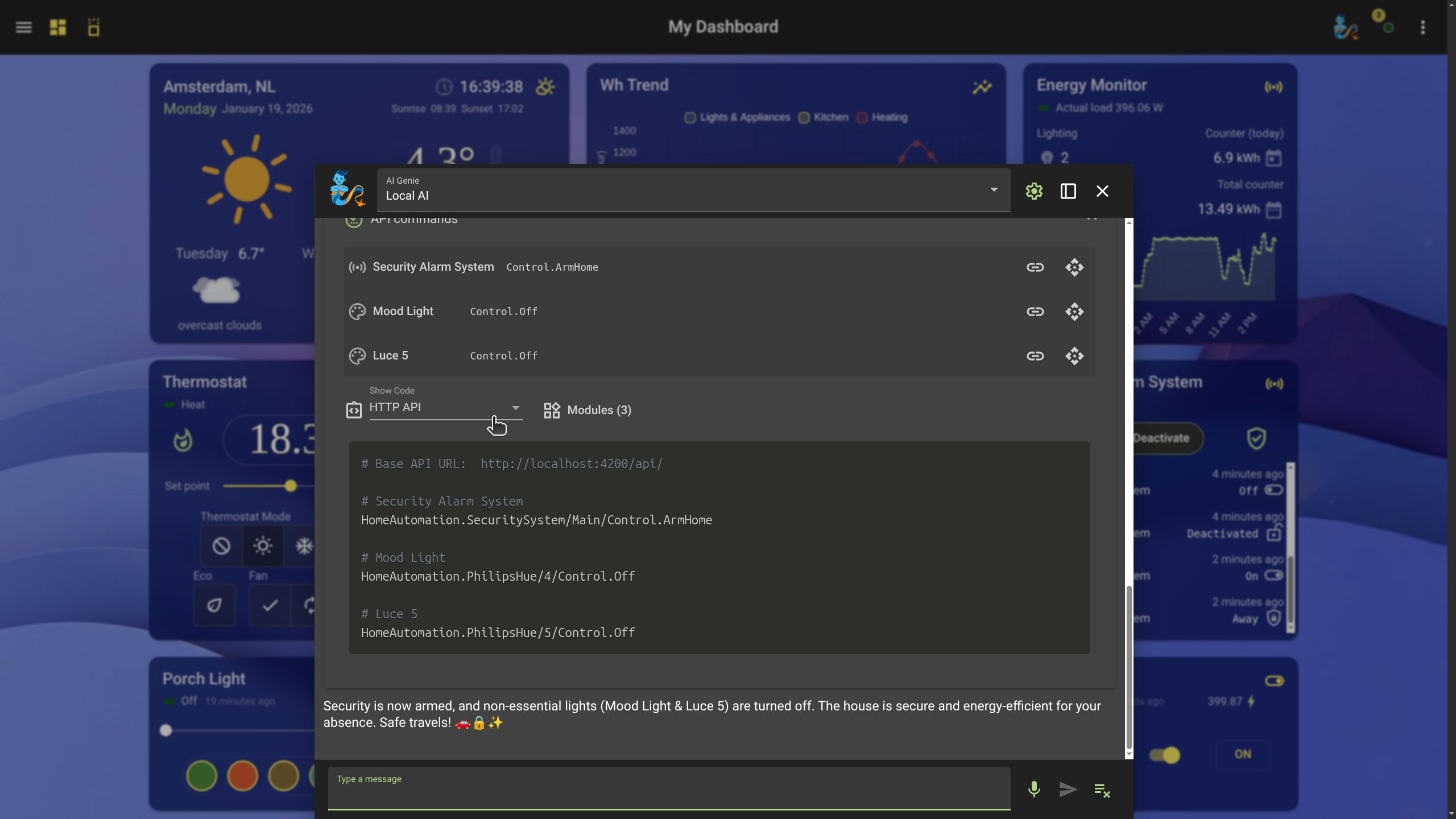
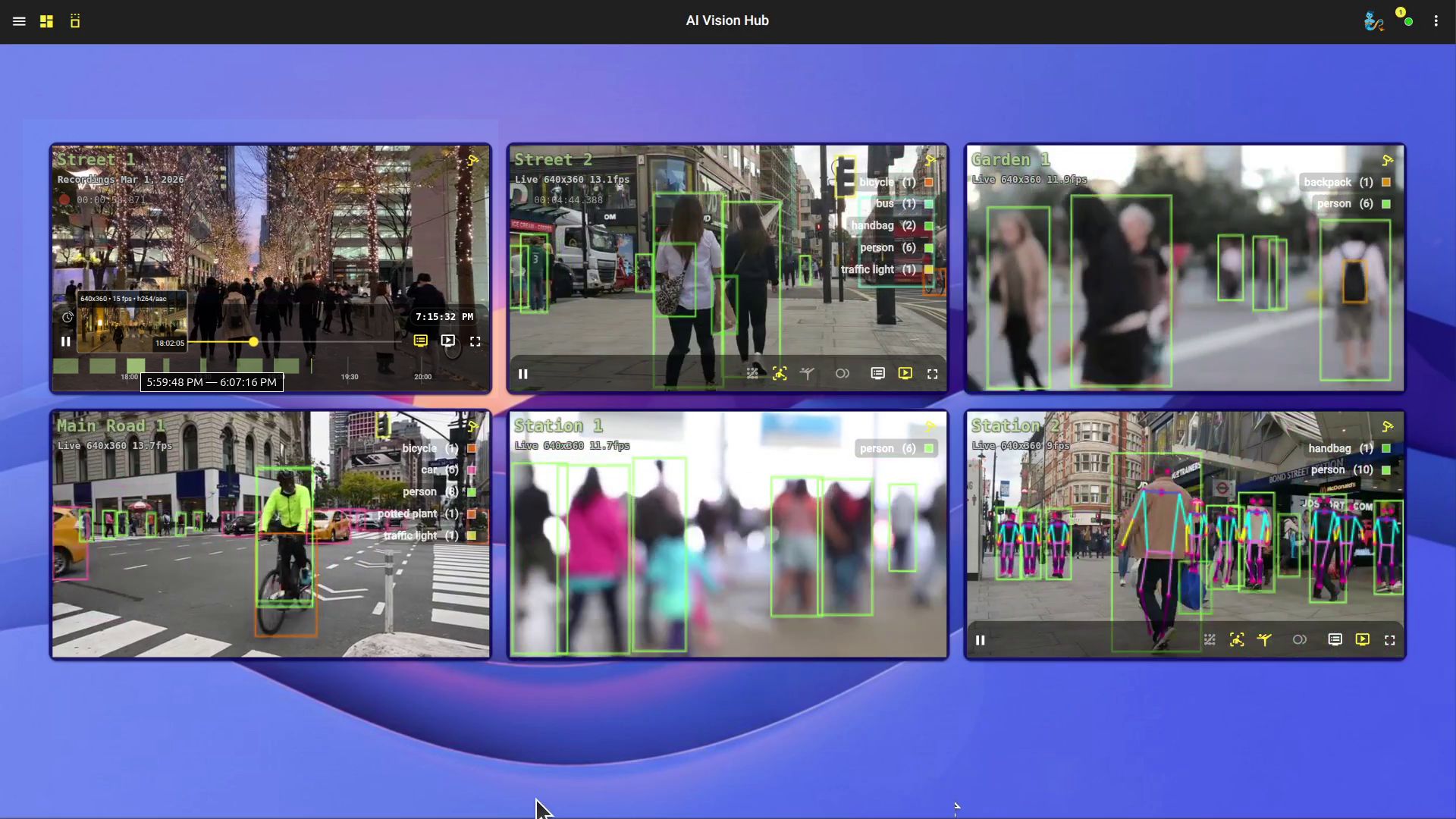
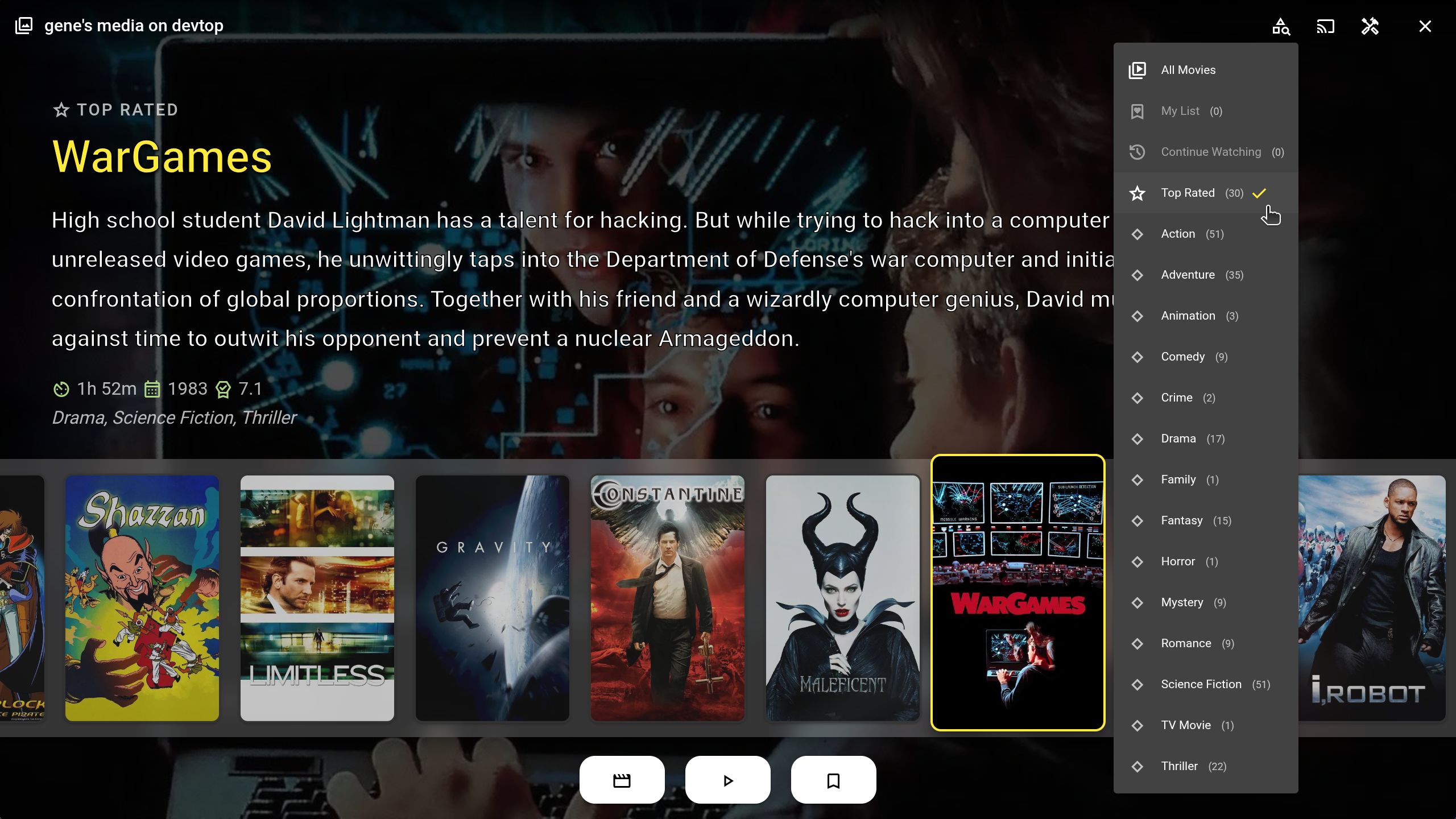
HomeGenie is an AGPL-licensed home automation server from G-Labs (genielabs) that runs entirely on hardware you own: you download a portable ZIP build for Windows, Linux, macOS or 32/64-bit ARM boards such as the Raspberry Pi, extract it and start the server with a bundled script, or install it as a systemd unit or Windows service. Its web dashboard (also usable as a desktop-style PWA window) drives devices over ZigBee, Z-Wave, KNX, MQTT, X10 and raw GPIO/I2C/SPI, and automations can be built visually or scripted in C#, JavaScript and Python, with an extended-cron scheduler and Genie commands for timed routines. Version 2.0 leans heavily on on-device AI: the Lailama assistant runs GGUF language models locally through LLamaSharp, MIG.Audio adds transcription and voice replies with Whisper and Piper, and VisionCore analyses camera feeds with YOLO models, while a Gemini-powered assistant is available if you prefer cloud models. Other built-in pieces include interactive data logging, HomeFlix UPnP/DLNA media streaming, an add-on package manager and ZIP configuration backups; the interface is translated into more than 90 languages. There is no container image or hosted service, and a fresh install ships with no password, so enabling password-protected HTTP access in the Maintenance section is a documented first step before other clients connect.
Should you self-host HomeGenie?
HomeGenie scores 50/100 on selfhost.directory (how scoring works) and ranks #5 of 5 in Smart Home. It has 459 GitHub stars.
It shipped 19 stable releases in the past year. The latest, v2.0.34, came out on 24 October 2026. New versions land roughly every 5 days.
Setup is moderate: expect some configuration beyond a single command. It is AGPL-3.0-licensed and written mostly in JavaScript.
Its closest alternative on selfhost.directory is home-assistant-matter-hub (59/100, 1 317 stars). It scores higher overall, so compare the two before you pick. See HomeGenie vs home-assistant-matter-hub side by side.
Features
- Add-on package manager
- AI computer vision & NVR
- Cloud AI assistant (Gemini)Requires an internet connection and a Google Gemini API key.
- Configuration backup & restore
- Customizable dashboards & widgets
- Data logging & analytics
- Encrypted remote access over MQTT
- Local AI assistant (Lailama)
- Local speech recognition & synthesis
- Multi-protocol device support
- Scheduler with extended cron
- Scriptable automations (C#, JavaScript, Python)
- UI localization in 90+ languages
- UPnP/DLNA media streaming
- Visual programming editor
HomeGenie README
More in Smart Home
 HomeMatic IP LocalA custom Home Assistant component for HomeMatic(IP) that connects to OpenCCU
 ioBrokerSelf-hosted, open-source IoT and smart-home platform: wire devices, protocols and online services together through adapters, then script, log and visualise the data.
 LLM VisionSelf-hosted Home Assistant integration using multimodal LLMs to analyze camera feeds, images, videos, and Frigate events with intelligent notifications and event timeline
 Magic AreasSmart areas with batteries included for Home Assistant
 Nest ProtectNest Protect integration for Home Assistant. This will allow you to integrate your smoke, heat, co and occupancy status real-time in HA.
 Official Homebridge Raspberry Pi ImageA free Raspberry Pi OS Lite image with Homebridge and Config UI X pre-installed, letting you run a HomeKit bridge on your Pi with a web interface.
 openHABCore framework of openHAB
 openHABianopenHABian - empowering the smart home, for Raspberry Pi and Debian systems
 Open Home Foundation Matter ServerOpen-source Matter 1.6 controller server with WebSocket API and web dashboard, drop-in replacement for Python Matter Server.
 Roborock Local ServerSelf-hosted, open-source HTTPS and MQTT stack that replaces the Roborock cloud, keeping robot vacuums on an isolated LAN with live maps and no rooting.
 SamsungTV Smart📺 Home Assistant SamsungTV Smart integration with SmartThings API Support.
 smart-mirrorSelf-hosted open-source voice smart mirror for the Raspberry Pi: control IoT devices by speech, display info services, with plugins, wake-word spotting and remote config.
0 comments