
Self-host hermes-ui
v3.3.26Glassmorphic chat UI for Hermes Agent with tools and skills
- Stars
- 205
- Port
- 3333 (Hermes UI proxy server)
- Requires
- Hermes Agent, Python
What is hermes-ui?
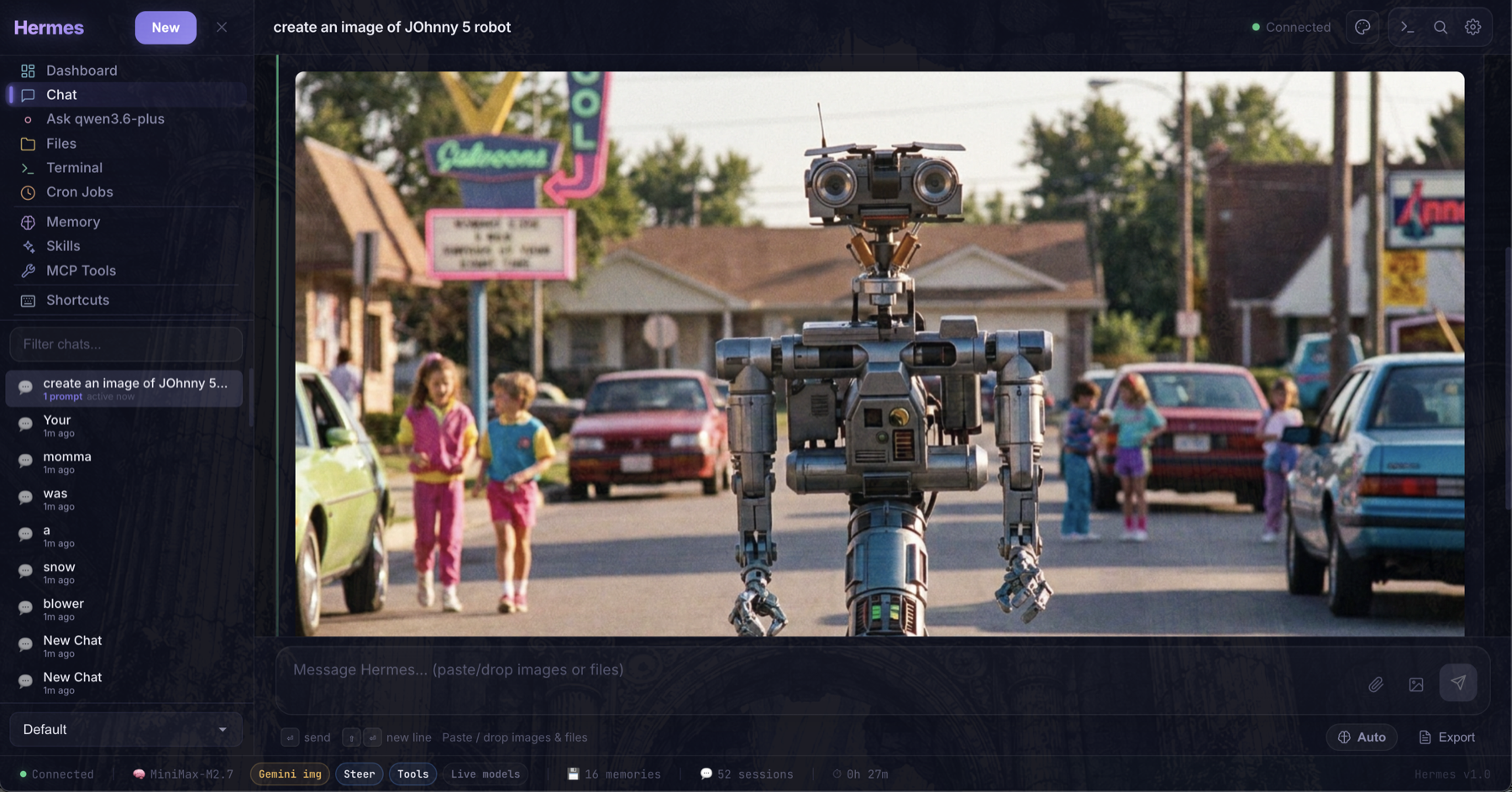
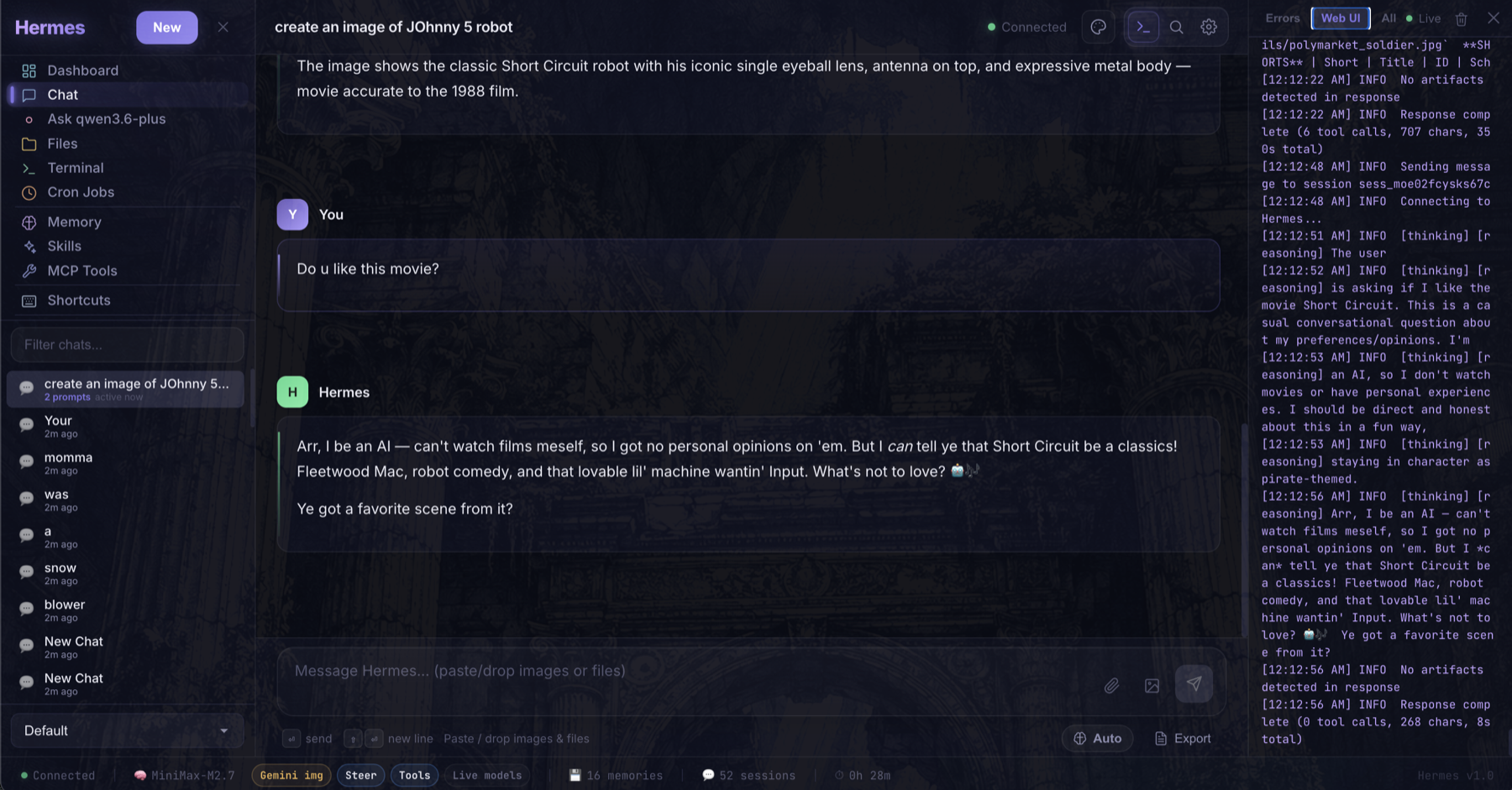
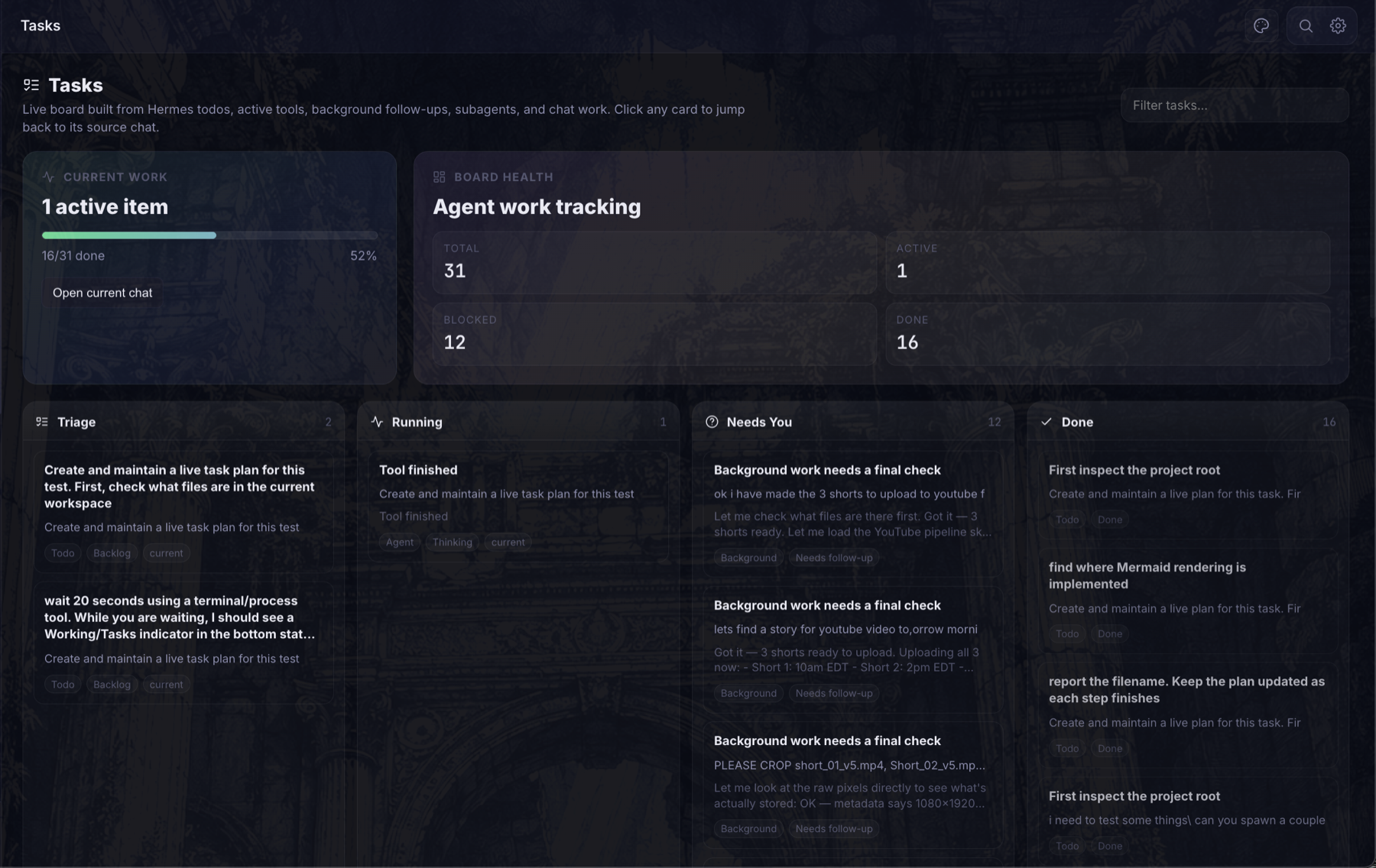
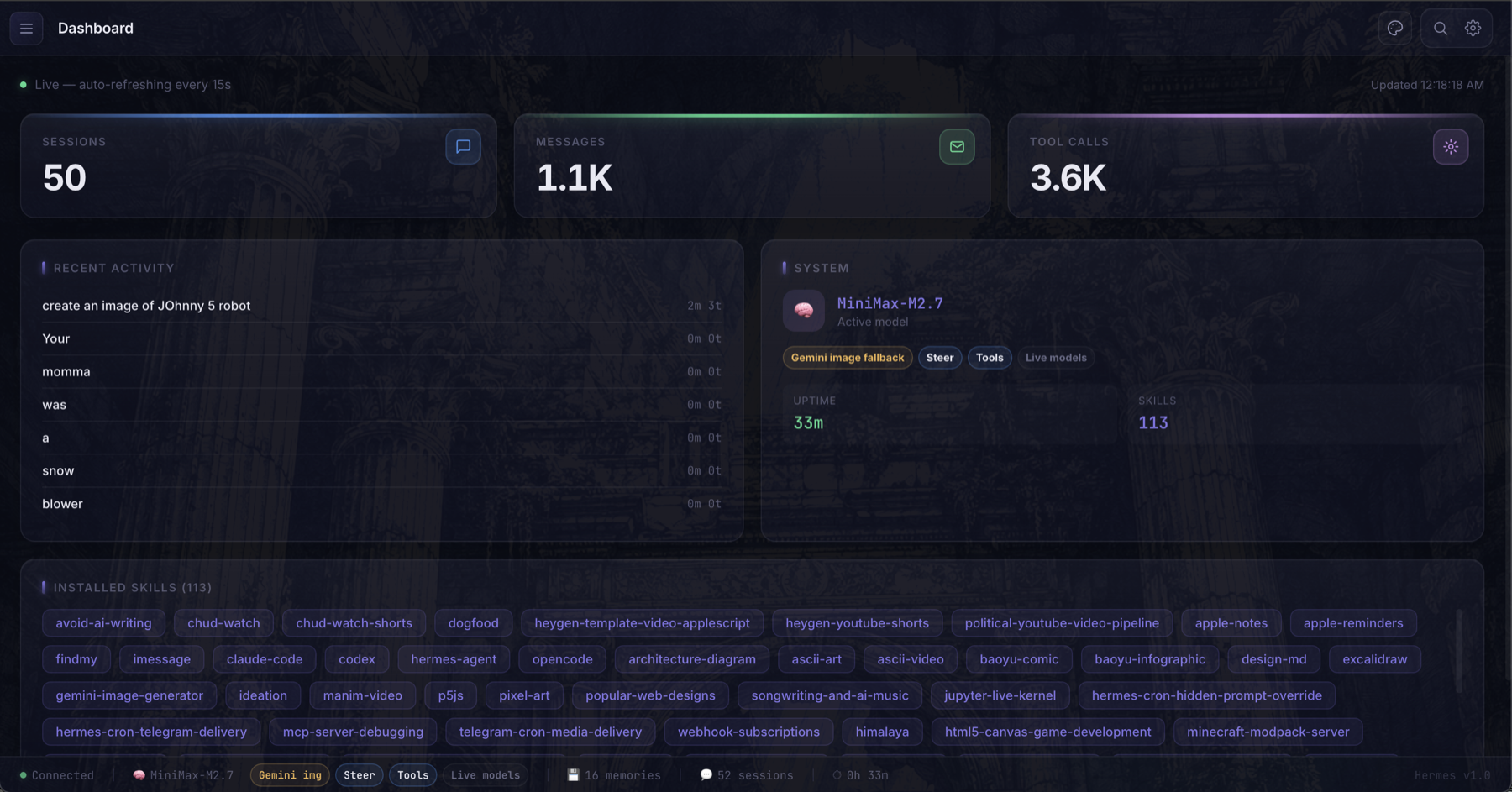
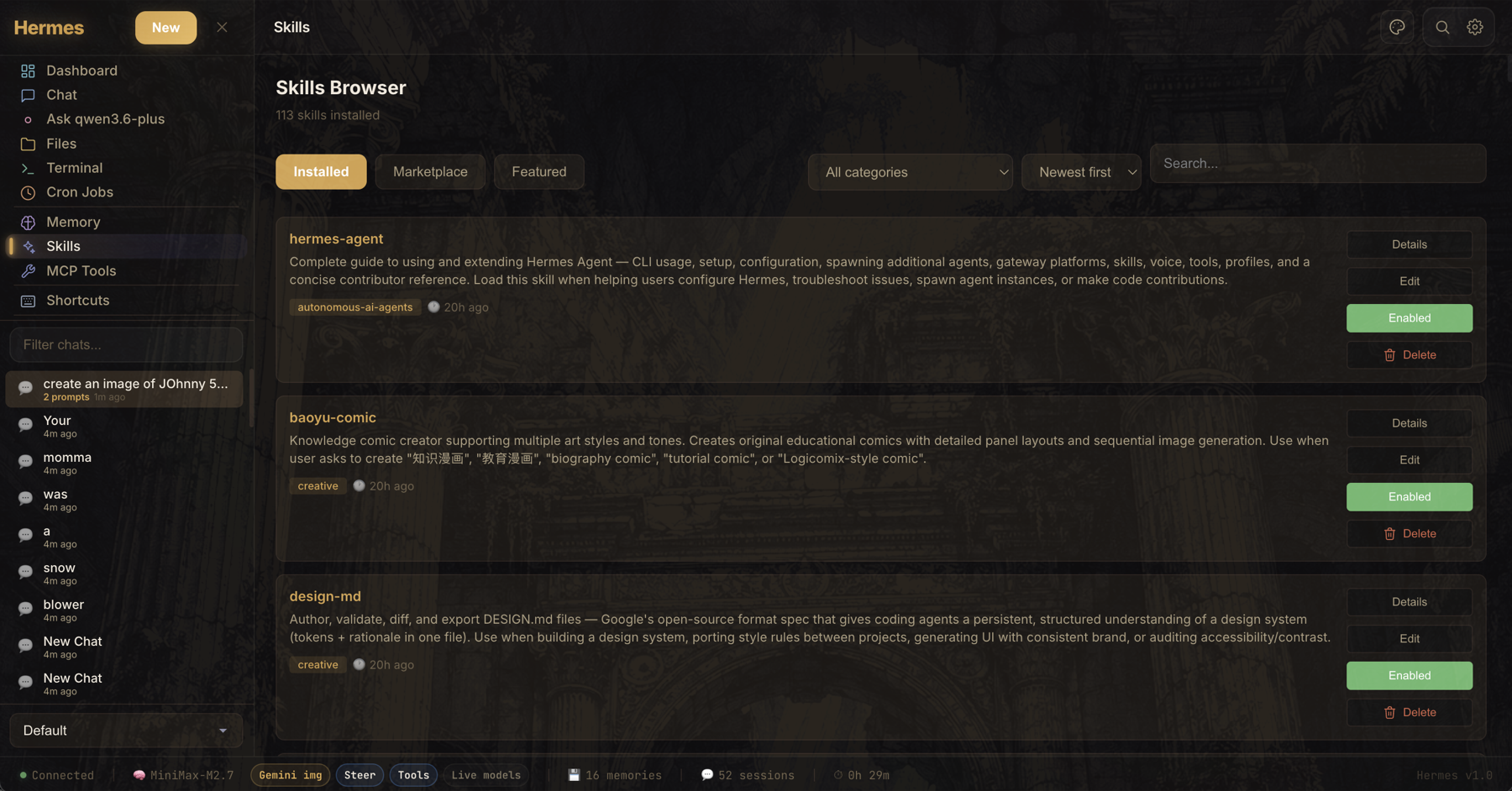
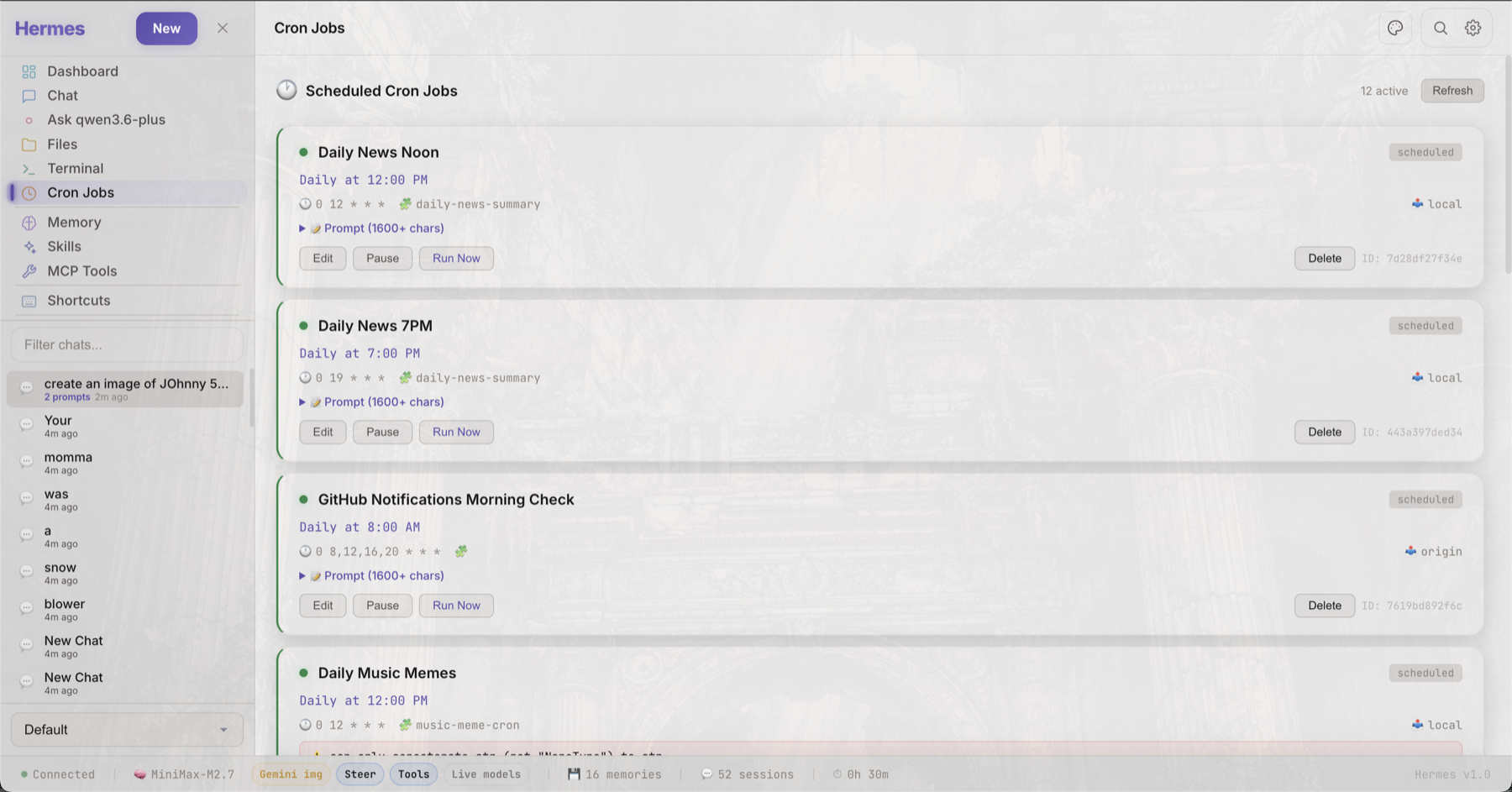
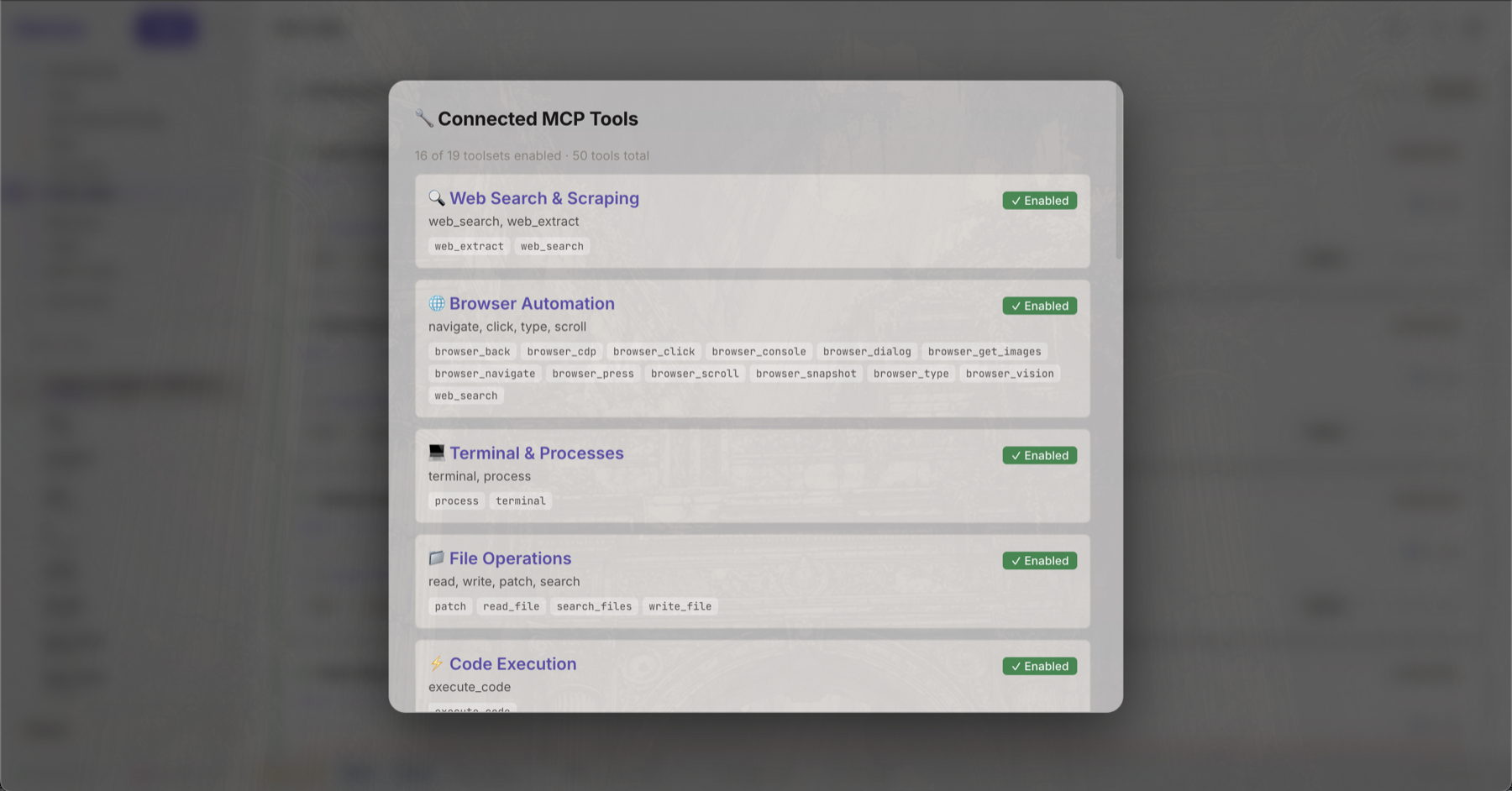
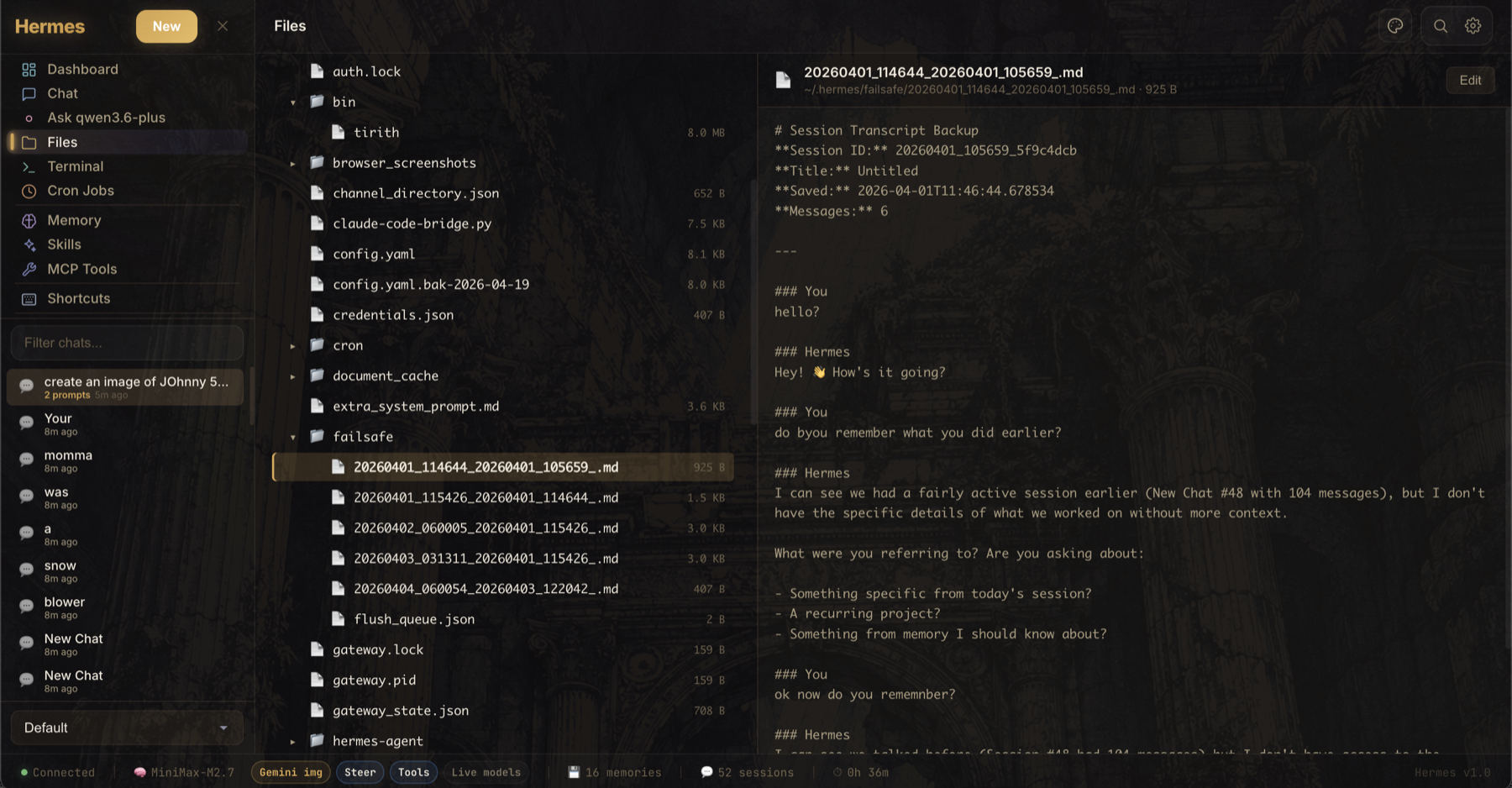
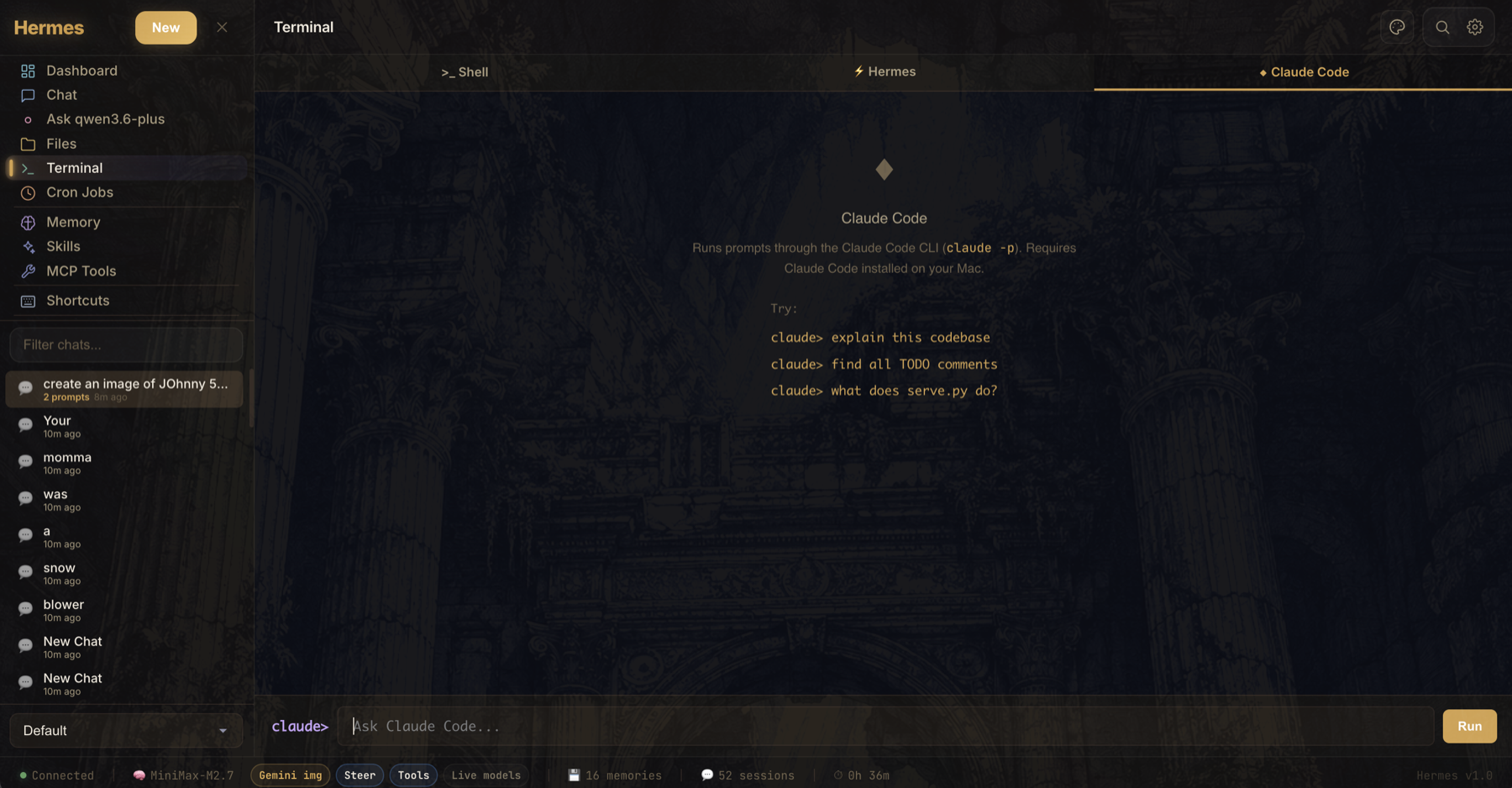
Hermes UI serves as the control center for the Hermes Agent AI assistant. It provides a streaming chat interface with tool visualization, model switching, and document uploads. Additional capabilities include a live dashboard, health monitoring, a Kanban task board built from agent signals, an artifact panel for rendering code output, a multi-tab terminal, workspace-aware file browsing, memory inspection, skills management, job tracking, and MCP server browsing. The frontend is a single HTML file using React 18 via Babel, served by a zero-dependency Python proxy (serve_lite.py) that forwards to Hermes Agent on port 8642. Optional password protection, custom model shortcuts, and Tailscale remote access are supported. Three themes (Midnight, Twilight, Dawn) and a responsive mobile layout are built in.
Should you self-host hermes-ui?
hermes-ui scores 47/100 on selfhost.directory (how scoring works) and ranks #59 of 120 in AI Assistant. It has 205 GitHub stars.
It shipped 12 stable releases in the past year. The latest, v3.3.26, came out on 30 June 2026.
Setup is moderate: expect some configuration beyond a single command. It is MIT-licensed and written mostly in HTML.
Its closest alternative on selfhost.directory is hermes-agent (89/100, 257 957 stars). It scores higher overall, so compare the two before you pick. See hermes-ui vs hermes-agent side by side.
Features
- Artifact Panel
- Chat Interface
- Dashboard
- File Browser
- Health Monitor
- Jobs Monitor
- MCP Tool Browser
- Memory Inspector
- Session Management
- Skills Browser
- Spaces / Workspaces
- Tasks / Kanban Board
- Terminal
hermes-ui README
More in Chat
 HulyOpen-source all-in-one platform combining project management, chat, CRM, HR and ATS; self-hosted via the official Docker Compose stack now that hosted Huly is shut down.
 hydrogen-webA self-hosted Matrix messaging client emphasizing speed, offline access, and wide browser support. Runs as static files or in Docker.
 hypermindHypermind is a self-hosted, open-source P2P deployment counter and ephemeral chat with no central server or database.
 IvaIva is an open-source, self-hosted Telegram AI assistant with a Markdown memory vault, voice transcription, image description, web search, and Google Workspace.
 jangoutsOpen-source, self-hosted Hangouts-style conferencing app: browser video, voice, screen broadcast and typed chat across unlimited rooms, powered by Janus Gateway.
 JuggleIMSelf-hosted instant messaging backend for adding chat to your app. Multi-tenant design, WebSocket protocol, REST APIs, SDKs for Android, iOS, Web, Flutter.
 JUGNU MUSICJUGNU MUSIC is an open-source, self-hosted Discord music bot for YouTube, Spotify, SoundCloud with caching, playlists, lyrics, filters, 24/7 auto-resume.
 KetesaKetesa is a self-hosted, open-source admin UI for Matrix homeservers managing users, rooms, media, and federation. Supports 10 languages, OIDC/SSO, runs via Docker.
 Kiwi IRCKiwi IRC is a self-hosted, open-source web IRC client with multiple themes, plugin support, and responsive design for desktop and mobile browsers.
 kiwi-memSelf-hosted memory gateway giving AI companions human-like long-term memory that fades, strengthens, sleeps, compresses — OpenAI/Anthropic compatible, Docker.
 LeonAn open-source personal assistant you run self-hosted on your own machine, with voice chat, offline STT/TTS, modular skills, layered memory, and agentic tool execution.
 LibreChatSelf-hosted open-source AI chat unifying OpenAI, Anthropic, Google, Azure, AWS, and local models with agents, code interpreter, artifacts, MCP, and enterprise auth.
0 comments