
Self-host FloCafe
3.13.14Offline-first restaurant POS with tables, KDS, local data
- Stars
- 159
- CPU
- 64-bit only (x64 or arm64)
- RAM
- 4 GB RAM
- Storage
- 500 MB free space, plus room for local backups
- Ports
- 3001 (Express API and WebSocket server), 3002 (Standalone kitchen-display server (KDS)), 3003 (Server / waiter app server)



What is FloCafe?
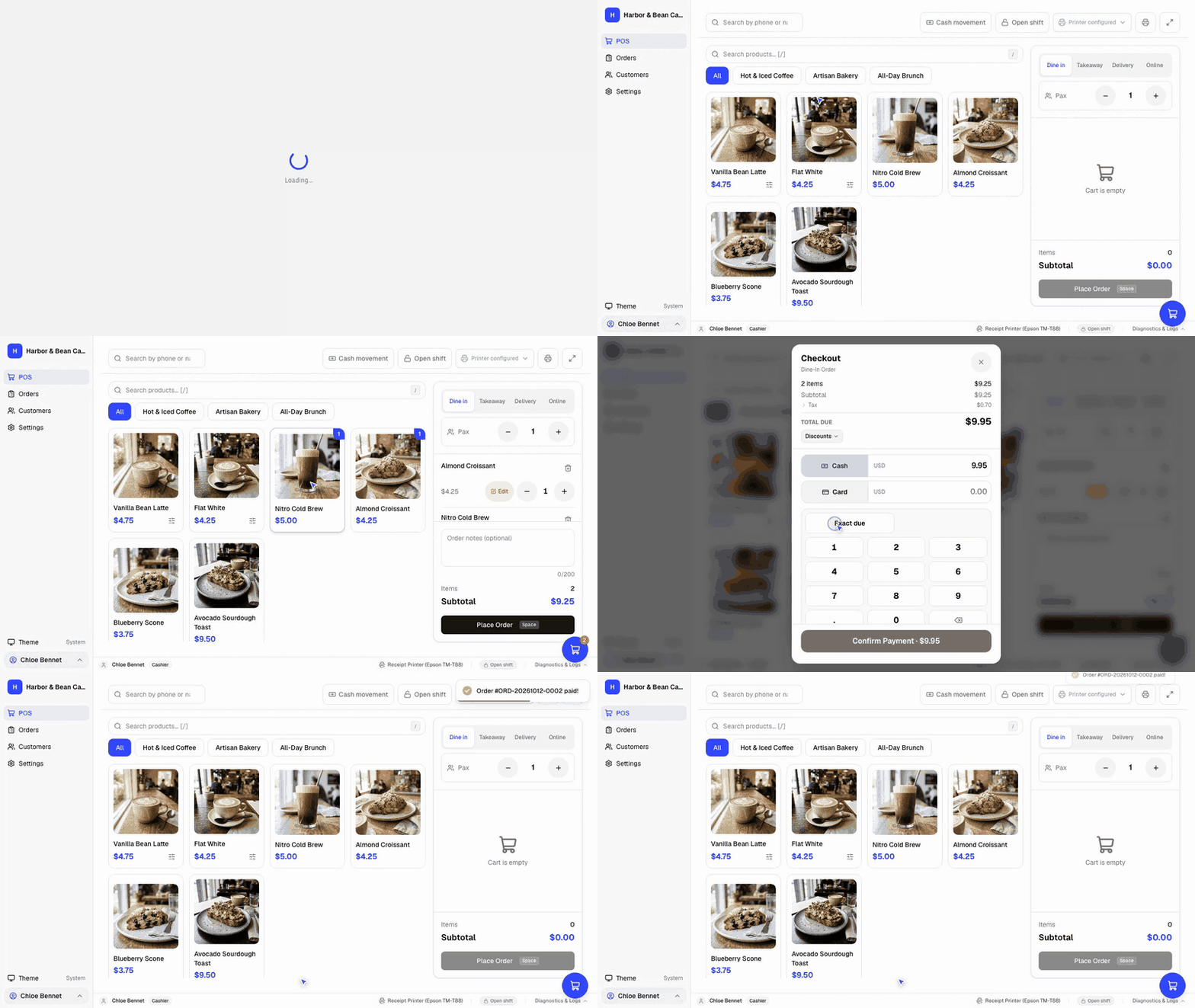
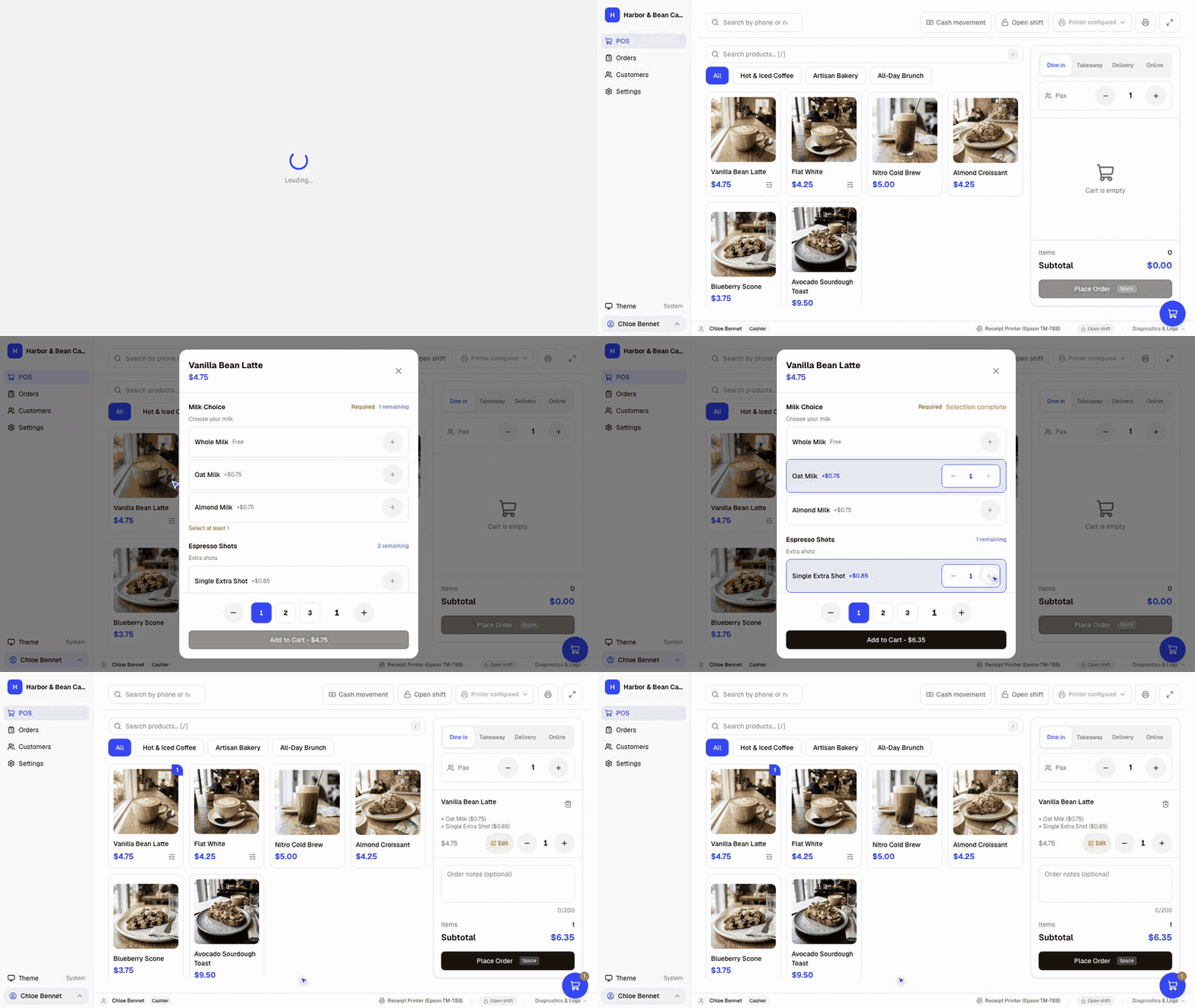
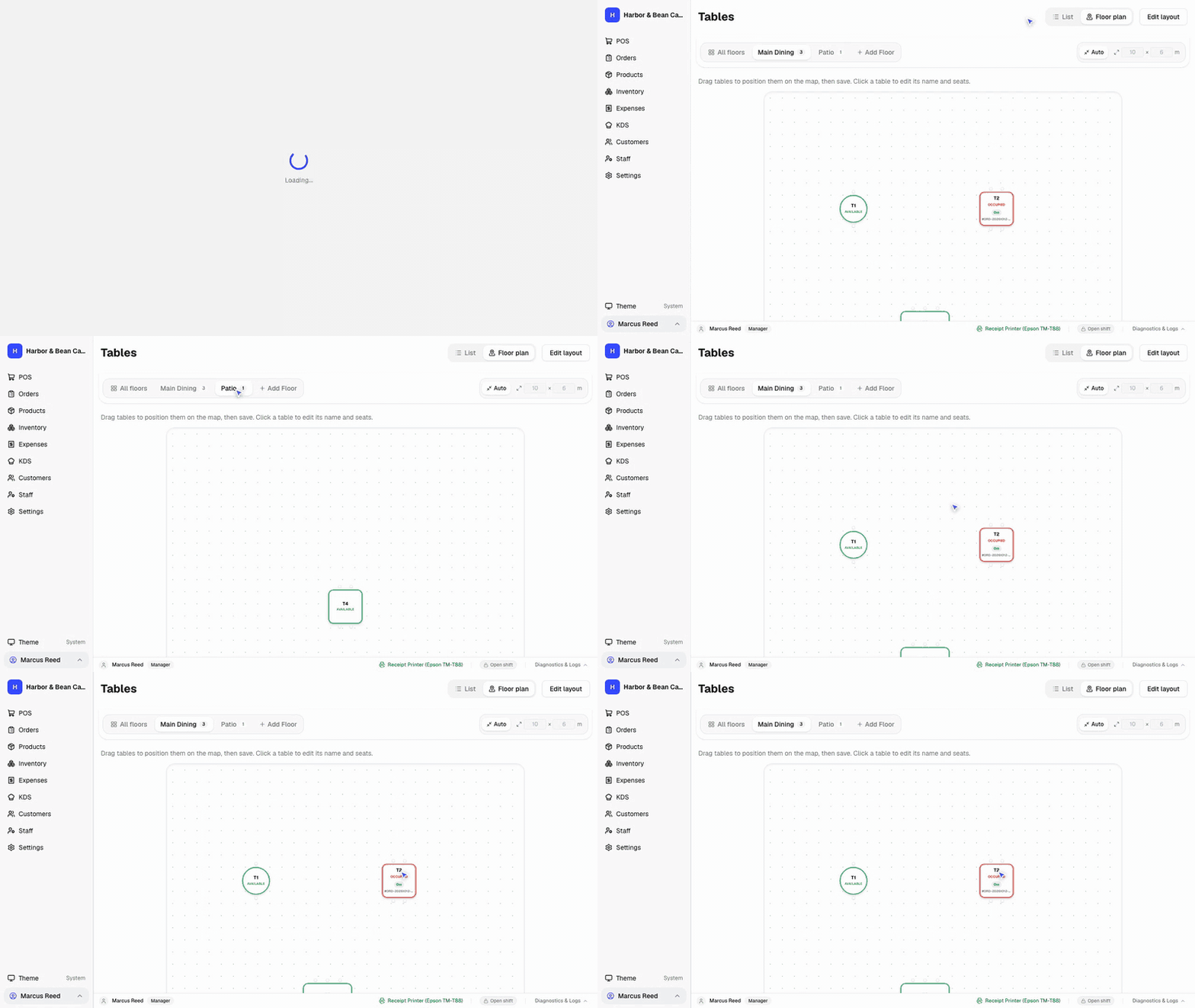
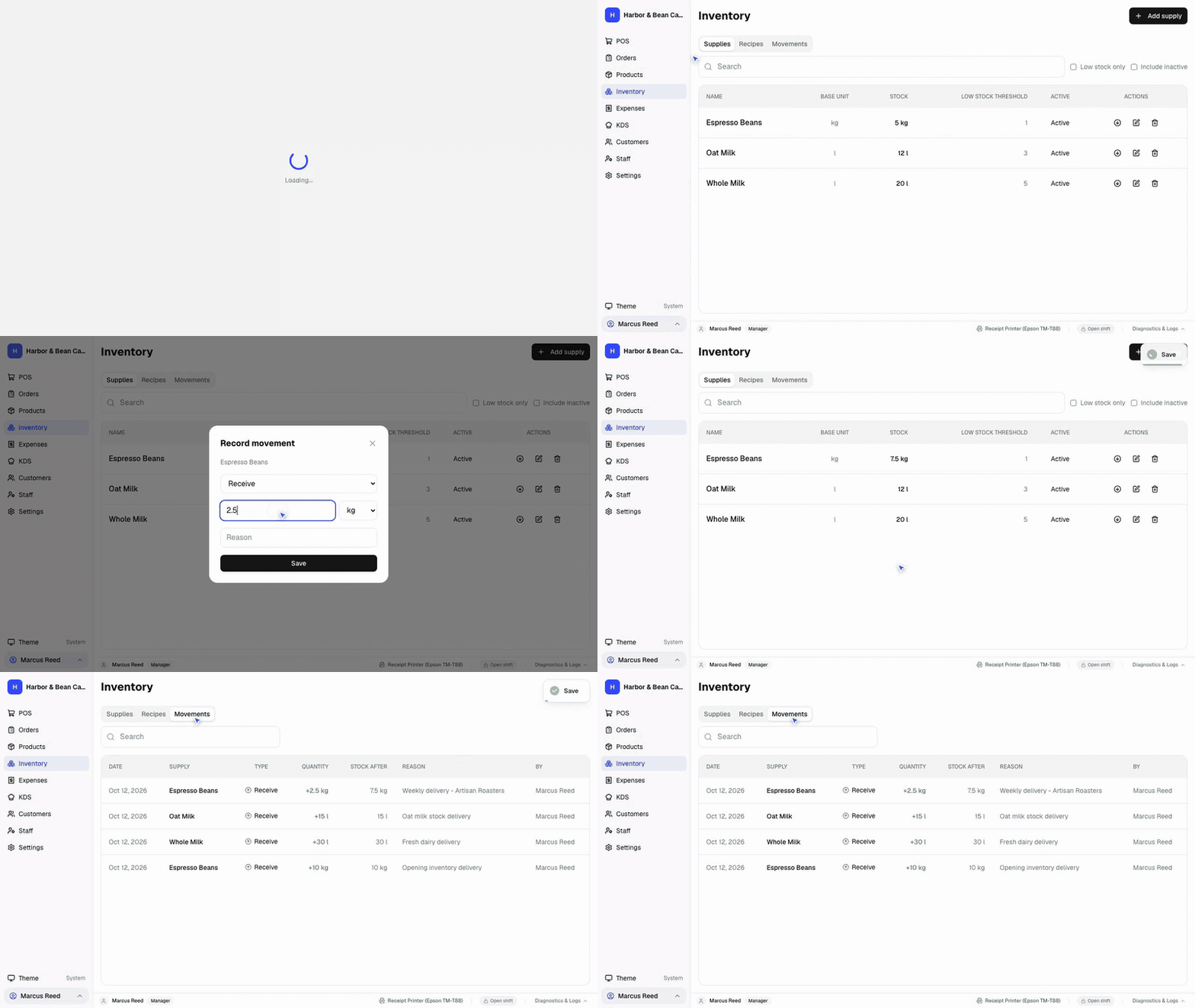
FloCafe is a free, open-source point-of-sale program for cafés, restaurants, bakeries, and food trucks. The application runs on Windows, macOS, and Linux as a desktop Electron app, keeping all orders, customer data, receipts, and backups in a local SQLite database on the business's own equipment — no internet connection or cloud account is necessary for everyday operation. Capabilities include a touch-friendly checkout, configurable drink and dish modifiers, a live kitchen display with Kanban ticket tracking, visual floor plans showing table turnover, a mobile browser-based waiter app for tableside ordering, split payments and multi-tender handling, ingredient and supply tracking with recipe portions, and thermal receipt printing on 58mm or 80mm printers via USB, network, or Bluetooth. Staff roles are protected by Master PIN codes. The interface comes in 25 languages with RTL support, over a hundred country profiles with many currencies, signed country tax packs, automated database backups with optional remote storage sync, customer loyalty and CRM features, and daily sales exports. Optional integrations cover remote backup, WhatsApp bill delivery, and online reporting, all opt-in. You can install it via Windows installers, macOS DMGs, Linux AppImage/deb/rpm/Snap packages, or through the Mac App Store, Microsoft Store, and Snap Store. The codebase uses the MIT license and is actively maintained by the FreeOpenSourcePOS organization (Codify Apps Private Limited).
Should you self-host FloCafe?
FloCafe scores 49/100 on selfhost.directory (how scoring works). It has 159 GitHub stars.
It shipped 7 stable releases in the past year. The latest, 3.13.14, came out on 28 October 2026. New versions land roughly every 5 days.
Setup is moderate: expect some configuration beyond a single command. It is MIT-licensed and written mostly in Typescript.
Features
- Automated database backups
- Country Profiles & Currencies
- Country Tax Packs
- Customer Loyalty & CRM
- Custom Modifiers & Add-ons
- Granular Roles & Permissions
- Handheld Waiter App
- High-Speed Counter POS
- Multi-language Support
- Offline-first architecture
- Real-Time Kitchen Display (KDS)
- Split Payments & Multi-Tender
- Supplies & Stock Tracking
- Thermal Receipt & Kitchen Printing
- Visual Tables & Floor Plan
FloCafe README
FAQ
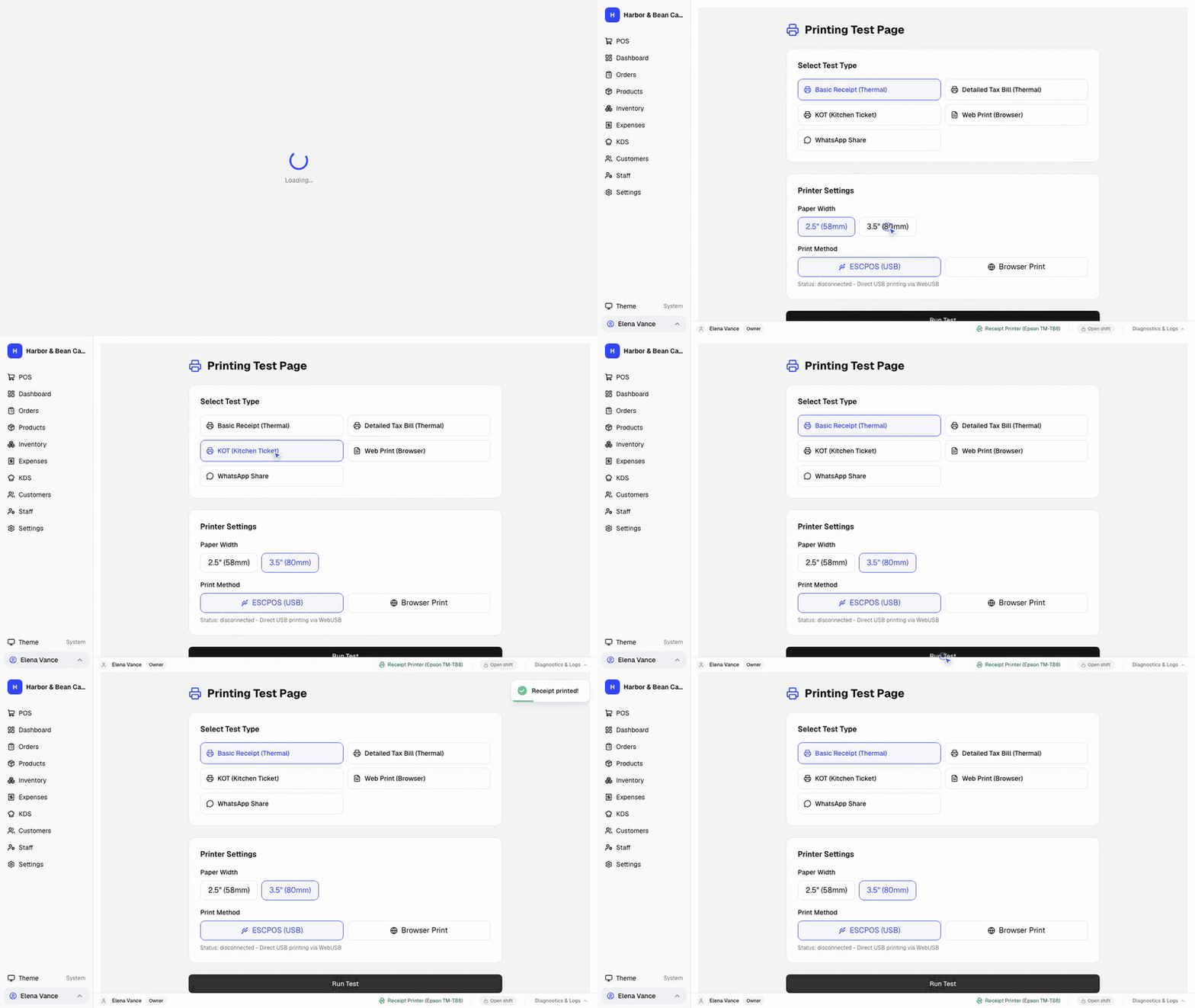
How does FloCafe help with printer problems?
Test Print reports the underlying network, Windows, CUPS, USB, or driver error instead of only showing a generic failure. Help → Open Logs Folder makes the diagnostic log easier to share with support.
How do I get help inside FloCafe?
Open Help & Support to choose a problem type and preview the diagnostic payload before sending. Requests queue offline, retry automatically, and show a support code after delivery.
What data does FloCafe send to the cloud?
New installations may register a store support profile and send telemetry or diagnostics. Settings let owners stop cloud services and anonymous telemetry without deleting local POS data.
Is FloCafe really free?
Yes, FloCafe is MIT-licensed open-source software with no subscription, license meter, or paywall for the core POS. Hardware, setup, training, and optional technical services can still cost money.
Does FloCafe work without the internet?
Core restaurant operations use the local SQLite database and work offline. External payments, integrations, remote access, and connected services may still require internet.
What does FloCafe include?
FloCafe includes ordering, tables, menus, taxes, discounts, staff access, kitchen display, KOT and receipt printing, reports, backups, loyalty, and local data storage.
0 comments