
Self-host blog
v1.5.0Lightweight self-hosted Facebook-style PHP blog
- Stars
- 307
- Port
- 80 (HTTP web server)
m1k1o/blog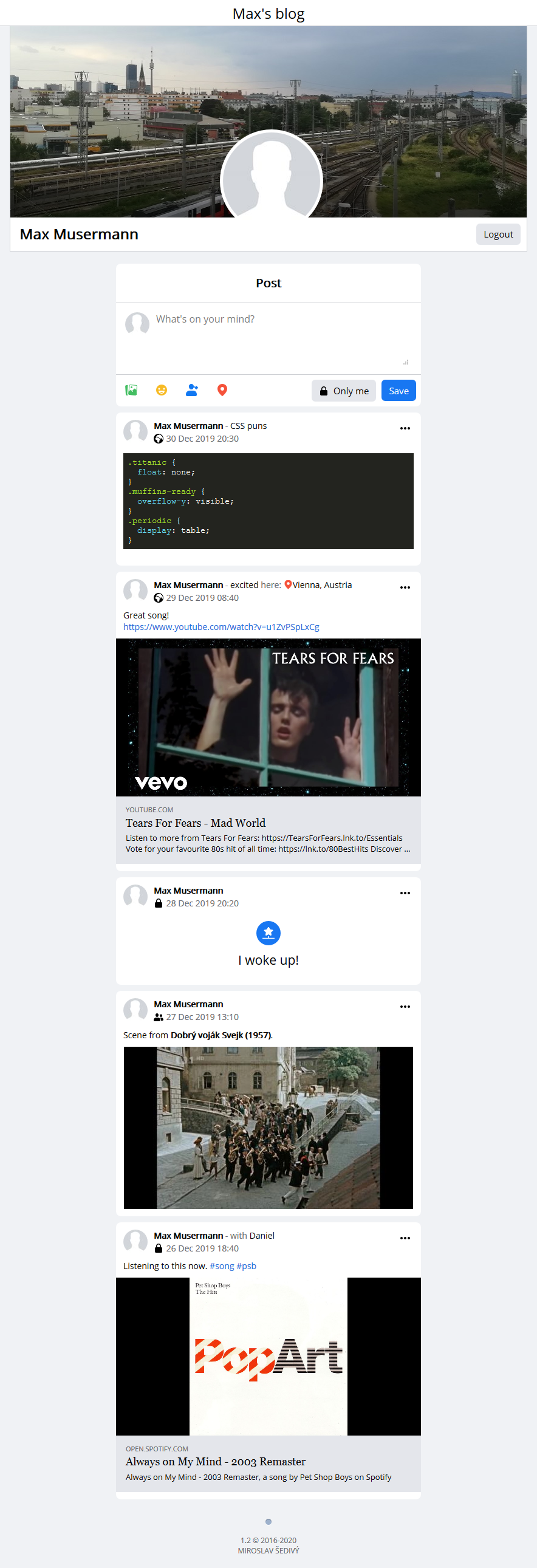
What is blog?
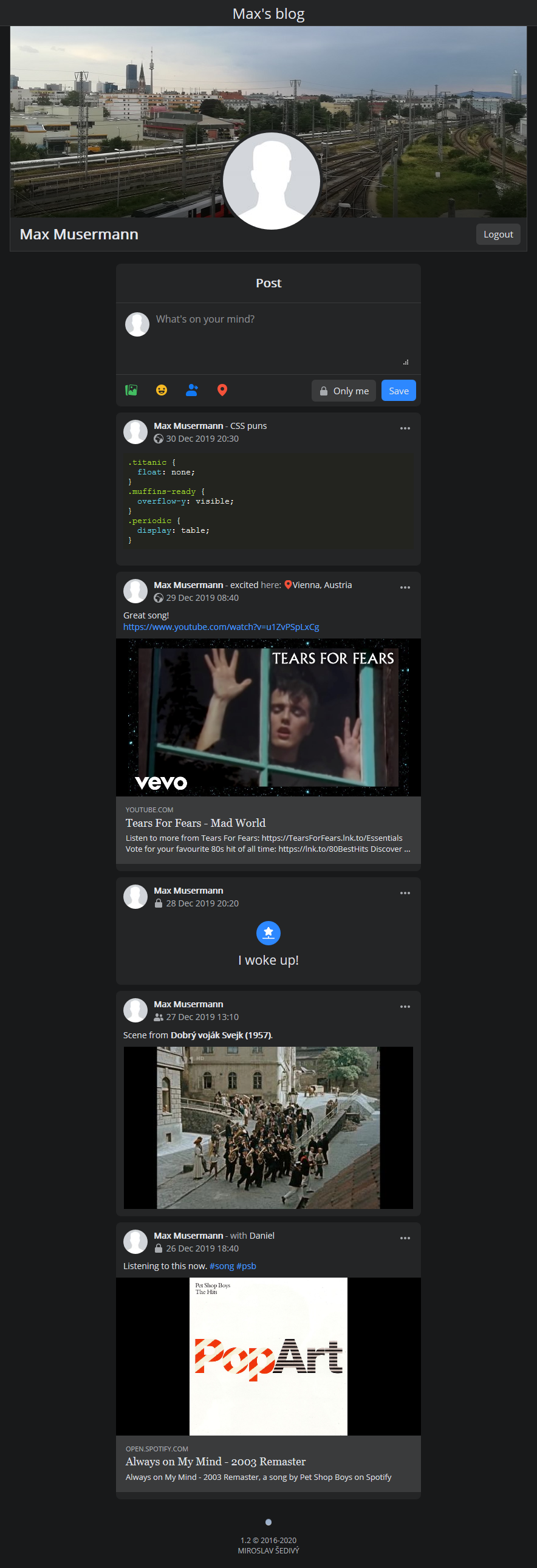
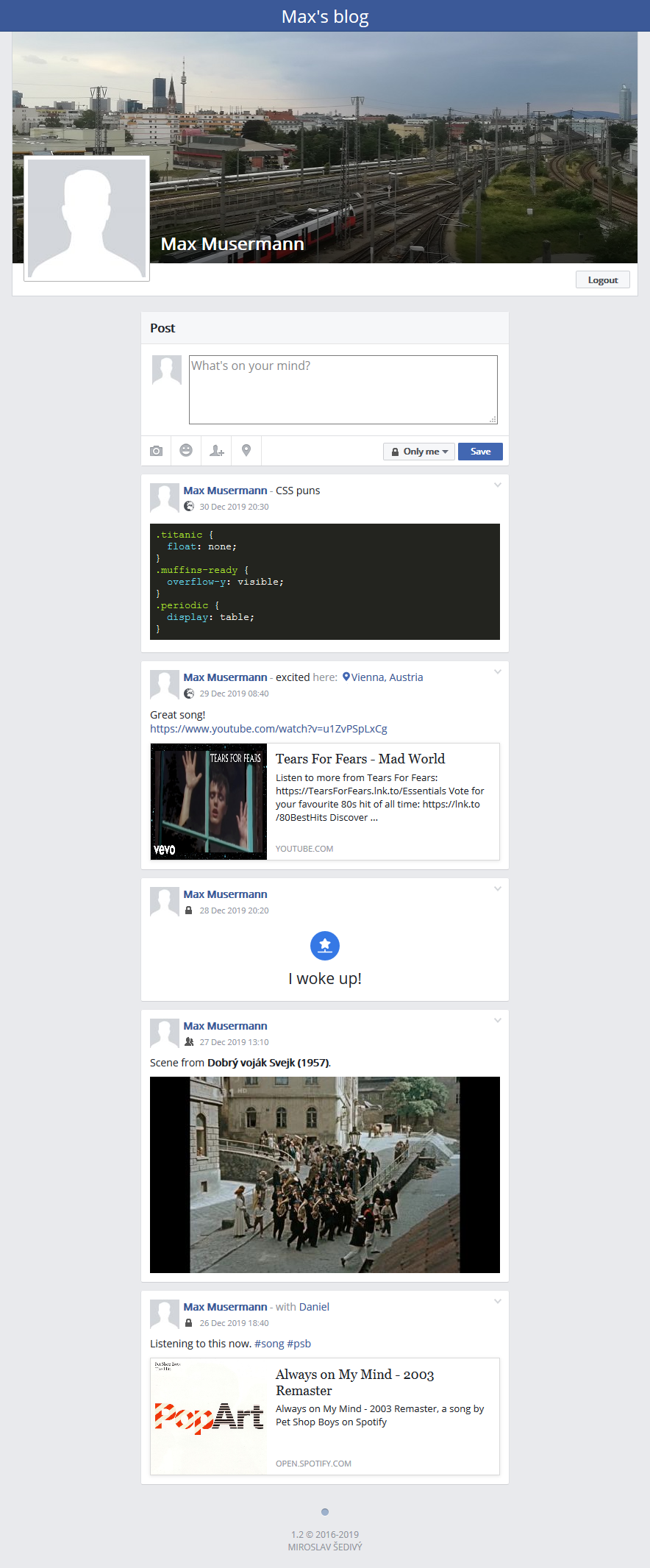
blog is a lightweight, single-user PHP blog that creates a Facebook-style feed where you can share rich text posts with photos, code highlighting, and link previews. It supports three visibility levels: public, friends-only, and private. The blog runs with zero configuration using SQLite, or can use MariaDB/MySQL or PostgreSQL for better performance. It includes dark mode, a legacy theme for older browsers, BBCode formatting, tag filtering, and multi-language support (English, German, Slovak, French, Czech, Bosnian, Spanish, Russian). Deployment options include Docker, Docker Compose (with optional external database), or manual installation on Apache 2.0+ with PHP 8.0+. The project is licensed under GPL-3.0.
Should you self-host blog?
blog scores 48/100 on selfhost.directory (how scoring works) and ranks #13 of 24 in Blogging. It has 307 GitHub stars.
It shipped 1 stable release in the past year. The latest, v1.5.0, came out on 23 October 2026.
Setup is moderate: expect some configuration beyond a single command. An official Docker image is available. It is GPL-3.0-licensed and written mostly in PHP.
Its closest alternative on selfhost.directory is Typecho (66/100, 12 456 stars). It scores higher overall, so compare the two before you pick. See blog vs Typecho side by side.
Features
- BBCode formatting
- Code Highlighting
- Date range filtering
- Extra post fields
- Goal highlighting
- Hidden posts
- Image Upload
- Link Previews
- Location filtering
- Multi-language Support
- Post visibility controls
- Reverse chronological sorting
- Tag Filtering
blog README
More in Blogging
 BluditBludit is a self-hosted, open-source flat-file CMS storing content in JSON — no database needed. Markdown/WYSIWYG editors, themes, plugins, SEO, RSS, GDPR-compliant.
 BroadcastChannelSelf-hosted, open-source Astro site that mirrors a public Telegram channel as a microblog with RSS, sitemap, reactions, comments and zero browser-side JS.
 btwA self-hosted, open-source personal website builder for blogs and notes, pitched as a Medium alternative, run with Docker Compose and PostgreSQL.
 Chyrp LiteChyrp Lite is a self-hosted, open-source PHP blogging engine with responsive admin, six themes, Markdown, Feathers, and Modules for webmentions.
- CitadelCitadel is a fully open-source, self-hosted groupware suite that combines email, calendaring, contacts, forums, wikis, blogs, and instant messaging into a single, rooms-based platform. It is designed for both small organizations and large-scale public access systems.
 ClassicPressSelf-hosted, open-source CMS forked from WordPress that keeps the classic TinyMCE editor, drops the Gutenberg block editor, and ships a core half the size.
 cmsA self-hosted flat-file content management system built on Laravel, installed with Composer or Laravel Sail, with live preview, blueprints and headless APIs.
 ContaoSelf-hosted open-source CMS on Symfony for accessible websites, with multi-site support, fine-grained permissions and news, calendar and newsletter modules.
 Decap CMSSelf-hosted, open-source CMS for static site projects: a /admin app that reads and writes content in your own Git repo, with editorial workflow and live preview.
- DotclearDotclear is a self-hosted, open-source blog publishing platform focused on simplicity, multilingual support, and extensibility. It supports multiple users, static pages, media management, and a rich plugin/theme ecosystem.
 FlatPressFlatPress is a self-hosted, open-source flat-file blogging engine in PHP requiring no database, with plugins, themes, comments, and 20+ languages.
 fxbloglite is a self-hosted microblogging service for Markdown posts with syntax highlighting, math, and file uploads — a lightweight Twitter alternative.
0 comments