
Self-host Bitpoll
0.11.0Django-based scheduling and polling web app
- Stars
- 318
- Ports
- 3008 (uwsgi socket), 3009 (HTTP server)
- Requires
- SQLite
ghcr.io/fsinfuhh/bitpoll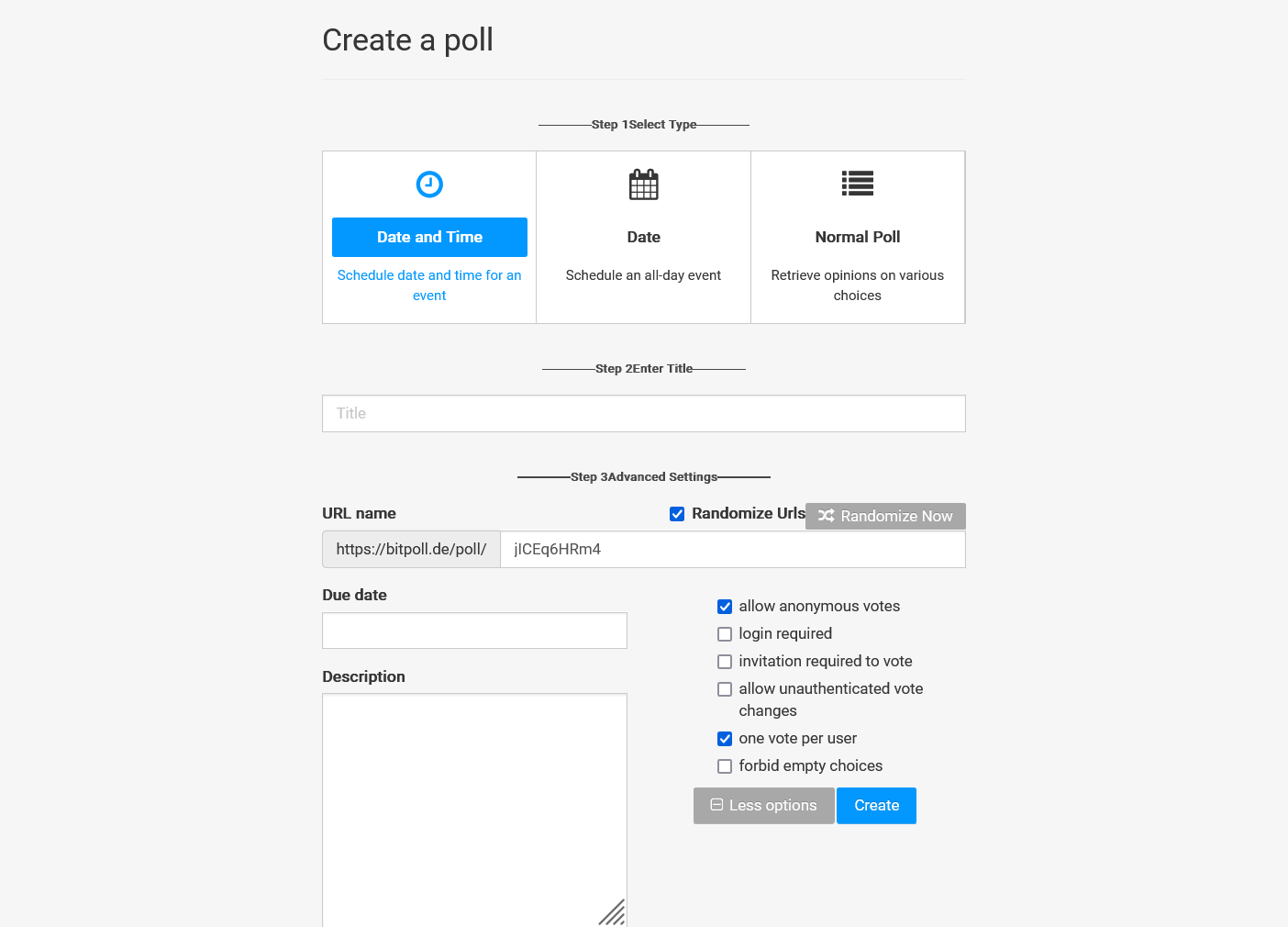
What is Bitpoll?
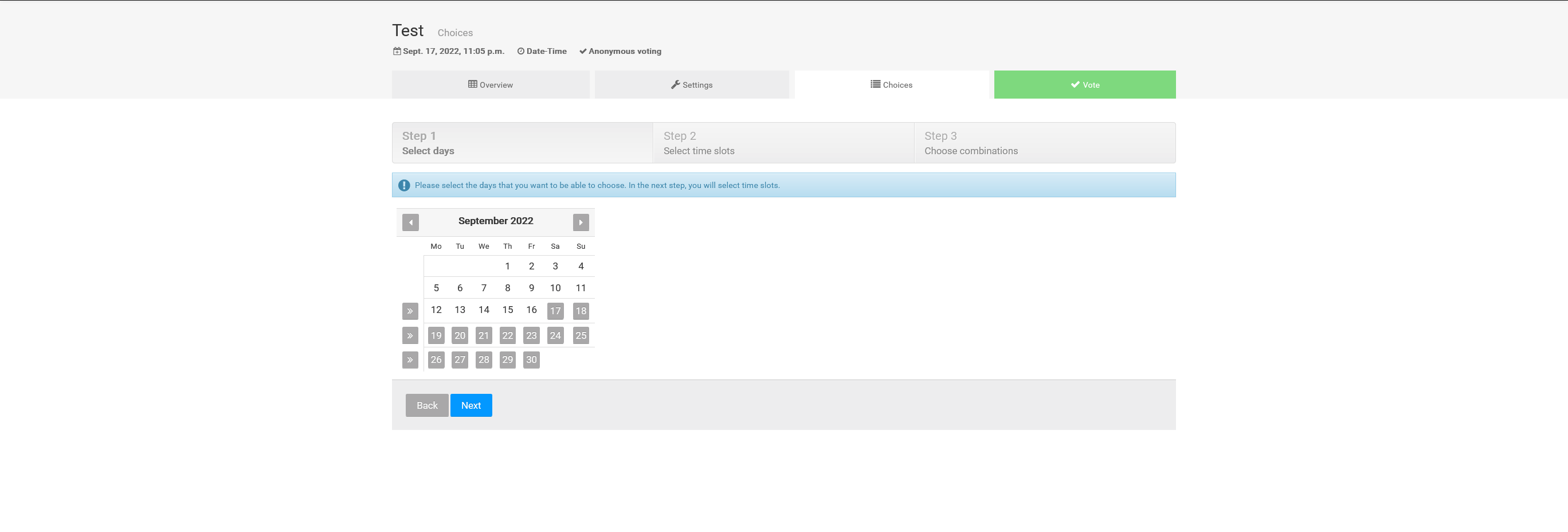
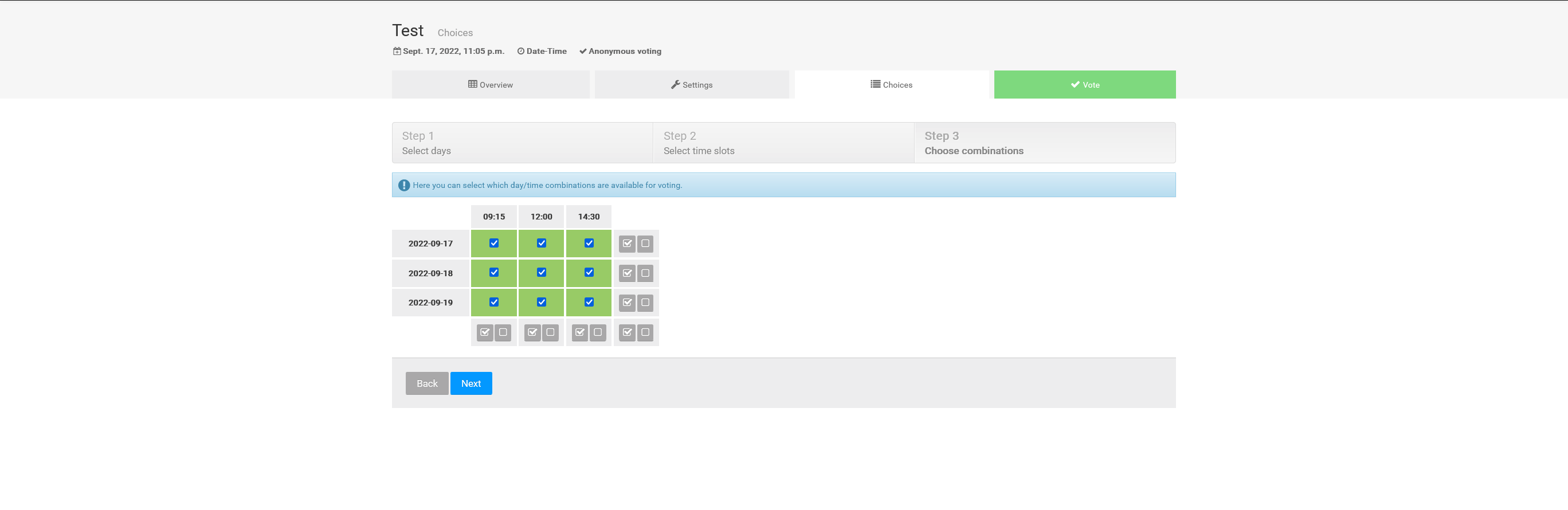
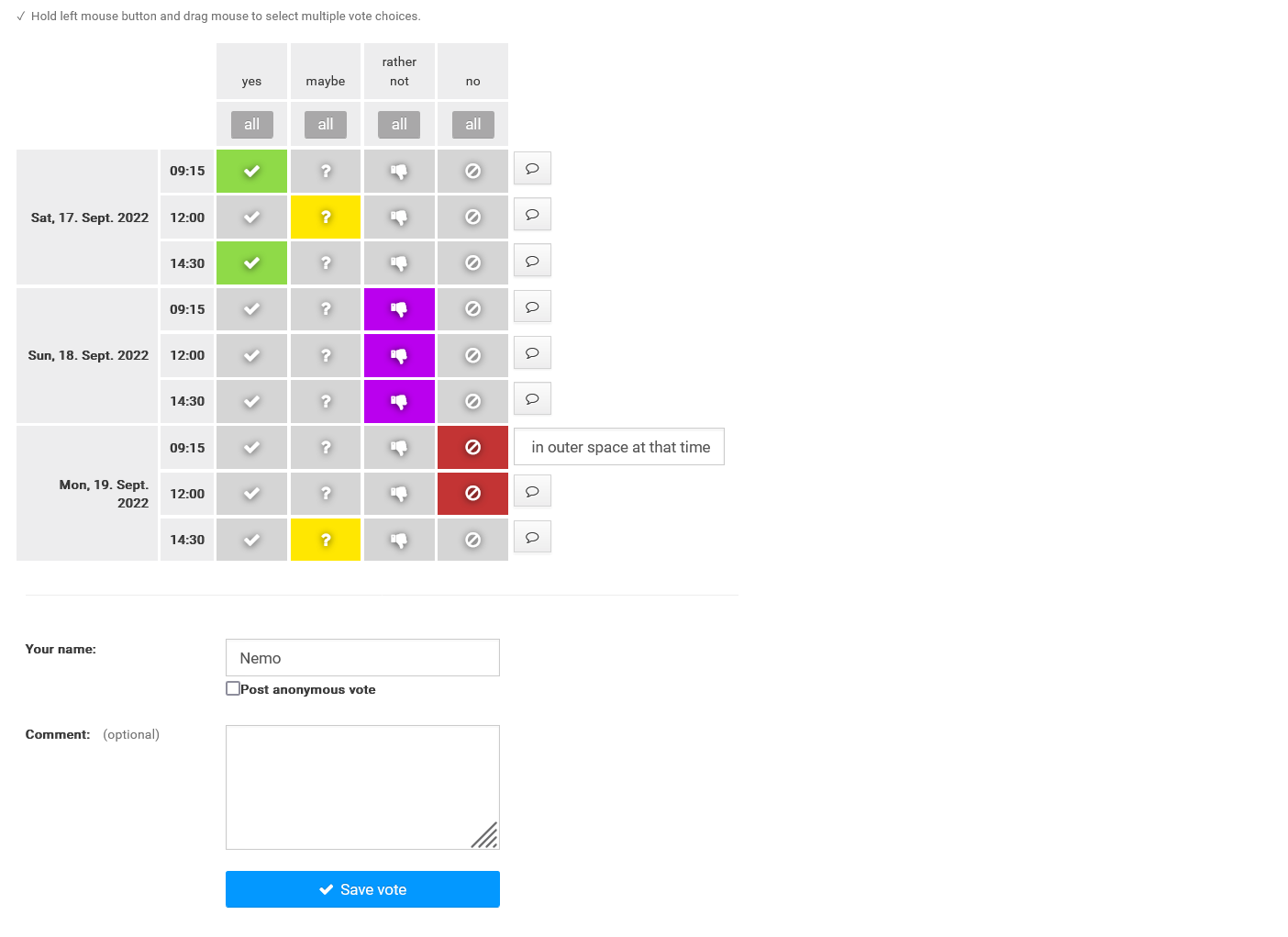
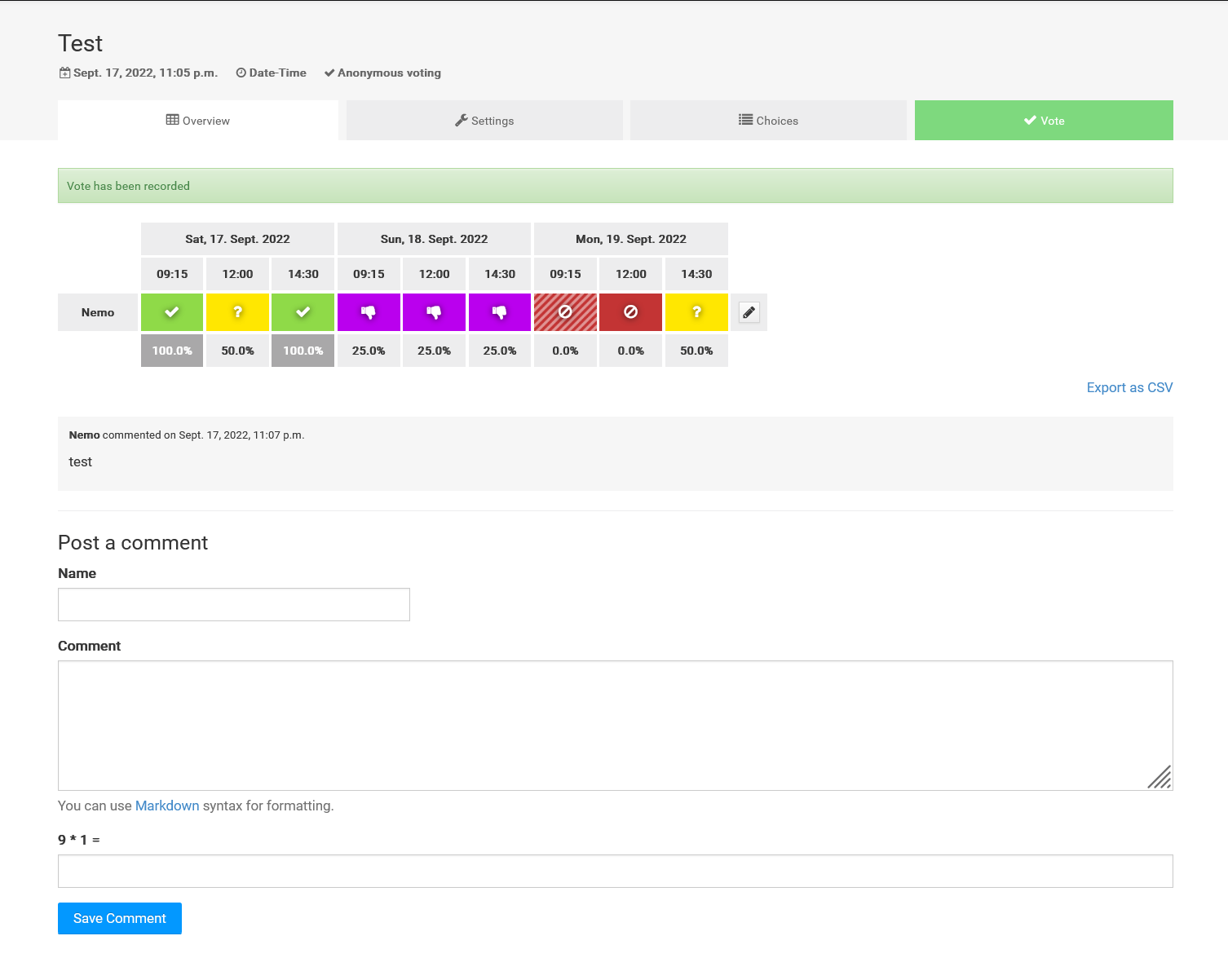
Bitpoll is a Django-based tool for scheduling meetings and running polls, rewritten from the earlier Dudel project. Organizers can create polls for full-day events or specific time slots with custom time classes. Polls can be public or private (invite-only), and voting can be anonymous or require a name with optional registration. The software supports LDAP authentication and OpenID Connect via Keycloak for single sign-on. Deployment options include a Docker image on ghcr.io (exposing uwsgi on port 3008 and HTTP on 3009) or a manual Python installation managed with uv. The default database is SQLite; PostgreSQL is available for production. The interface provides a multi-step poll creation wizard, a voting screen, and a results view. No dark mode, mobile app, or FAQ are documented.
Should you self-host Bitpoll?
Bitpoll scores 46/100 on selfhost.directory (how scoring works) and ranks #6 of 8 in Scheduling & Booking. It has 318 GitHub stars.
It shipped 2 stable releases in the past year. The latest, 0.11.0, came out on 22 May 2026. New versions land roughly every 2 weeks.
Setup is moderate: expect some configuration beyond a single command. An official Docker image is available. It is GPL-3.0-licensed and written mostly in Python.
Its closest alternative on selfhost.directory is Rallly (69/100, 5 329 stars). It scores higher overall, so compare the two before you pick. See Bitpoll vs Rallly side by side.
Features
- Anonymous Voting
- Custom poll URLs
- Date and time polling
- LDAP Authentication
- Multi-language Support
- OpenID Connect Authentication
- Private polls
- Registration requirement
- Sentry error reporting
Bitpoll README
More in Scheduling & Booking
 calrscalrs is an open-source, self-hosted Rust scheduling platform for CalDAV, Google Calendar, and Exchange. Define bookable meetings, share links — single binary with SQLite
 Crab FitCrab Fit is a self-hosted, open-source scheduling app that helps groups find meeting times via availability polls and a live heat-map.
 croodleCroodle is a self-hosted, open-source web app for end-to-end encrypted polls and date scheduling. Data is encrypted in-browser with 256-bit AES, needing only PHP 7.2+.
 Easy!AppointmentsOpen-source, self-hosted appointment scheduler: customers book services online, with providers, working plans, Google Calendar sync, email notifications and a REST API.
 LibreBookingSelf-hosted resource scheduling for organizations. Fork of Booked Scheduler with mobile-friendly interface, multi-resource booking, role-based access control.
 LouezLouez is a self-hosted, open-source equipment rental platform for small businesses to manage inventory, reservations, and contracts with storefronts.
 nettu-schedulerNettu Scheduler is an open-source, self-hosted calendar server with REST API, JS/Rust SDKs, multi-tenancy, recurrence rules, and Google/Outlook calendar integrations.
 OpenEMRSelf-hosted, open-source EHR and clinic management suite with scheduling, e-billing, prescriptions, FHIR APIs and a patient portal; runs on Docker or a LAMP stack.
 PunctualPunctual is a self-hosted, open-source Calendly alternative on Cloudflare Workers with Google/Microsoft calendar sync, team scheduling, and an MCP server.
 QinglongSelf-hosted, open-source cron panel that schedules and runs Python, JavaScript, Shell and TypeScript scripts, with repo subscriptions, logs, notifications and an OpenAPI.
 QloAppsSelf-hosted, open-source hotel PMS with a direct booking engine and responsive hotel website for multi-property, multilingual hotels.
 RalllySelf-hosted, open-source scheduling poll tool for finding meeting times: send a link, let people vote, finalize a date, with email notifications and OIDC/Google SSO.
0 comments