
Self-host amutorrent
v3.9.8Single dashboard for aMule, rTorrent, qBittorrent, Deluge
- Stars
- 298
- Port
- 4000 (Web UI)
- Requires
- SQLite
g0t3nks/amutorrent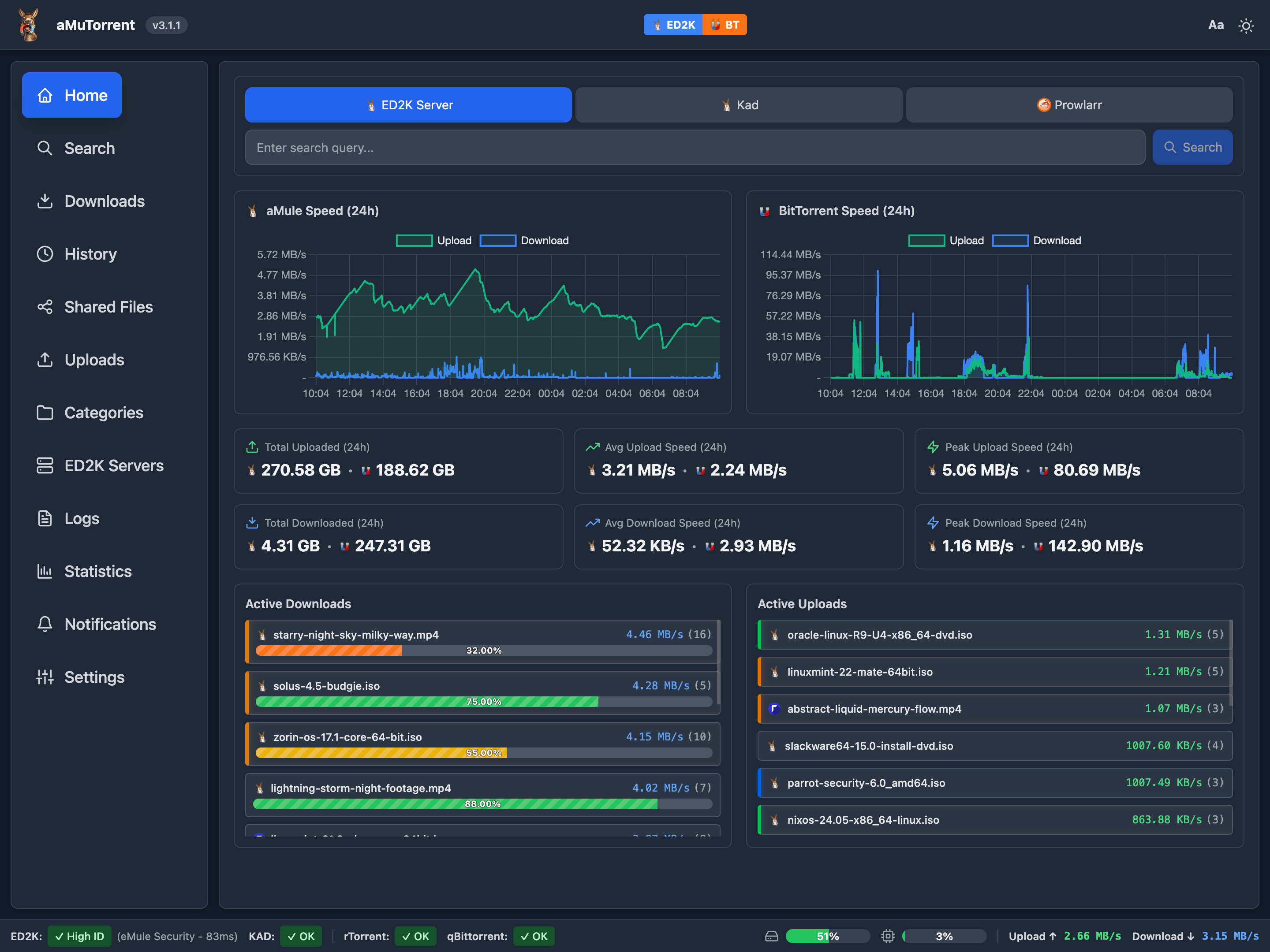
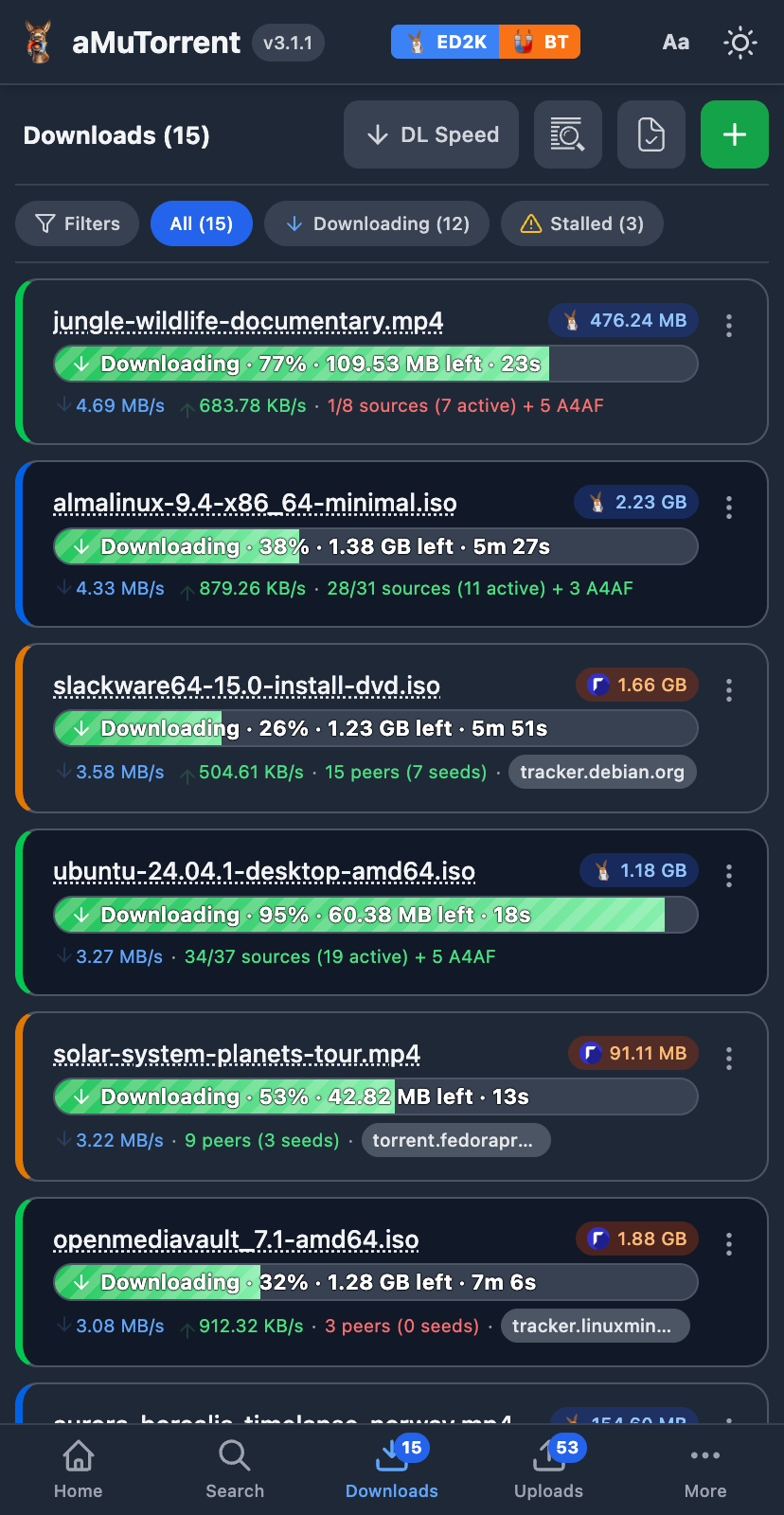
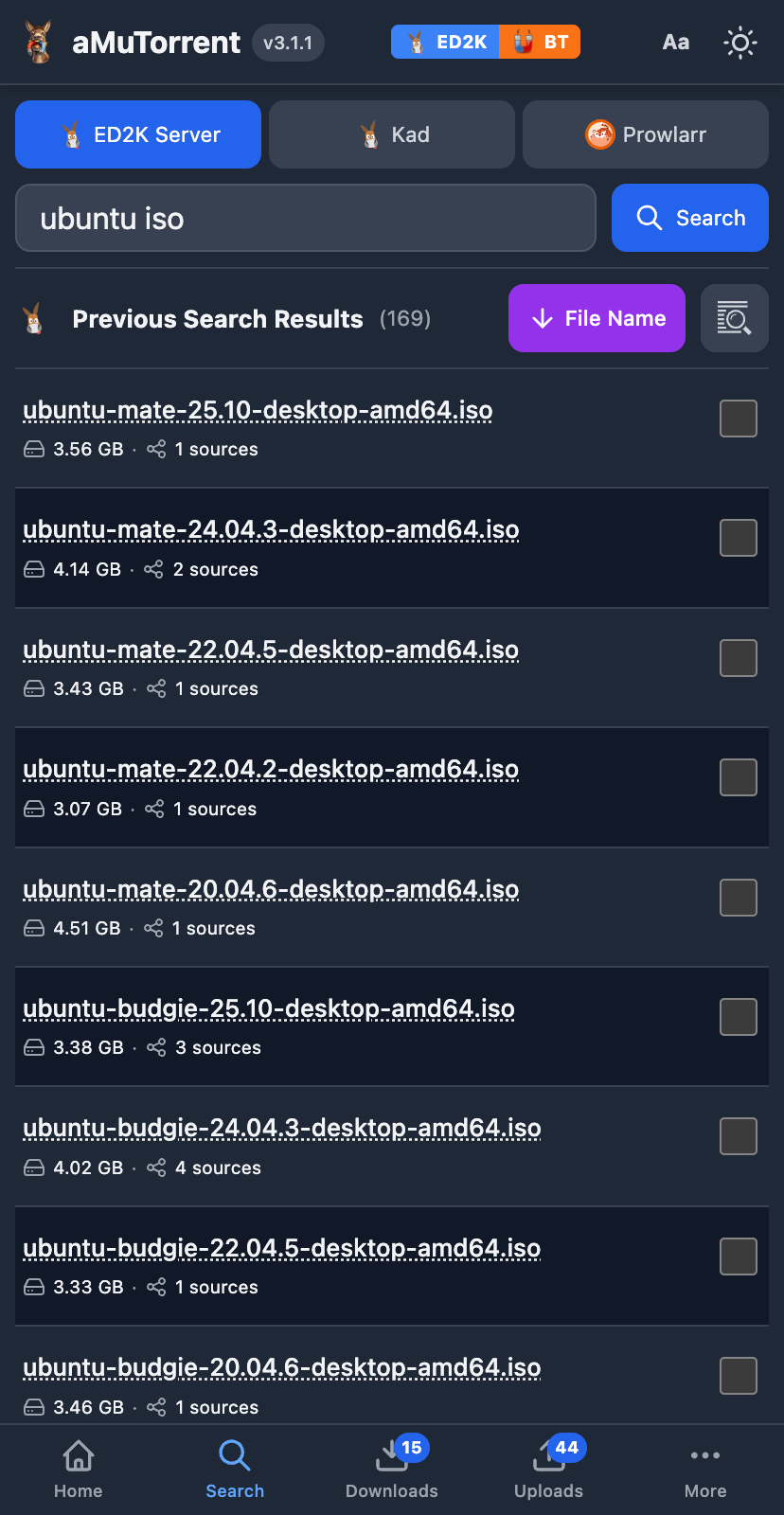
What is amutorrent?
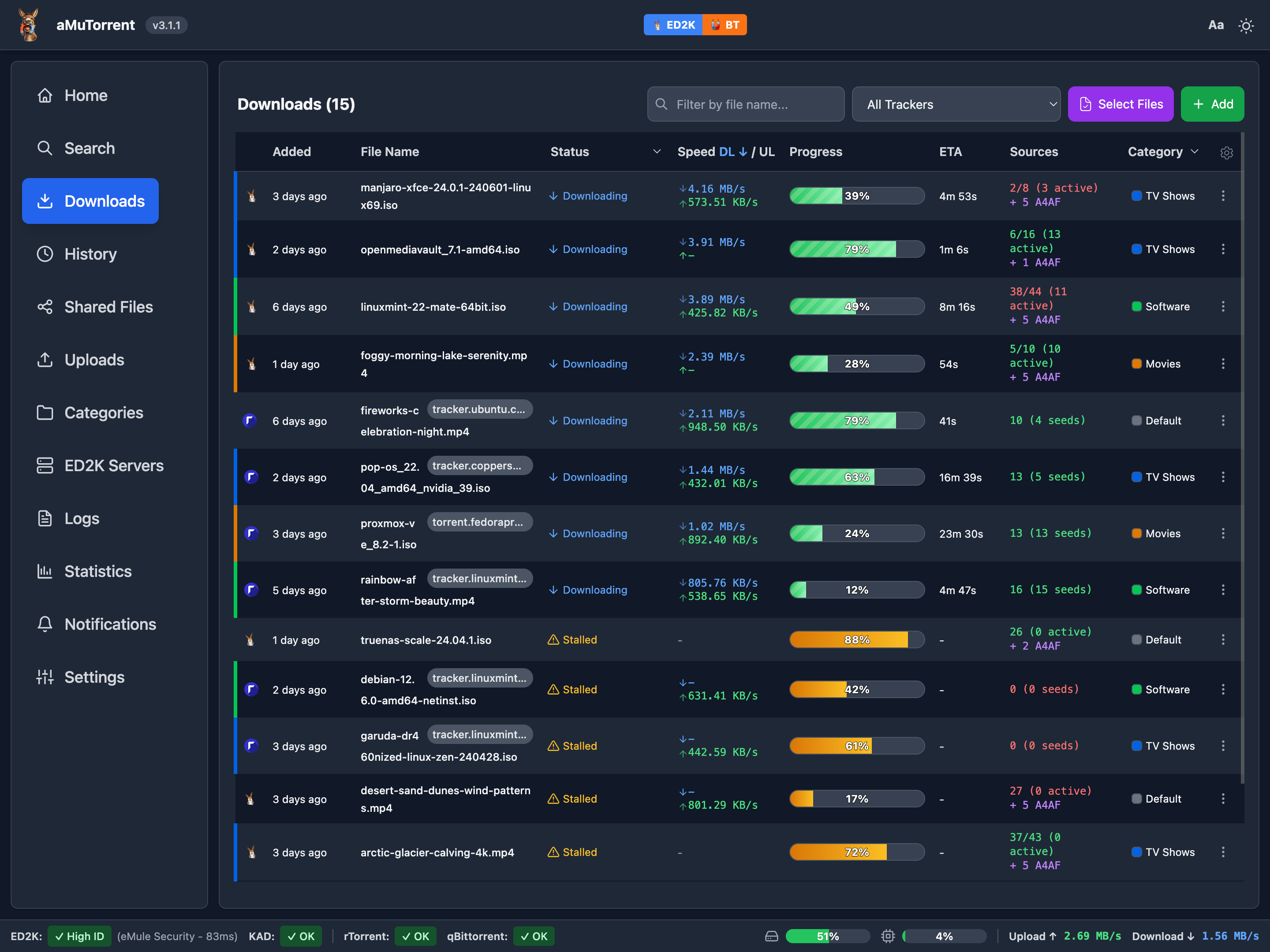
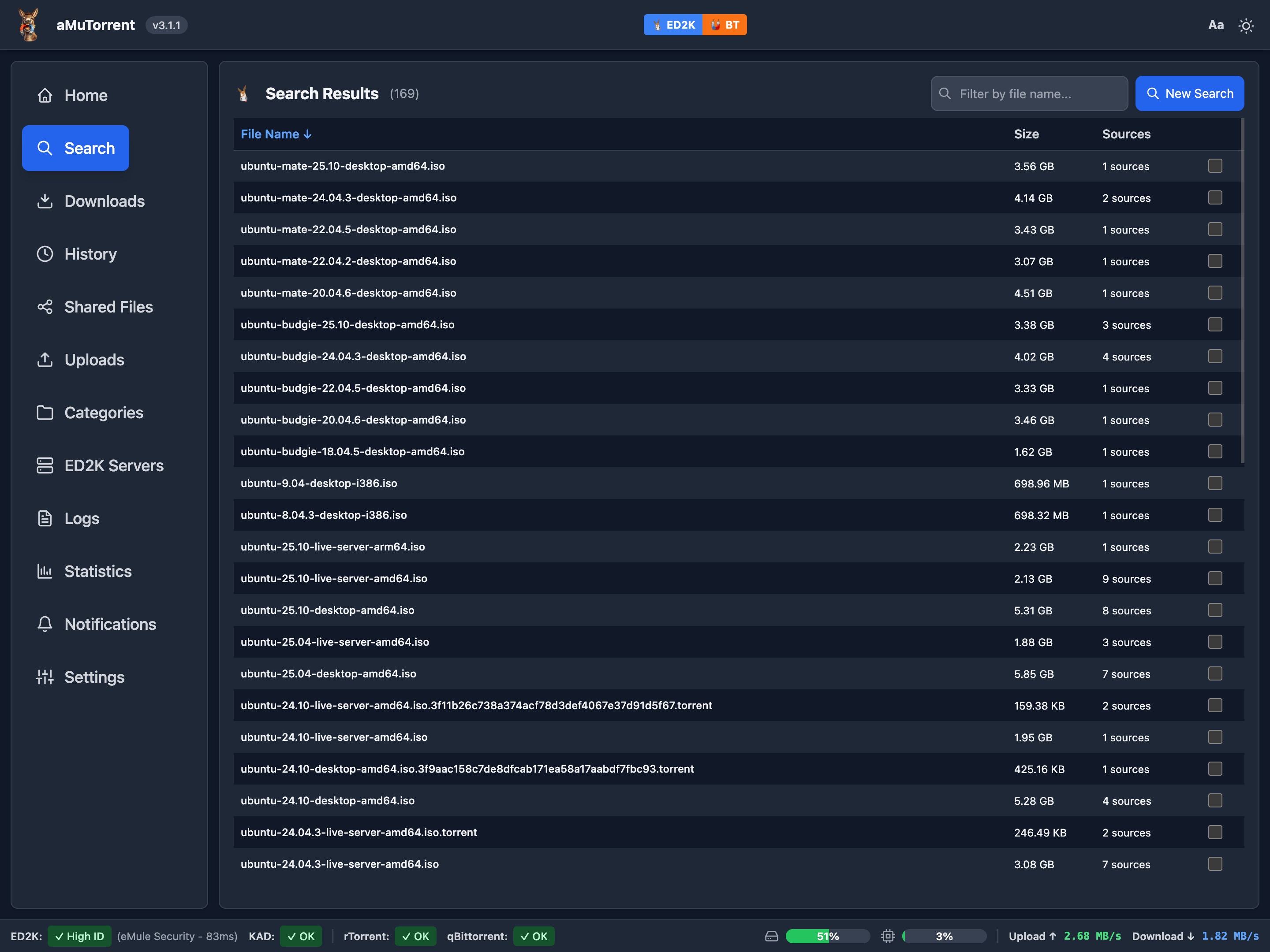
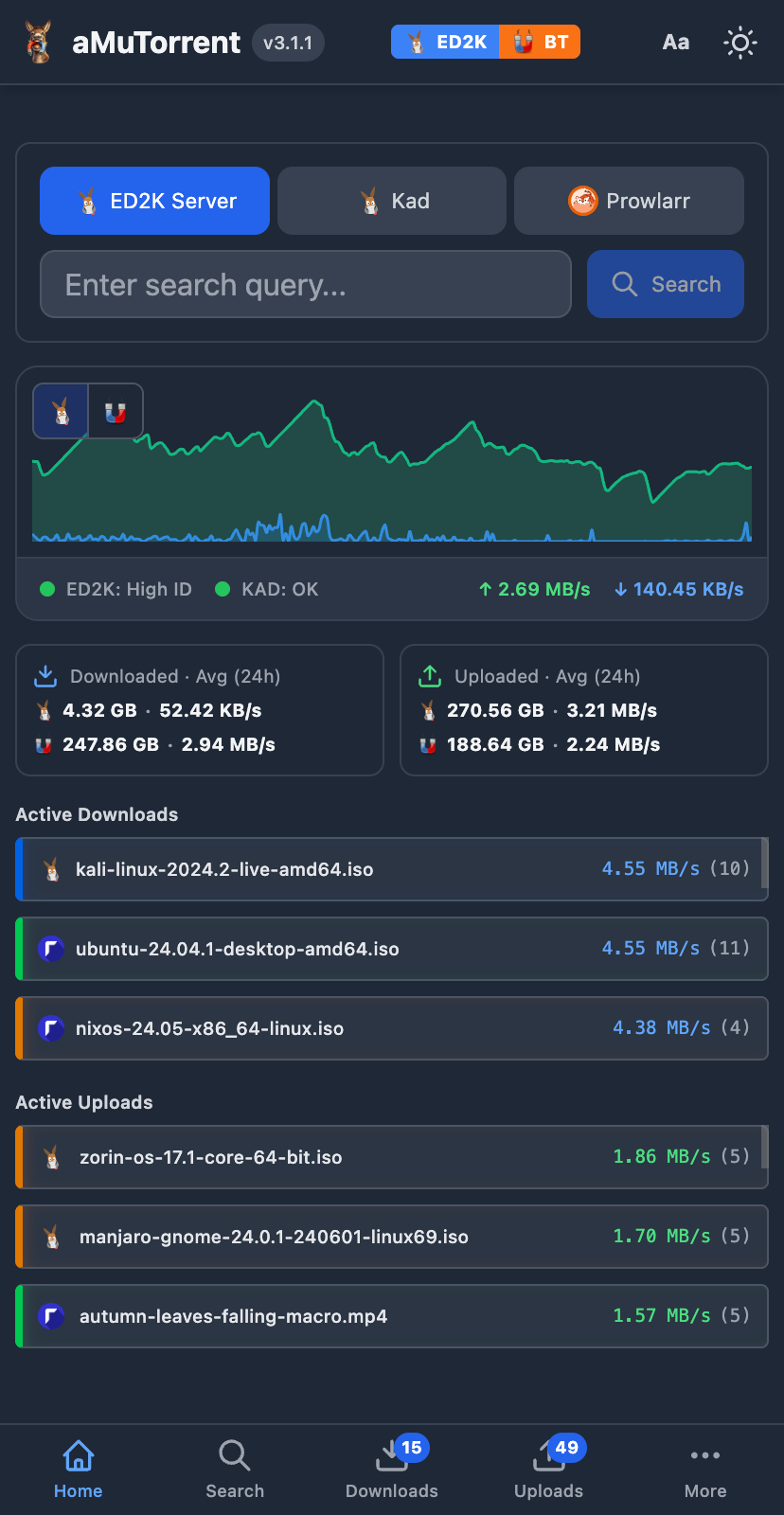
aMuTorrent is a self-hosted web application that provides a unified interface for managing downloads across multiple BitTorrent and eDonkey clients. It connects to aMule, rTorrent, qBittorrent, Deluge, Transmission, and Rucio simultaneously, letting you search ED2K/Kad networks and Prowlarr indexers, control downloads, organize with categories, and monitor uploads with GeoIP peer locations. The project includes multi-user authentication with trusted proxy SSO (Authelia, Authentik), notifications via Apprise supporting 80+ services, Torznab indexer and qBittorrent-compatible APIs for Sonarr/Radarr integration, and custom event scripting. It runs via Docker, Docker Compose, or native Node.js, with a responsive web UI featuring dark mode and real-time WebSocket updates.
Should you self-host amutorrent?
amutorrent scores 50/100 on selfhost.directory (how scoring works) and ranks #27 of 45 in Download Management. It has 298 GitHub stars.
It shipped 20 stable releases in the past year. The latest, v3.9.8, came out on 8 October 2026. New versions land roughly every 4 days.
Setup is moderate: expect some configuration beyond a single command. An official Docker image is available. It is MIT-licensed and written mostly in JavaScript.
Its closest alternative on selfhost.directory is cobalt (83/100, 45 582 stars). It scores higher overall, so compare the two before you pick. See amutorrent vs cobalt side by side.
Features
- Batch Operations
- Category Management
- Custom event scripts
- Download control
- Download History
- File operations
- Historical statistics
- Multi-Client Support
- Push Notifications
- Real-time Search
- Shared files management
- Sonarr/Radarr Integration
- Upload tracking with GeoIP
- User Management
amutorrent README
More in Download Management
 anorakAnorak is a self-hosted, open-source torrent grabber that searches Jackett indexers and sends torrents to Transmission as a general-purpose alternative to *arr apps.
 aria2-ariang-dockerSelf-hosted, open-source Docker image bundling Aria2, AriaNg, File Browser, and Rclone — runs on ARM and x86 with auto HTTPS via Caddy.
 AriaNgA self-hosted, open-source web UI for the aria2 download daemon: pure HTML and JS files you serve yourself, with task sorting, dark theme and multi-RPC-host support.
 Audiobookbay-DownloaderSelf-hosted web app to search and download audiobooks from AudiobookBay using Jackett, with Transmission, qBittorrent, or Decypharr, plus Beets and Goodreads sync.
 autobrrSelf-hosted and open-source: watches tracker IRC channels plus RSS, Torznab and Newznab feeds, filters each release, then pushes it to your torrent or Usenet clients.
 betaninSelf-hosted, open-source bridge between your torrent client and beets music library: it imports completed downloads, tags them and notifies you via apprise.
 binderySelf-hosted book download manager that monitors authors, searches indexers, downloads via SABnzbd/qBittorrent, and organizes your library — a Readarr alternative
 binhex-soularrSoularr is a self-hosted Python script that bridges Lidarr and Slskd to automatically search Soulseek for wanted albums and import downloads into Lidarr.
 bookshelfSelf-hosted, open-source ebook and audiobook manager that monitors RSS feeds, grabs new releases, and organizes them using Goodreads or Hardcover metadata.
 ChannelHoarderSelf-hosted, open-source tool that watches channels on multiple video sites and saves new uploads in a Plex-friendly layout with a modern web UI.
 ChannelTubeSelf-hosted YouTube channel downloader using yt-dlp with scheduled syncs, format options, and Plex/Jellyfin integration.
 CinephageA single self-hosted app that manages movies, series, live TV, and streaming — replacing Radarr, Sonarr, Prowlarr, Bazarr, Overseerr, and FlareSolverr.
0 comments