
Self-host 1flowbase
v0.5.8AI Gateway and app runtime you host yourself for agents
- Stars
- 284
- Port
- 3100 (Web console)
- Requires
- PostgreSQL
ghcr.io/taichuy/1flowbase-web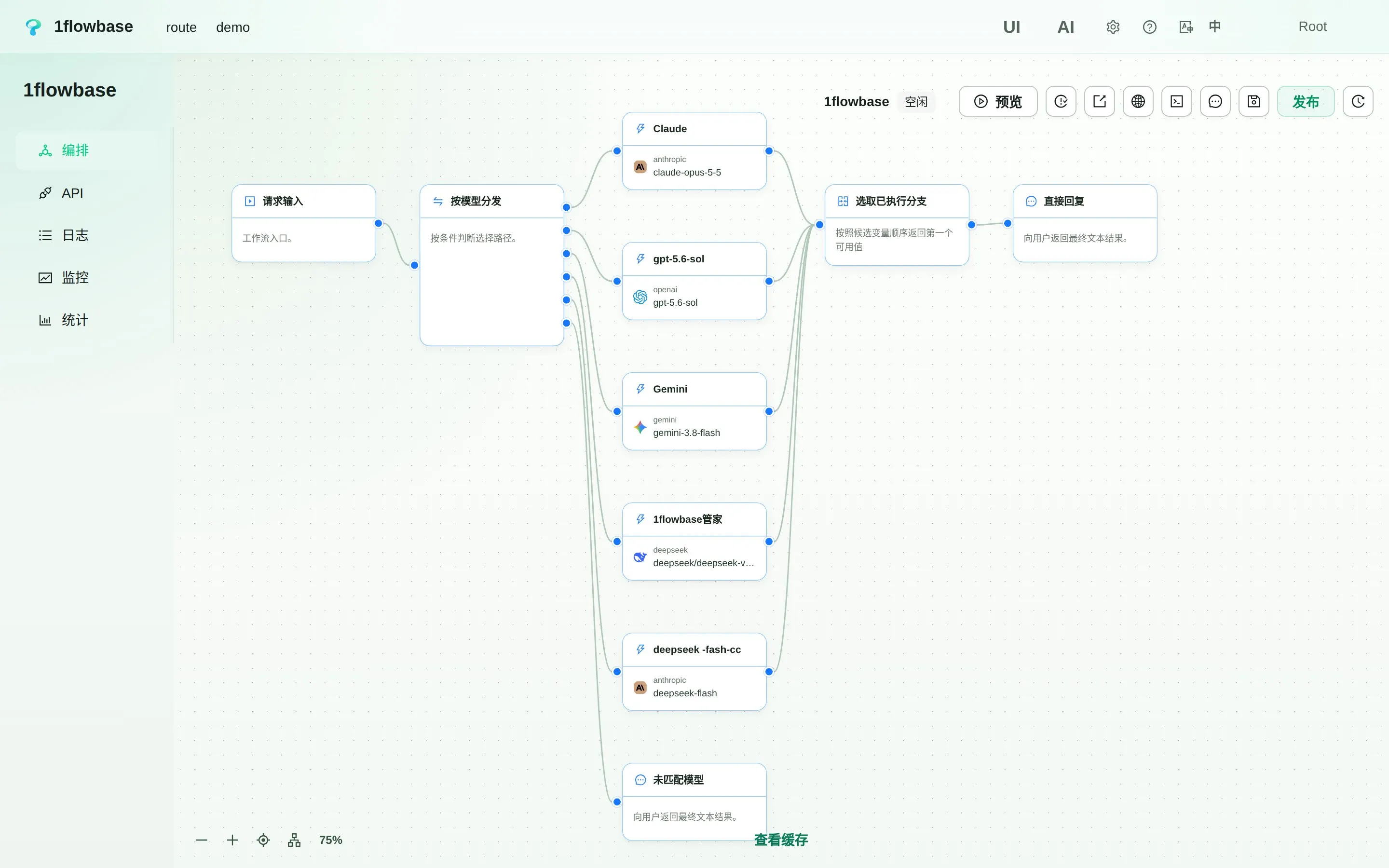
What is 1flowbase?
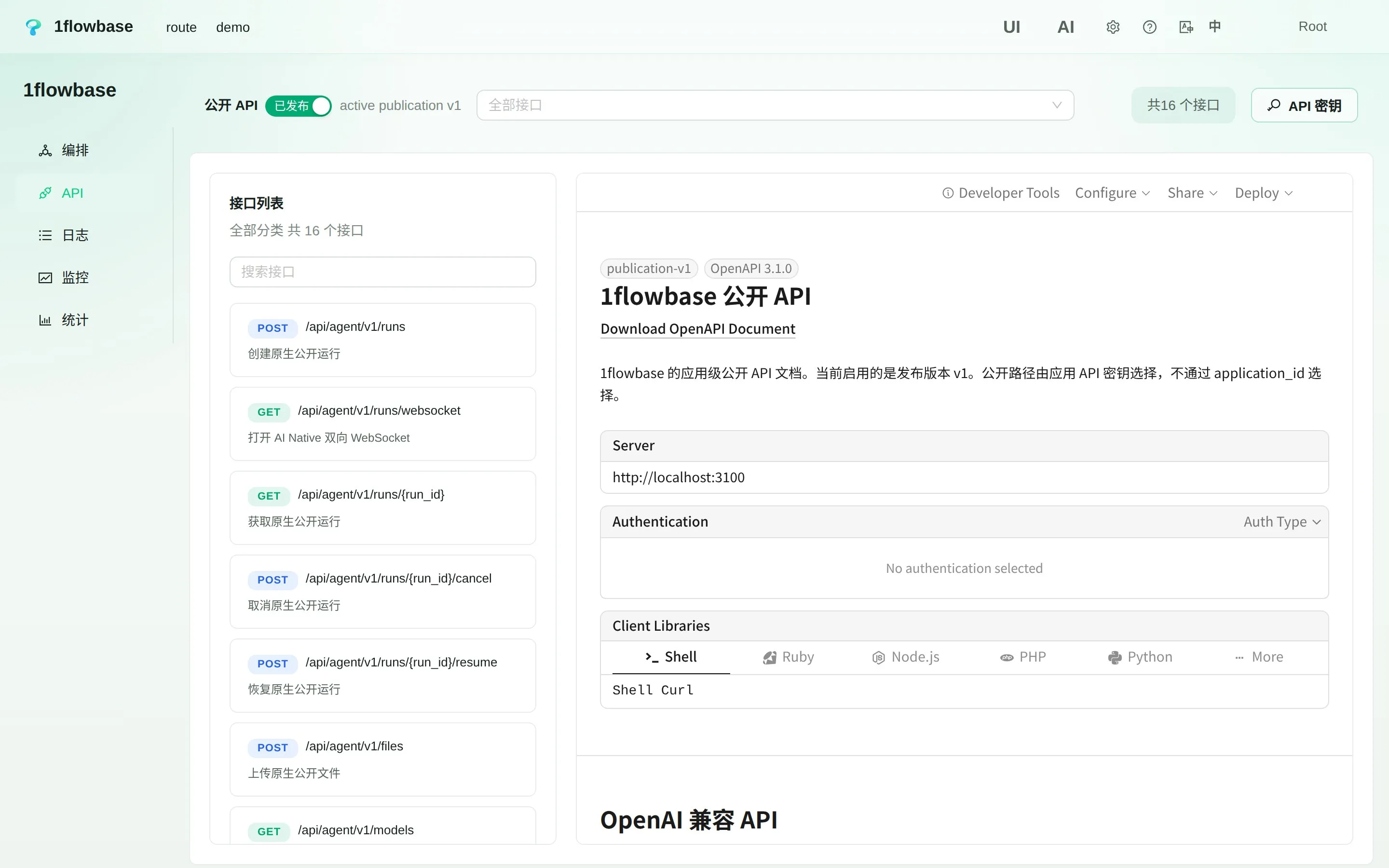
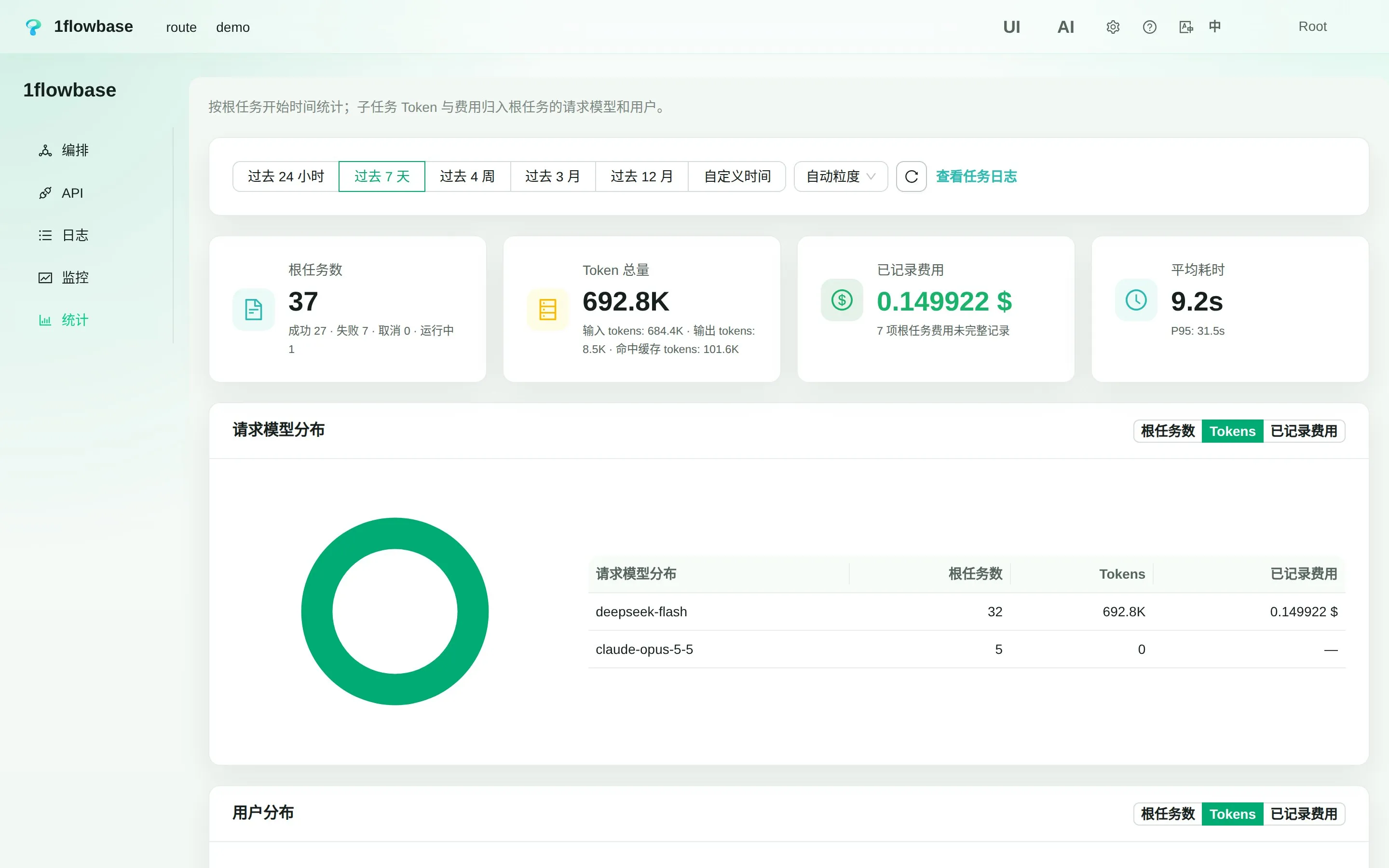
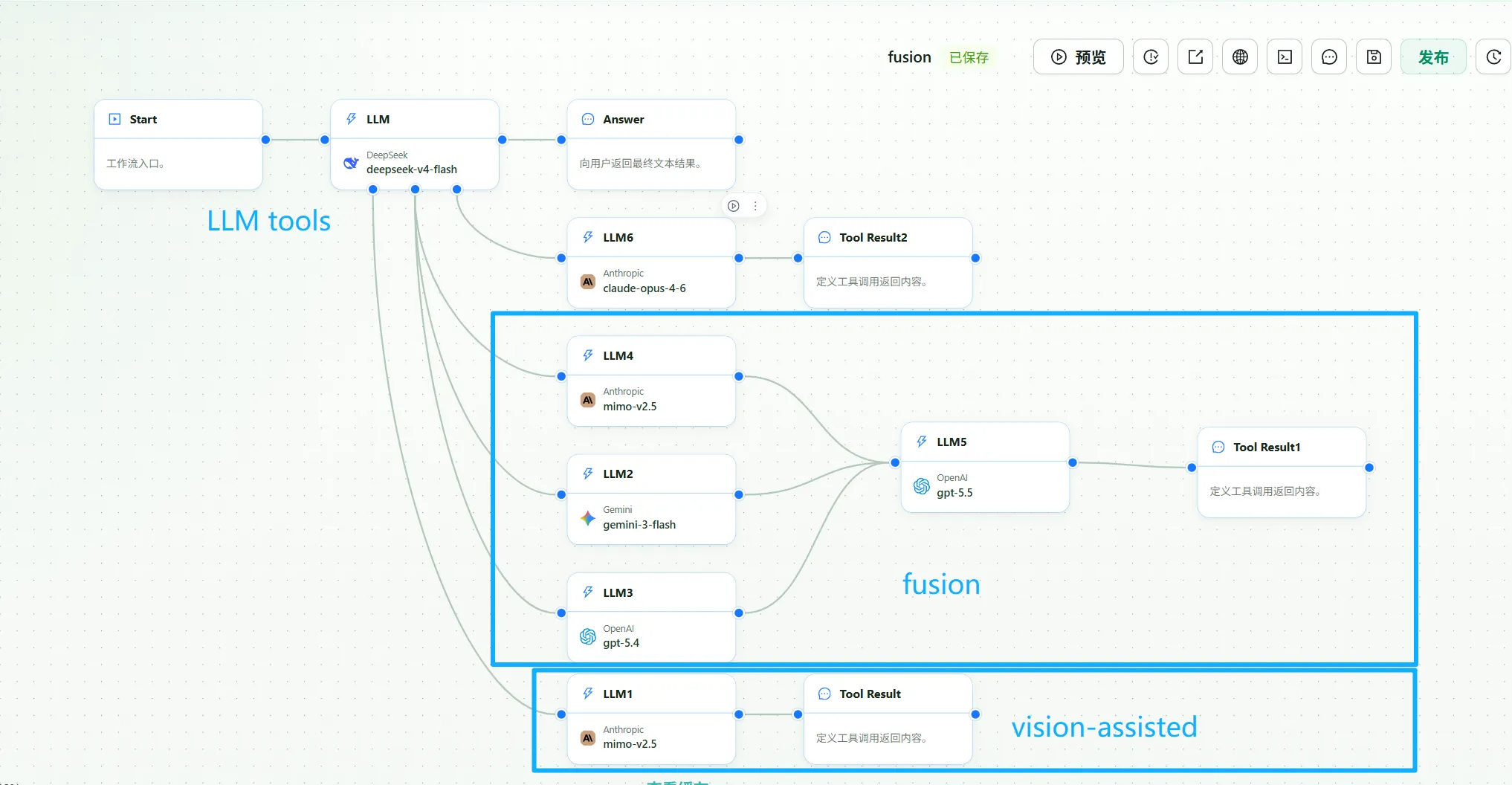
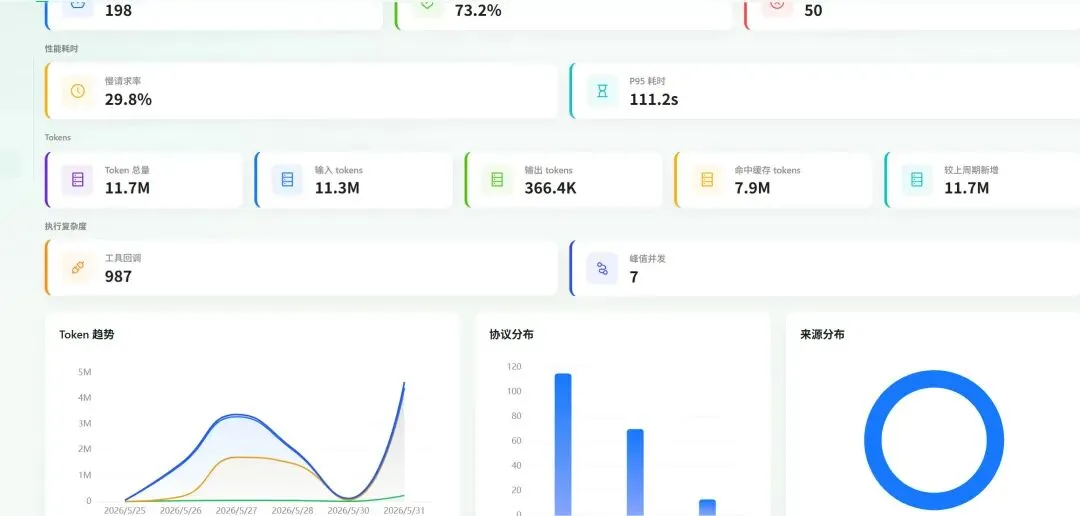
An AI Gateway and application runtime you host yourself, built for agents. One entry point serves many model providers — OpenAI, Anthropic, Gemini, DeepSeek, and any OpenAI-compatible API — handling conversion among three major AI protocols. All gateway conversations persist in PostgreSQL, creating a reusable dataset for cost tracking, model evaluation, and business logic. Build visual workflows that merge models and tools into virtual models, define dynamic business tables with auto-generated CRUD APIs and OpenAPI 3.1 specs, and craft custom React interfaces using native code blocks. Every capability is API-first and reachable by agents through an MCP Gateway with progressive tool discovery (list, get, call). Deploy via Docker images on ghcr.io with internal or external PostgreSQL. Licensed Apache-2.0.
Should you self-host 1flowbase?
1flowbase scores 47/100 on selfhost.directory (how scoring works) and ranks #23 of 39 in API Gateway. It has 284 GitHub stars.
It shipped 21 stable releases in the past year. The latest, v0.5.8, came out on 22 October 2026. New versions land roughly every 2 days.
Setup is advanced: plan for several services and some ongoing maintenance. An official Docker image is available. It is Apache-2.0-licensed and written mostly in Rust.
Its closest alternative on selfhost.directory is OmniRoute (88/100, 82 028 stars). It scores higher overall, so compare the two before you pick. See 1flowbase vs OmniRoute side by side.
Features
- Agent-Native Design
- AI Gateway
- API-First Backend
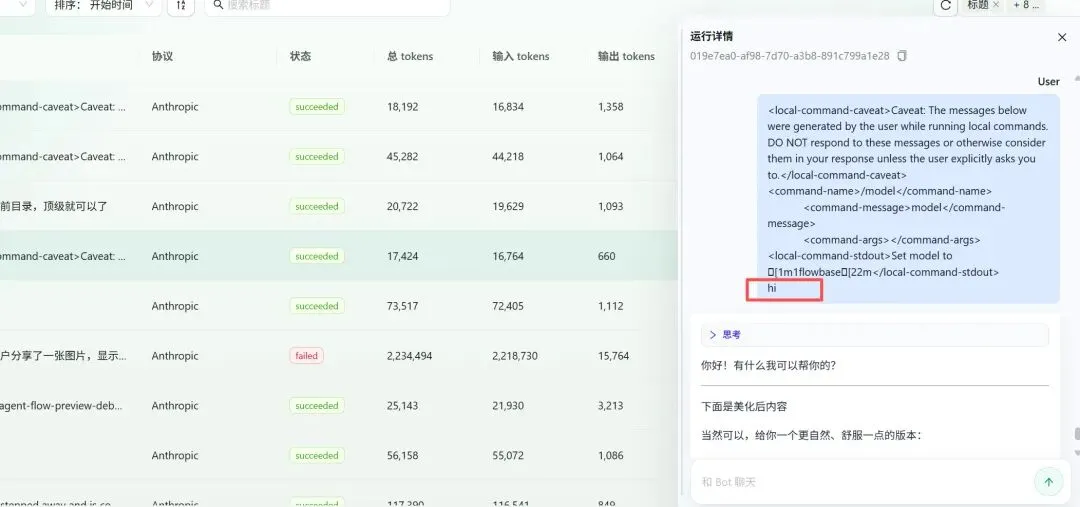
- Conversation Data Retention
- File storage
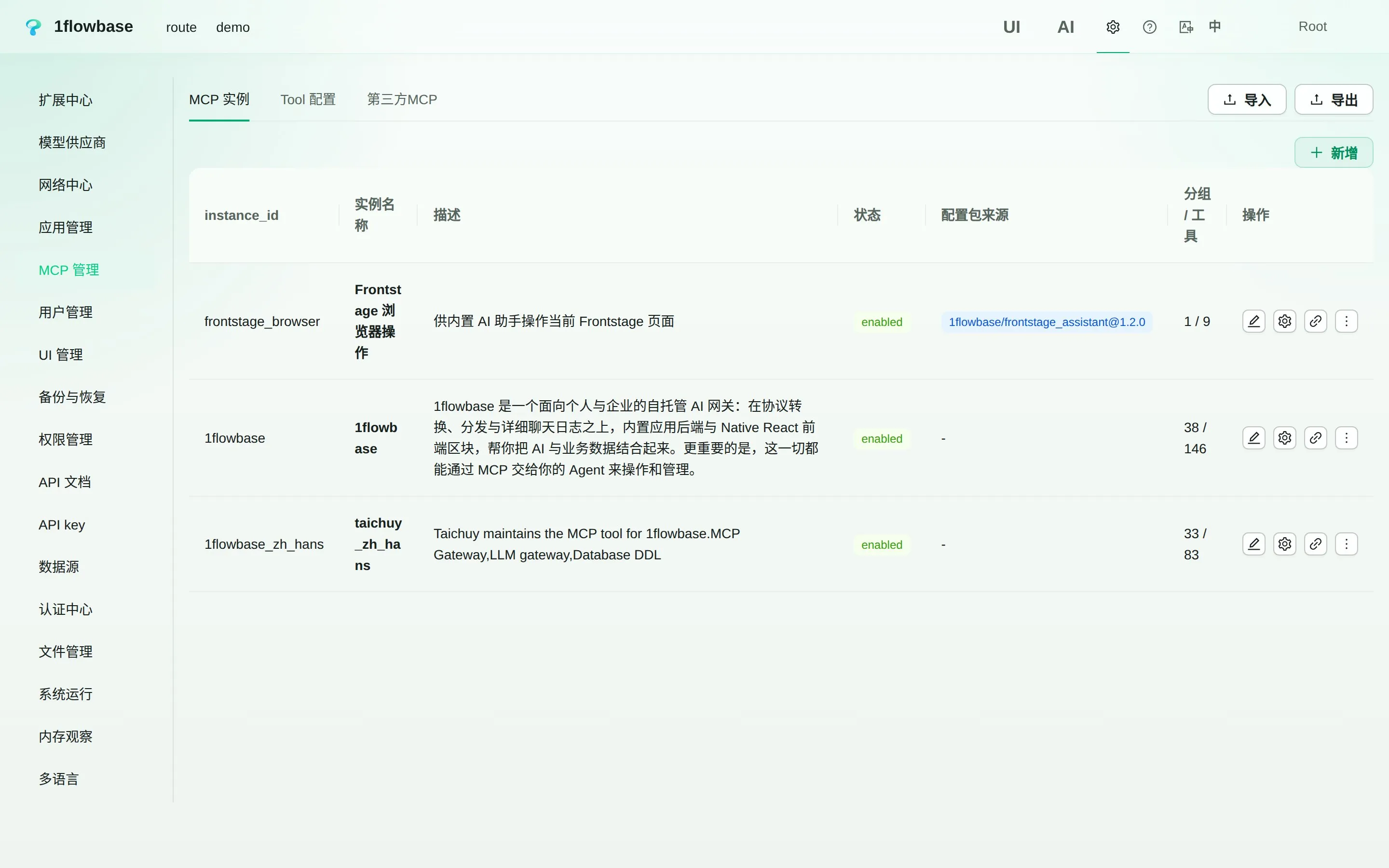
- MCP Gateway
- Model-as-Tool Delegation
- Multi-protocol support
- Observability & Audit
- Plugin System
- React Blocks
- Usage analytics
- Workflow Engine
- Workspaces
1flowbase README
FAQ
Is it free to use?
1flowbase is open source under Apache License 2.0. You provide the hosting, database and model-provider access; those may have their own costs.
Are application templates available?
Gateway applications can already be configured from Agent templates, and the extension center has a place for application templates. Ready-made business application templates are still in progress.
Can an agent build a complete application?
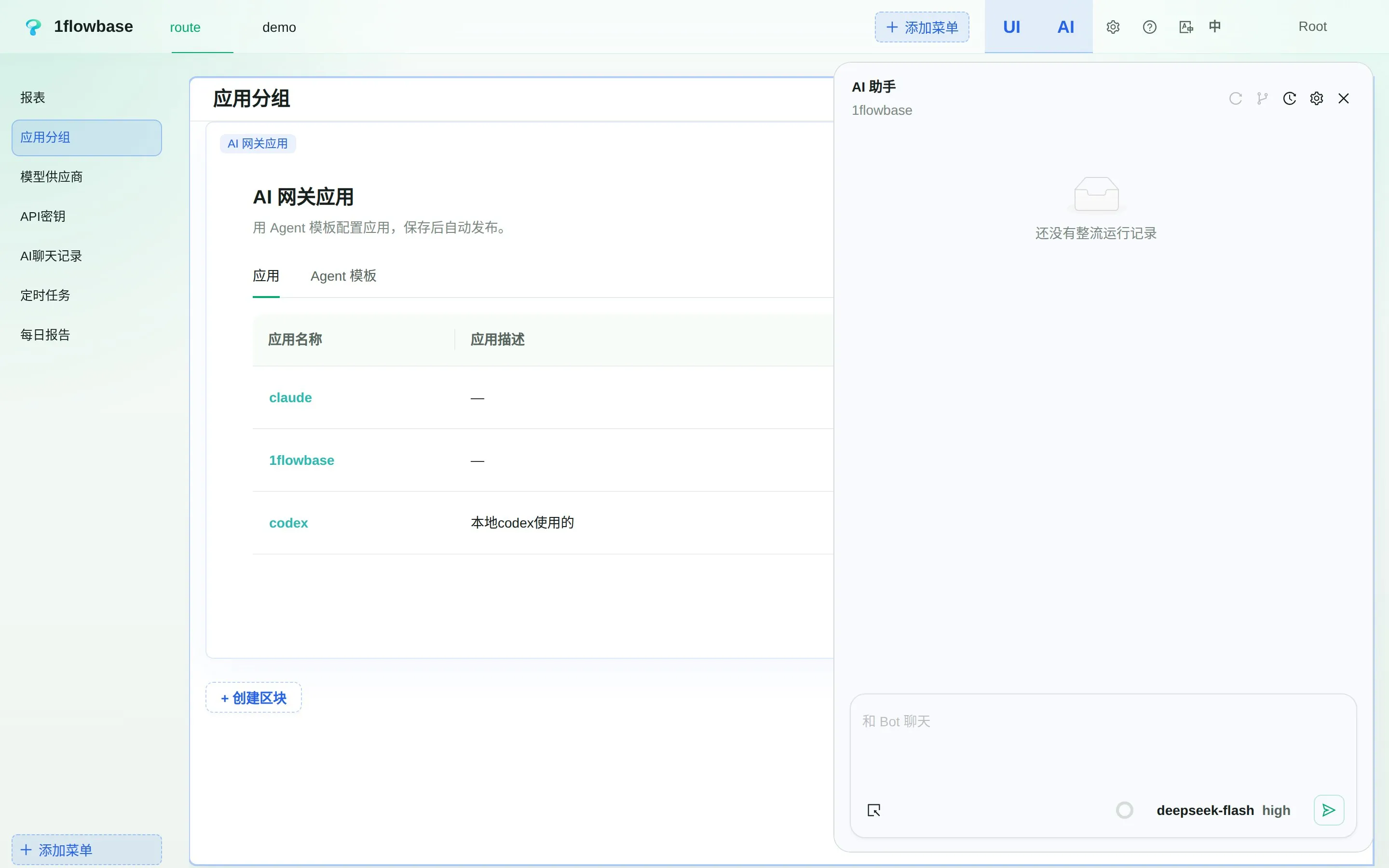
The runtime is API-first and its capabilities are exposed through MCP, and the console includes a built-in AI assistant. The official tools and agent experience are still being improved.
Where is my data stored?
PostgreSQL is the current primary data source. Gateway conversations are retained there, alongside your business data.
Which AI protocols are supported?
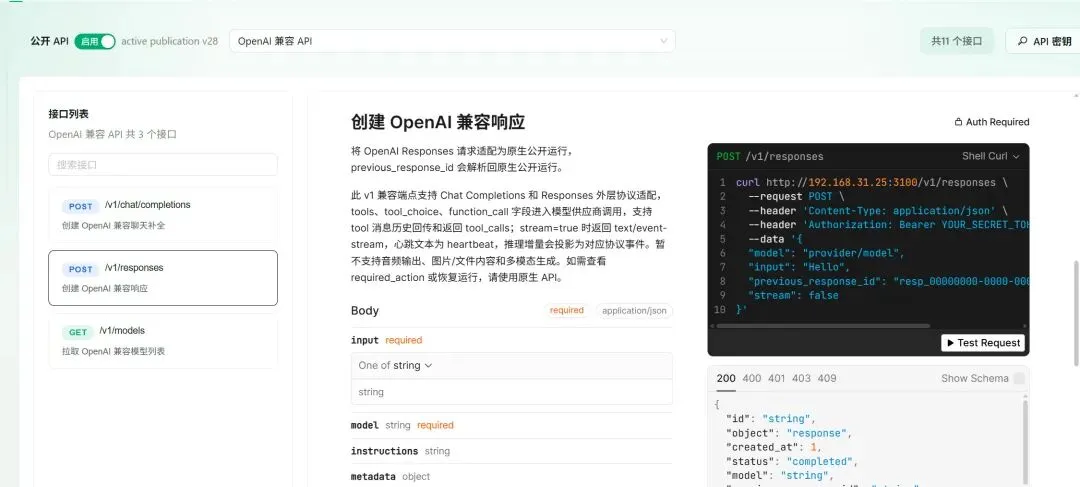
1flowbase converts between Anthropic Messages, OpenAI Chat Completions and OpenAI Responses. Each application publishes /v1/messages, /v1/chat/completions, /v1/responses and /v1/models, plus a native agent API with WebSocket, cancel and resume.
What is 1flowbase?
1flowbase is an open-source, self-hostable AI Gateway and AI application runtime that connects model access, workflows, conversation data, APIs, business data, MCP and React interfaces.
More in AI Workflows
 AgentaOpen-source, self-hosted workspace where teams build AI agents by chatting, run them in Slack, Telegram or WhatsApp, and schedule automations on any LLM.
 bifrostOpen-source, high-performance AI gateway that works as your LLM gateway, MCP gateway and agent gateway. One OpenAI-compatible API for 10,000+ models, with failover, load balancing, semantic caching, virtual keys, budgets and MCP Code Mode. Works with any SDK or agent and adds under 200µs of overhead at 5k RPS.
 bishengAn Apache-2.0, self-hosted LLM devops platform for enterprise AI: GenAI workflows, RAG knowledge bases, agents, model management, evaluation, SFT and OCR.
 DEEIX ChatDEEIX Chat is a self-hosted, open-source AI workspace unifying model routing, multimodal chat, RAG, MCP tools, billing, and identity into one deployable platform.
 deer-flowAn open-source long-horizon SuperAgent harness that researches, codes, and creates. With the help of sandboxes, memories, tools, skill, subagents and message gateway, it handles different levels of tasks that could take minutes to hours.
 difyDify is a self-hosted, open-source LLM app platform with visual workflows, RAG pipelines, agents, and model management for taking AI apps from prototype to production.
 duragraphDuraGraph is a self-hosted, open-source control plane for durable AI agent workflows. It uses event sourcing and CQRS to make every run replayable and crash-safe.
 EigentOpen-source desktop app to run single agents or multi-agent workforces; self-host the FastAPI backend with Docker and use any cloud or local model.
 ENZOENZO is a self-hosted AI workspace for 300+ models using your own API keys. Includes self-drafting agents, research, code generation, music player, encrypted vault.
 Evo AIOpen-source, self-hosted workbench for building AI agents: LLM, A2A, sequential, parallel, task and LangGraph workflow types with MCP tools and encrypted API keys.
 giselleGiselle is a self-hosted, open-source AI agent studio for building visual workflows with drag-and-drop, supporting multiple LLM providers and GitHub integration.
 HiClawA self-hosted, open-source multi-agent platform where a Manager agent runs Worker agents in Matrix rooms, with gateway-held credentials and Docker or Helm installs.
0 comments