
Self-host workout-tracker
v2.10.1GPX workout tracker as a single self-contained binary
docker run -p 8080:8080 -v .:/data ghcr.io/jovandeginste/workout-tracker:latest- Stars
- 1 251
- Port
- 8080 (web application (default WT_BIND [::]:8080))
ghcr.io/jovandeginste/workout-tracker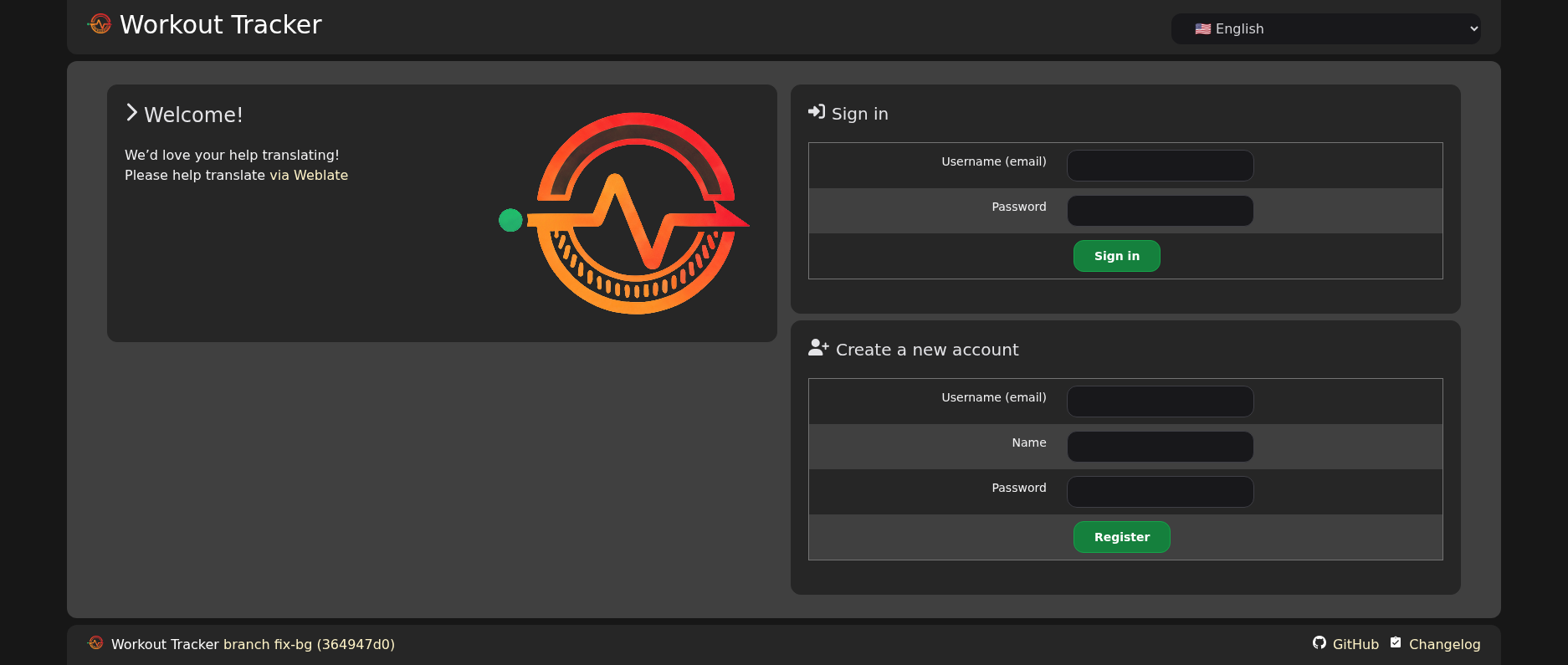
What is workout-tracker?
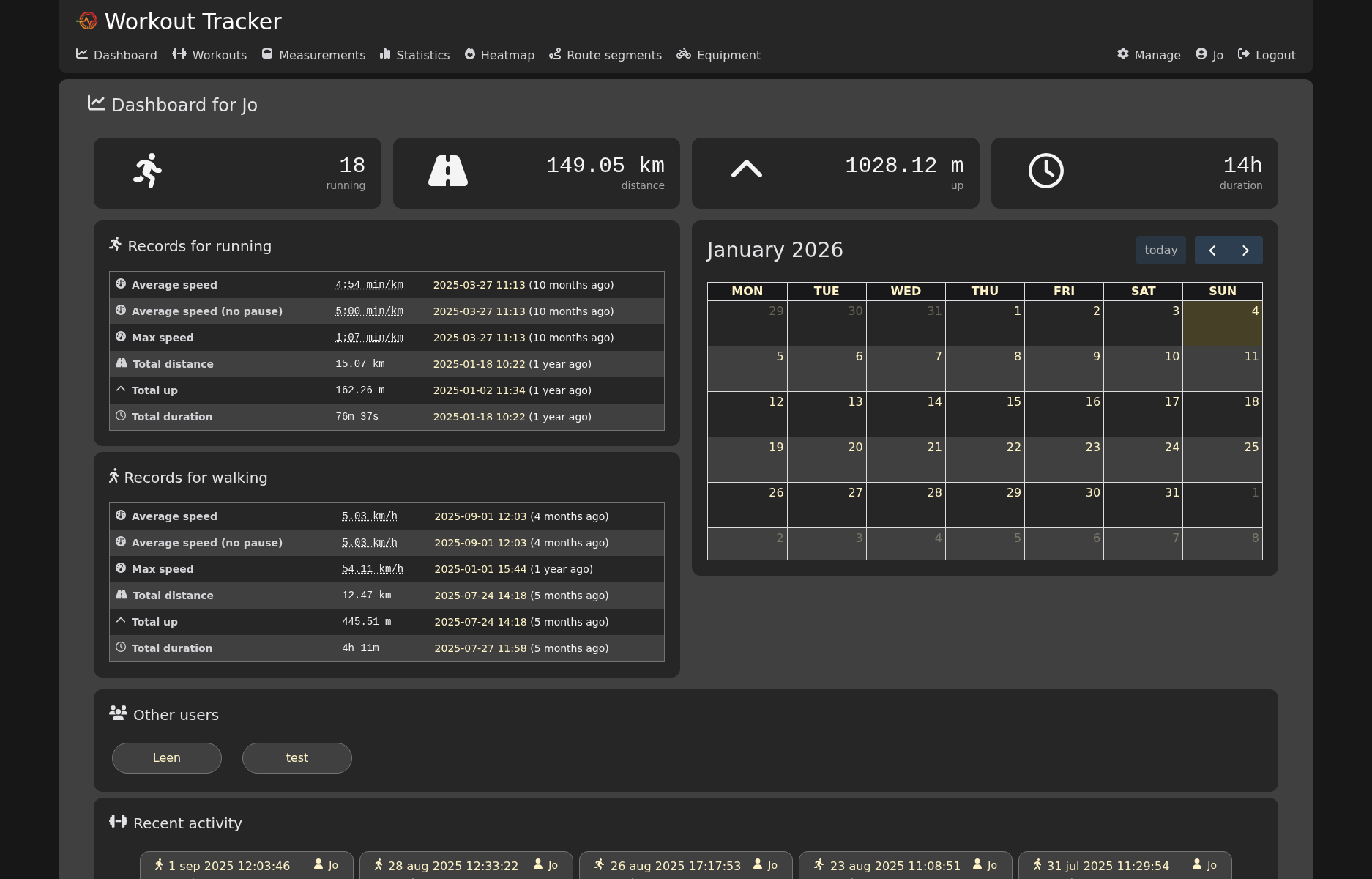
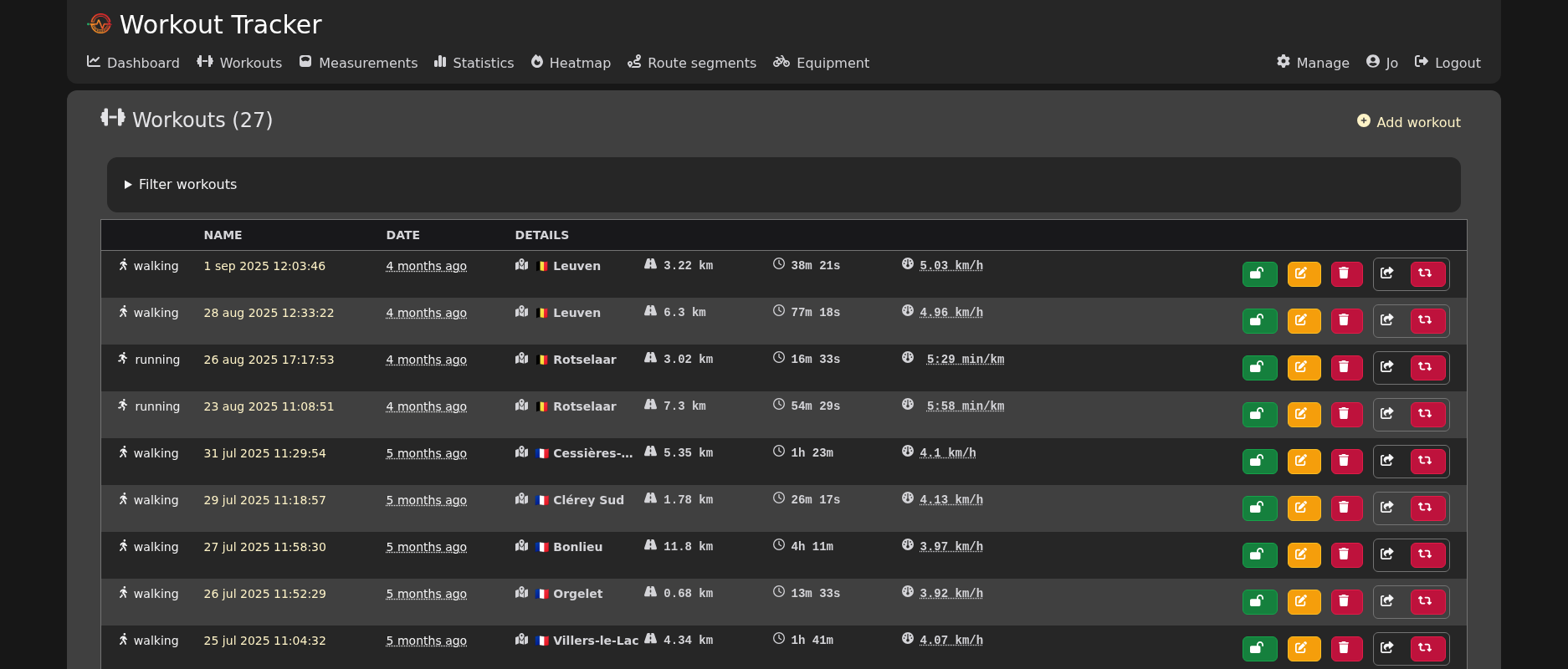
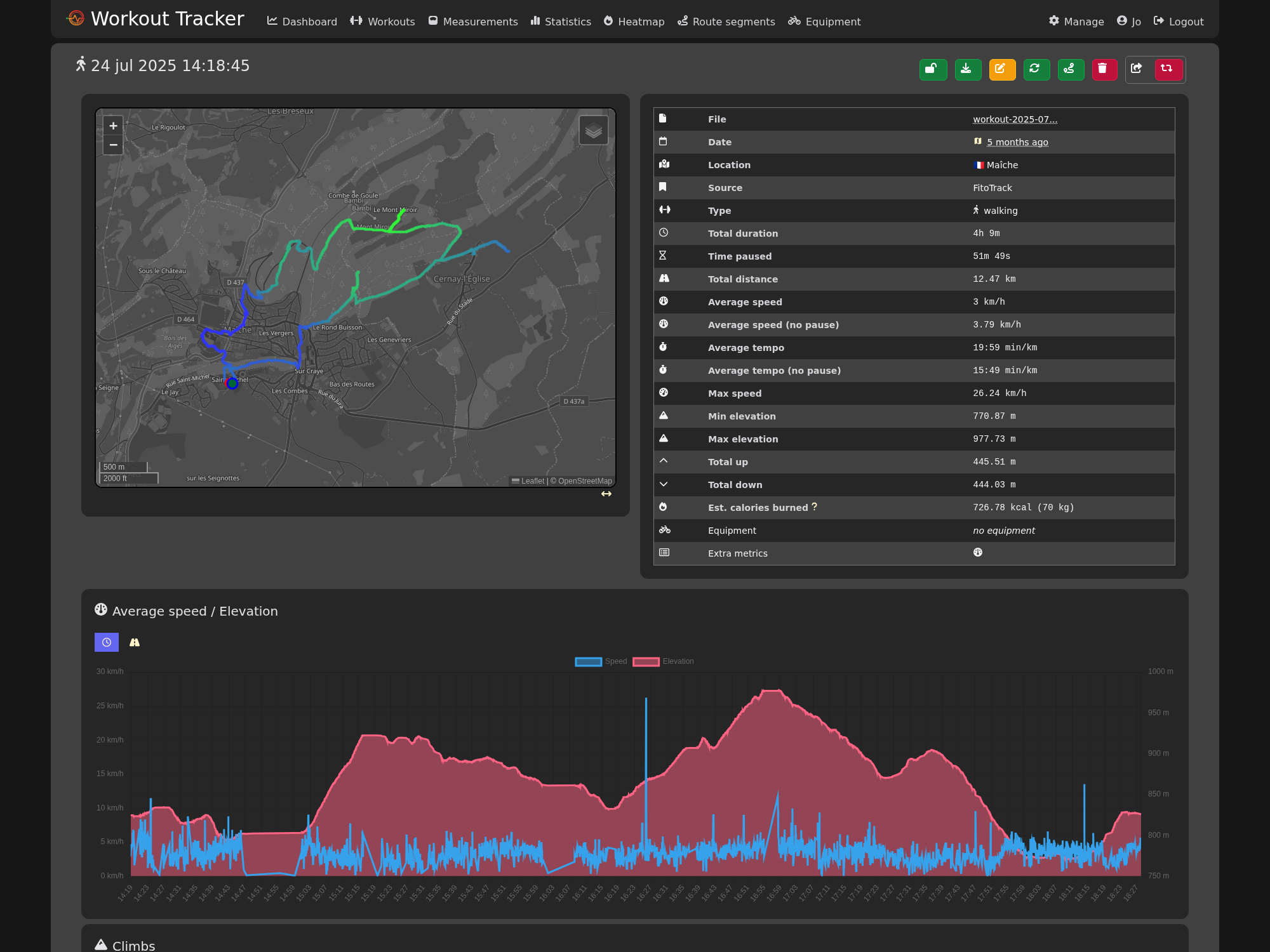
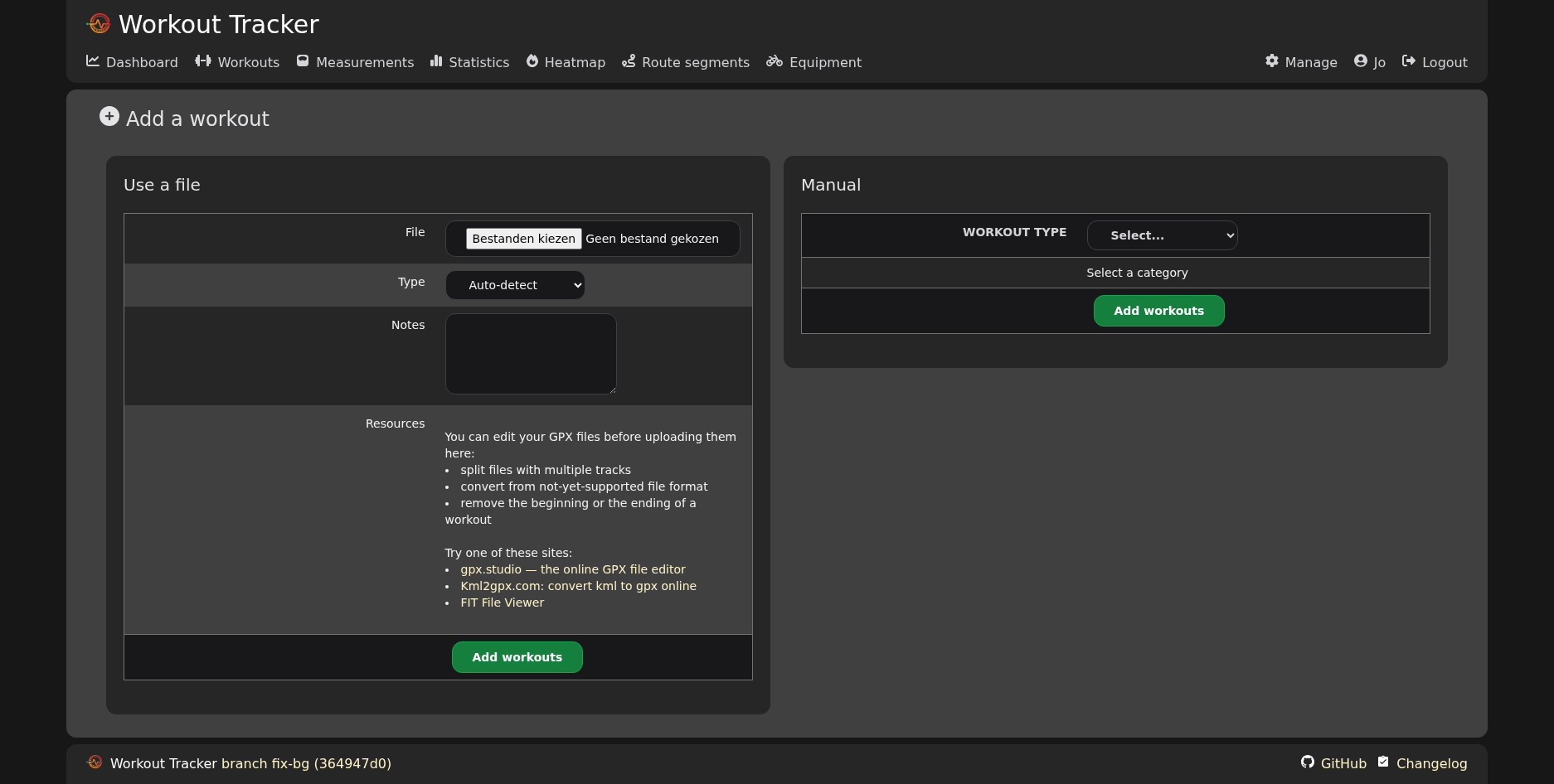
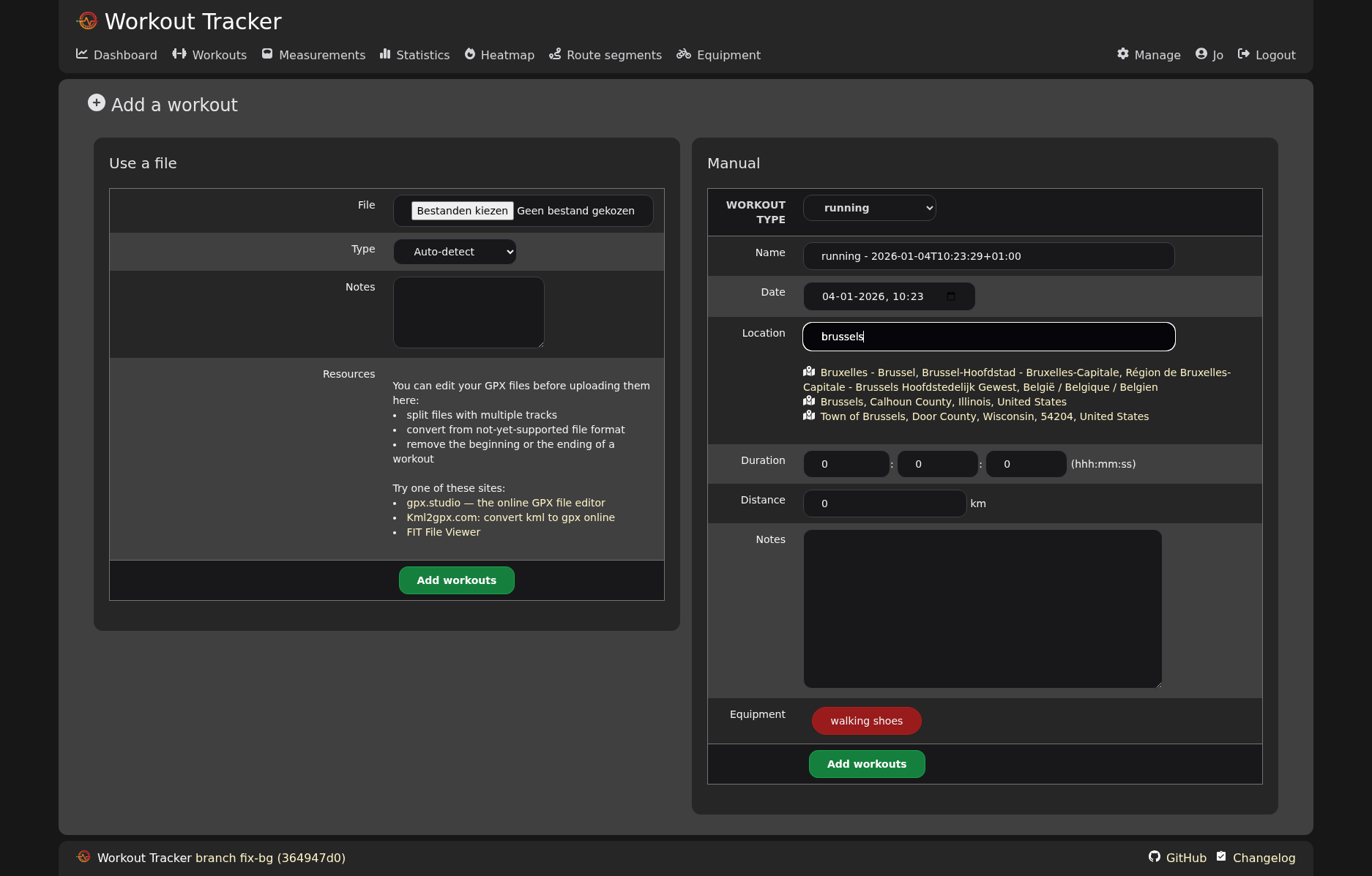
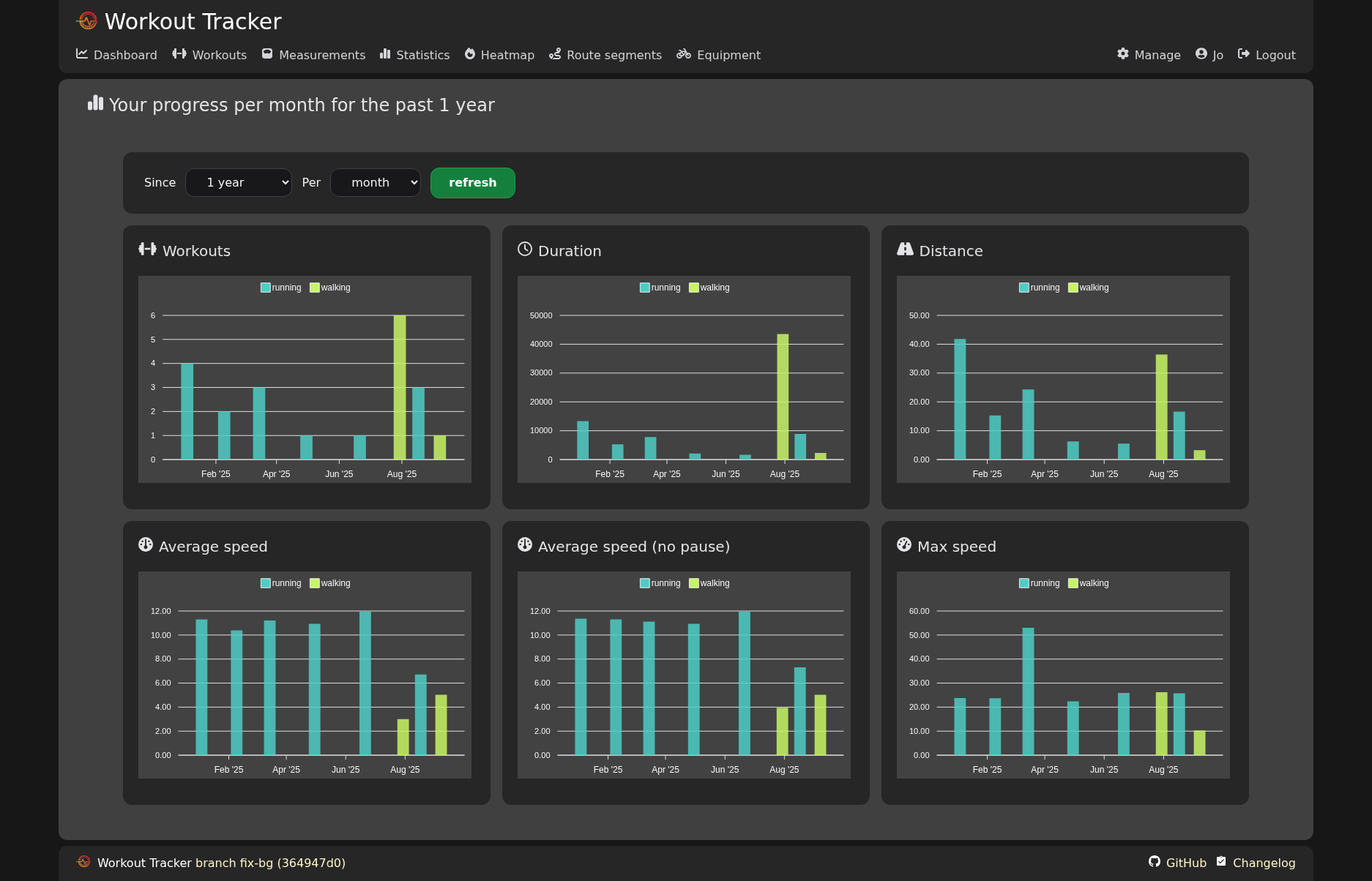
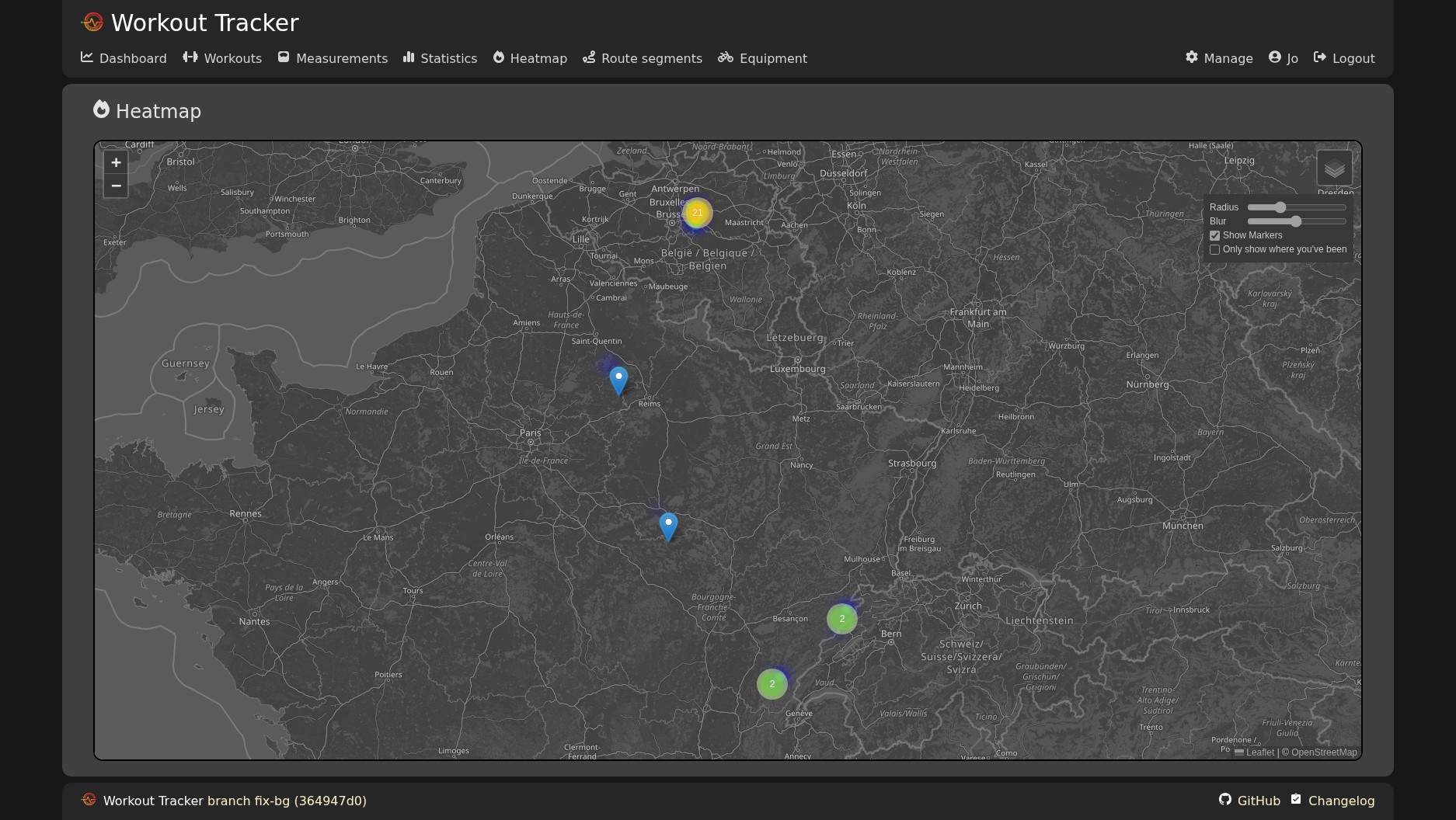
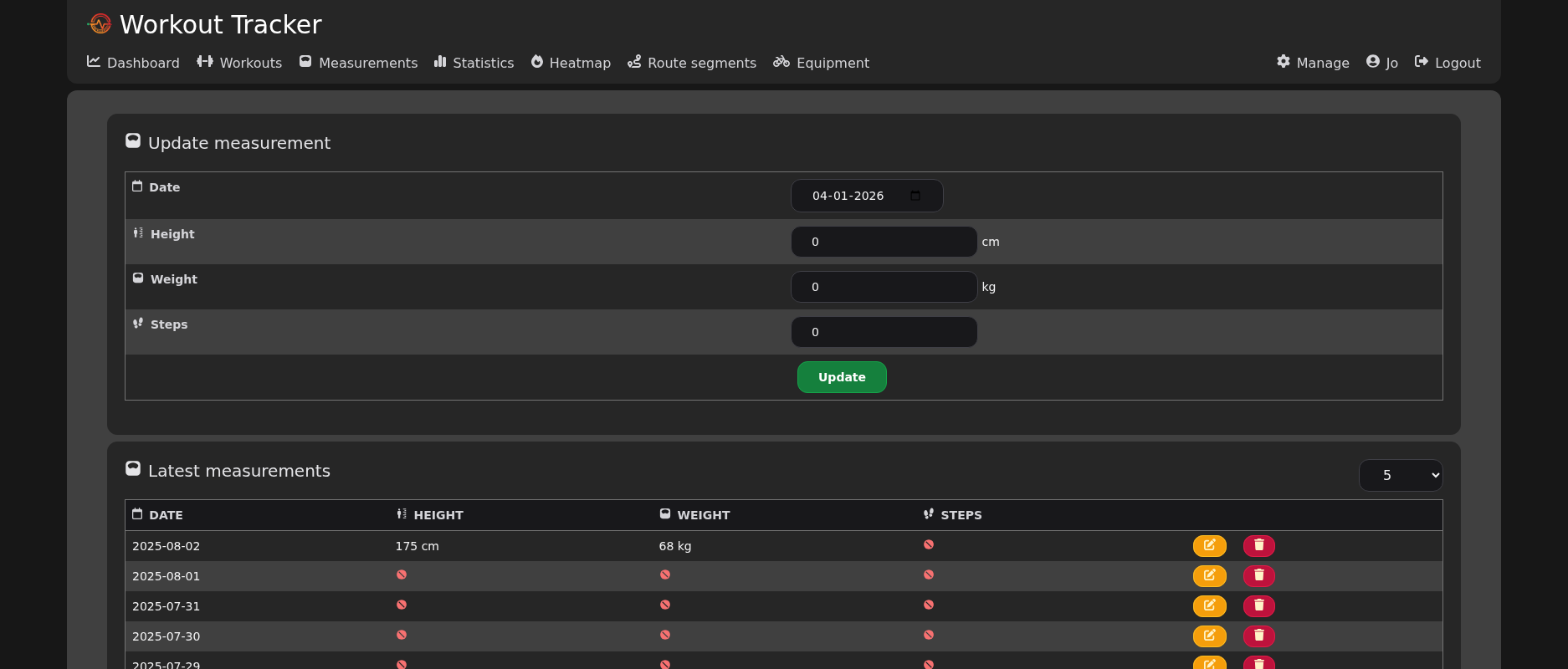
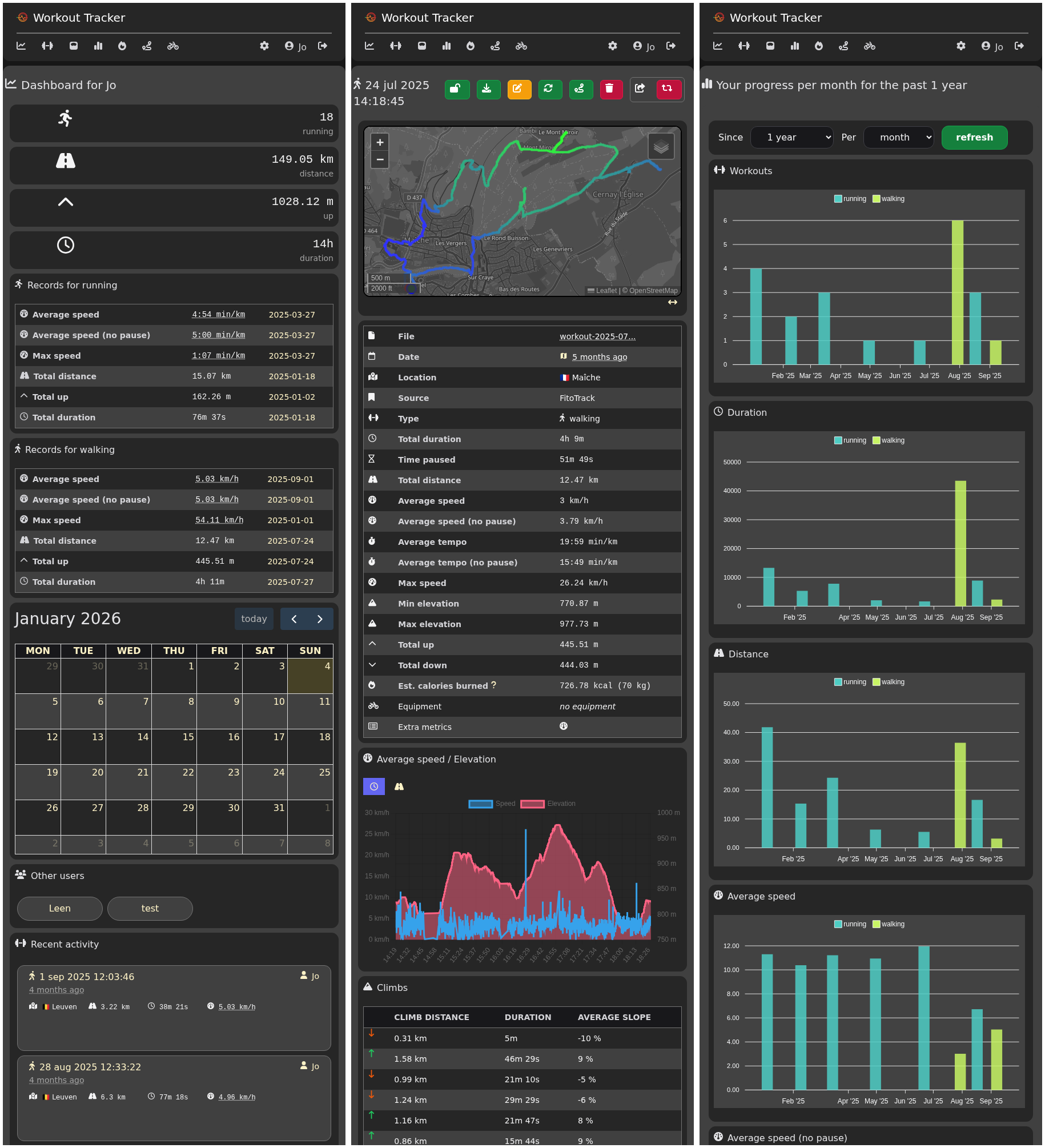
Workout Tracker is a web application for logging workouts, aimed at running and other GPS-recorded activities, and intended for personal use or a small circle of family and friends. Users upload GPX, TCX or FIT recordings, or add workouts by hand; the app parses each file, stores the computed statistics and renders a zoomable map of the track with per-kilometre breakdowns, speed and elevation charts plus optional heart-rate and cadence plots. It also keeps daily measurements such as weight and steps, route segments with automatic match detection, an inventory of equipment in use, monthly aggregate graphs and a personal heatmap. Several people can share one instance: there is a registration form, sessions are signed with JWT, and accounts stay inactive until an admin approves them (registration itself can also be turned off). A Swagger-documented HTTP API with per-user keys accepts imports, including automatic GPX pushes from FitoTrack. Technically it is one Go binary embedding all web assets, defaulting to a single SQLite file, so you can run it natively or from the published ghcr.io image on port 8080, with compose files supplied for SQLite or Postgres. Map tiles and geocoding come from OpenStreetMap and Esri, and a switch disables those outbound requests. File-format support is described as work in progress, and test coverage is still thin.
workout-tracker alternatives
 nutritraceSelf-hosted nutrition tracker with diary, food database, barcode scanning, wearable sync, adaptive TDEE goals, and AI assistant. Docker, AGPL-3.0, no cloud.Comparenutritrace with workout-tracker
 wgerSelf-hosted, open-source web app for workout routines, diet plans and weight tracking, with an exercise wiki, REST API and Android/iOS apps syncing via PowerSync.Comparewger with workout-tracker
 lyftrFree, open-source, self-hosted workout & nutrition tracker with 800+ exercises, gym mode, progress tracking, and native Android app — alternative to Hevy and Strong.Comparelyftr with workout-tracker
 WeightTrackerSelf-hosted, open-source mobile-first app for tracking weight, hydration, activity, blood pressure, and medications with charts and Home Assistant integration.CompareWeightTracker with workout-tracker
 wandererSelf-hosted, open-source trail database to store, plan, and share GPX routes: ActivityPub federation, Valhalla routing, Meilisearch search, iOS/Android app.Comparewanderer with workout-tracker
 Beaver Habit TrackerOpen-source, self-hosted habit tracker for daily and periodic habits, with streaks, notes, categories, import/export and a REST API, run via a single Docker container.CompareBeaver Habit Tracker with workout-tracker
 HabitTroveSelf-hosted gamified habit tracker with coin rewards, streaks, dark mode, PWA support, and multi-language interface.CompareHabitTrove with workout-tracker
 JournivA self-hosted private journal with moods, activities, goals, prompts, media uploads, full-text search and analytics, run with Docker Compose, SQLite or PostgreSQL.CompareJourniv with workout-tracker
Should you self-host workout-tracker?
workout-tracker scores 55/100 on selfhost.directory (how scoring works) and ranks #6 of 11 in Fitness Tracker. It has 1 251 GitHub stars, +4 in the last 30 days.
It shipped 8 stable releases in the past year. The latest, v2.10.1, came out on 15 October 2026. New versions land roughly every 2 weeks.
Setup is easy: most people get it running in one sitting. An official Docker image is available. It is MIT-licensed and written mostly in Go.
Its closest alternative on selfhost.directory is openGym (82/100, 20 187 stars). It scores higher overall, so compare the two before you pick. See workout-tracker vs openGym side by side.
Features
- Admin user management
- Automatic import via API
- Daily measurements
- Equipment tracking
- GPX/TCX/FIT workout upload
- Interactive track map
- Internationalization
- Manual workout entry
- Multi-user accounts
- Offline Mode
- REST API
- Route segments
- Statistics and Graphs
- Workout heatmap
workout-tracker README
More in Fitness Tracker
 EndurainSelf-hosted, open-source training log for workouts, equipment and wellness data; a privacy-focused Strava alternative with Garmin sync, GPX/TCX/FIT imports, MFA and SSO.
 ExerciseDiaryExercise Diary is a self-hosted, open-source workout tracker with GitHub-style heatmap, body weight charts, statistics, and Bootswatch themes. Run via Docker or binary.
 OpenAthleteOpenAthlete is a self-hosted, open-source endurance training platform tracking workouts, CTL/ATL/TSB metrics, syncing with Strava, Garmin, Polar, Suunto.
 openGymOpen-source, self-hosted gym and body-weight tracker: plan weekly routines, log guided workouts over 5,600 exercises, sync devices via passkeys, one docker compose up.
 ryotRoll your own tracker!
 SparkyFitnessSelf-hosted, privacy-first fitness tracking platform with nutrition, exercise, sleep, and cycle tracking plus AI coaching. Alternative to MyFitnessPal.
 tempoSelf-hosted running tracker importing GPX, FIT, CSV from Garmin, Apple Watch, Strava. Workout analytics, maps, heart rate zones, shoe tracking, local data.
- wgerSelf-hosted, open-source web app for workout routines, diet plans and weight tracking, with an exercise wiki, REST API and Android/iOS apps syncing via PowerSync.
 WingfitSelf-hosted fitness app to plan workouts, track personal records, and integrate Whoop/Apple Watch data with OIDC auth and privacy-first approach.
 Workout.coolSelf-hosted, open-source fitness coaching platform to build workout plans, log progress and browse a video exercise database, deployed with Docker Compose and PostgreSQL.
 workout.lolSelf-hosted web app to create personalized workout routines by selecting available equipment and target muscles. Open-source, uses Next.js and MongoDB.
0 comments