
Self-host UniFi-API-Browser
v3.1.0Web-based browser for Ubiquiti UniFi Controller API data
- Stars
- 1 268
- Port
- 8001 (HTTP interface when hosting the tool in a Docker container)


What is UniFi-API-Browser?
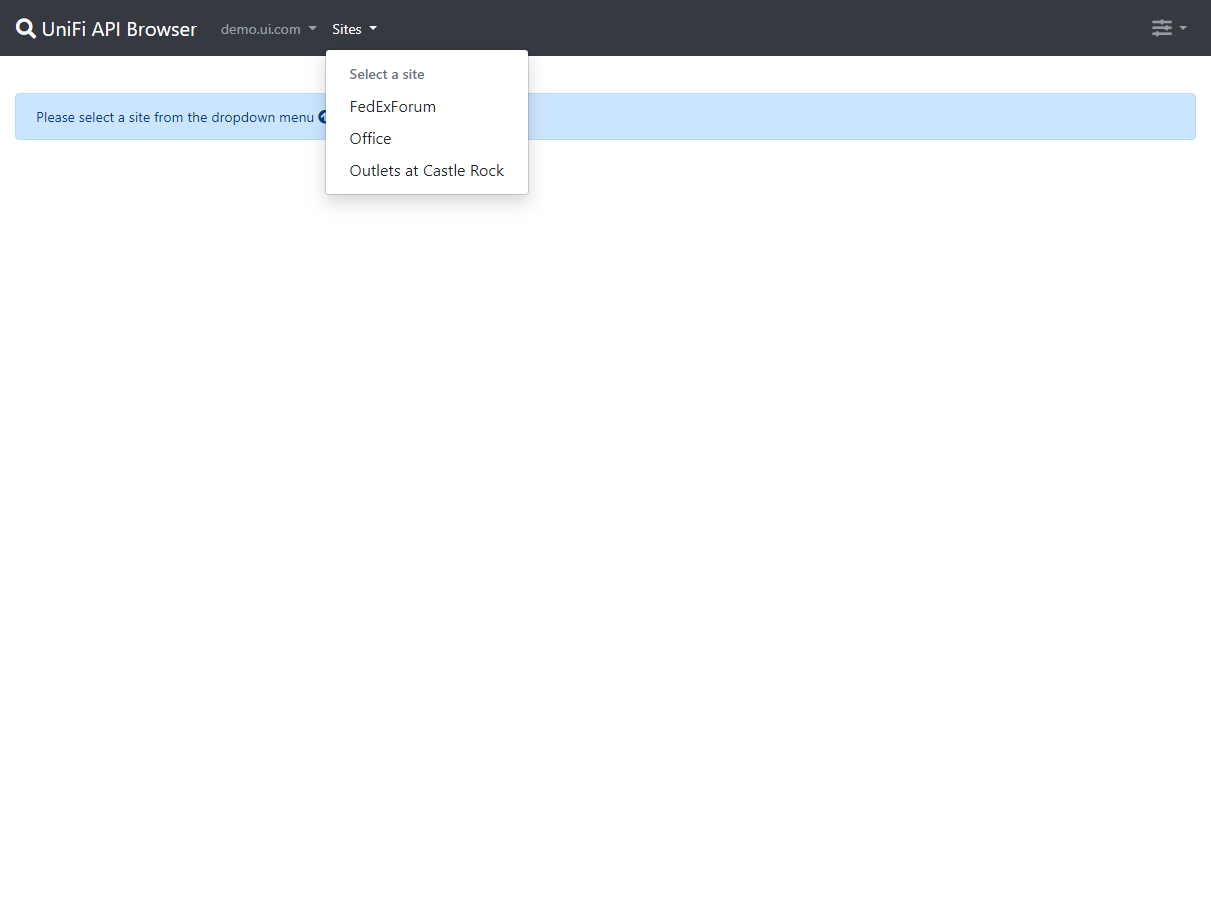
UniFi API browser is a PHP, JavaScript and Bootstrap web application for browsing the data collections a UniFi controller exposes through its API, aimed at network admins troubleshooting a site and at developers building against that API. It handles several controllers at once, covering both the legacy username/password style API and the newer key-based access, with dropdowns for switching controller and site. Results can be rendered as JSON, highlighted JSON, a PHP array, an interactive view, or a highlighted PHP array, copied to the clipboard, and each request reports its timing so you can benchmark the controller. Custom entries can be added to the Collections dropdown for legacy controllers, and an About modal reports PHP, cURL and controller versions. You install it by cloning or unzipping it into a web server root that runs PHP 8.1 or newer with php-curl, then copying the config template to config/config.php; an optional users.php adds its own login, which the security notice strongly recommends. A community-maintained Docker image published by @scyto is described in the repository wiki, though the project states it does not support container-based installs, and not every controller endpoint is covered.
UniFi-API-Browser alternatives
 unifi-toolkitSelf-hosted, open-source toolkit for managing and monitoring UniFi networks with real-time dashboards, device tracking, threat monitoring, and firewall lockdowns.Compareunifi-toolkit with UniFi-API-Browser
 UniFi Docker ContainerSelf-hosted Docker container for UniFi Network Application to manage Ubiquiti devices. Open-source Apache-2.0 with multi-arch support.CompareUniFi Docker Container with UniFi-API-Browser
 NetworkOptimizerSelf-hosted UniFi NMS with Wi-Fi optimization, security auditing, ISP health scoring, and multi-site management for up to 3 sites free.CompareNetworkOptimizer with UniFi-API-Browser
 UniFi-PollerThis open-source, self-hosted poller gathers UniFi controller data every 30 seconds and feeds InfluxDB, Prometheus or Loki, with thirteen ready-made Grafana dashboards.CompareUniFi-Poller with UniFi-API-Browser
 RaspAPOpen-source, self-hosted wireless router and access point web interface for Debian-based devices like the Raspberry Pi, adding VPN, ad blocking and DHCP control.CompareRaspAP with UniFi-API-Browser
 unifi-gatewaySelf-hosted Python daemon emulating a Ubiquiti UGW3 gateway so non-Ubiquiti routers appear in UniFi Controller with full network topology.Compareunifi-gateway with UniFi-API-Browser
 homarr-iframesSelf-hosted Go API generating embeddable iFrames for 17+ services like Linkwarden, Vikunja, Overseerr, Sonarr, Radarr, Uptime Kuma — works in any dashboard.Comparehomarr-iframes with UniFi-API-Browser
 unifi-voucher-siteSelf-hosted web app for creating and managing UniFi guest vouchers with OIDC, REST API, thermal printing, email, and kiosk mode.Compareunifi-voucher-site with UniFi-API-Browser
Should you self-host UniFi-API-Browser?
UniFi-API-Browser scores 57/100 on selfhost.directory (how scoring works) and ranks #11 of 34 in Network Management. It has 1 268 GitHub stars, +5 in the last 30 days.
It shipped 2 stable releases in the past year. The latest, v3.1.0, came out on 19 October 2026. New versions land roughly every 8 months.
Setup is moderate: expect some configuration beyond a single command. It is MIT-licensed and written mostly in PHP.
Its closest alternative on selfhost.directory is 3x-ui (85/100, 49 626 stars). It scores higher overall, so compare the two before you pick. See UniFi-API-Browser vs 3x-ui side by side.
Features
- About modal with version info
- Access restriction via own user accounts
- API call timing details
- API data collection browsing
- Copy results to clipboard
- Custom Collections menu entriesHidden when an official API controller is selected
- Debug mode for cURL
- Dual authentication modes (password and API key)
- Multiple controllers with type switching
- Multiple Output Formats
- Multi-site switching
- Theme selection
UniFi-API-Browser README
This tool allows you to browse data exposed through the UniFi Controller API, developed using PHP, JavaScript, and the Bootstrap CSS framework. It comes bundled with two API clients:
- The classic PHP API client (UniFi-API-client) for username/password authentication against the classic UniFi Controller API
- The official UniFi Network Application API client (unifi-network-application-api-client) for API key authentication against the official UniFi Network Application API
More in Network Management
- UniFi Docker ContainerSelf-hosted Docker container for UniFi Network Application to manage Ubiquiti devices. Open-source Apache-2.0 with multi-arch support.
- unifi-gatewaySelf-hosted Python daemon emulating a Ubiquiti UGW3 gateway so non-Ubiquiti routers appear in UniFi Controller with full network topology.
 Unifi-Network-ApplicationSelf-hosted Docker deployment scripts and compose files for UniFi Network Application with MongoDB, supporting generic systems, DietPi, and CasaOS.
- unifi-toolkitSelf-hosted, open-source toolkit for managing and monitoring UniFi networks with real-time dashboards, device tracking, threat monitoring, and firewall lockdowns.
- unifi-voucher-siteSelf-hosted web app for creating and managing UniFi guest vouchers with OIDC, REST API, thermal printing, email, and kiosk mode.
 WakupatorWakupator is a self-hosted Linux daemon that wakes up LAN machines via Wake-on-LAN when detecting traffic to spoofed IPs, reducing energy waste for home servers.
 WGDashboardSelf-hosted open-source dashboard to manage WireGuard and AmneziaWG VPN servers with web UI, peer management, QR codes, and 2FA.
 wifi-card📶 Print a QR code for connecting to your WiFi (wificard.io)
 wireguard-uiSelf-hosted, open-source web UI for administering a WireGuard VPN: manage peers, hand out configs via QR code, file, email or Telegram, and tweak server settings.
 ZeroTierOpen-source networking daemon for encrypted peer-to-peer virtual L2 networks; the node and its network controller can be self-hosted on Linux, Docker, Windows or macOS.
 zerotier-edgeZerotier-Edge is a lightweight, single-binary web UI for self-hosted ZeroTier controllers, needing no Docker or database.
 Zerotier UIOpen-source, self-hosted web UI for a standalone ZeroTier network controller: create networks, authorize members, manage IP assignments, served over HTTPS.
0 comments