
Self-host tududi
v2.1.0Life management system with tasks, projects, AI planning
- Stars
- 3 533
- Port
- 3002
chrisvel/tududi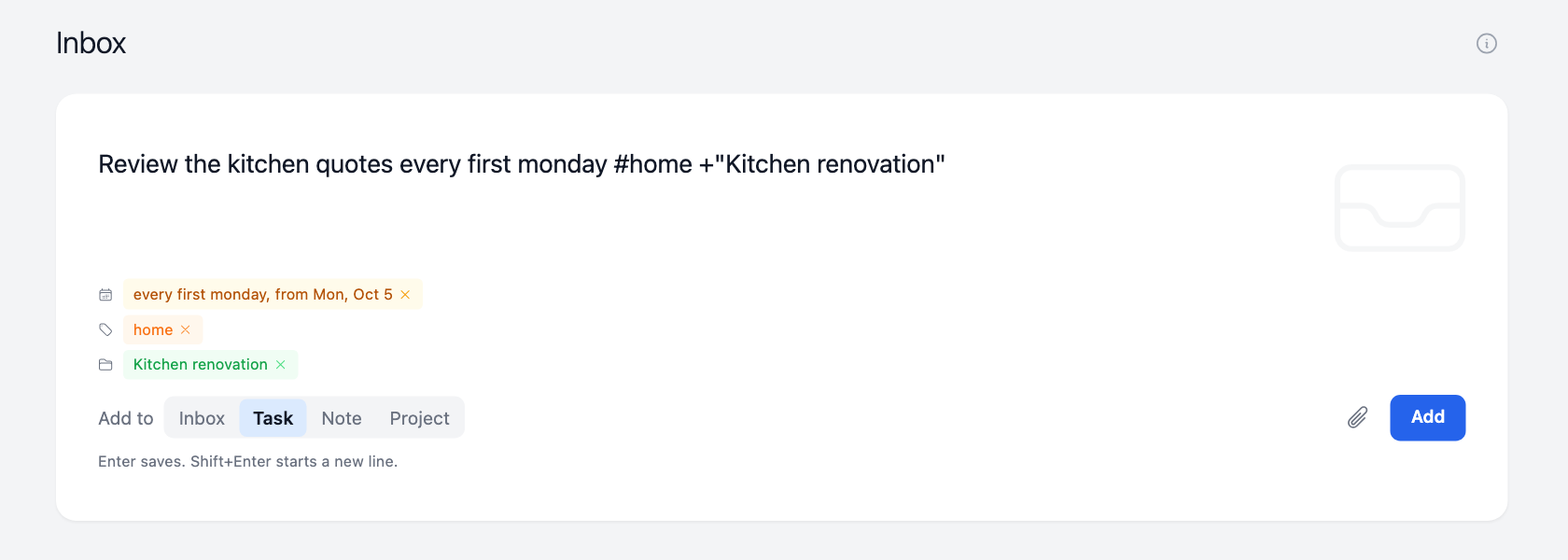
What is tududi?
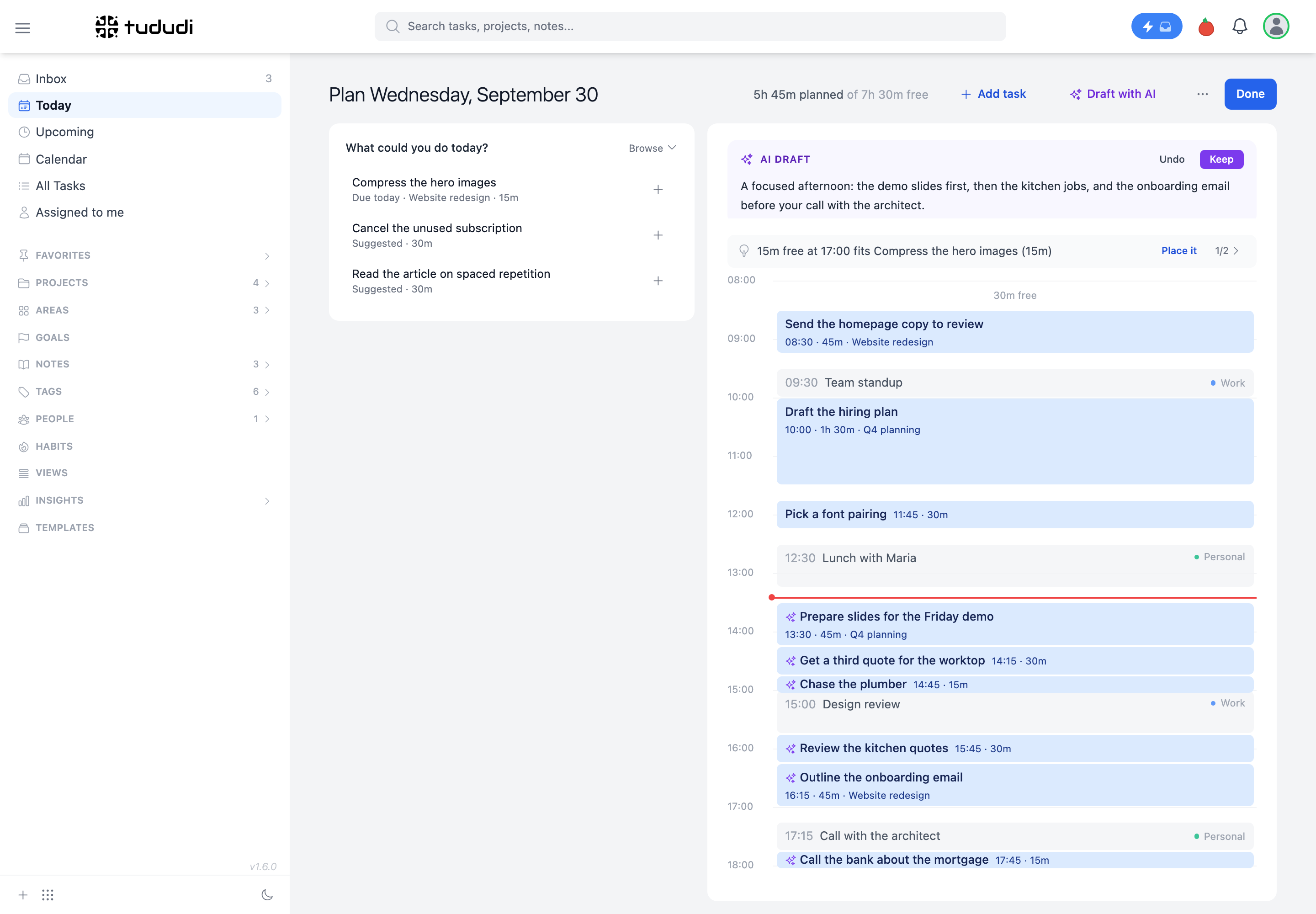
tududi is a calm, complete life management system that organizes tasks, projects, notes, goals, habits, and people into one focused workspace. It uses a GTD-inspired hierarchy with Areas containing Projects containing Tasks plus Notes attached to projects. The platform supports smart recurring tasks, subtasks, tags, views, Eisenhower Matrix and Kanban board views. Users can capture items via plain-language dates and natural mentions of projects or people. Integration points include Telegram for quick task capture and daily digests, CalDAV bidirectional sync with clients like Apple Reminders and tasks.org, and tools for AI agents. Authentication includes built-in login and OIDC/SSO support for enterprise SSO providers. The app works as a PWA on mobile devices.
tududi alternatives
 Will Be DoneSelf-hosted task manager with visual weekly timeline. Local-first, works offline, syncs across devices, runs in one Docker container with SQLite.CompareWill Be Done with tududi
 FluidCalendarFluidCalendar is a self-hosted, open-source Motion alternative for intelligent task scheduling with Google Calendar, Outlook, and CalDAV sync.CompareFluidCalendar with tududi
 tribuA self-hosted, open-source household hub that unifies calendars, tasks, shopping, contacts, birthdays, meal plans, and a shared display for kitchen screens.Comparetribu with tududi
 Kan.bnThe open source Trello alternative.CompareKan.bn with tududi
 taskview-communitySelf-hosted, source-available project and task manager for software teams: Kanban, dependency graphs, RBAC, SSO, time tracking and an MCP server.Comparetaskview-community with tududi
 Super ProductivityFree, open-source, local-first to-do app with timeboxing, time tracking, planner and Kanban boards; self-host the web app via Docker or SuperSync.CompareSuper Productivity with tududi
 VikunjaAn open-source, self-hosted to-do manager: four ways to see your tasks, CalDAV sync, team sharing and Docker or binary installs.CompareVikunja with tududi
 kanAn open-source Trello alternative for self-hosted kanban boards: workspaces, labels, comments, activity logs, Trello imports and a REST API, run via Docker Compose.Comparekan with tududi
Should you self-host tududi?
tududi scores 67/100 on selfhost.directory (how scoring works) and ranks #5 of 34 in Task Management. It has 3 533 GitHub stars, +123 in the last 30 days.
It shipped 57 stable releases in the past year. The latest, v2.1.0, came out on 6 November 2026. New versions land roughly every 1 days.
Setup is moderate: expect some configuration beyond a single command. An official Docker image is available. It is MIT-licensed and written mostly in JavaScript.
Its closest alternative on selfhost.directory is Super Productivity (83/100, 23 507 stars). It scores higher overall, so compare the two before you pick. See tududi vs Super Productivity side by side.
Features
- Collaboration & Sharing
- Eisenhower matrix
- Goal tracking
- Habit Tracking
- Kanban Board View
- Project & Area Organization
- Recurring Tasks
- Subtasks
- Task Management
tududi README

More in Task Management
- VikunjaAn open-source, self-hosted to-do manager: four ways to see your tasks, CalDAV sync, team sharing and Docker or binary installs.
 WemuxWemux is a self-hosted, open-source AI agent platform that runs coding agents on your machines via isolated Git worktrees, with kanban tasks and Slack/Feishu integrations
- Will Be DoneSelf-hosted task manager with visual weekly timeline. Local-first, works offline, syncs across devices, runs in one Docker container with SQLite.
 WindshiftWindshift is a self-hosted, open-source Jira alternative with boards, sprints, workflows, service management, test management, and time tracking on your infrastructure.
 worklenzAGPL-3.0 open-source project management for agencies: task boards, Gantt, time tracking, resource planning, budgets, client portal; self-hosted with Docker Compose.
 xyOpsSelf-hosted open-source operations platform unifying fleet job scheduling, visual workflows, live server monitoring, alerting with snapshots, and incident response.
 yuvomiYuvomi is a self-hosted, open-source family planner replacing multiple paid apps with one private server for tasks, calendar, meals, shopping, budget, and documents.
 ZenTaoZenTao is a self-hosted, open-source project management platform supporting Scrum, Waterfall, and Kanban with product, project, and QA management.
 4ga Boards4ga Boards is a self-hosted, open-source kanban tool with realtime collaboration, dark mode, SSO, and multi-level hierarchy for teams.
 action-syncSelf-hosted open-source tool using Claude AI to analyze meetings, search GitLab codebases, and create detailed Jira tickets automatically.
 AlianHub-Project-Management-SystemSelf-hosted project management alternative to Jira and ClickUp with AI agents via MCP, native time tracking, built-in chat, 10+ views — free forever with unlimited users.
 Ars-noteArs-note is a self-hosted, open-source Markdown workspace for game dev teams with local vault, knowledge graph, AI planning, and real-time sync.
0 comments