
Self-host transmute
v2.1.1Self-hosted file converter supporting 3,000+ conversions
- Stars
- 1 472
- Port
- 3313 (HTTP)
ghcr.io/transmute-app/transmute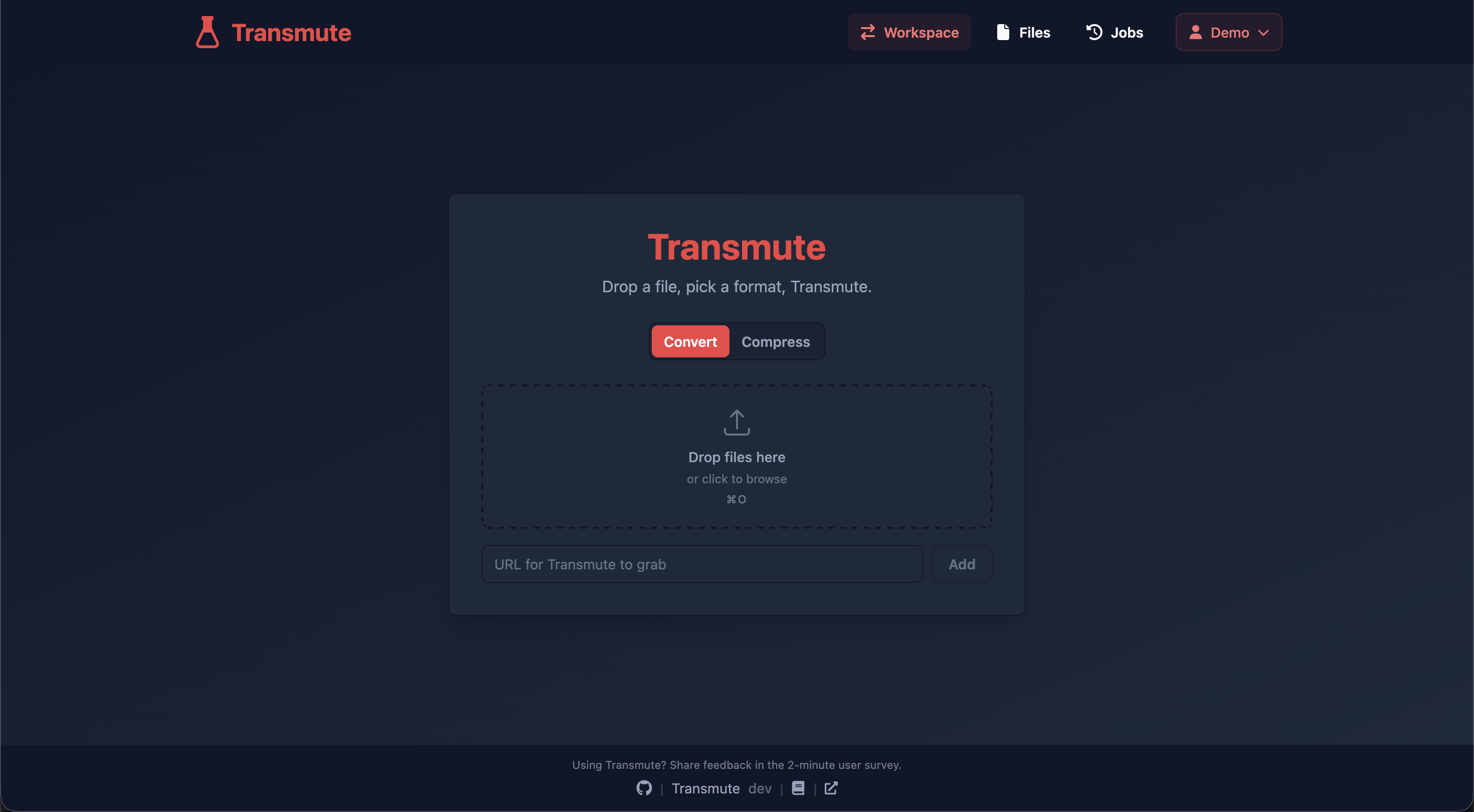
What is transmute?
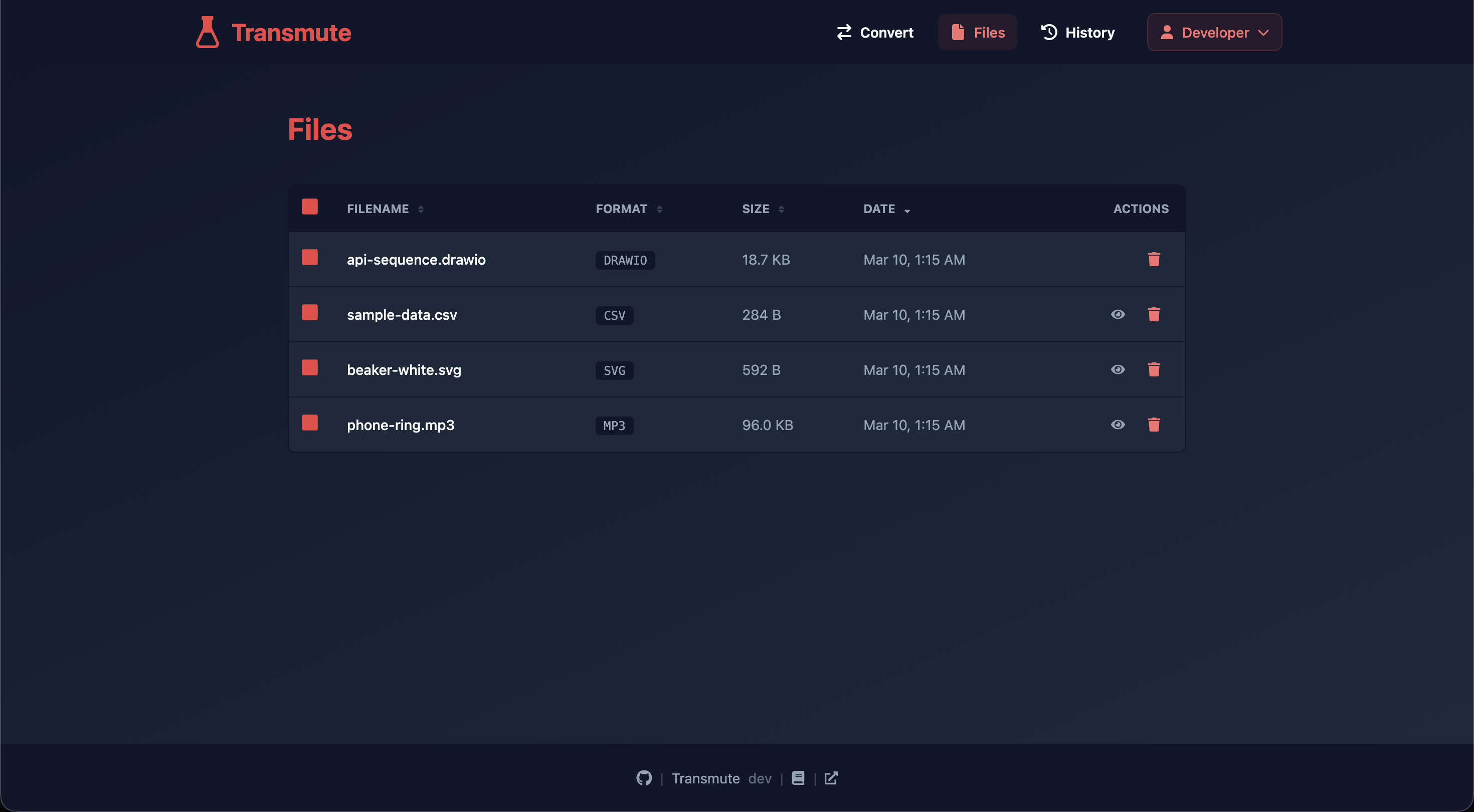
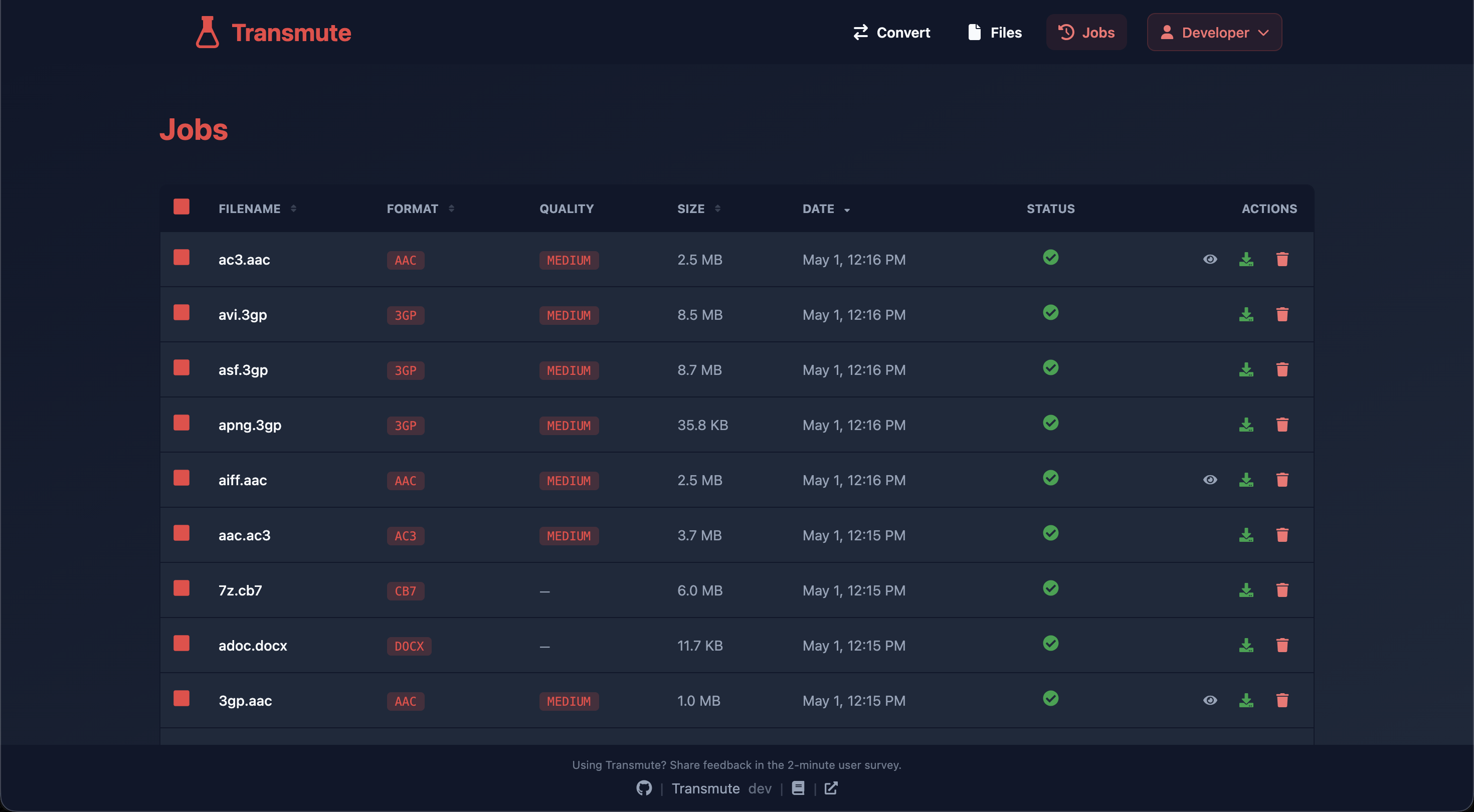
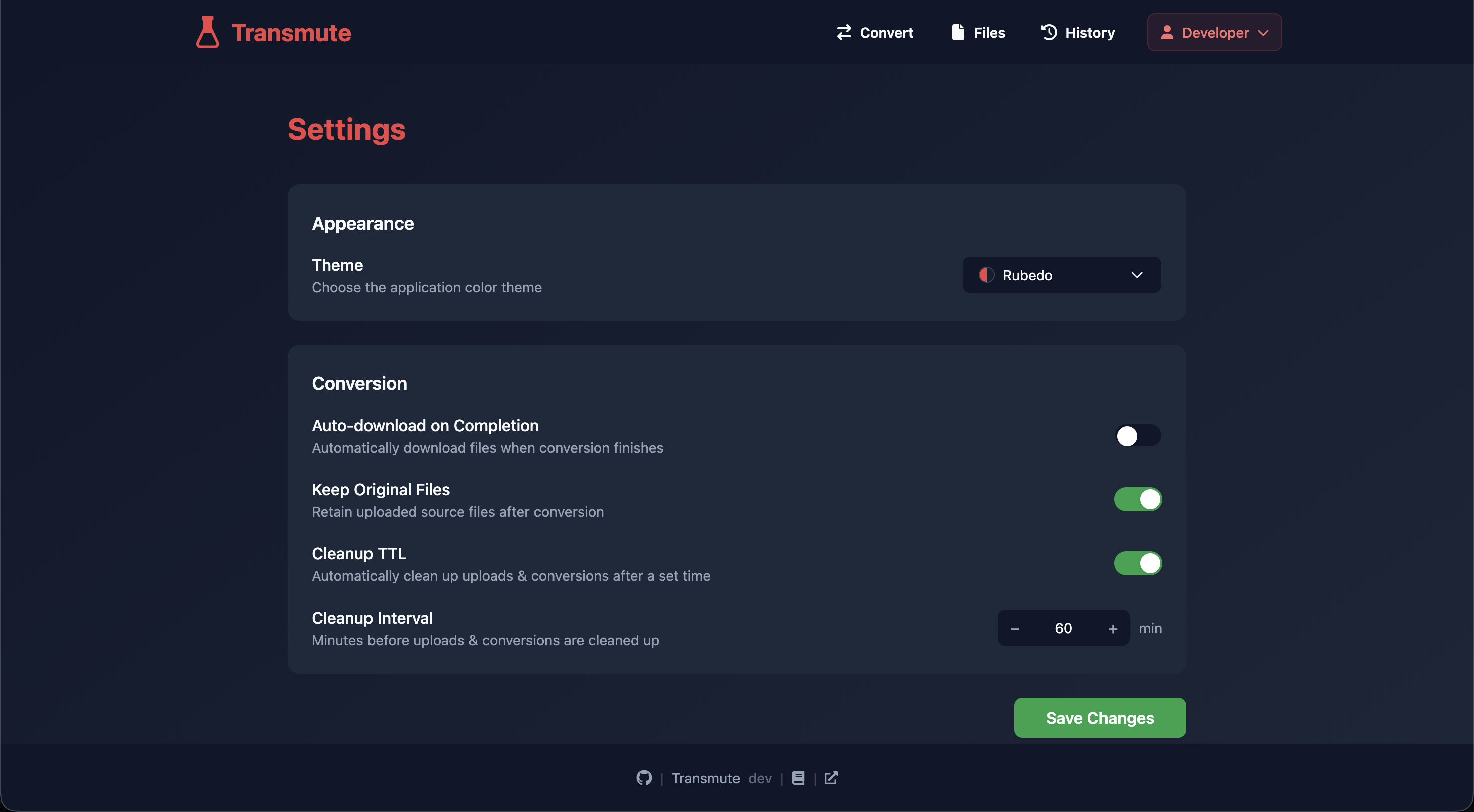
Transmute is a self-hosted file conversion and compression tool that processes images, video, audio, documents, spreadsheets, subtitles, fonts, and more entirely on your own server. It features built-in user authentication with role-based access control, OIDC/SSO support for single sign-on via providers like Authentik or Authelia, a REST API for automation, and seven UI themes including dark mode. Deploy in seconds with Docker Compose and convert files without size limits, watermarks, or third-party uploads.
transmute alternatives
 SnapOtterOpen-source, self-hosted file-processing suite with 200+ image, video, audio, PDF and document tools, local AI, a REST API and pipelines.CompareSnapOtter with transmute
 FileWizardSelf-hosted web app for file conversion (180+ formats), OCR, and audio transcription with local Whisper. Runs via Docker or Python 3.12.CompareFileWizard with transmute
 Convert to it!Open-source, self-hosted file converter that crosses media boundaries (video to document, and more), running privately in your browser.CompareConvert to it! with transmute
 ConvertXSelf-hosted online file converter supporting 1000+ formats. Converts documents, images, videos, e-books using FFmpeg, Calibre, LibreOffice. TypeScript Bun Elysia.CompareConvertX with transmute
 HRConvert2Open-source, self-hosted file conversion web app: 488 formats, 26 languages, bubblewrap-sandboxed tools, no sign-up, no tracking, no database.CompareHRConvert2 with transmute
 ImgCompressSelf-hosted Docker app for compressing, converting, and cropping 70+ image formats with local AI background removal — zero cloud uploads.CompareImgCompress with transmute
 VertOpen-source AGPL file converter that turns 250+ image, audio, video and document formats locally via WebAssembly. Self-hostable with Docker and an optional vertd daemon.CompareVert with transmute
 txtifySelf-hosted web app for transcribing YouTube videos and media files using Whisper AI models, with translation and multiple export formats.Comparetxtify with transmute
All self-hosted alternatives to cloudconvert.com → All self-hosted alternatives to convertio.co → All self-hosted alternatives to freeconvert.com →
Should you self-host transmute?
transmute scores 59/100 on selfhost.directory (how scoring works) and ranks #11 of 34 in File Management. It has 1 472 GitHub stars, +53 in the last 30 days.
It shipped 8 stable releases in the past year. The latest, v2.1.1, came out on 3 October 2026. New versions land roughly every 2 weeks.
Setup is easy: most people get it running in one sitting. An official Docker image is available. It is MIT-licensed and written mostly in Python.
Its closest alternative on selfhost.directory is AList (83/100, 50 442 stars). It scores higher overall, so compare the two before you pick. See transmute vs AList side by side.
Features
- 100+ formats supported
- Built-in Authentication
- No file size limits
- Privacy-first
- REST API
transmute README

More in File Management
 unraid-duplicate-file-handlerSelf-hosted web tool for Unraid that scans drives for duplicate files by relative path, lets you choose copies to keep, then deletes or moves extras with progress.
 VoltaicVoltaic is a self-hosted, open-source media library engine unifying audio, video, documents, and images into a searchable collection with offline-first architecture.
 wandererSelf-hosted, open-source trail database to store, plan, and share GPX routes: ActivityPub federation, Valhalla routing, Meilisearch search, iOS/Android app.
 WebSSHSelf-hosted SSH/SFTP browser workspace with multi-user terminals, split panes, file transfers, and optional Passkeys/OIDC/LDAP. Deploy via Docker on your infrastructure.
 WikiSuiteWikiSuite is the most comprehensive and integrated Open Source enterprise solution, offering a suite of tools for communication, collaboration, data management, and more.
 yet-another-rclone-dashboardSelf-hosted, open-source web UI for managing rclone remotes, browsing files, monitoring transfers, and controlling the rclone RC daemon with dark mode and PWA support.
 Zee-IndexA self-hosted platform that unifies Google Drive, Dropbox, S3, WebDAV, and local storage with video playback, sharing, and admin controls.
 agoraAgora is a self-hosted, open-source file server in Rust that serves directories over HTTP and can require Lightning Network payments for downloads via an LND node.
 AListAList is a self-hosted, open-source file list program that aggregates 30+ cloud storages into a single web UI with WebDAV, file previews, and dark mode.
 Alist-SyncAlist-Sync is a self-hosted, open-source web app for syncing files between Alist storage backends with a visual UI, cron scheduling, and configurable difference handling.
 alt-coreAlterante Core is a self-hosted, open-source decentralized filesystem in Java for file discovery, automated backup/replication, and web-based file access.
 ArchivematicaSelf-hosted, open-source digital preservation for archives and libraries to maintain long-term access to authentic digital objects using ISO-OAIS, METS, PREMIS, BagIt.
0 comments