
Self-host Tinyauth
v5.2.0Tiny OpenID Connect certified auth server
- Stars
- 8 502
- Port
- 3000 (HTTP server)
ghcr.io/tinyauthapp/tinyauth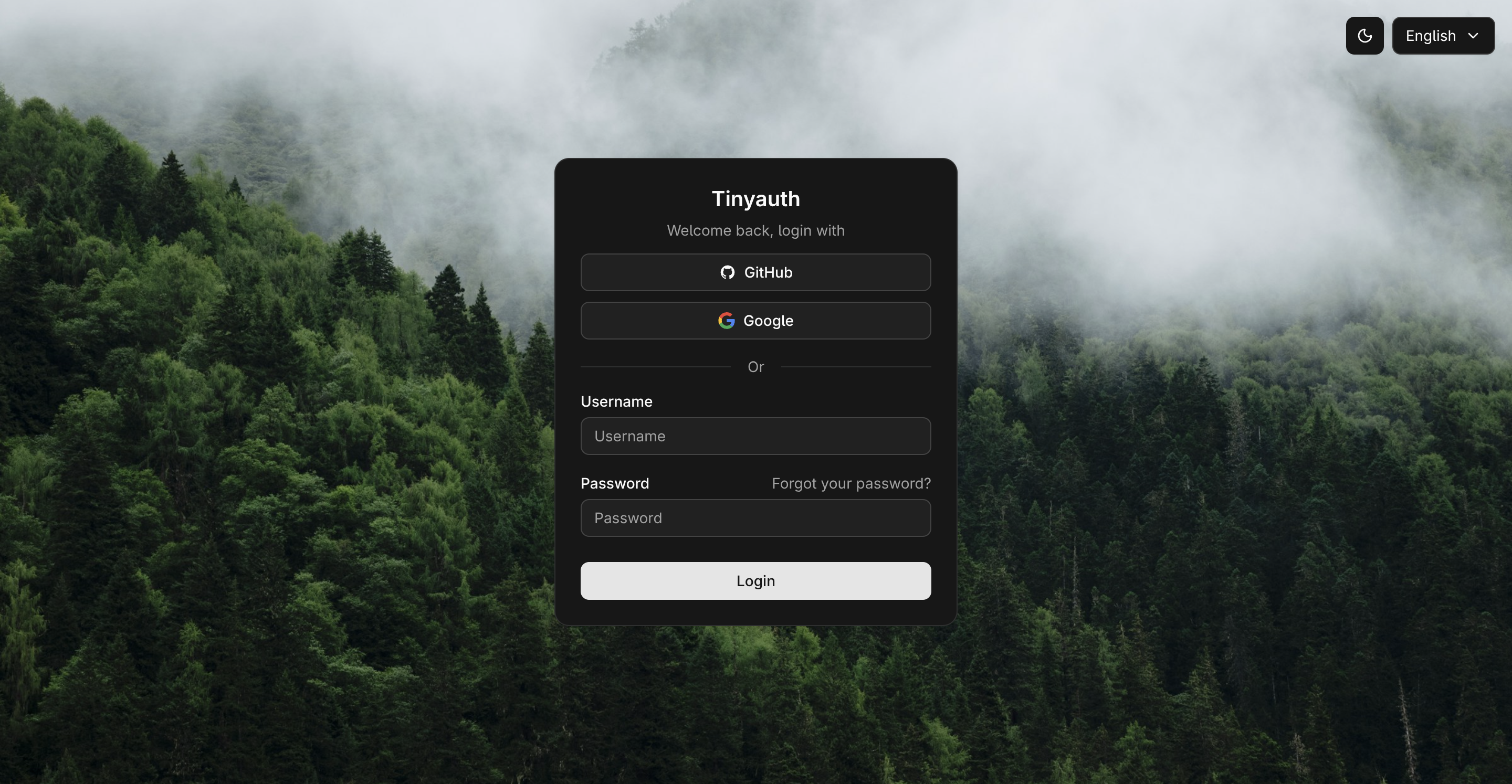
What is Tinyauth?
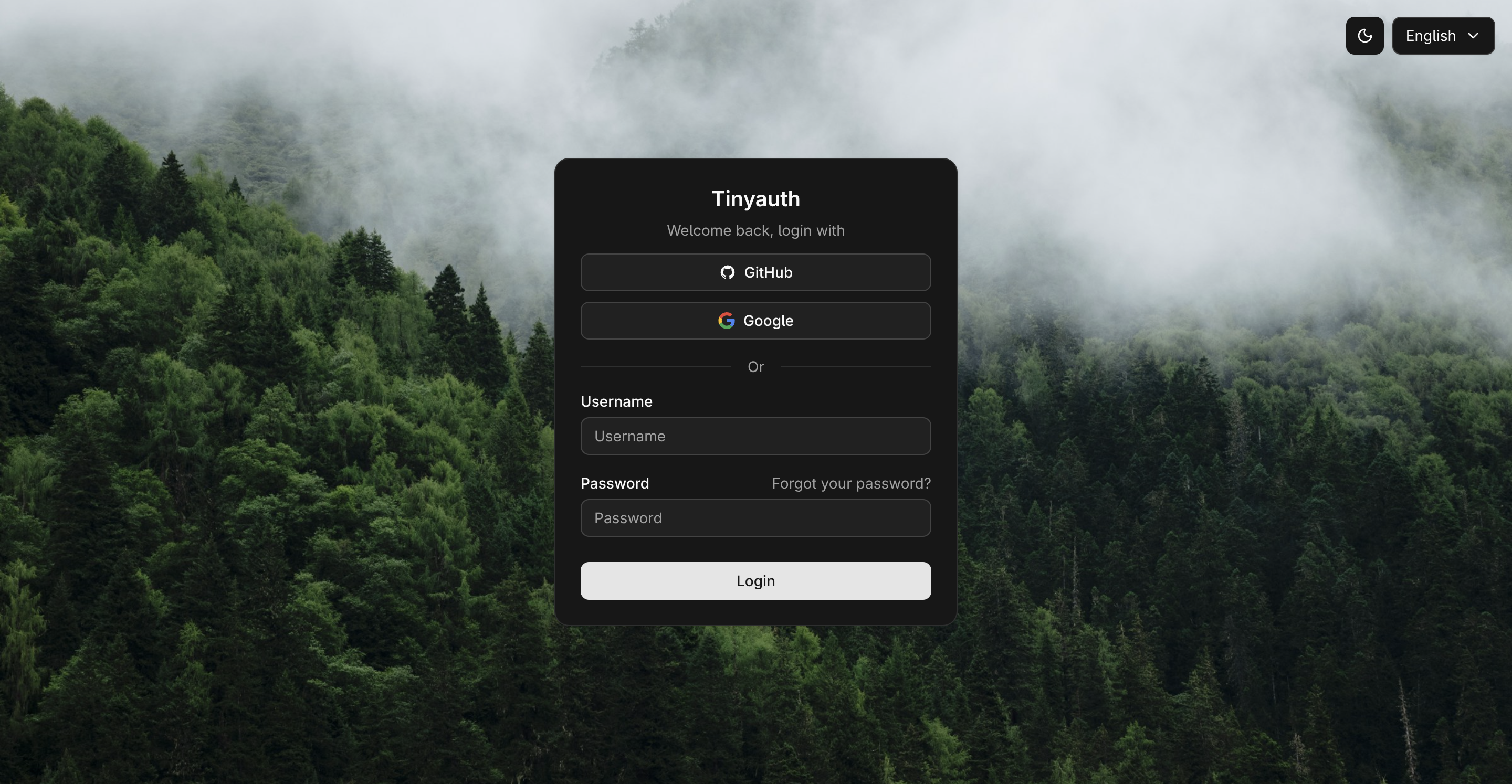
Tinyauth is a lightweight OpenID Connect certified authentication and authorization server built for self-hosted environments. It functions as both a standalone identity provider and as middleware that plugs into reverse proxies such as Traefik, Nginx, and Caddy. The server handles username and password logins, integrates with LDAP directories, and supports external OAuth providers like GitHub and Google. It also includes built-in TOTP two-factor authentication and per-application access control policies. All settings are controlled through environment variables, and the software is distributed as a single statically linked Go binary with no external runtime dependencies. SQLite is the default data store, with PostgreSQL and in-memory options available. As of version 5.1.0 it holds OpenID certification for the Basic OP profile.
Tinyauth alternatives
 docker-sso-serverLightweight self-hosted SSO server with OAuth2 and OTP, runs in a tiny container (<1% CPU, ~15 MiB RAM) and works as Traefik Forward Auth backend.Comparedocker-sso-server with Tinyauth
 qauthQAuth is a self-hosted, open-source OAuth 2.1/OIDC 1.0 server for AI agents with on-behalf-of delegation, audience-bound tokens, and post-quantum ready crypto.Compareqauth with Tinyauth
 auth-portalAuthPortal is a self-hosted, open-source auth gateway for Plex, Jellyfin, Emby with unified login, RBAC, LDAP sync, OAuth/OIDC, MFA, and admin console.Compareauth-portal with Tinyauth
 rauthyOpen-source, self-hosted Rust identity provider: single sign-on for apps and Linux hosts via OIDC, OAuth 2 and PAM, with passkey-first MFA, HA mode and an admin UI.Comparerauthy with Tinyauth
 LinOTPLinOTP is a self-hosted, open-source MFA server supporting OATH standards, LDAP/AD, and various tokens with web UI and REST API.CompareLinOTP with Tinyauth
 Vouch-ProxyOpen-source, self-hosted SSO proxy that fronts Nginx sites with OAuth/OIDC logins from Google, GitHub, Okta and any OpenID Connect IdP.CompareVouch-Proxy with Tinyauth
 zitadelSelf-hosted open-source IAM stack: password, passkey and second-factor logins, external IdP brokering, OIDC/SAML tokens, on PostgreSQL with Docker or Kubernetes.Comparezitadel with Tinyauth
 logtoSelf-hosted, open-source auth server for SaaS and AI apps: OIDC, OAuth 2.1 and SAML with passwordless, social login, MFA, RBAC and multi-tenant organizations.Comparelogto with Tinyauth
Should you self-host Tinyauth?
Tinyauth scores 71/100 on selfhost.directory (how scoring works) and ranks #5 of 40 in Authentication. It has 8 502 GitHub stars, +146 in the last 30 days.
It shipped 8 stable releases in the past year. The latest, v5.2.0, came out on 7 September 2026. New versions land roughly every 10 days.
Setup is moderate: expect some configuration beyond a single command. An official Docker image is available. It is AGPL-3.0-licensed and written mostly in Go.
Its closest alternative on selfhost.directory is keycloak (86/100, 37 849 stars). It scores higher overall, so compare the two before you pick. See Tinyauth vs keycloak side by side.
Features
- Access Controls (ACLs)
- Environment Variable Configuration
- LDAP Authentication
- Multiple Database Backends
- OAuth 2.0 / OpenID Connect provider
- OAuth Client Support
- OpenID Connect Certified
- Reverse Proxy Middleware
- TOTP two-factor authentication
Tinyauth README


Note as of 30/10/2026: Right now, Tinyauth is maintained by a single person. AI agents are constantly spamming our repositories with bugs and security reports, some of them valid, some others not. Reviewing and fixing all of them takes a considerable amount of time which I unfortunately do not have. So, If you are a developer and would like to help, please reach out to me on Discord or via hello@tinyauth.app.
More in Authentication
 tlsproxySelf-hosted TLS termination proxy with auto Let's Encrypt, SSO (OIDC/SAML/Passkeys), and reverse proxy for multiple services on one port.
 tobabtobab is a self-hosted, open-source identity-aware proxy using passkeys for authentication, designed as a forward auth target for Caddy, nginx, or Traefik in homelabs.
 tsidptsidp is a self-hosted OIDC/OAuth identity provider for Tailscale, letting you use Tailscale identities to authenticate into any OIDC-compatible app or MCP server.
 Ultimate Certificate ManagerManage your own PKI with this web-based CA: issue certificates, run ACME/SCEP/EST servers, integrate with Active Directory, and automate renewals.
 voidauthOpen-source SSO for homelabs: an OIDC provider, reverse-proxy forward-auth, optional read-only LDAP, and user management with invitations, passkeys and MFA.
- Vouch-ProxyOpen-source, self-hosted SSO proxy that fronts Nginx sites with OAuth/OIDC logins from Google, GitHub, Okta and any OpenID Connect IdP.
 wagSelf-hosted WireGuard VPN gateway with MFA, route-based access policies, device enrollment, web admin UI, CLI, HA clustering, and auto TLS via Let's Encrypt.
 WebterminalSelf-hosted open-source bastion host unifying SSH, RDP, VNC, database and Kubernetes access via browser or native clients with fine-grained auth and full audit.
 werbotWerbot is a self-hosted bastion host providing single sign-on access to servers, databases, and apps via SSH, RDP, VNC with full session recording and audit logging.
 WizarrSelf-hosted invitation system for Plex, Jellyfin, Emby and more. Generates unique links that automatically add users and guide them through app setup and request tools.
 wlgblockSelf-hosted Wayland session locker that replaces password entry with a patched Pokémon Crystal game challenge, using the ext-session-lock-v1 protocol for secure locking.
- zitadelSelf-hosted open-source IAM stack: password, passkey and second-factor logins, external IdP brokering, OIDC/SAML tokens, on PostgreSQL with Docker or Kubernetes.
0 comments