
Self-host tesseral
v0.0.0-test.0Open-source auth infrastructure for B2B SaaS
- Stars
- 1 140
- Ports
- 3001 (Internal API), 3003 (Background worker), 3000 (Management console), 3002 (Vault UI)
- Requires
- KMS (AWS KMS compatible), Nginx (reverse proxy), PostgreSQL, S3-compatible Object Storage, SES (email sending)
What is tesseral?
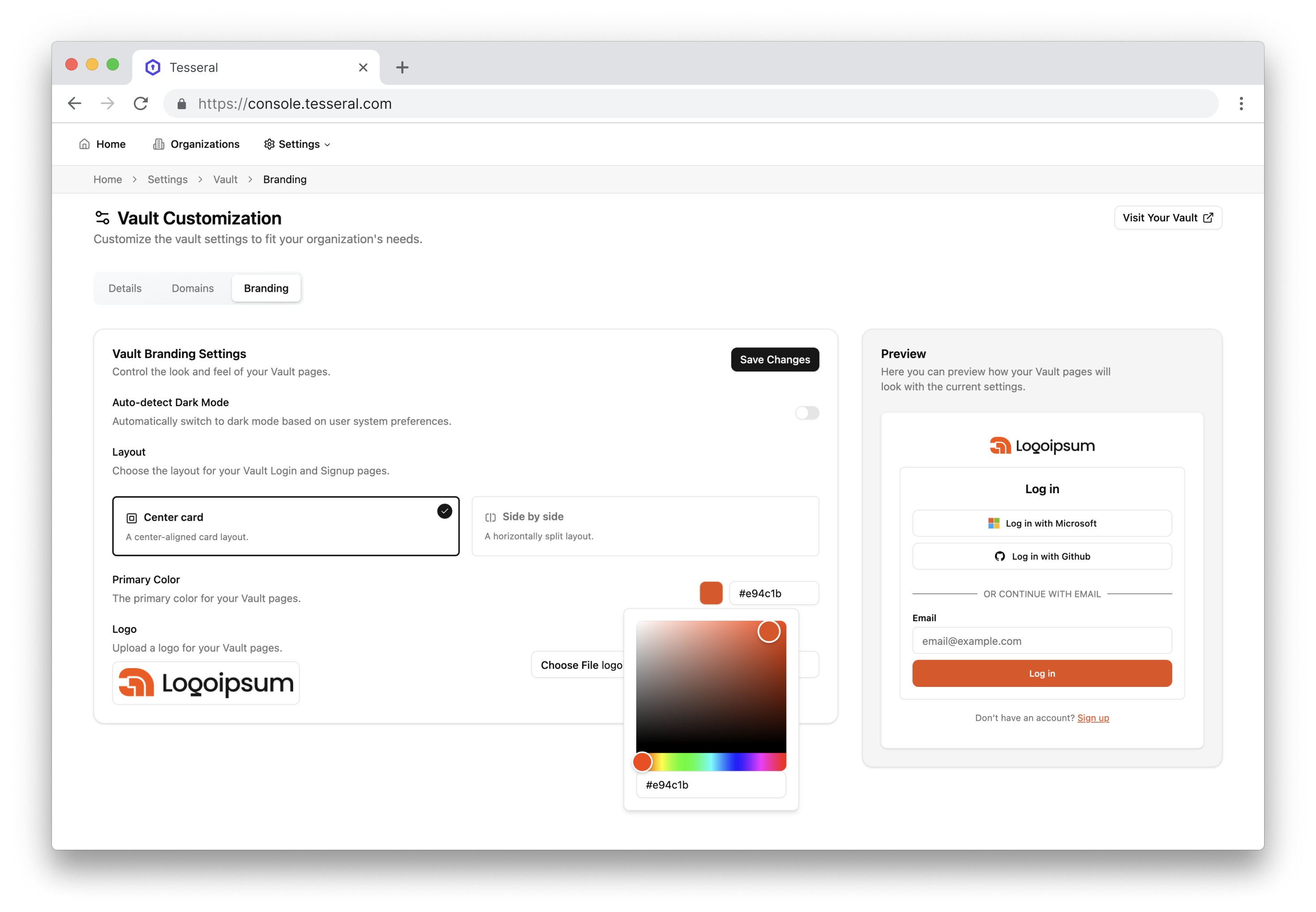
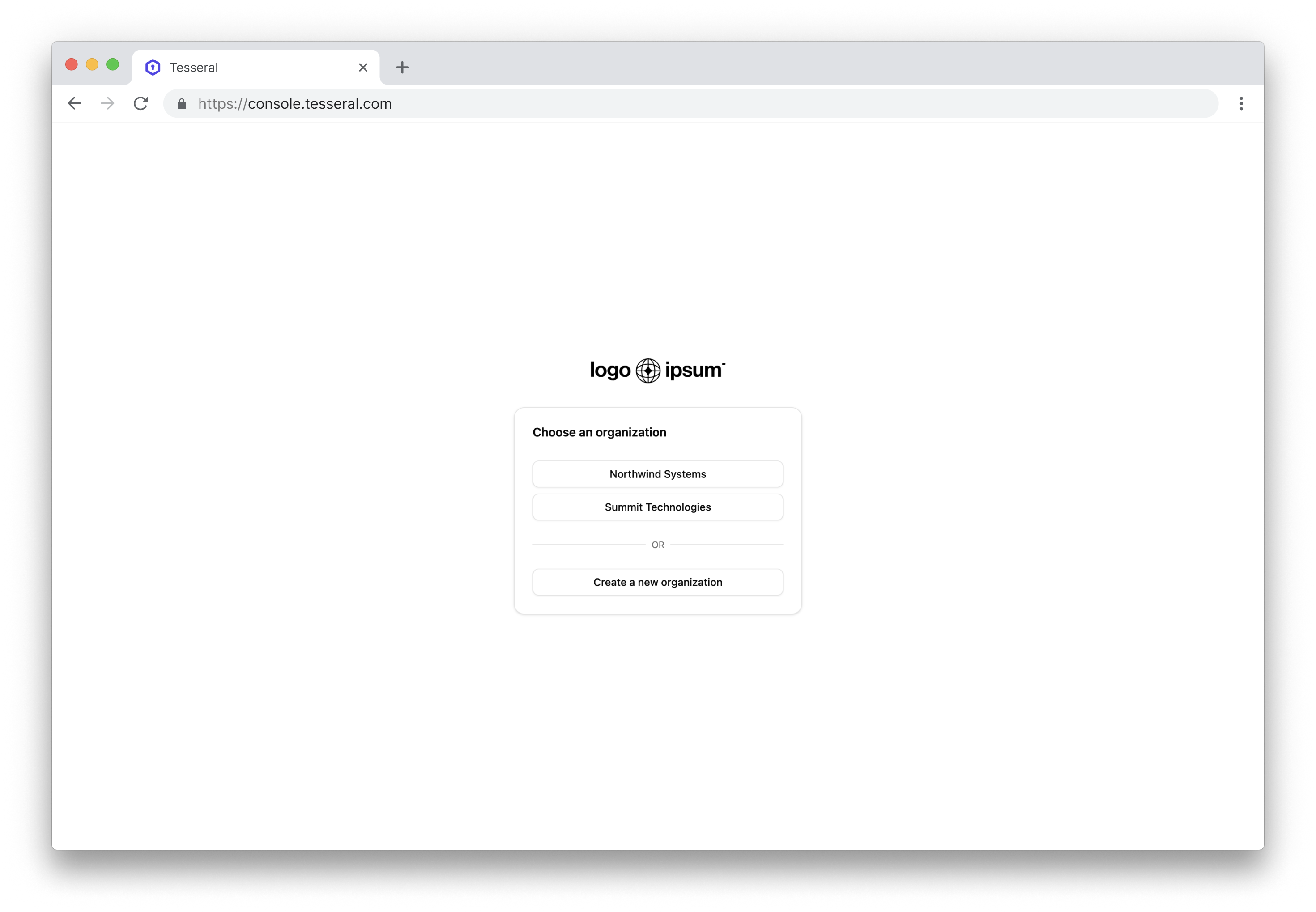
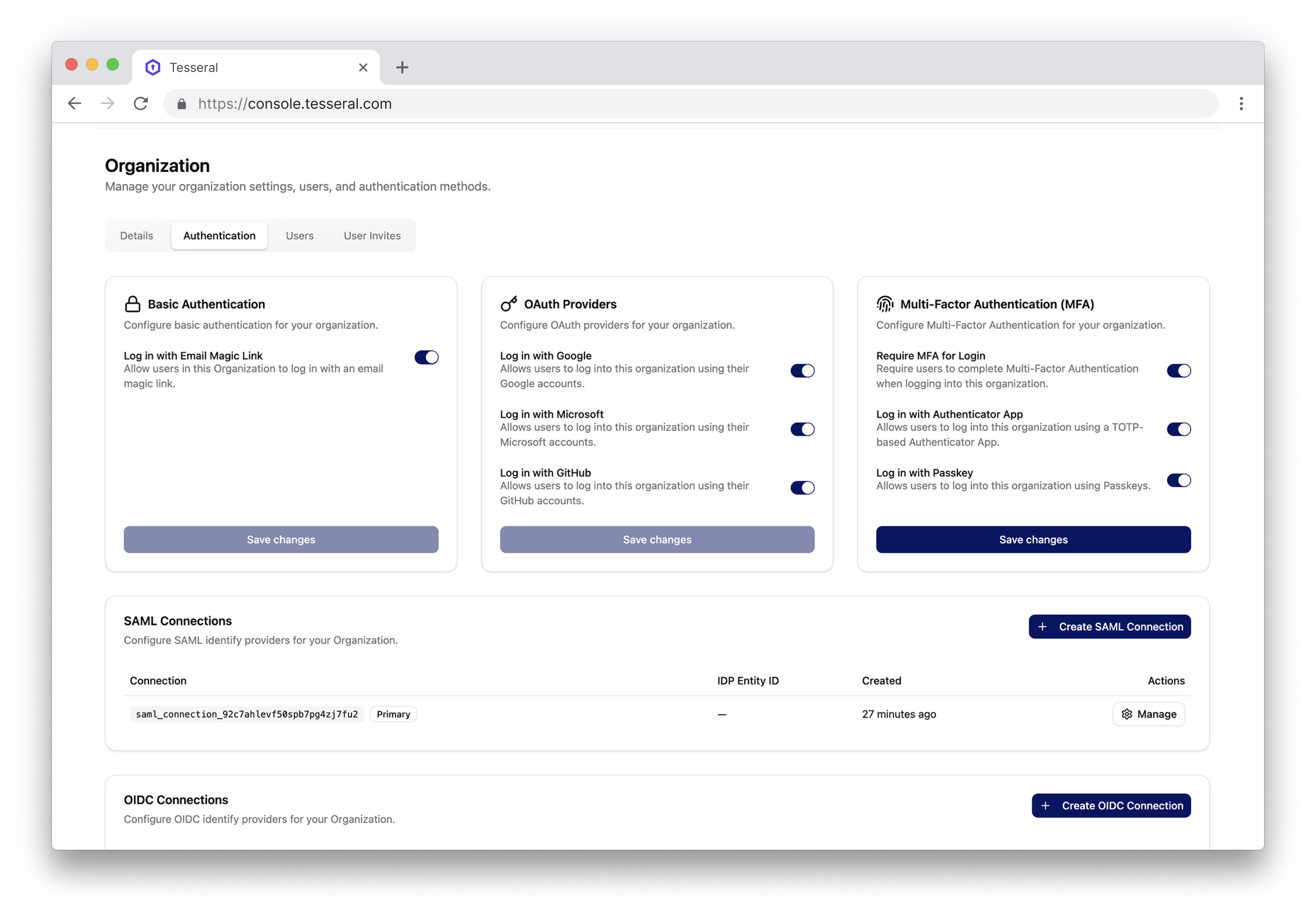
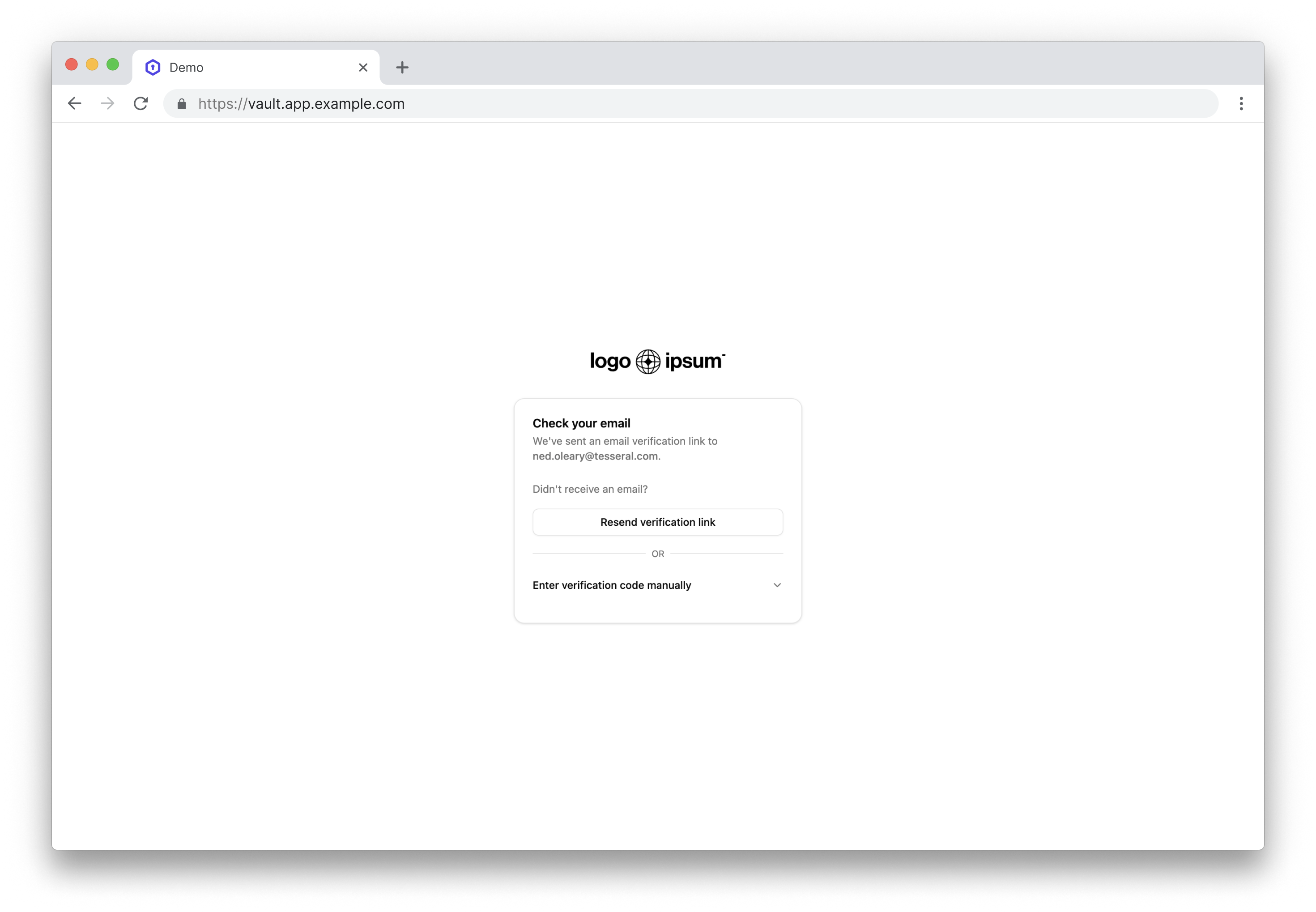
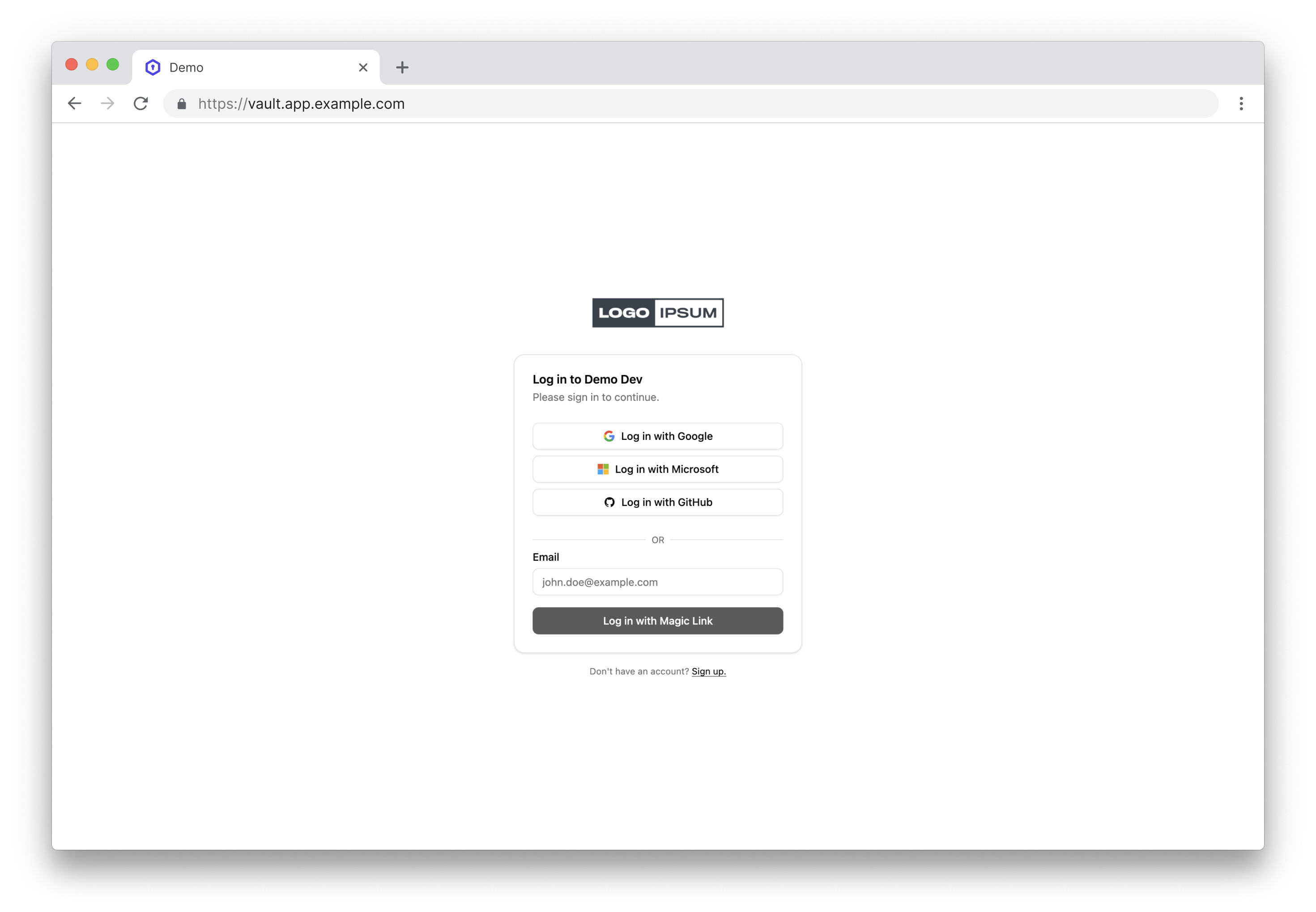
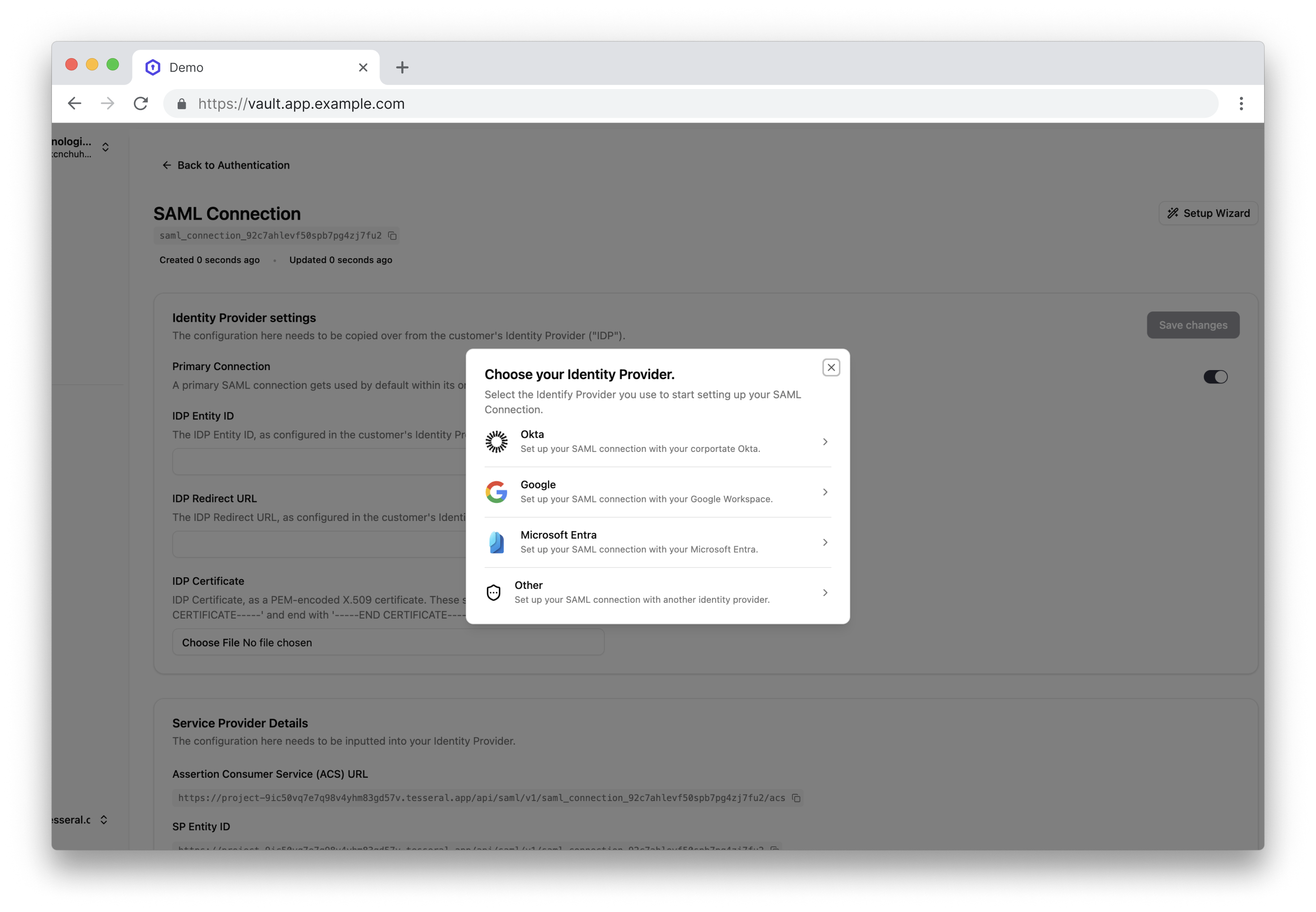
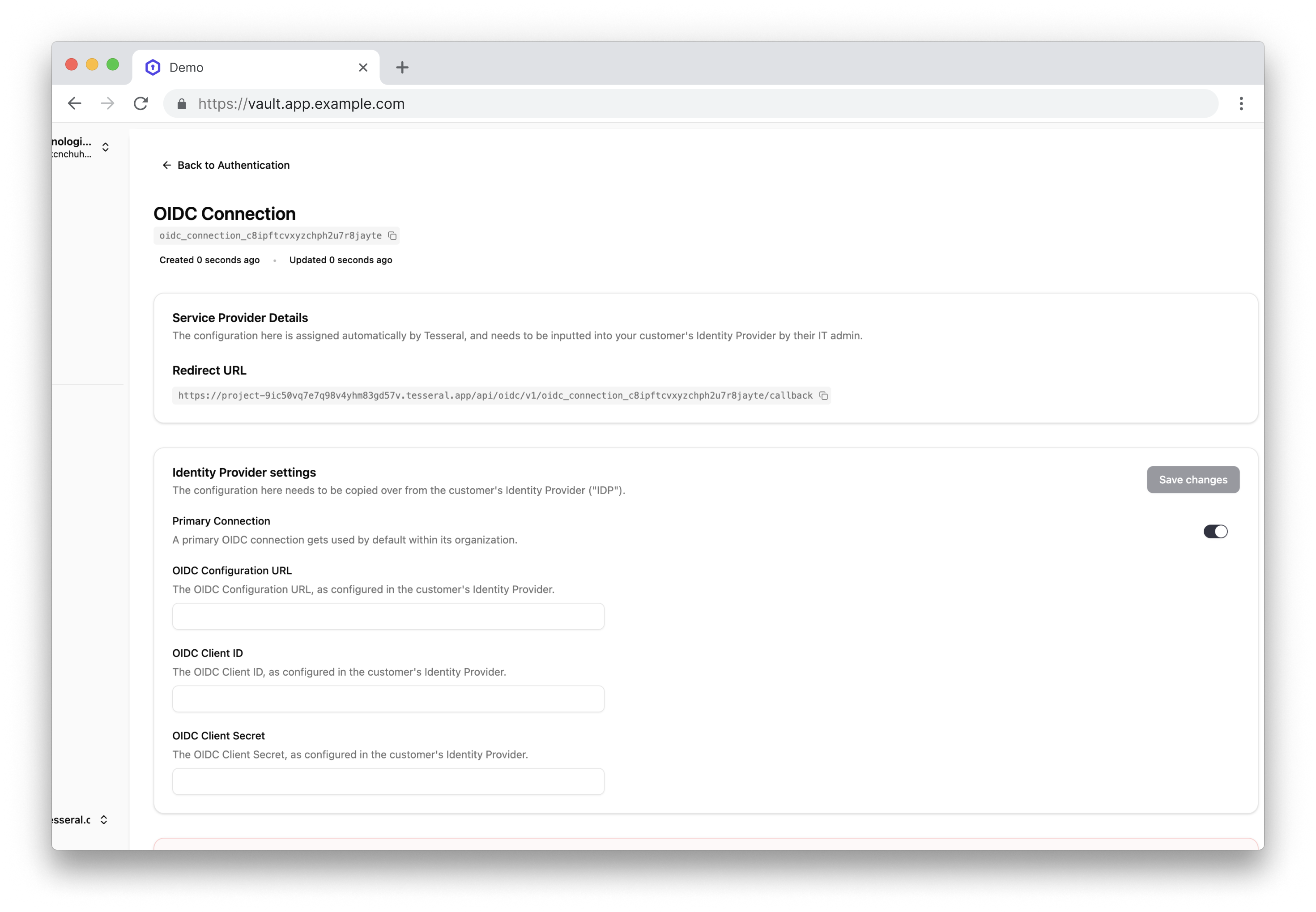
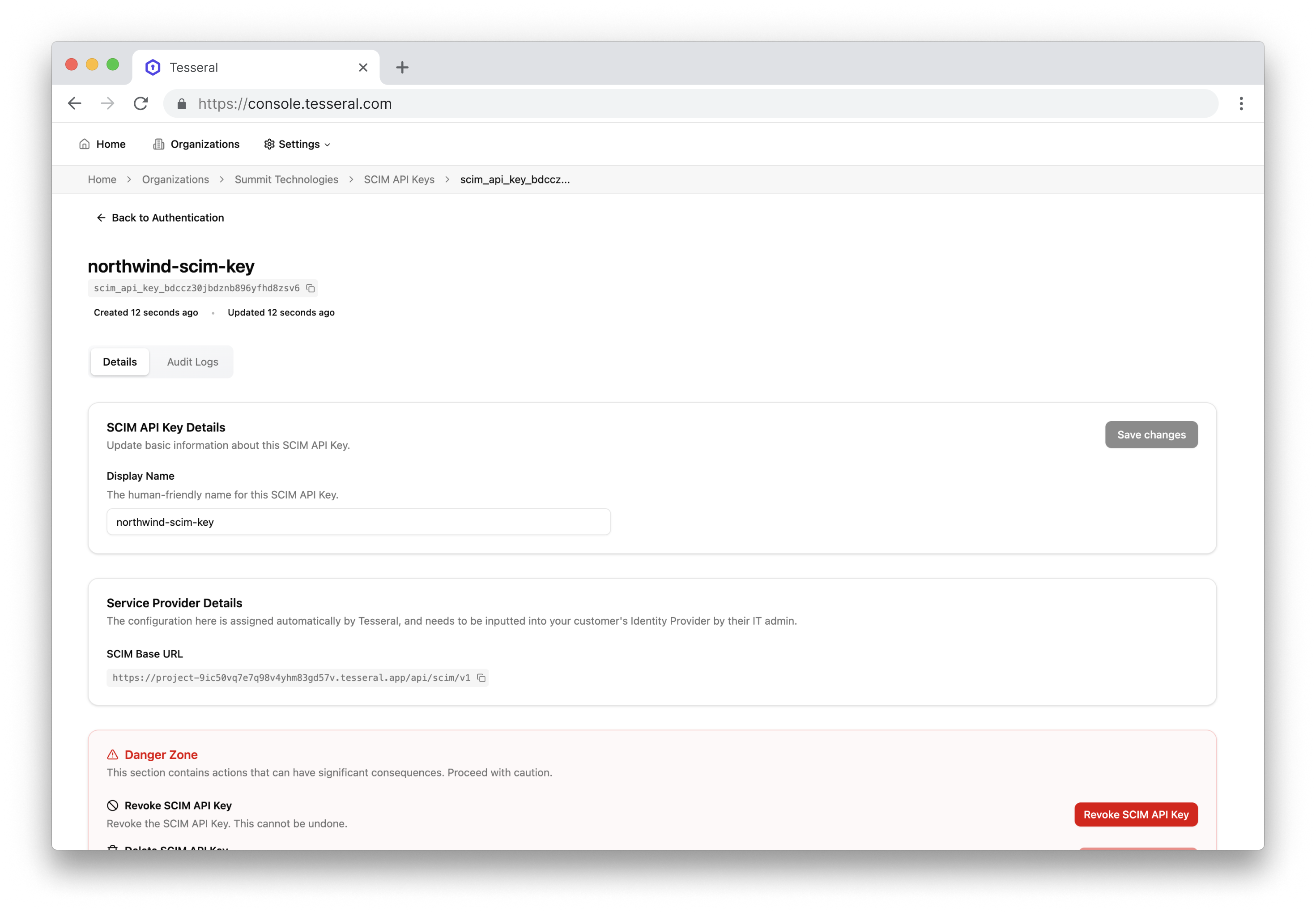
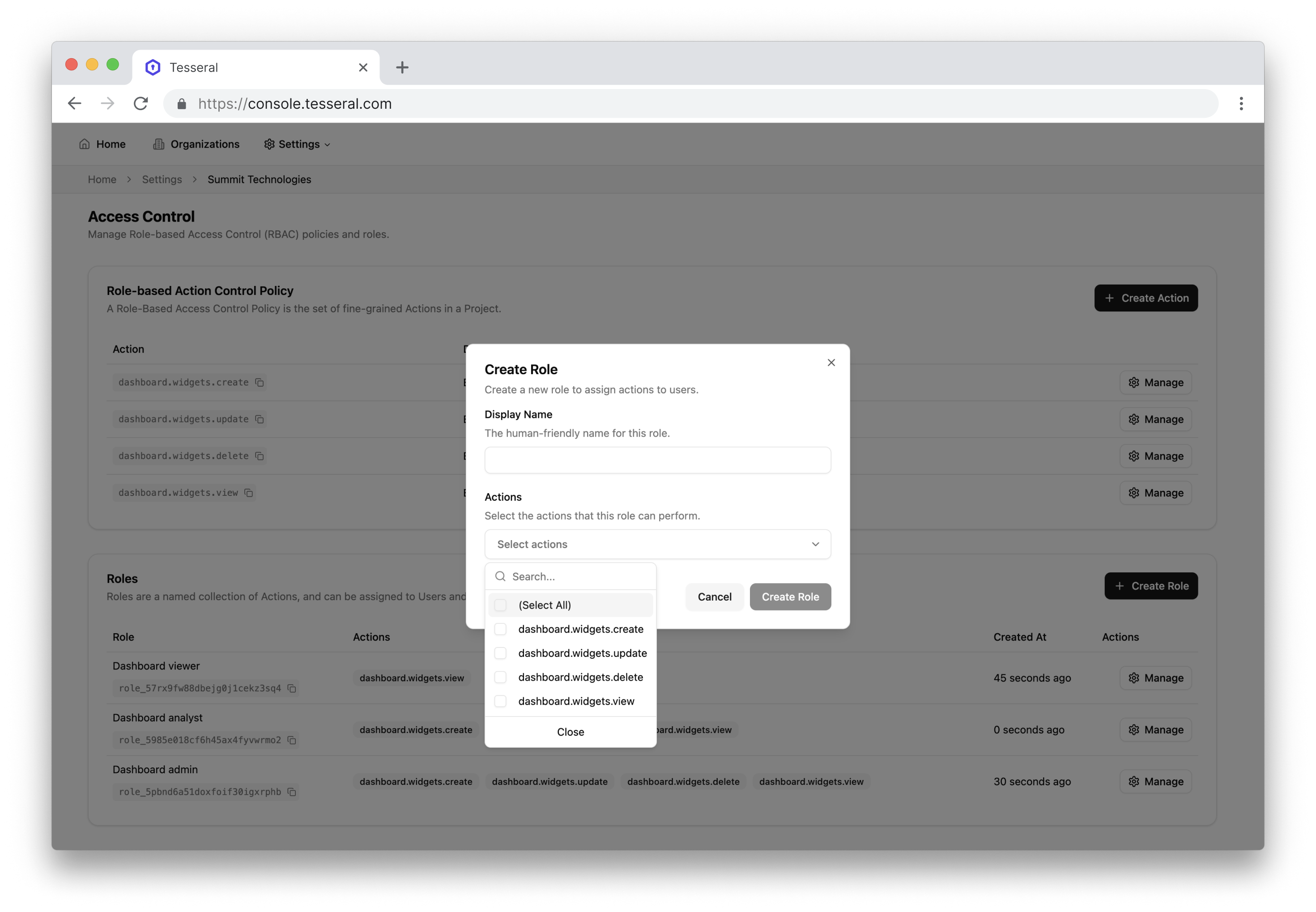
Tesseral is an API-first authentication service designed for business software (B2B SaaS). It handles multi-tenancy where each customer (organization) controls their own login methods and user management through self-serve settings pages. The platform includes pre-built, customizable login pages, magic links, social login (Google, GitHub, Microsoft), enterprise SSO via SAML and OIDC, directory sync via SCIM, role-based access control, multi-factor authentication with TOTP and passkeys, API key management for machine-to-machine auth, user invitations, audit logs, and webhooks for real-time sync. Tesseral is not a library but a standalone service you run yourself — the repository provides a docker-compose.yaml that spins up the internal API, background worker, management console, vault UI, PostgreSQL, S3-compatible storage, KMS, SES, and nginx. It is licensed MIT and developed by Tesseral (Codomain Data Corporation).
tesseral alternatives
 AuthorizerSelf-hosted open-source auth and authorization server: OAuth2/OIDC, social logins, magic links, MFA, passkeys, SAML SSO, RBAC plus embedded OpenFGA, on 13+ databases.CompareAuthorizer with tesseral
 authgearSelf-hosted open-source CIAM and identity provider, an Auth0/Clerk alternative with passkeys, MFA, SAML SSO and RBAC, deployed via Helm.Compareauthgear with tesseral
 logtoSelf-hosted, open-source auth server for SaaS and AI apps: OIDC, OAuth 2.1 and SAML with passwordless, social login, MFA, RBAC and multi-tenant organizations.Comparelogto with tesseral
 Pocket IDSelf-hosted, open-source OpenID Connect Certified provider for homelabs and small teams that find Keycloak or Authentik too heavy; passkey sign-in only.ComparePocket ID with tesseral
 TeampassSelf-hosted, open-source team password vault on PHP/MySQL: folder and role access control, AES-256-GCM encryption, LDAP/OAuth2 SSO, TOTP and compliance reports.CompareTeampass with tesseral
 CasdoorSelf-hosted open-source IAM and SSO server with a web console, a built-in MCP server for AI agents, and support for more than 100 identity providers.CompareCasdoor with tesseral
 MetorialOpen-source MCP gateway and access layer linking AI agents to 1200+ integrations with OAuth, RBAC, SAML SSO and audit logs; self-hosted via the Platform repo.CompareMetorial with tesseral
 DocusealOpen-source, self-hosted DocuSign alternative for creating fillable PDF forms and collecting digital signatures via a mobile-friendly web tool.CompareDocuseal with tesseral
Should you self-host tesseral?
tesseral scores 49/100 on selfhost.directory (how scoring works) and ranks #23 of 40 in Authentication. It has 1 140 GitHub stars.
There was no stable release in the past 12 months, so check the repository's recent activity before you rely on it.
Setup is advanced: plan for several services and some ongoing maintenance. It is MIT-licensed and written mostly in Typescript.
Its closest alternative on selfhost.directory is keycloak (86/100, 37 809 stars). It scores higher overall, so compare the two before you pick. See tesseral vs keycloak side by side.
Features
- API Key Management
- Audit Logs
- Hosted customizable login pages
- Magic links (email)
- Multi-factor authentication (MFA)
- Multi-tenant B2B authentication
- OIDC SSO
- Passkeys (WebAuthn)
- Role-Based Access Control (RBAC)
- SAML SSO
- SCIM provisioning
- Social login (Google, GitHub, Microsoft)
- User Impersonation
- User Invitations
- Webhooks
tesseral README

More in Authentication
 TinyauthSelf-hosted OpenID Connect certified authentication and authorization server with OAuth, LDAP, and TOTP 2FA support for protecting self-hosted applications.
 tlsproxySelf-hosted TLS termination proxy with auto Let's Encrypt, SSO (OIDC/SAML/Passkeys), and reverse proxy for multiple services on one port.
 tobabtobab is a self-hosted, open-source identity-aware proxy using passkeys for authentication, designed as a forward auth target for Caddy, nginx, or Traefik in homelabs.
 tsidptsidp is a self-hosted OIDC/OAuth identity provider for Tailscale, letting you use Tailscale identities to authenticate into any OIDC-compatible app or MCP server.
 Ultimate Certificate ManagerManage your own PKI with this web-based CA: issue certificates, run ACME/SCEP/EST servers, integrate with Active Directory, and automate renewals.
 voidauthOpen-source SSO for homelabs: an OIDC provider, reverse-proxy forward-auth, optional read-only LDAP, and user management with invitations, passkeys and MFA.
 Vouch-ProxyOpen-source, self-hosted SSO proxy that fronts Nginx sites with OAuth/OIDC logins from Google, GitHub, Okta and any OpenID Connect IdP.
 wagSelf-hosted WireGuard VPN gateway with MFA, route-based access policies, device enrollment, web admin UI, CLI, HA clustering, and auto TLS via Let's Encrypt.
 WebterminalSelf-hosted open-source bastion host unifying SSH, RDP, VNC, database and Kubernetes access via browser or native clients with fine-grained auth and full audit.
 werbotWerbot is a self-hosted bastion host providing single sign-on access to servers, databases, and apps via SSH, RDP, VNC with full session recording and audit logging.
 WizarrSelf-hosted invitation system for Plex, Jellyfin, Emby and more. Generates unique links that automatically add users and guide them through app setup and request tools.
 wlgblockSelf-hosted Wayland session locker that replaces password entry with a patched Pokémon Crystal game challenge, using the ext-session-lock-v1 protocol for secure locking.
0 comments