
Self-host Shiori
v1.8.0Go bookmark manager with offline archiving, CLI and web UI
docker run -d --rm --name shiori -p 8080:8080 -v $(pwd):/shiori ghcr.io/go-shiori/shiori- Stars
- 11 862
- Port
- 8080 (HTTP service serving the web UI and API)
ghcr.io/go-shiori/shiori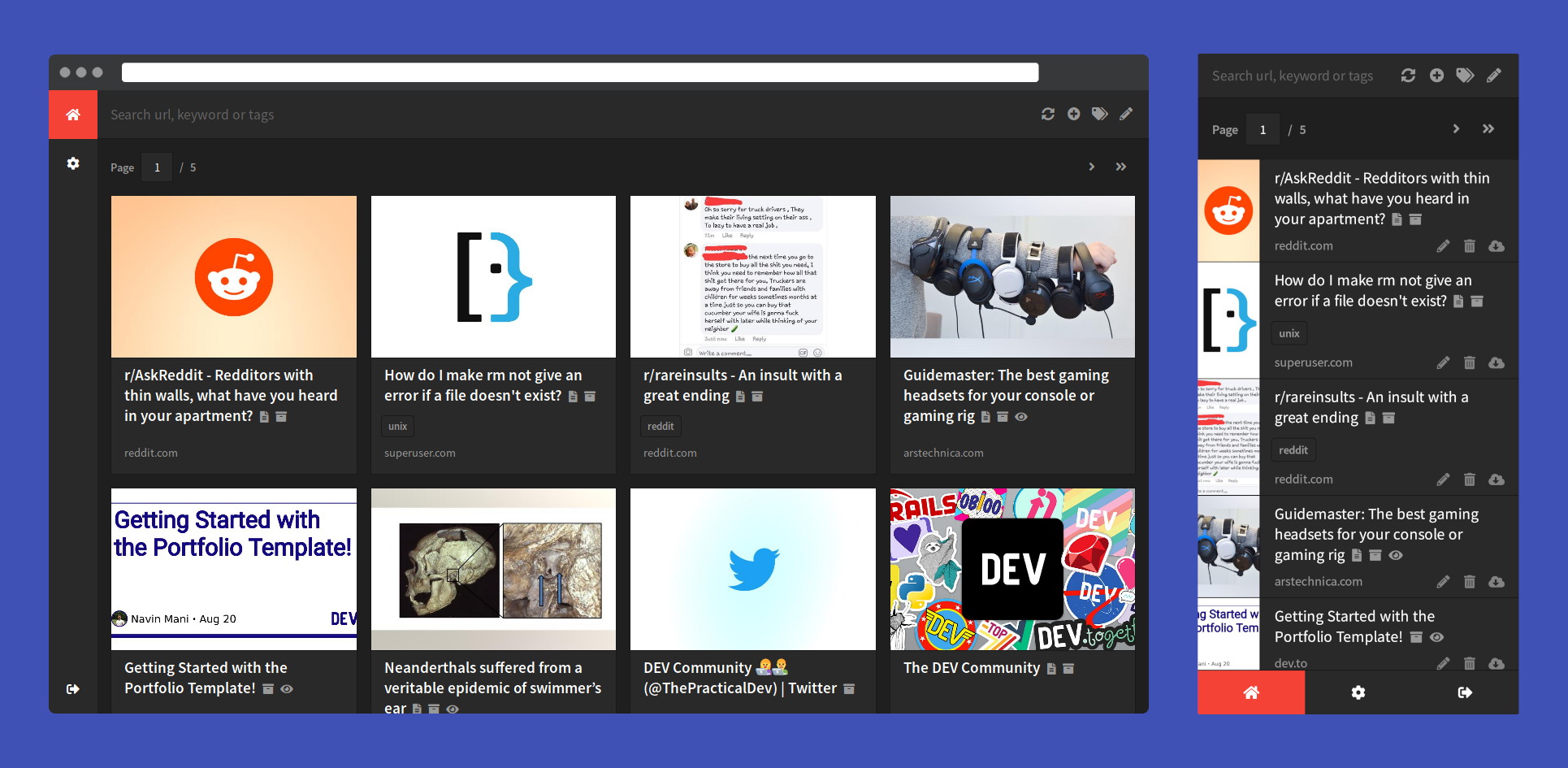
What is Shiori?
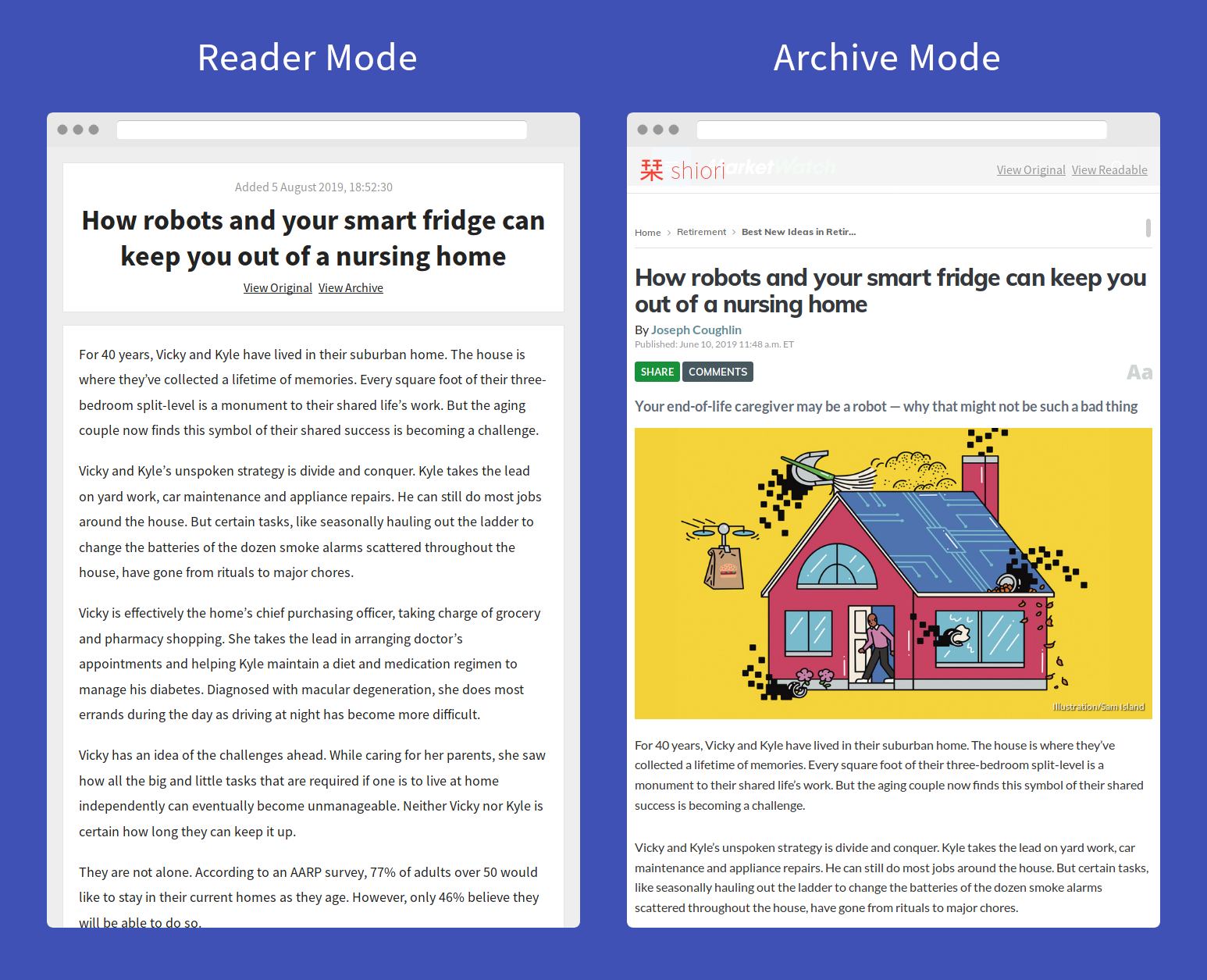
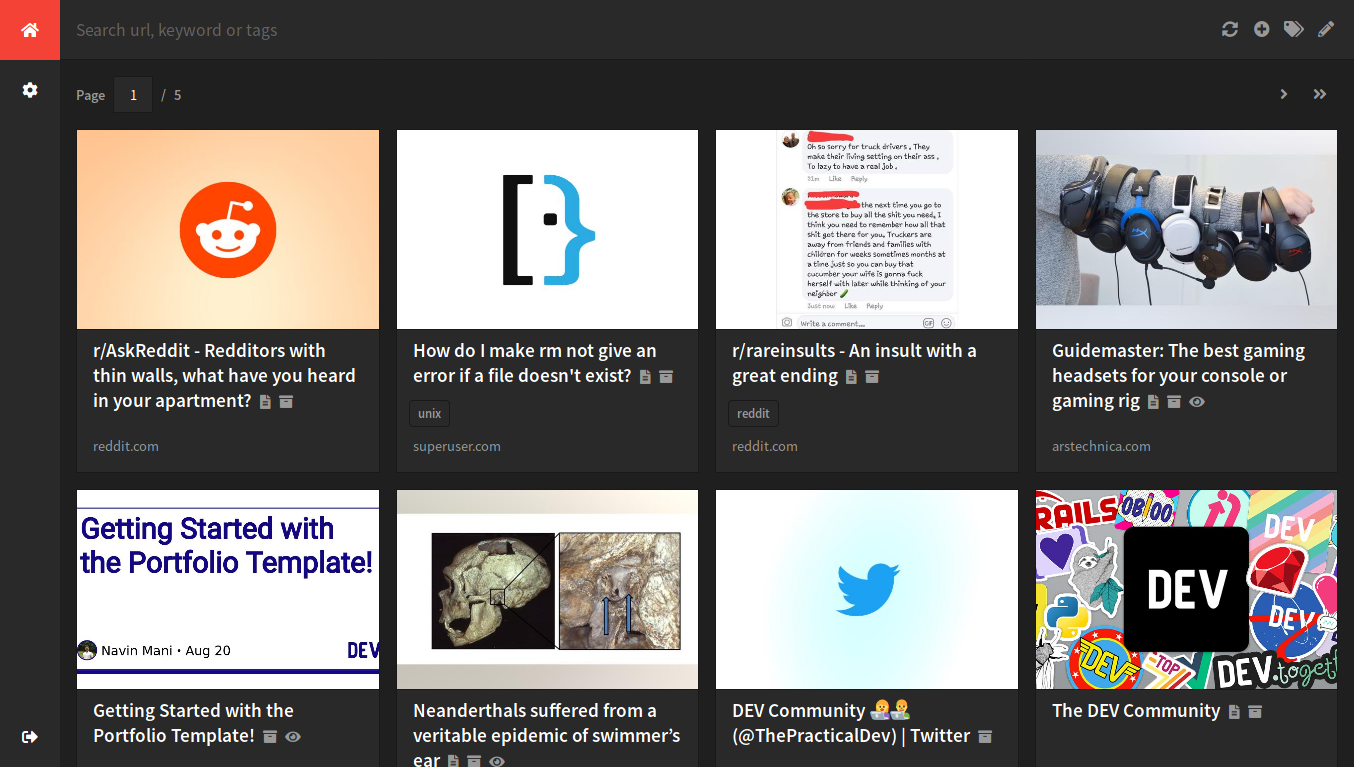
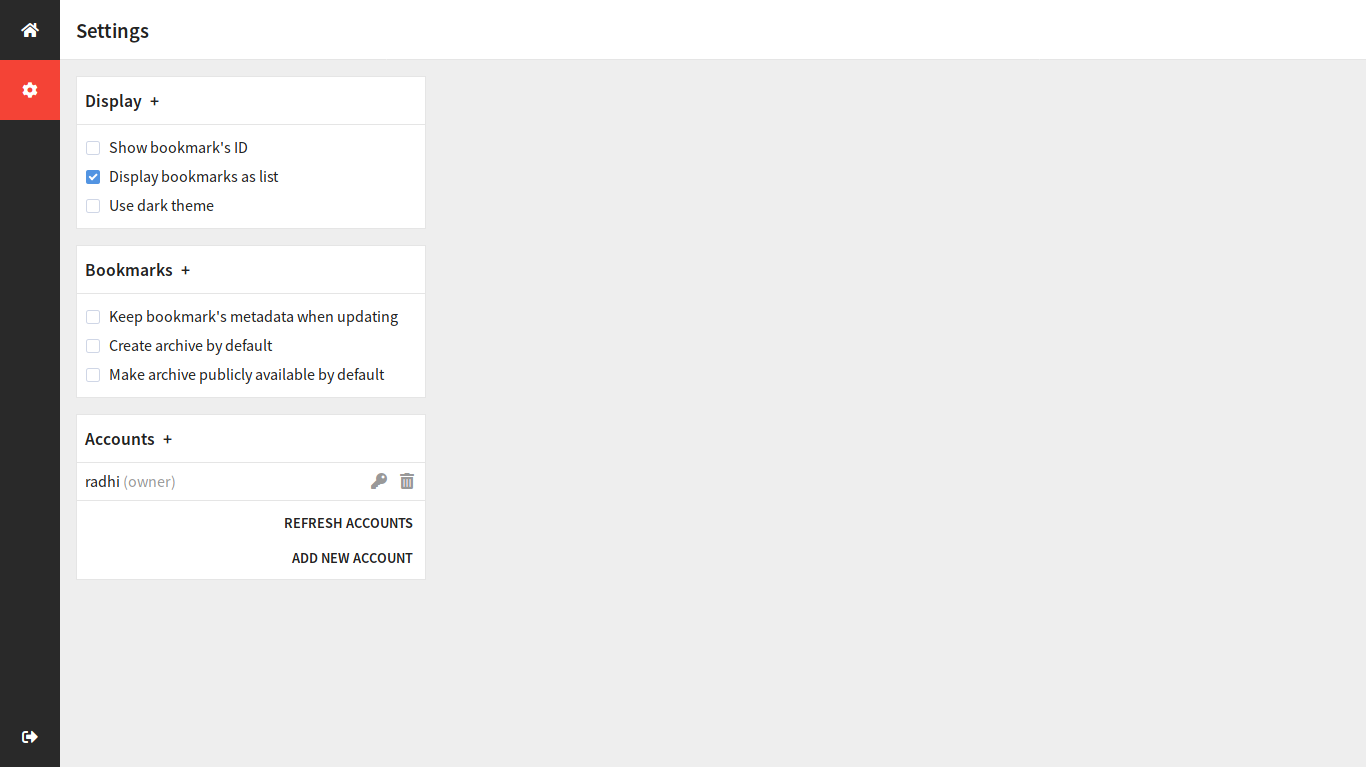
Shiori is a lightweight bookmark manager you run on your own hardware, conceived as a straightforward Pocket substitute. Written in Go and shipped as one self-contained binary, it works both from the terminal and as a browser app: you add, edit, delete and search saved links, organise them with tags, and by default it parses the readable content of a page and keeps an offline archive of it. The web UI offers light and dark themes, grid and list views, phone-sized layouts, and account management from a settings page with owner and visitor levels, while an HTTP/JSON API (a newer v1 is still being worked on) and a beta browser extension cover automation and saving from the browser. Links can be imported from or exported to a Netscape bookmark HTML file, including Pocket exports, and storage defaults to SQLite with MySQL, MariaDB or PostgreSQL available through a database URL. Self-hosting is a single docker run of ghcr.io/go-shiori/shiori exposing port 8080 with a bound data directory, a downloaded binary put on your PATH under a systemd or launchd unit, or community Kubernetes manifests; a secret key environment variable is required for HTTP sessions. The project is MIT-licensed and, by its own account, maintained at a deliberately slow pace by a small team.
Shiori alternatives
 favedFree open-source bookmark manager with nested tags, automatic metadata fetching and browser/Raindrop/Pocket import, self-hosted as one Docker container.Comparefaved with Shiori
 EspialOpen-source, self-hosted bookmark server with multiple accounts, tagging, a browser bookmarklet, REST API and snapshot archiving via ArchiveBox or the Wayback Machine.CompareEspial with Shiori
 BukuAn open-source, self-hosted command-line bookmark manager with encrypted portable databases, browser import, and an optional Bukuserver web UI with REST API.CompareBuku with Shiori
 gobookmarksgobookmarks is a self-hosted start page rendering bookmarks from a plain text file with visual editor, search, and Git-backed history.Comparegobookmarks with Shiori
 GrimoireOpen-source, self-hosted local-first bookmark manager: saves and extracts pages, PDFs, and YouTube, with keyword, semantic, or hybrid search and optional AI providers.CompareGrimoire with Shiori
 go-LinkSavergo-LinkSaver is a simple, open-source link saver you can self-host via Docker or binary. It provides a web GUI for bookmarks with Bootswatch themes.Comparego-LinkSaver with Shiori
 linkdingA self-hosted, open-source bookmark manager with tags, multi-user sharing, automatic metadata, site archiving and a REST API.Comparelinkding with Shiori
 cherryCherry is an open-source, self-hosted bookmark service with tags, groups, full-text search, and browser extensions. Runs on SQLite via Docker.Comparecherry with Shiori
Should you self-host Shiori?
Shiori scores 73/100 on selfhost.directory (how scoring works) and ranks #4 of 46 in Bookmarks & Link Sharing. It has 11 862 GitHub stars, +197 in the last 30 days.
There was no stable release in the past 12 months, so check the repository's recent activity before you rely on it.
Setup is easy: most people get it running in one sitting. An official Docker image is available. It is MIT-licensed and written mostly in Go.
Its closest alternative on selfhost.directory is LinkWarden (79/100, 20 418 stars). It scores higher overall, so compare the two before you pick. See Shiori vs LinkWarden side by side.
Features
- Bookmark import/export
- Bookmark Management
- Browser ExtensionMarked BETA in the README; maintained as separate shiori-web-ext repo.
- Command Line Interface
- Full-Text Search
- Offline page archivingWhere possible; can be skipped with --no-archival.
- Portable single binary
- REST APIDocumented API is deprecated in favour of an in-development API v1.
- SSO proxy authenticationDisabled by default.
- Tagging
- Web Interface
Shiori README

Check out our latest Announcements
Shiori is a simple bookmarks manager written in the Go language. Intended as a simple clone of Pocket. You can use it as a command line application or as a web application. This application is distributed as a single binary, which means it can be installed and used easily.
FAQ
How to run shiori on start up (macOS)?
Add a LaunchAgents plist that runs the server command with your secret key and paths, and allow it in the background in Login Items.
How to run shiori on start up (Linux)?
Create a systemd service unit for it, either running the container or the binary, then enable the service.
Failed to get bookmarks: failed to fetch data: no such module: fts4?
A known breaking change for SQLite users moving from 1.5.0 to 1.5.1; the project announcement explains how to migrate the database.
Why my old accounts can't do anything after upgrading Shiori to v1.5.0?
v1.5 introduced owner and visitor levels and existing accounts were treated as visitors; the workaround is to log in with the default account and recreate yours as owner.
What is the default account to login at the first time?
A default owner account is created for the first login; its username and password are listed in the project FAQ.
How to make a donation?
Donations go to individual maintainers through their PayPal and Ko-fi pages.
How to make a contribution?
By opening issues or submitting pull requests, as with other open-source projects.
Is this app actively maintained?
Yes, though the pace is admittedly slow, with one current active maintainer and earlier authors contributing from time to time.
What is the status for this app?
It is described as stable enough to use with the database schema settled, but very large bookmark collections have not been tested.
What are the system requirements?
No concrete figures are given: the docs note it runs on the lowest DigitalOcean VPS tier, so it should work almost anywhere.
How does it compare to other bookmarks managers?
The maintainer says he has only used Pocket and browser-bundled bookmarks; the difference he cares about is that bookmark data stays on his own server.
More in Bookmarks & Link Sharing
 SlashOpen-source self-hosted link manager with s/ shortcuts, team sharing, analytics, and browser extensions.
 smart-bookmarkSelf-hosted, open-source bookmark manager using AI for auto-summaries, tags, and smart search without exact keywords.
- SyncMarksSelf-hosted open-source PHP webapp syncing Firefox, Edge and Chromium bookmarks via the SyncMarks extension, with a web bookmark manager, tab sync and push notifications.
 ThinkDashboardThinkDashboard is a self-hosted, open-source bookmark dashboard with keyboard shortcuts, dark/light themes, full color customization, and responsive design for mobile.
 tiesties is a self-hosted, open-source federated bookmark manager for organizing, sharing, and discovering web pages via ActivityPub federation.
 wallabagSelf-hosted, open-source read-later app to save web pages offline. Supports SQLite, MySQL, PostgreSQL, Redis, 2FA, and imports from Pocket, Instapaper.
 WallabagSelf-hosted open-source read-it-later app: save web pages, keep clean extracted text, tag and share articles, import from Pocket, and read from browser, phone or RSS.
 xBrowserSyncxBrowserSync API is a self-hosted, open-source REST service for syncing browser bookmarks privately across devices, replacing proprietary sync.
 AnchrAnchr is a self-hosted, open-source toolbox for bookmarks, link shortening, and encrypted image uploads with OAuth, Telegram bot, and ShareX integration.
 ArchiveBoxArchiveBox is an open-source, self-hosted web archiving app that ingests bookmarks, RSS feeds and URLs, then saves durable HTML, PDF, PNG, WARC and MP4 copies.
 benderBender is a self-hosted, open-source link dashboard managed entirely via browser UI — no YAML needed. Supports light/dark themes, FontAwesome icons, and Homer import.
- BetulaFederated bookmark manager allowing self-hosted users to archive web pages and share links across Mastodon and other Fediverse platforms.
0 comments