
Self-host RustDesk Server
1.1.16Open-source remote desktop ID and relay server
sudo docker run --name hbbs -v ./data:/root -td --net=host --restart unless-stopped rustdesk/rustdesk-server hbbs- Stars
- 10 720
- Ports
- 21115 (hbbs TCP: NAT type test (PORT-1), also the loopback console address), 21116 (hbbs TCP+UDP: ID registration, heartbeat, rendezvous and TCP hole punching), 21117 (hbbr TCP: relay traffic), 21118 (hbbs TCP: WebSocket rendezvous, only needed for web client support), 21119 (hbbr TCP: WebSocket relay, only needed for web client support)
rustdesk/rustdesk-server
What is RustDesk Server?
RustDesk's self-hostable backend, shipped as the open-source edition of the server program: hbbs is the ID, rendezvous and signaling service clients register with, and hbbr carries session traffic whenever two peers cannot reach each other directly. The ID server also runs a NAT type test and TCP hole punching, and can push every session through the relay instead. Access is authenticated by an ed25519 key pair that hbbs loads or generates on first start, and the relay can validate the same key. Operators get relay bandwidth ceilings with automatic downgrading of long heavy connections, per-IP block and speed-limit lists, loopback TCP commands for changing those settings at runtime, and extra WebSocket listeners for browser-based clients. Registration state lives in a bundled SQLite file, so no database service is required. The docs recommend Docker Compose with host networking, and also cover plain docker run, Podman Quadlet units, Debian packages, a community systemd install script, Windows under PM2 or NSSM, and Synology NAS; hardware demands are minimal enough for a Raspberry Pi. This edition is free with community support only: no web console, no API, no OIDC or LDAP, no 2FA, and no device management — those live in the paid RustDesk Server Pro, and rustdesk-server-demo is suggested if you want to write your own server.
RustDesk Server alternatives
 rustunnelrustunnel is a self-hosted, open-source tunnel server in Rust exposing local services via encrypted WebSocket. Free managed cloud with pay-as-you-go billing and MCP.Comparerustunnel with RustDesk Server
 CortenDeskSelf-hosted RustDesk console bundling ID server, relay, and browser client in one Docker image. Fixes signed-in client issues, adds fleet management, access control.CompareCortenDesk with RustDesk Server
 RustrakRustrak is a self-hosted, open-source error tracker compatible with Sentry SDKs. Change one config line to send data to your own infrastructure.CompareRustrak with RustDesk Server
 waterbus-rsWaterbus is a self-hosted, open-source WebRTC SFU media server in Rust for low-latency real-time video, audio, and data streaming with simulcast and egress.Comparewaterbus-rs with RustDesk Server
 nostr-rs-relay-composeA Docker Compose deployment that runs the Rust-based nostr-rs-relay with Traefik for TLS termination, letting you host your own Nostr relay on your infrastructure.Comparenostr-rs-relay-compose with RustDesk Server
 DatabagSelf-hosted federated messenger with E2E encryption, WebRTC calls, topic threads, and mobile apps. Runs on Raspberry Pi Zero.CompareDatabag with RustDesk Server
 rustatioRustatio is an open-source BitTorrent ratio tool that mimics popular clients. It runs as a desktop program or a containerized server with a browser interface.Comparerustatio with RustDesk Server
 dockpanelDockPanel is a free, self-hosted server panel in Rust/React managing sites, databases, Docker apps, SSL, backups, mail, DNS, security. ~49MB RAM, 147 templatesComparedockpanel with RustDesk Server
Should you self-host RustDesk Server?
RustDesk Server scores 75/100 on selfhost.directory (how scoring works) and ranks #4 of 22 in Remote Desktop. It has 10 720 GitHub stars, +207 in the last 30 days.
It shipped 2 stable releases in the past year. The latest, 1.1.16, came out on 20 July 2026. New versions land roughly every 6 months.
Setup is easy: most people get it running in one sitting. An official Docker image is available. It is AGPL-3.0-licensed and written mostly in Rust.
Its closest alternative on selfhost.directory is rustdesk (92/100, 128 812 stars). It scores higher overall, so compare the two before you pick. See RustDesk Server vs rustdesk side by side.
Features
- Built-in SQLite storage
- CLI utilities
- Config via flags, env vars or config file
- Forced relay mode
- ID / rendezvous signaling server
- IP blocklist and bandwidth blacklist
- Key-based connection encryption
- NAT hole punching
- Relay bandwidth limits / QoS
- Relay server
- Runtime console over loopback TCP
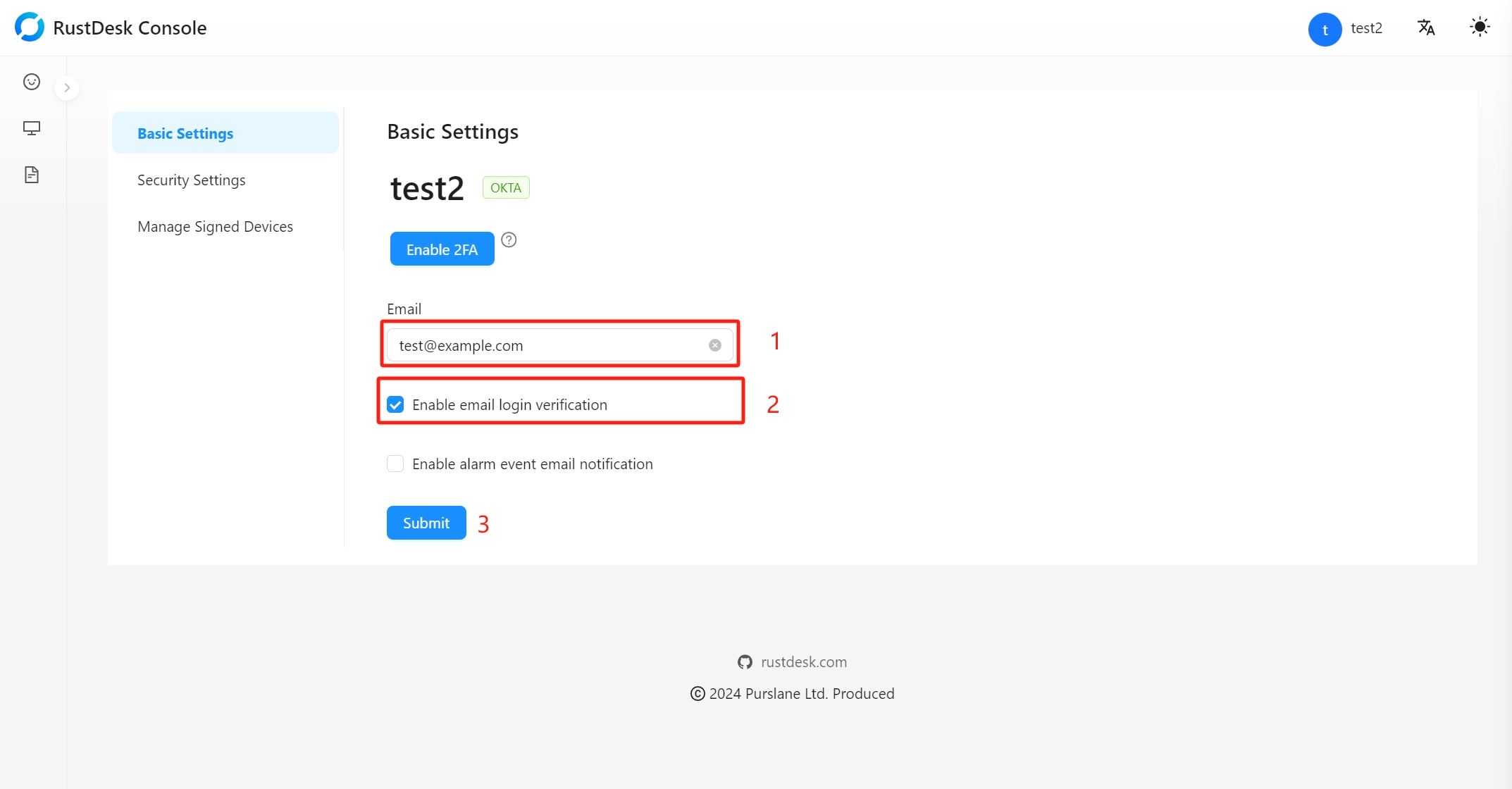
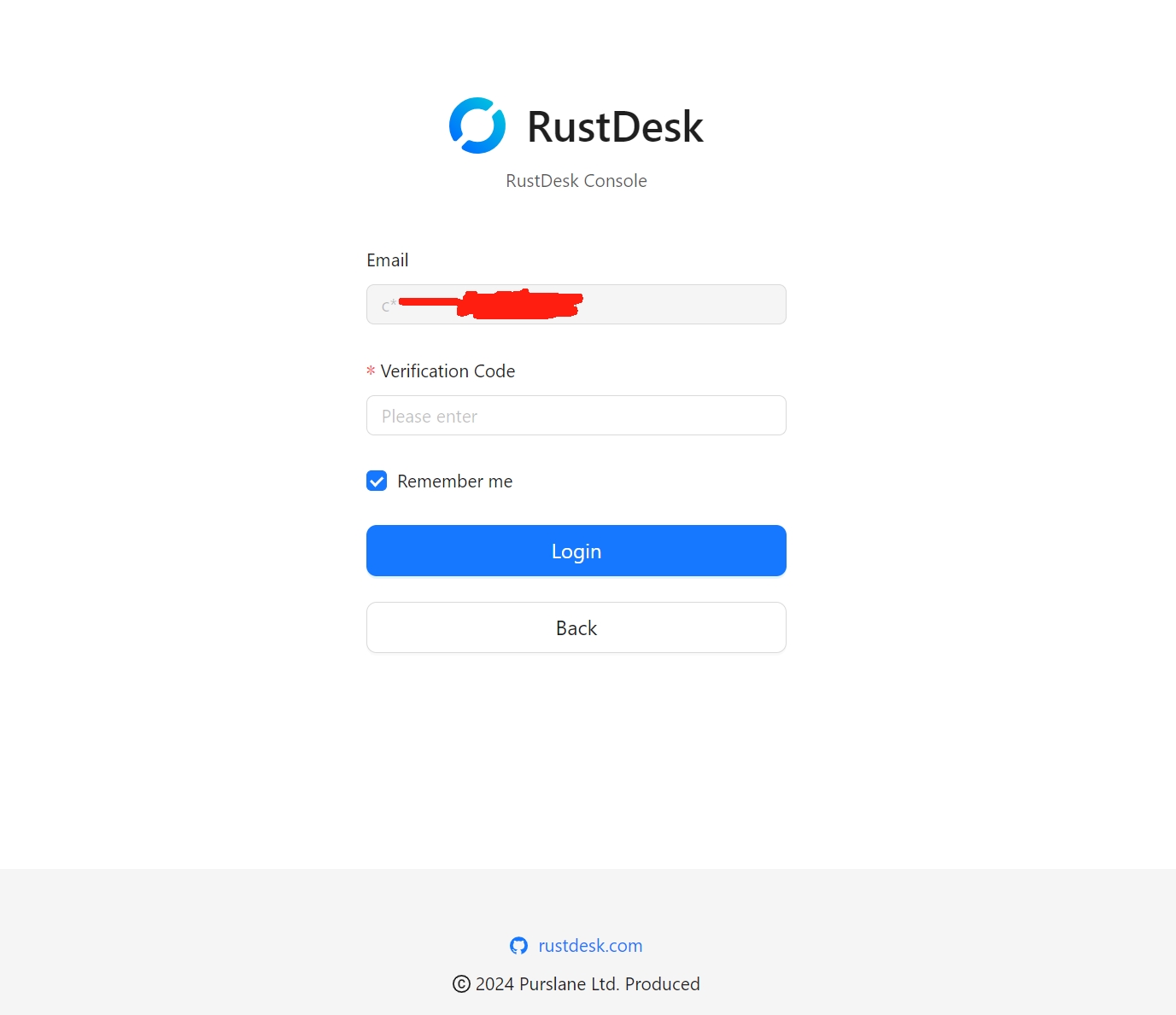
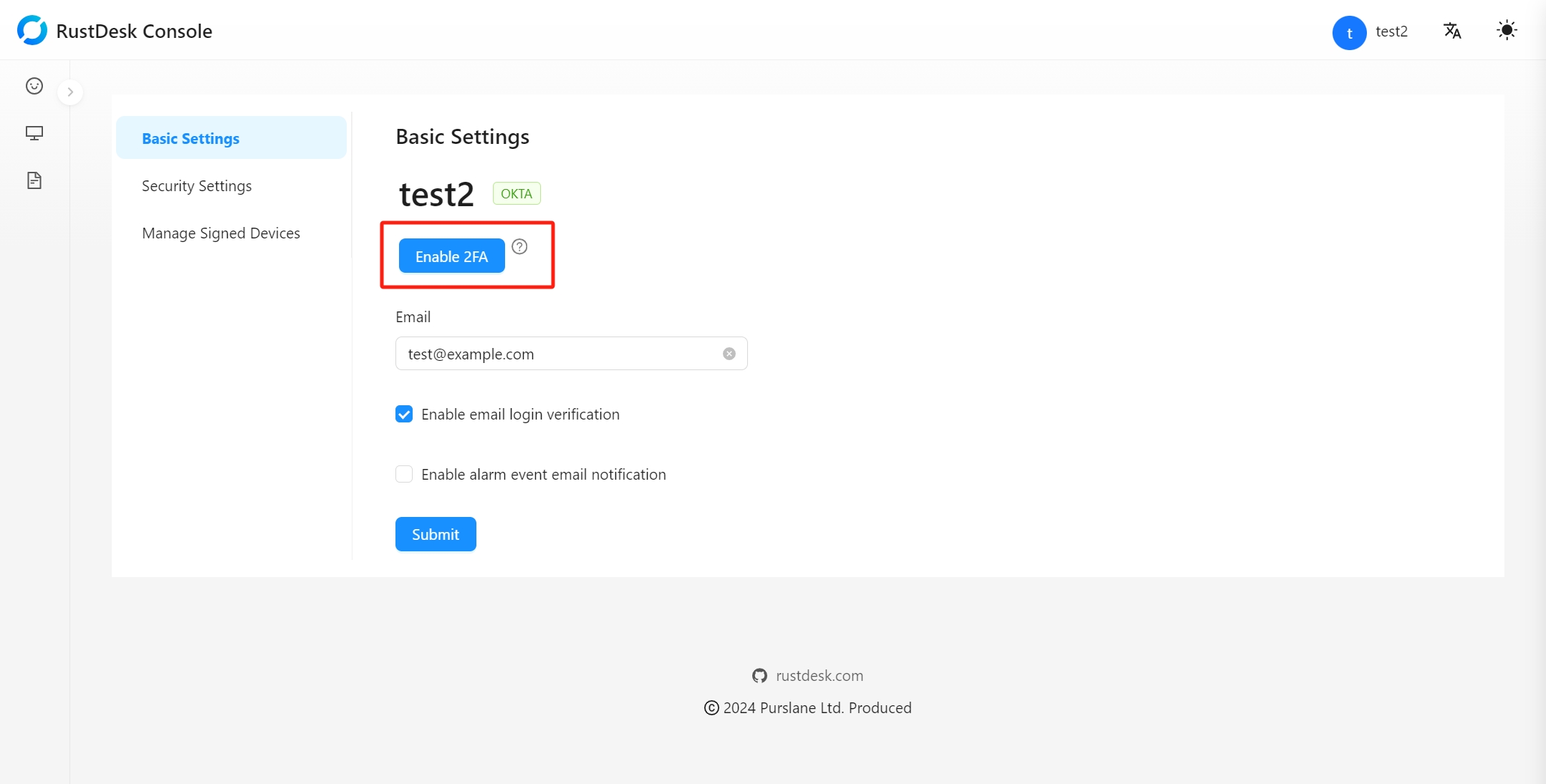
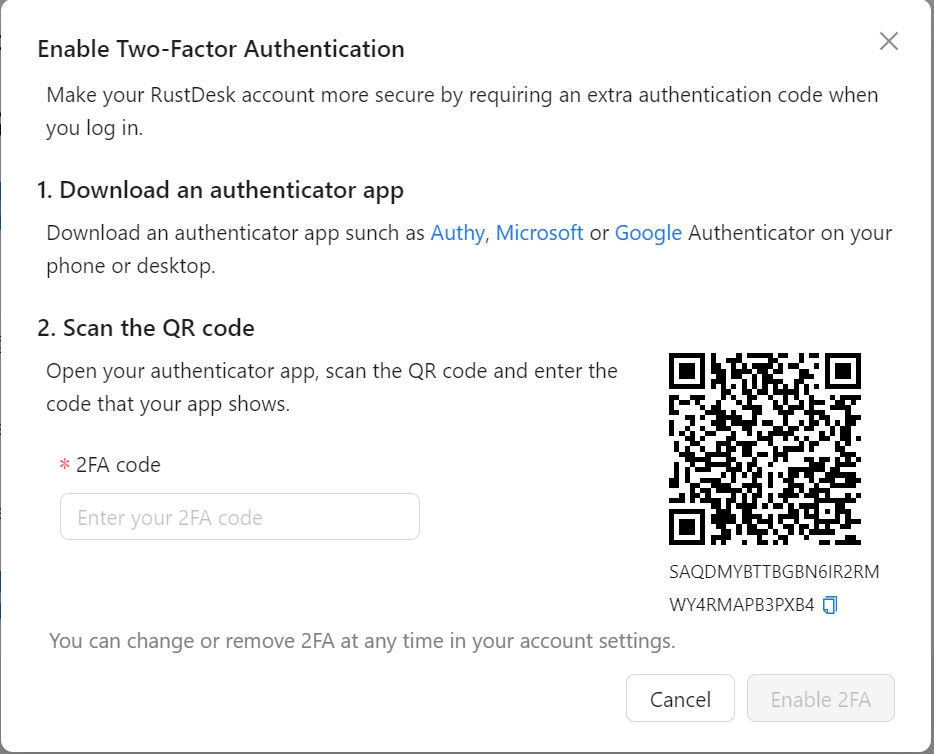
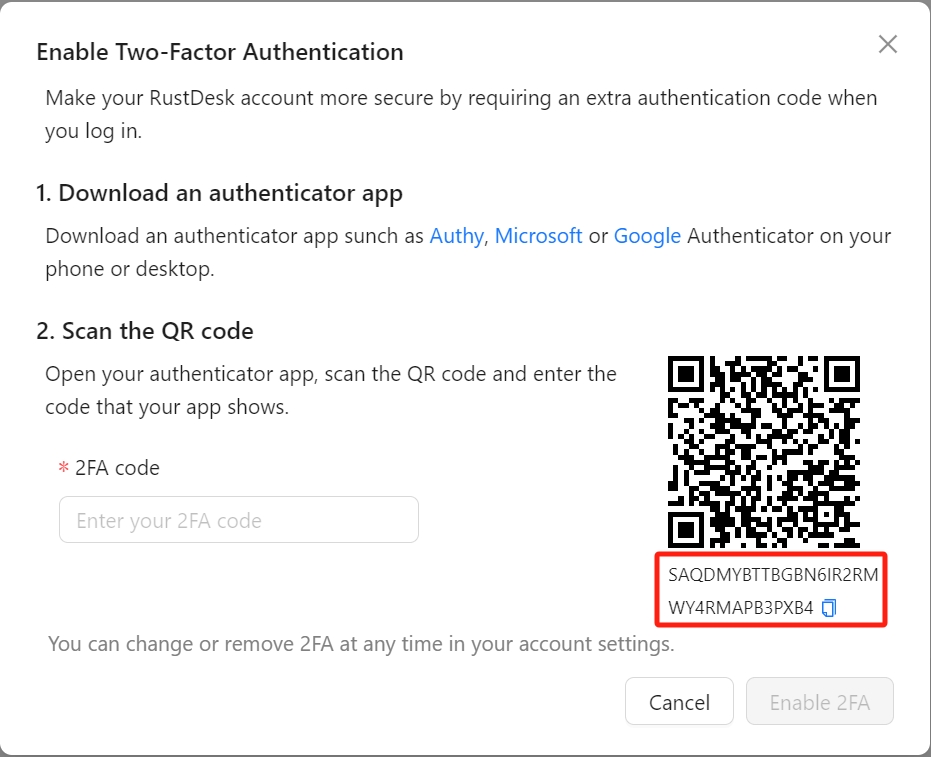
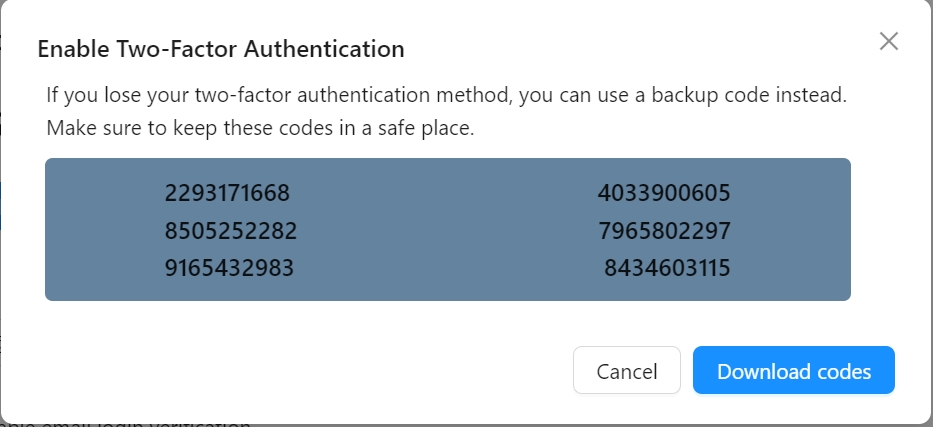
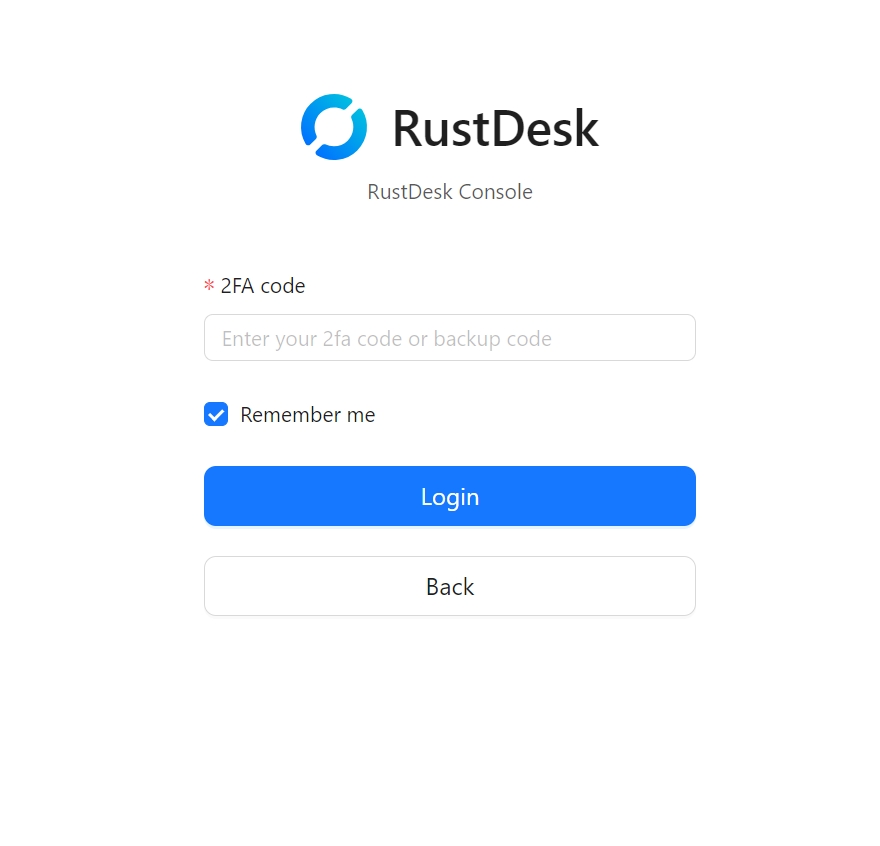
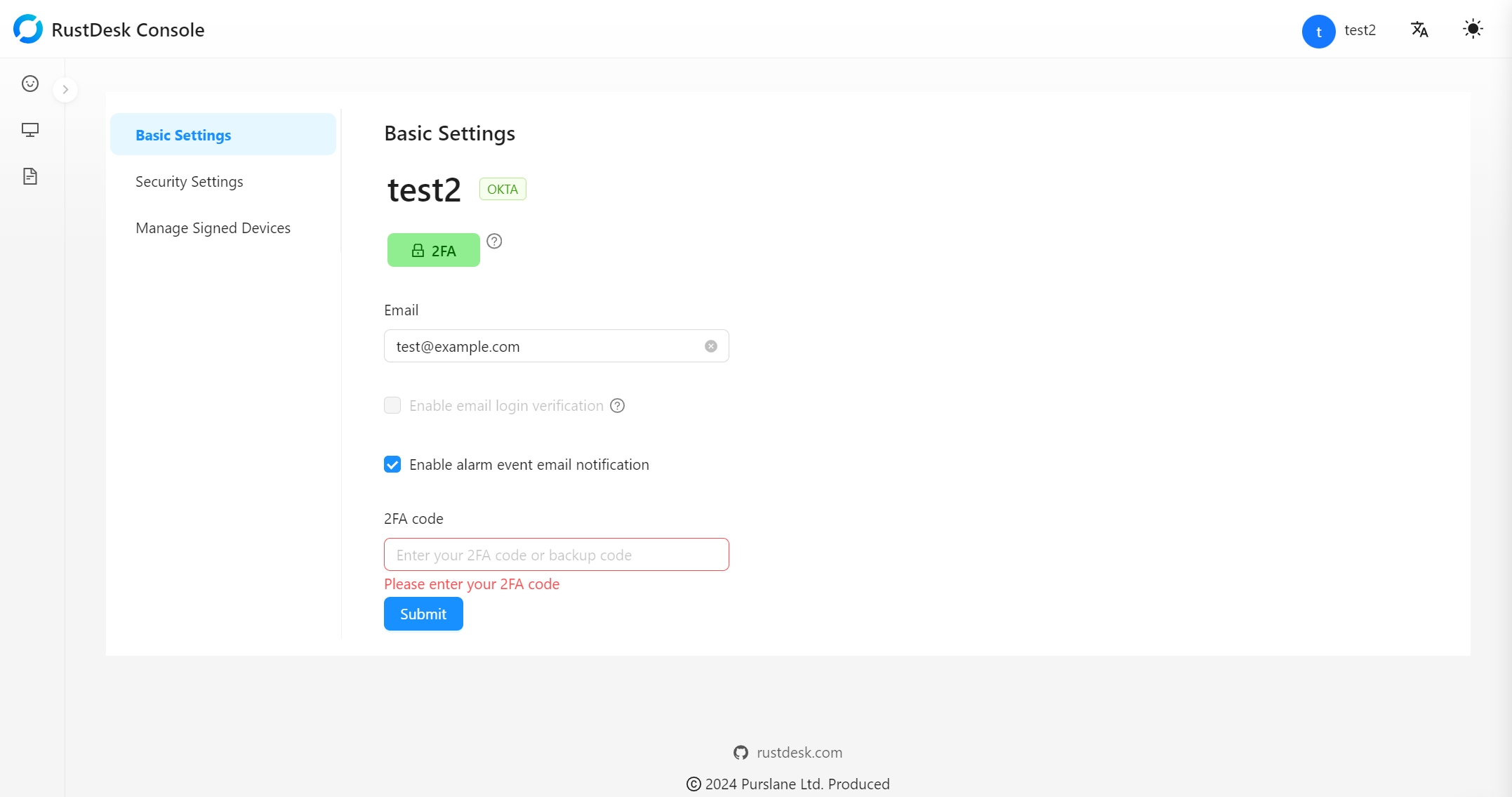
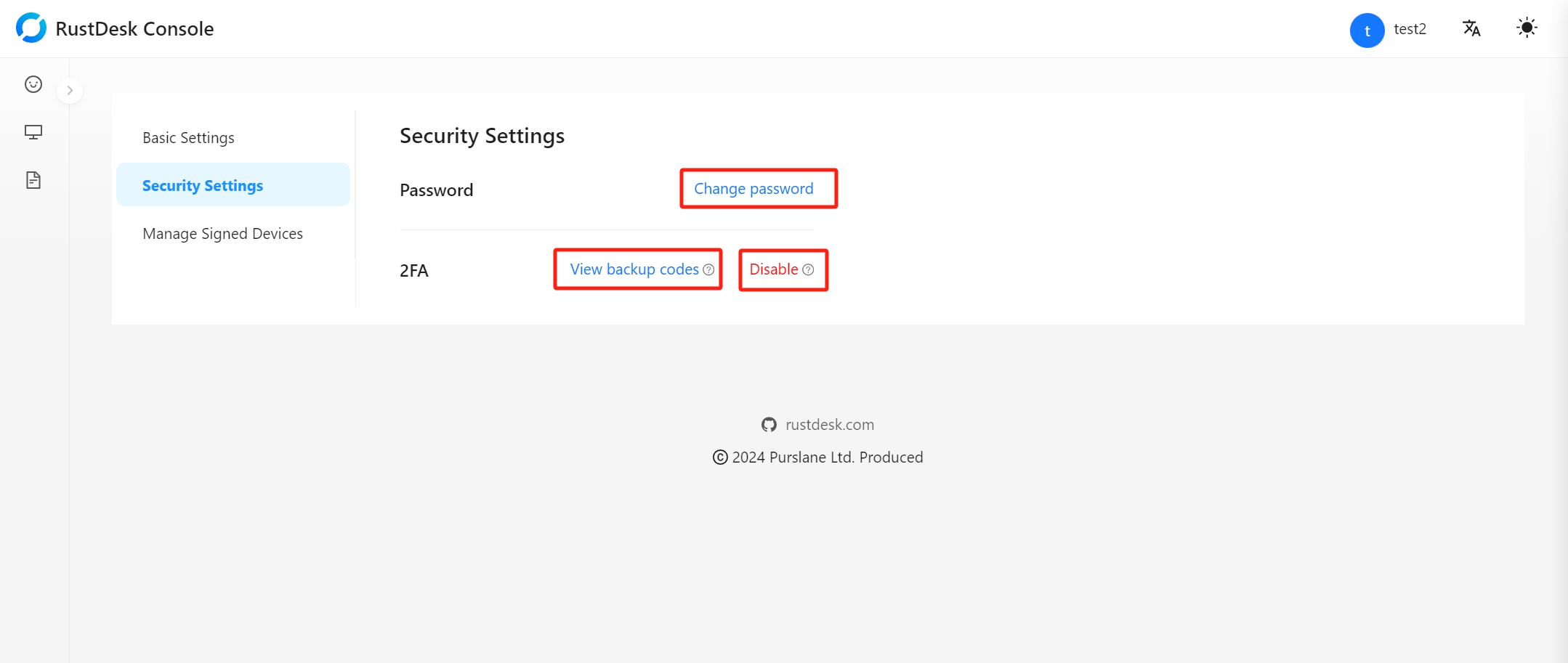
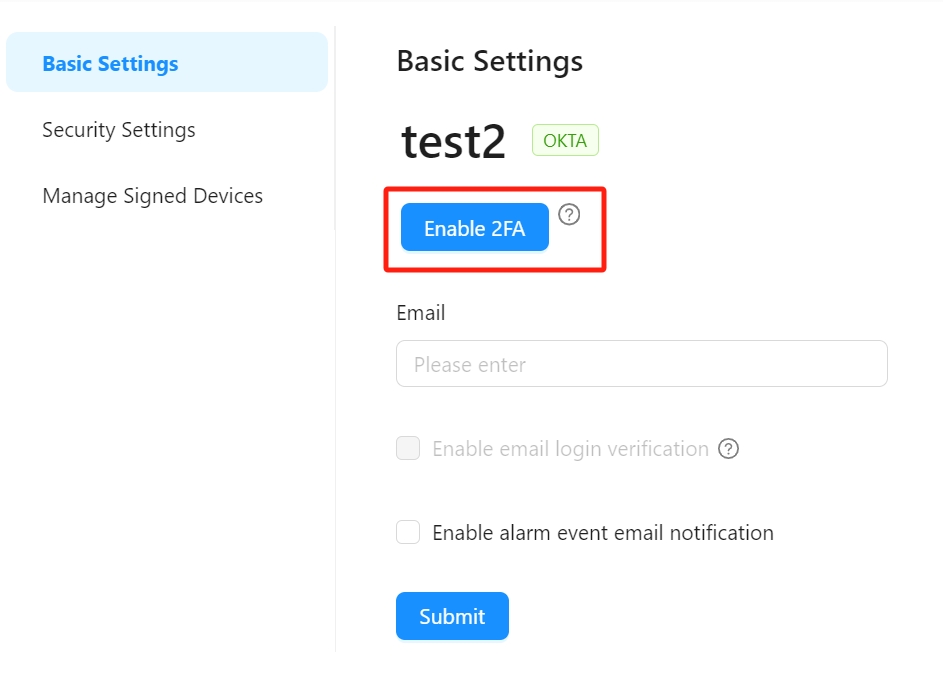
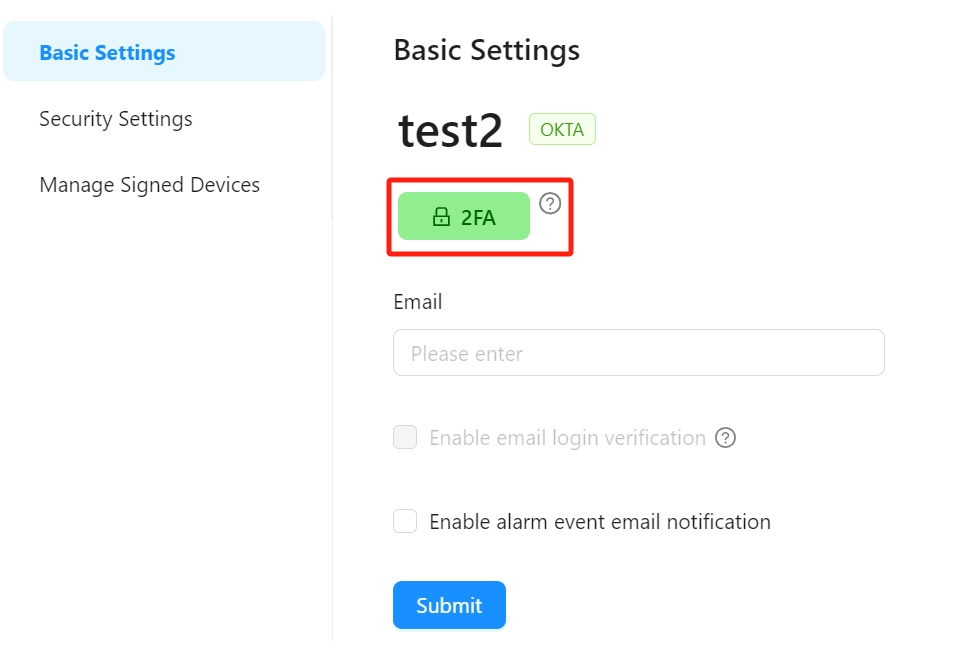
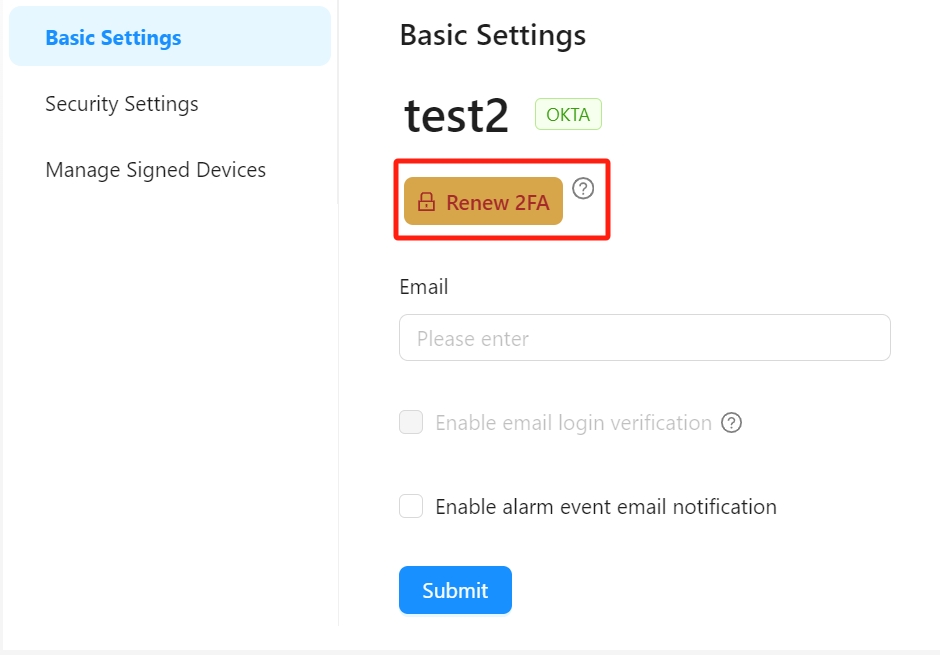
- Two-factor authenticationListed as a Pro feature, not part of the OSS server.
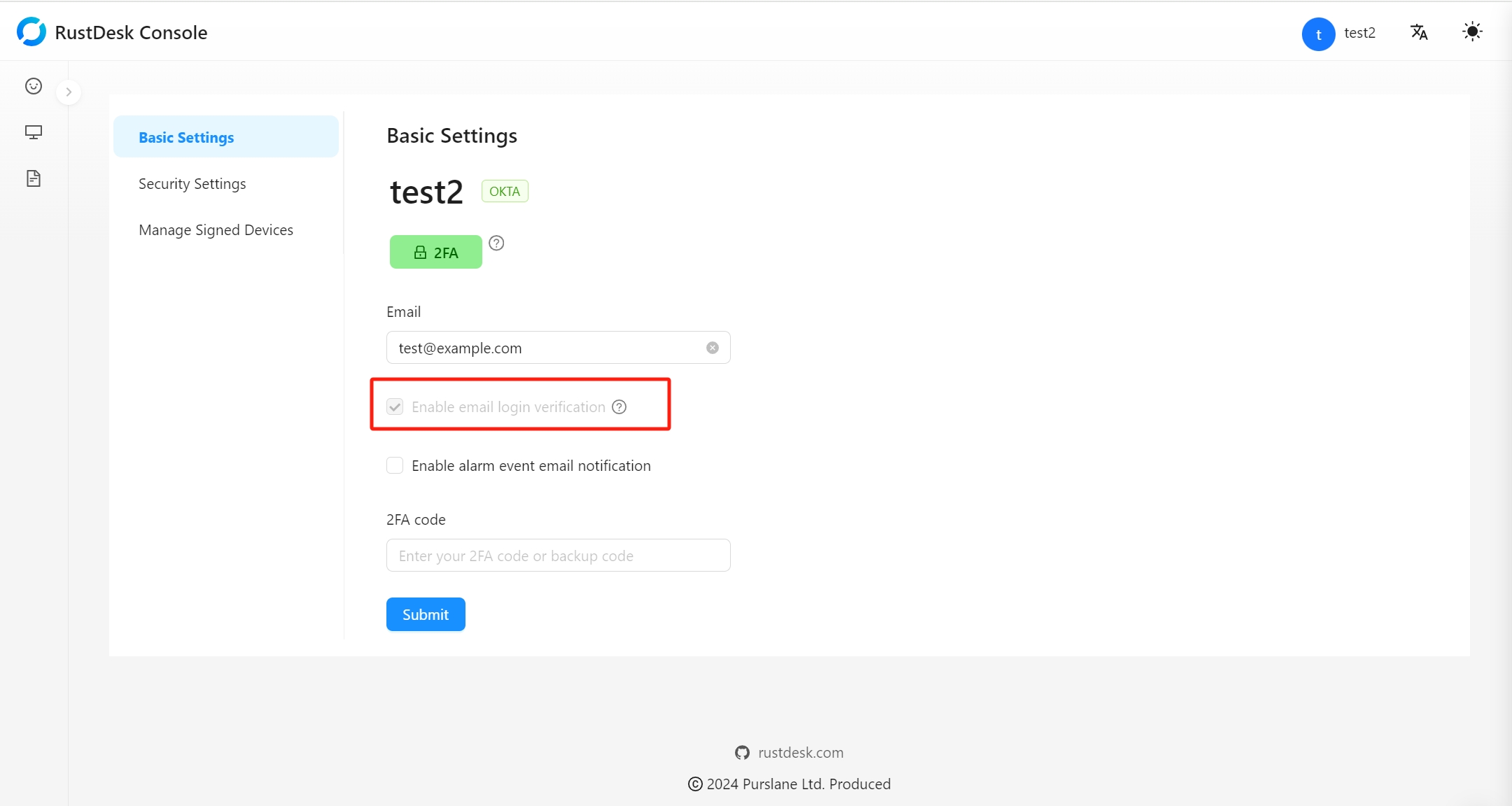
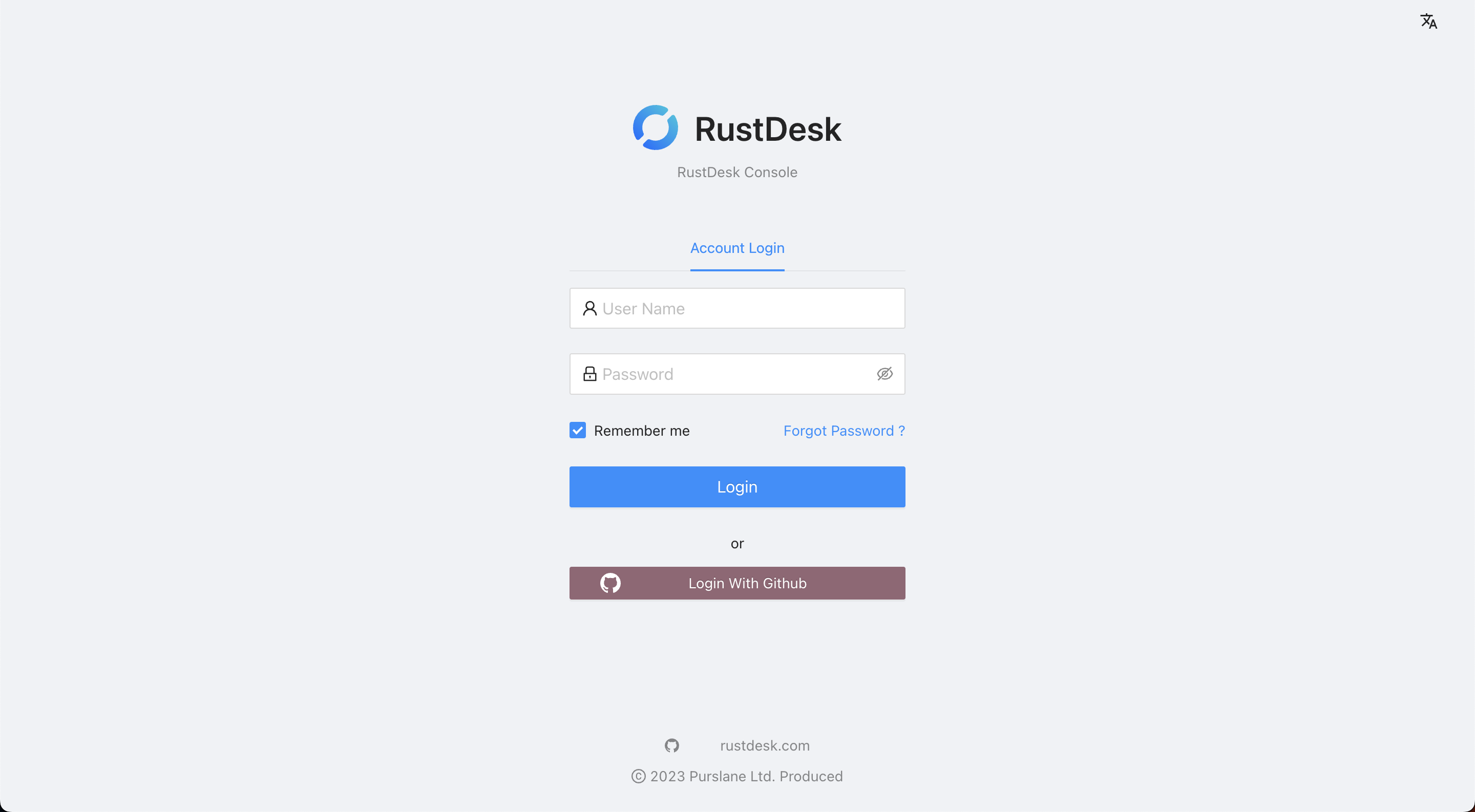
- Web Admin ConsoleWeb console is part of RustDesk Server Pro; port 21114 is only available in the Pro version.
- WebSocket endpoints for web clients
RustDesk Server README

FAQ
What do clients need after server installation?
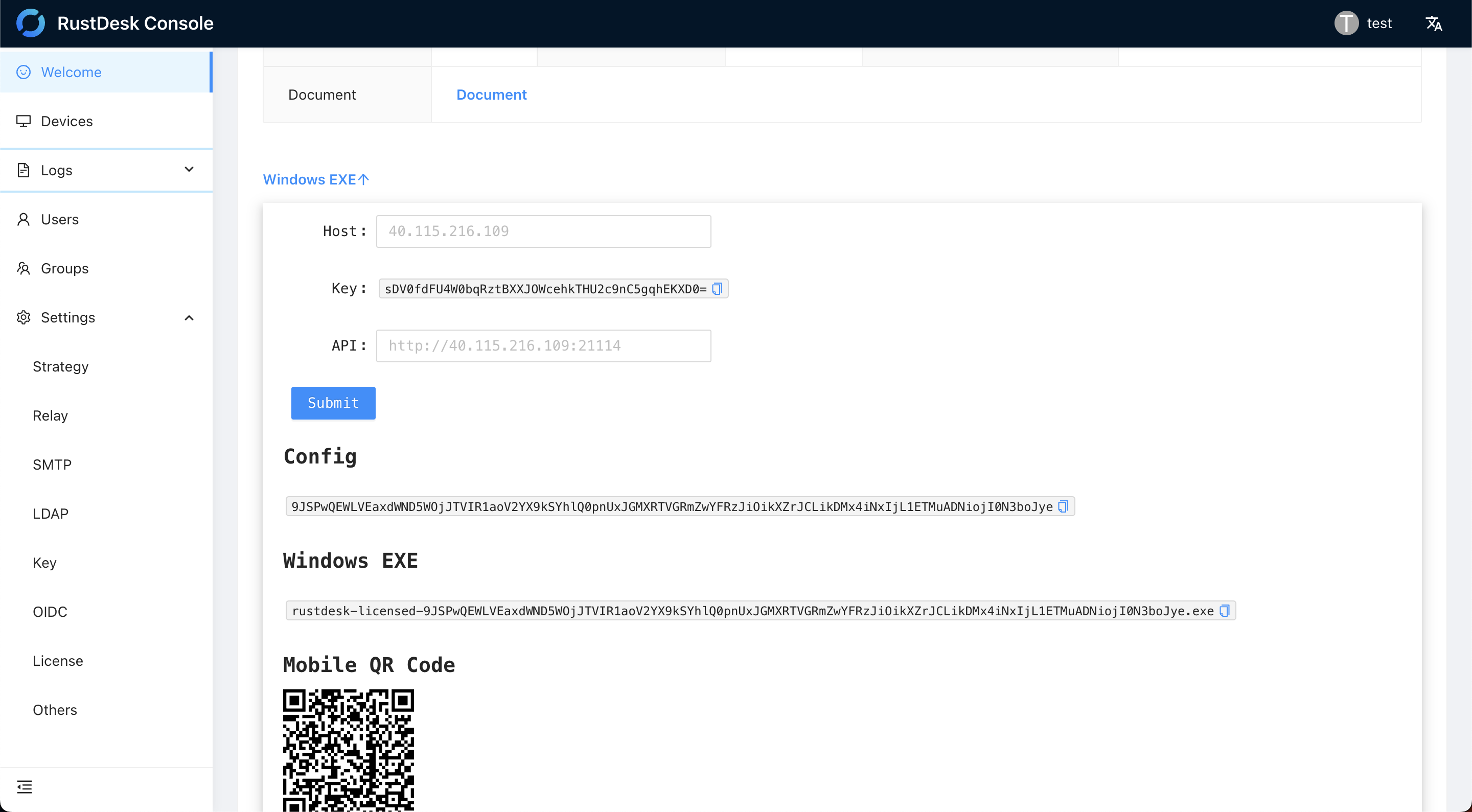
Clients usually need the ID Server address and the server public key; the API Server only matters when configuring Pro clients.
What is the best way to run RustDesk Server OSS in Docker?
Docker Compose with network_mode: "host" is described as the simplest and most reliable option for most Linux deployments.
What is the recommended way to install RustDesk Server OSS?
Docker is recommended for most deployments because it is the easiest to reproduce, upgrade and move between servers; a systemd install script or Debian packages suit native Linux setups.
More in Remote Desktop
 sealskinSelf-hosted platform that runs desktop apps in isolated containers on your server and streams them to browsers and phones.
 SunshineSelf-hosted, open-source game stream host for any Moonlight client, with GPU hardware encoding and a browser config UI on Linux, Windows, macOS and FreeBSD.
 tigervncHigh performance, multi-platform VNC client and server
 tlbxA self-hosted, open-source terminal multiplexer that runs shells and AI coding agents on your own hardware, reachable from any browser.
 WebCordSelf-hosted Docker container running the WebCord Discord client streamed to your browser via Selkies. Supports GPU acceleration, multi-arch, and optional basic auth.
 WeblinkAn open-source WebRTC suite for remote desktop access, chat, file transfer, and video calls that runs in the browser or as a Windows app, with self-hosted signaling.
 webtopUbuntu, Alpine, Arch, and Fedora based Webtop images, Linux in a web browser supporting popular desktop environments.
 WindowsinDockerThis self-hosted, open-source container builds a full Windows virtual machine on a KVM-capable Linux host, auto-installs it and exposes a web viewer plus RDP.
 wolfWolf is an open-source self-hosted streaming server for Moonlight clients enabling multi-user game streaming with virtual desktops.
 xrdpxrdp is a self-hosted, open-source RDP server for Linux with clipboard, audio, and drive redirection.
 Apache GuacamoleSelf-hosted, open-source remote desktop gateway that lets you access desktops via web browser using VNC, RDP, and SSH protocols without any client software.
 chrome-remote-desktop-imageSelf-hosted Docker image providing a full Ubuntu desktop with XFCE, Chrome Remote Desktop, and Firefox for remote access behind NAT without port forwarding.
0 comments