
Self-host presenton
v0.9.12-betaOpen-source AI presentation maker with BYOK and PPTX export
- Stars
- 11 821
- Ports
- 80 (Web UI and API inside the container; mapped to host port 5001 by default (configurable via PRESENTON_HTTP_HOST_PORT)), 1455 (Codex OAuth callback (OpenAI redirects the browser directly to localhost:1455))
ghcr.io/presenton/presenton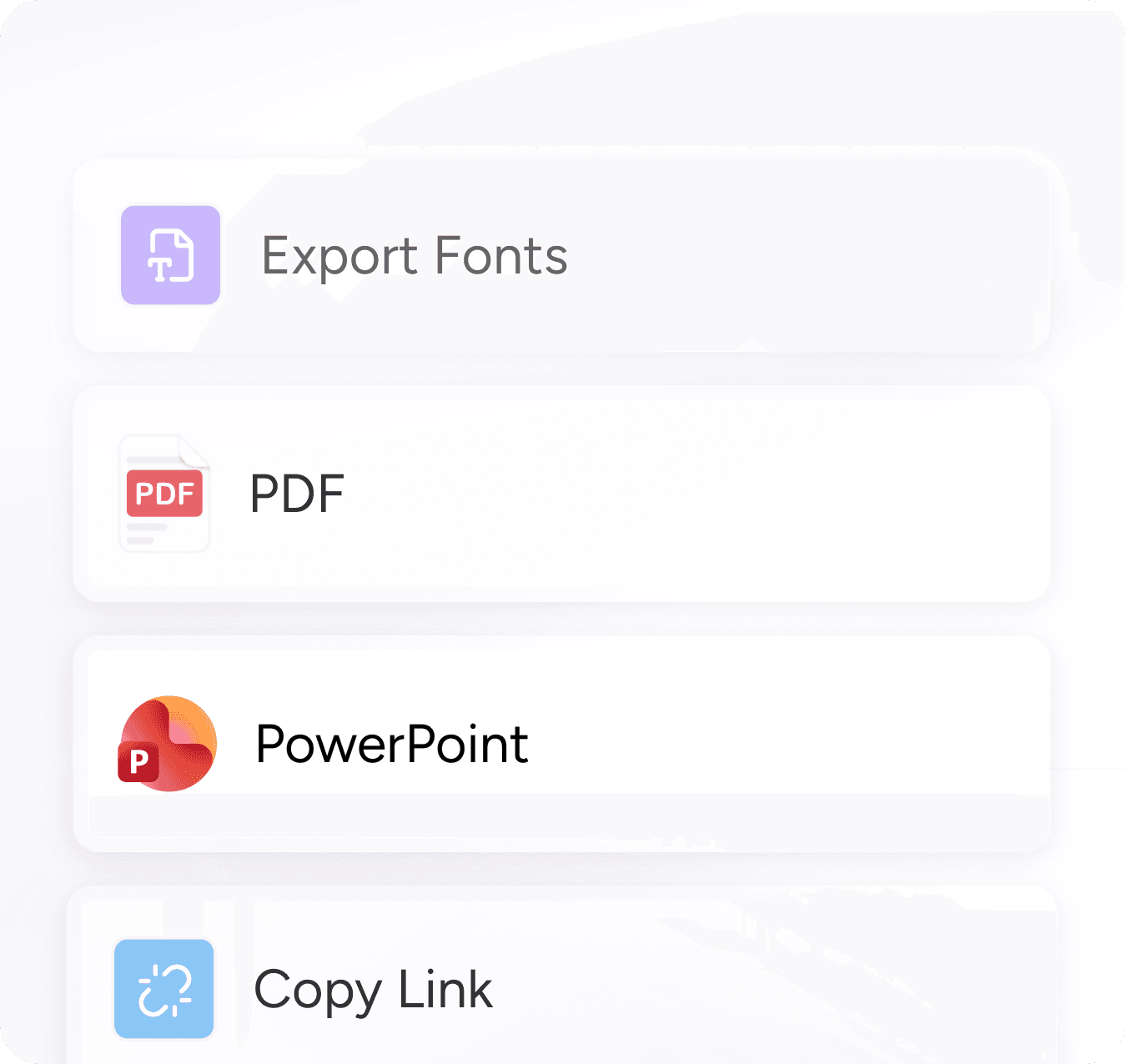
What is presenton?
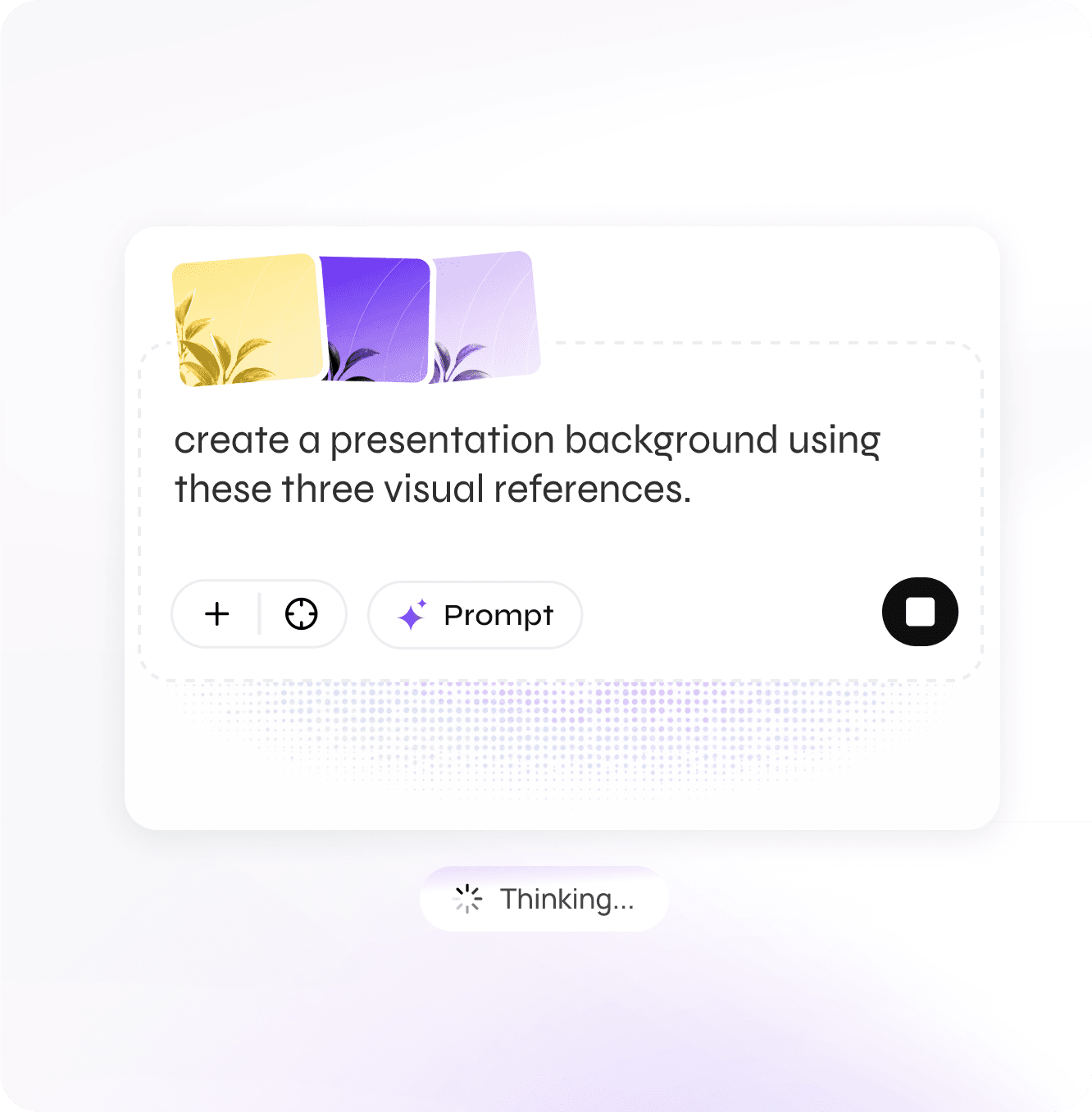
Presenton is an Apache 2.0 licensed AI slide-deck generator that also ships a presentation API. It builds decks from a written prompt, from uploaded source files such as PDFs, PPTX or DOCX, or from a PowerPoint design you supply, and it writes them out as fully editable PowerPoint files or PDFs. Model choice is yours: OpenAI, Gemini, Vertex AI, Azure OpenAI, Anthropic, Bedrock, DeepSeek, OpenRouter, Fireworks, Together, Cerebras, LM Studio, Ollama or any OpenAI-compatible endpoint, with separate image backends (Pexels, Pixabay, Gemini Flash, GPT Image, ComfyUI, Open WebUI) and optional web-search grounding. Editing happens in a drag-and-drop canvas or through conversational prompts, templates can be created from existing PPTX documents, and a built-in MCP server plus REST endpoints expose generation to your own automations. Multi-user installations give each account a private workspace managed from an admin panel. You can run it as a single Docker container on port 80 (host port 5001 by default, GPU variant for local models), with compose files included, or download the Electron desktop app for Windows, macOS and Linux. Air-gapped use is supported by turning off the cloud-backed community gallery; anonymous telemetry can be disabled too. Enterprise tiers add SSO/OIDC/SCIM, Kubernetes Helm charts and audit logs, and the desktop build does not expose the external REST/MCP surface. Versions are still tagged beta (v0.9.11-beta as of September 2026), and the hosted cloud offering bills per generated slide.
presenton alternatives
 BentoSelf-hosted, open-source PowerPoint alternative: each deck is a single HTML file containing its own viewer, editor, and E2EE live collaboration, working offline.CompareBento with presenton
 HyCanvasFree, open-source, self-hosted design platform for graphics, presentations, videos, whiteboards, docs, sheets — every feature included, no watermarks.CompareHyCanvas with presenton
 AionUiFree, open-source desktop app for AI agents on macOS, Windows, Linux. Built-in engine, 30+ LLM providers, auto-detects CLI agents, 24/7 automation via cron and WebUI.CompareAionUi with presenton
 StackResumeSelf-hosted AI resume builder with multi-agent pipeline, JD tailoring, and export to PDF, Word, and OpenDocument.CompareStackResume with presenton
 heliconeHelicone is a self-hosted, open-source LLM observability platform and AI gateway for 100+ models with cost tracking, agent tracing, prompt management, and a playground.Comparehelicone with presenton
 ChatGPT Next WebSelf-hosted, open-source AI chat UI for OpenAI, Claude, Gemini, DeepSeek and many other providers, with Docker, Vercel and native desktop/mobile clients.CompareChatGPT Next Web with presenton
 Big-AGISelf-hosted, open-source AI workspace for experts: run 2 to 24 models in parallel with Beam, personas, image generation, voice and BYO API keys via Docker.CompareBig-AGI with presenton
 ClaperSelf-hosted open-source platform for interactive presentations with polls, quizzes, Q&A, real-time transcription, and Moodle integration.CompareClaper with presenton
All self-hosted alternatives to Beautiful.ai → All self-hosted alternatives to Canva → All self-hosted alternatives to Decktopus →
Should you self-host presenton?
presenton scores 69/100 on selfhost.directory (how scoring works) and ranks #21 of 123 in AI. It has 11 821 GitHub stars, +865 in the last 30 days.
There was no stable release in the past 12 months, so check the repository's recent activity before you rely on it.
Setup is easy: most people get it running in one sitting. An official Docker image is available. It is Apache-2.0-licensed and written mostly in Typescript.
Its closest alternative on selfhost.directory is penpot (84/100, 62 200 stars). It scores higher overall, so compare the two before you pick. See presenton vs penpot side by side.
Features
- AI presentation generation from prompts
- Air-gapped operation
- Bring-your-own-model / BYOK
- Built-In MCP ServerDisabled in the Electron desktop app.
- Chat-based AI editing
- Custom templates from your PPTX
- Document import for generation
- Drag-and-drop canvas editor
- Kubernetes deployment (Helm)Announced as an enterprise offering.
- Local LLM support (Ollama)
- Multi-user workspaces with admin panel
- PPTX and PDF export
- REST generation API
- Web search grounding
presenton README

Quickstart · Templates · Docs · Youtube · Discord
FAQ
How does pricing work, and can I use Presenton for free?
The open-source edition is free to self-host under Apache 2.0; cloud plans bill in credits where one generated slide equals one credit, and high-volume API or private deployment goes through enterprise sales.
Is my data used to train AI models?
Presenton states it does not train models on your prompts, documents or presentations; what stays inside your infrastructure depends on the deployment and the providers you configure.
Can I bring my own AI providers or run local models?
In self-hosted deployments you configure your own text, image and search providers, including OpenAI-compatible endpoints, Amazon Bedrock and local models through Ollama, so restricted environments can run entirely on local providers.
What can developers build with the Presenton API?
The API generates decks from prompts, documents or structured JSON using your templates and exports editable PPTX/PDF, supporting sync and async jobs, webhooks and iframe embedding, with an interactive playground.
Can I use my own brand, templates, and design system?
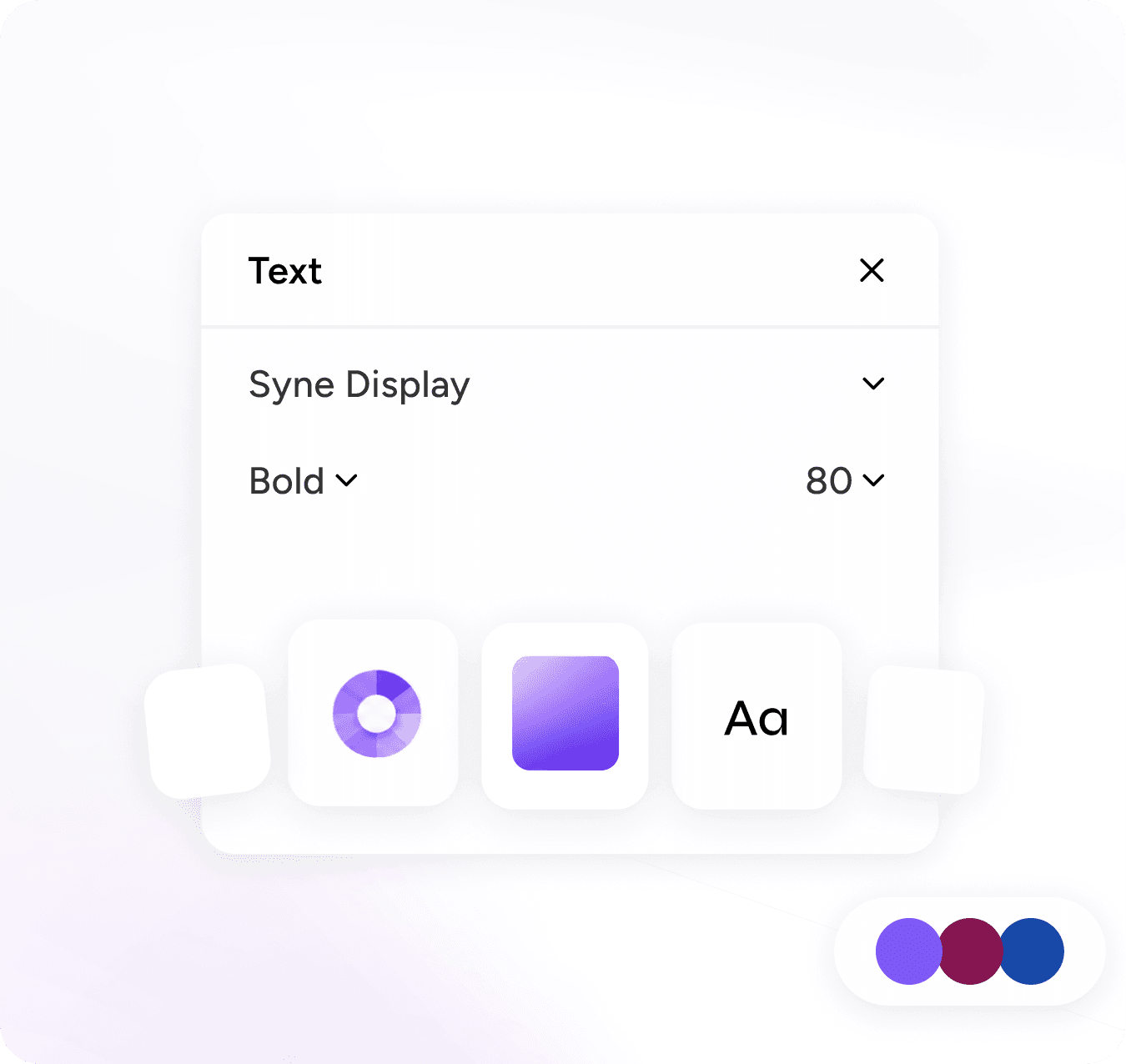
Yes, uploading an existing PPTX turns it into a reusable design system that keeps your colors, typography, spacing and layout rules, and templates can be refined over time.
Can I edit presentations after generation, and are exports fully editable in PowerPoint?
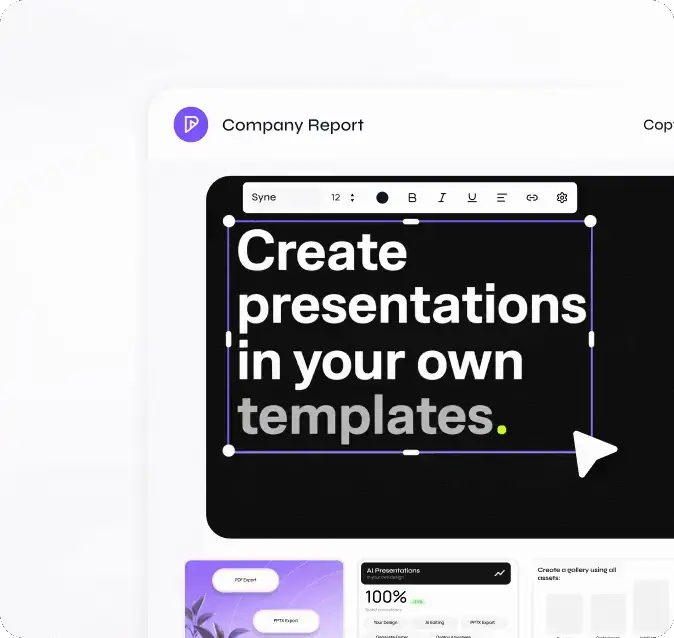
Yes; every deck opens in a full canvas editor with drag, resize and rewrite of any element, plus chat-based AI editing, and PPTX exports contain real editable elements rather than flattened images.
Should I use Presenton Cloud or self-host it?
Cloud is the fastest start with managed providers and updates; self-hosting suits teams needing control over infrastructure, data and AI providers, and runs via Docker, one-click deploys or the desktop app under Apache 2.0.
What is Presenton and how is it different from other AI presentation tools?
It is an open-source AI presentation generator that converts prompts, documents and data into editable PPTX/PDF decks, learning your own layouts and visual language, and it can be used as a cloud app, self-hosted, or through an API.
More in AI
 PrismerCloudPrismer Cloud
 PrismicalAn open-source AI note-taking app that records and transcribes meetings locally using Whisper or cloud models — no bots join calls. Works on desktop, mobile, and web.
 ProliferateProliferate is a self-hosted, open-source AI IDE that runs coding agents in parallel using isolated git worktrees, with a web UI and desktop app.
 ProvalSelf-hosted AI code reviewer for GitLab, Forgejo, and GitHub that runs on your own hardware with any LLM you choose, including local models via Ollama or llama.cpp.
 ProxmoxMCP-PlusSelf-hosted MCP interface for Proxmox VE VMs and containers with OpenAPI. Supports snapshots, backups, ISO downloads, job tracking.
 pullmdSelf-hosted URL and file to Markdown converter for AI agents with PWA, REST API, MCP server, and Claude Code skill.
 PuterPuter is a self-hosted, open-source internet computer providing a browser-based desktop with apps for documents, spreadsheets, chat, email, and AI development tools.
 qdrantQdrant is an open-source, self-hosted vector database in Rust for fast AI similarity search with filtering and quantization.
 qurioQurio is a self-hosted, open-source RAG engine that ingests docs and code locally, then serves grounded context to AI coding assistants via MCP to prevent hallucinations.
 Qwen GateQwen Gate is a self-hosted, open-source API gateway that lets you use Qwen AI models from chat.qwen.ai as a free, drop-in replacement for the OpenAI API.
 RAGFlowRAGFlow is a leading open-source Retrieval-Augmented Generation (RAG) engine that fuses cutting-edge RAG with Agent capabilities to create a superior context layer for LLMs
 RemiqoraSelf-hosted AI music production studio with multiple generation models, a multitrack DAW, stem separation, and LoRA training — all running locally on your GPU.
0 comments