
Self-host Pocket ID
v2.19.2Passkey-first OIDC and OAuth 2.0 identity provider
brew install pocket-id- Stars
- 10 186
- Ports
- 1411 (Pocket ID's web UI and OIDC/API endpoints), 9464 (Prometheus metrics endpoint on localhost, only when OTEL_METRICS_EXPORTER=prometheus)
ghcr.io/pocket-id/pocket-id
What is Pocket ID?
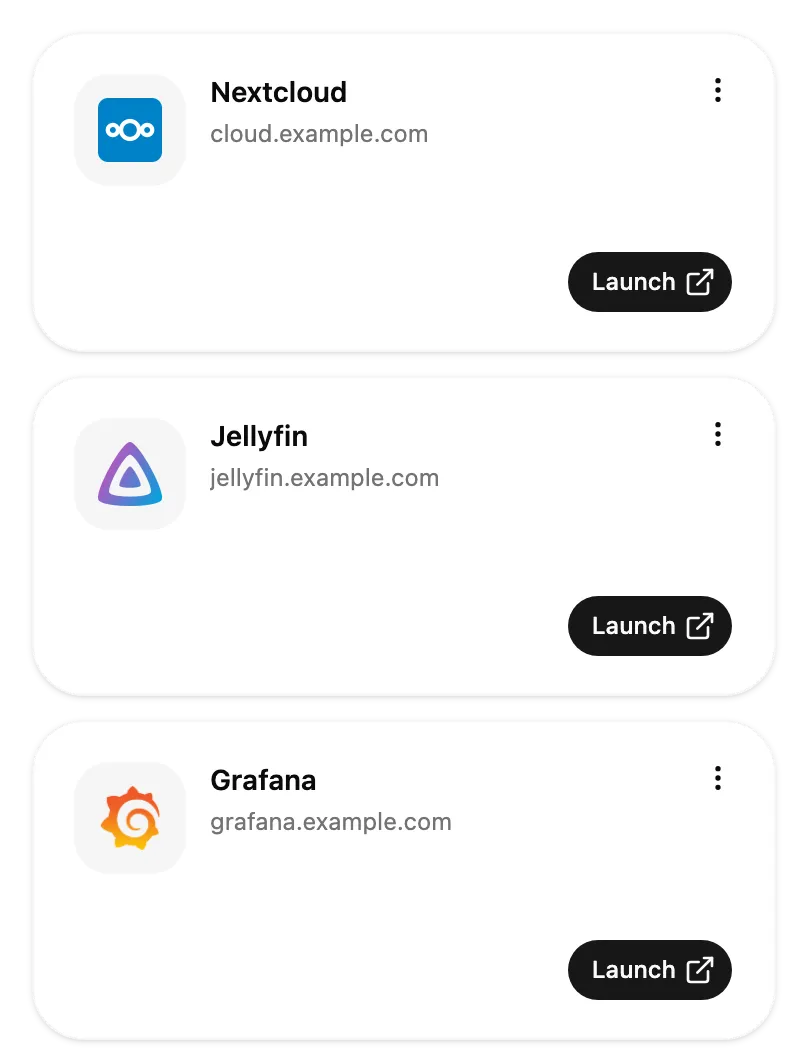
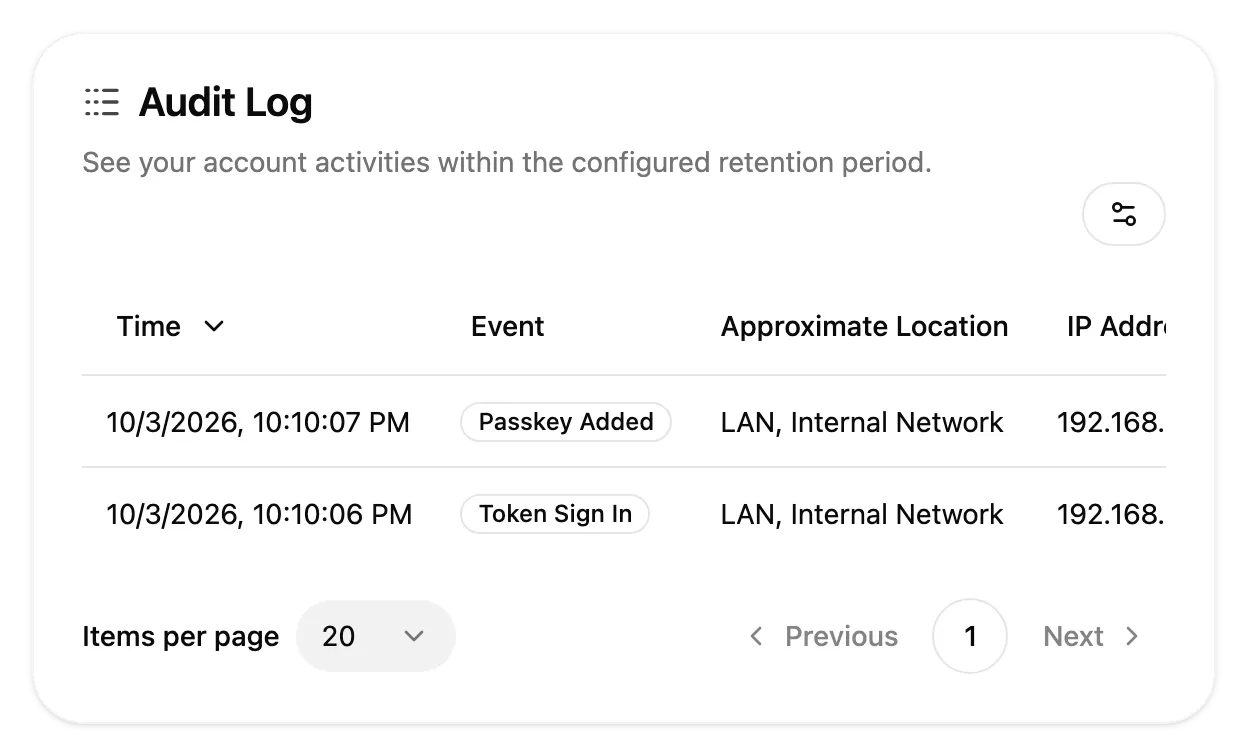
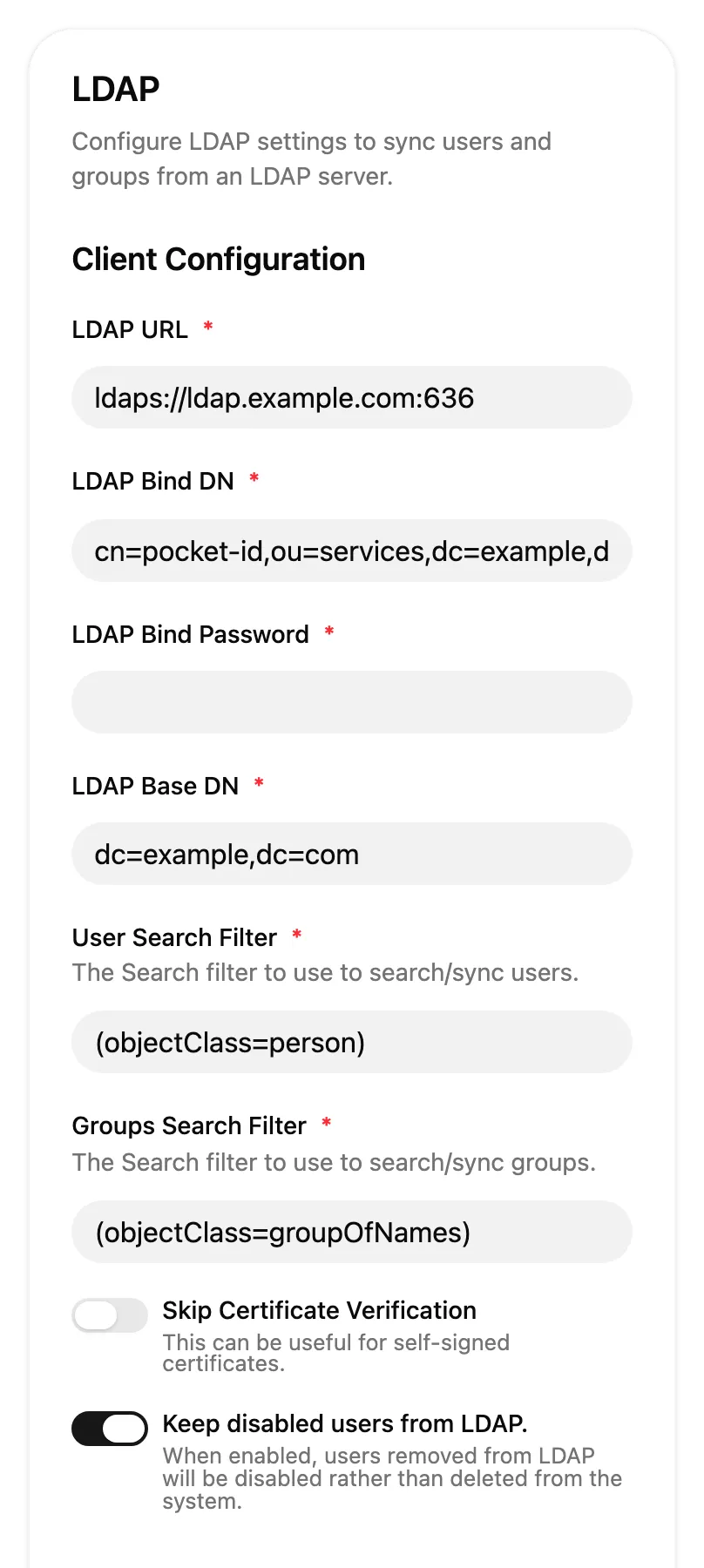
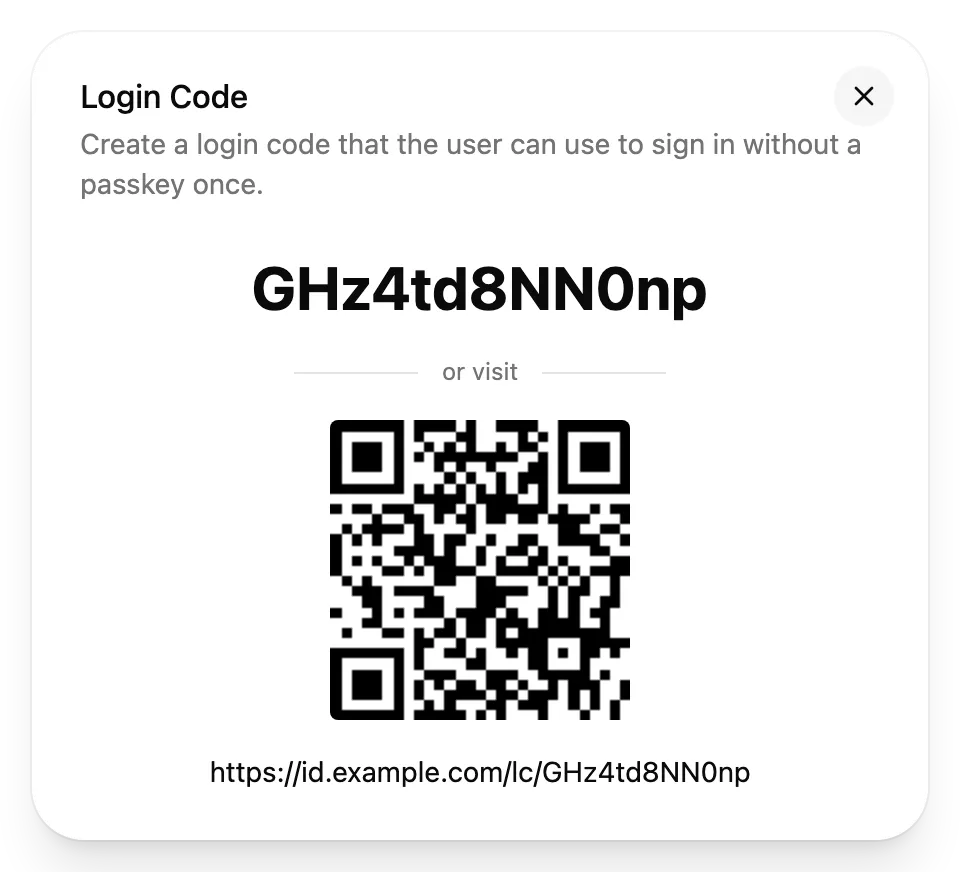
Pocket ID is an identity provider for homelabs, small teams and startups that find Keycloak, Authentik or Ory Hydra heavier than their setup needs. It is a certified OpenID Connect and OAuth 2.0 issuer where people log in with passkeys - nothing else; accounts carry no passwords at all. A passkey may live in a device keychain, in a password manager, or on a hardware token (the docs give YubiKeys as one example), and admins can pin down which kinds are acceptable. Connected applications receive tokens holding name, email and group claims, access to each client can be limited to chosen user groups, and newcomers get in through one-time codes an admin issues. Also on offer: QR approvals for signing in on a device that lacks your passkey, user and group syncing from LDAP or Active Directory, SCIM push provisioning, a My Apps page, an audit log with IP and approximate location, a REST API with keys, scoped access tokens for your own backends, OAuth for remote MCP servers, and OpenTelemetry export. Operation is one container or one Go binary keeping data in embedded SQLite (PostgreSQL can replace it), on port 1411, configured purely by environment variables; HTTPS is required since browsers demand it for passkeys. Licensing is BSD-2-Clause, releases are frequent, and a public demo exists.
Should you self-host Pocket ID?
Pocket ID scores 79/100 on selfhost.directory (how scoring works) and ranks #2 of 40 in Authentication. It has 10 186 GitHub stars, +806 in the last 30 days.
It shipped 22 stable releases in the past year. The latest, v2.19.2, came out on 2 November 2026. New versions land roughly every 2 weeks.
Setup is easy: most people get it running in one sitting. An official Docker image is available. It is BSD-2-Clause-licensed and written mostly in Go.
Its closest alternative on selfhost.directory is authentik (80/100, 26 264 stars). It scores higher overall, so compare the two before you pick. See Pocket ID vs authentik side by side.
Features
- App dashboard
- Audit Log
- Group-based access control
- LDAP user and group sync
- OAuth 2.0 provider
- OAuth authorization server for MCP servers
- One-time login codes
- OpenID Connect provider
- OpenTelemetry logs, metrics and traces
- Passkey Authentication
- REST API
- SCIM provisioning
- Scoped access tokens for APIs
- Sign in from another device
- Translated interface
Pocket ID README

Pocket ID is an easy-to-use OpenID Connect Certified™ and OAuth 2.0 provider that lets users sign in to your applications with passkeys.
→ Try out the Demo

The goal of Pocket ID is to be a simple and easy-to-use. There are other self-hosted OIDC and OAuth 2.0 providers like Keycloak or ORY Hydra but they are often too complex for simple use cases.
Additionally, what makes Pocket ID special is that it only supports passkey authentication, which means you don’t need a password. Some people might not like this idea at first, but I believe passkeys are the future, and once you try them, you’ll love them. For example, you can now use a physical Yubikey to sign in to all your self-hosted services easily and securely.

Pocket ID can be set up in multiple ways. The easiest and recommended way is to use Docker.
Visit the documentation for the setup guide and more information.
You're very welcome to contribute to Pocket ID! Please follow the contribution guide to get started. See the development guide for setup, formatting, and testing instructions.

More in Authentication
 PrivateCaptchaSelf-hosted, privacy-first CAPTCHA service using Proof-of-Work to block bots without user friction, GDPR-compliant, made in EU.
 pwmPWM is a self-hosted, open-source password self-service app for LDAP directories. Users reset passwords, unlock accounts, and manage credentials via web UI.
 qauthQAuth is a self-hosted, open-source OAuth 2.1/OIDC 1.0 server for AI agents with on-behalf-of delegation, audience-bound tokens, and post-quantum ready crypto.
 rauthyOpen-source, self-hosted Rust identity provider: single sign-on for apps and Linux hosts via OIDC, OAuth 2 and PAM, with passkey-first MFA, HA mode and an admin UI.
 registryoRegistryo is a self-hosted web UI and token auth server for private Docker Registry v2, with repository browsing, user management, and password recovery.
 stack-authSelf-hosted open-source user platform for SaaS apps: auth with passkeys, teams and RBAC, API keys, payments, emails, webhooks, and product analytics with replays.
 Stalwart Mail ServerSelf-hosted, open-source Rust mail server with calendars, contacts and shared files over JMAP, IMAP, POP3, SMTP and the DAV protocols, plus built-in anti-spam.
 supabaseSelf-hosted open-source Postgres platform with database, auth, realtime, storage, edge functions, and vector embeddings as a Firebase alternative.
 supabase-automated-self-hostA bash script that automates deploying Supabase with Nginx or Caddy reverse proxy, Let's Encrypt SSL, and optional Authelia 2FA on Linux using Docker Compose.
 supertokensSelf-hosted, open-source authentication service replacing Auth0, Firebase Auth or AWS Cognito, with passwordless, social, email-password login and session management.
 systemprompt-templateSelf-hosted AI governance gateway between AI clients, models, and tools with policy enforcement, audit logging, and extensible Rust runtime.
 TeleportSelf-hosted open-source platform replacing VPNs with short-lived certificates, SSO, MFA, RBAC, and session audit across SSH, Kubernetes, databases, and web apps.
0 comments