
Self-host phpMyAdmin
RELEASE_5_2_3Web-based MySQL and MariaDB administration panel
docker compose up -d- Stars
- 7 975
- Port
- 80 (Port the phpMyAdmin Docker image serves its web interface on (mapped to 8080 in the documented examples).)
- Requires
- MySQL, PHP, Web server (Apache, nginx, IIS)
phpmyadmin/phpmyadmin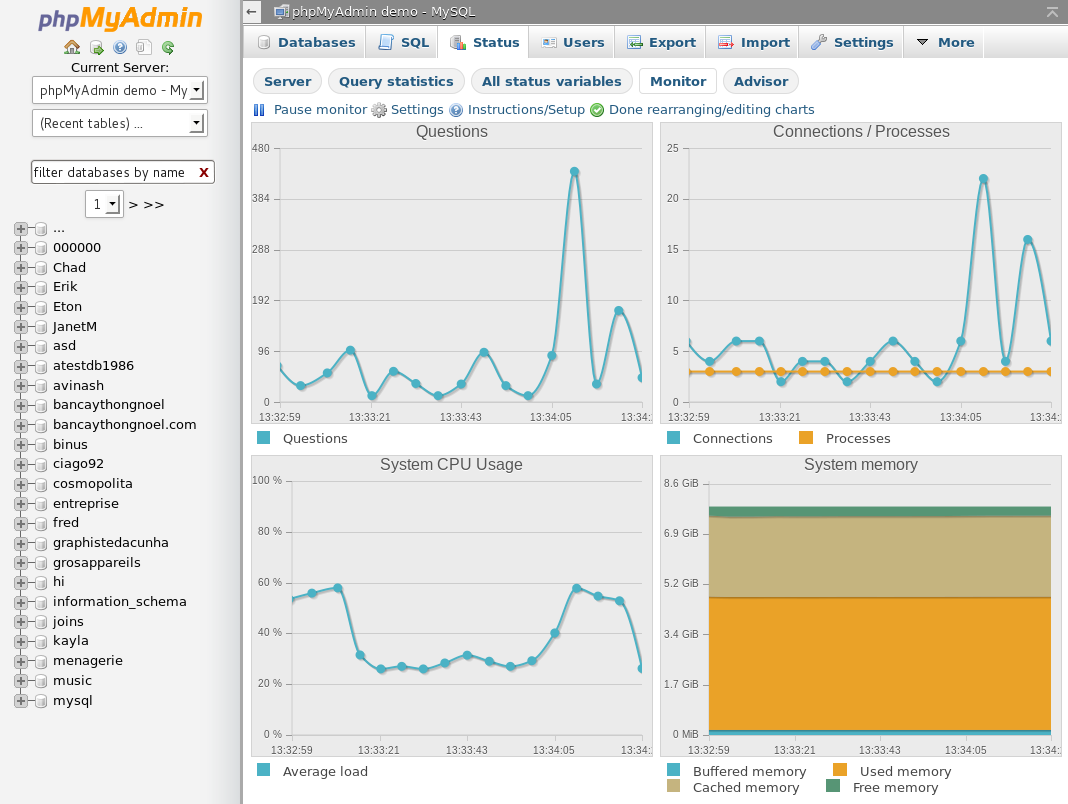
What is phpMyAdmin?
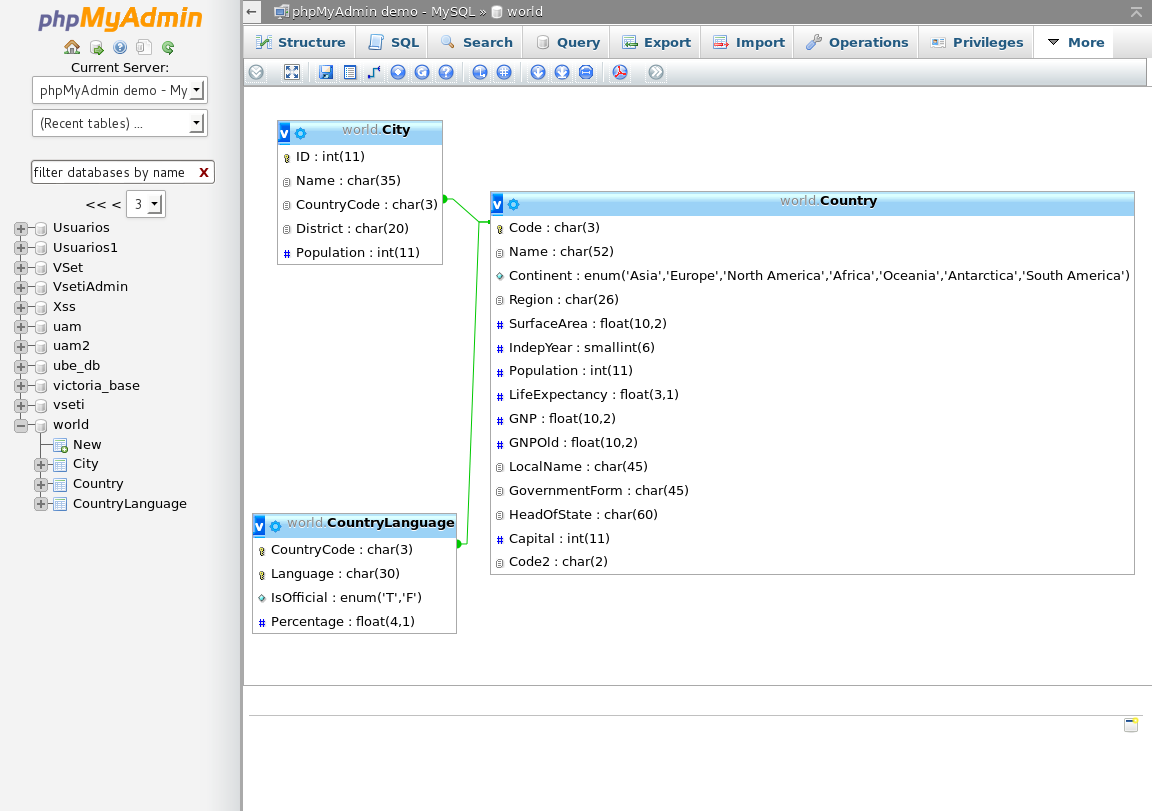
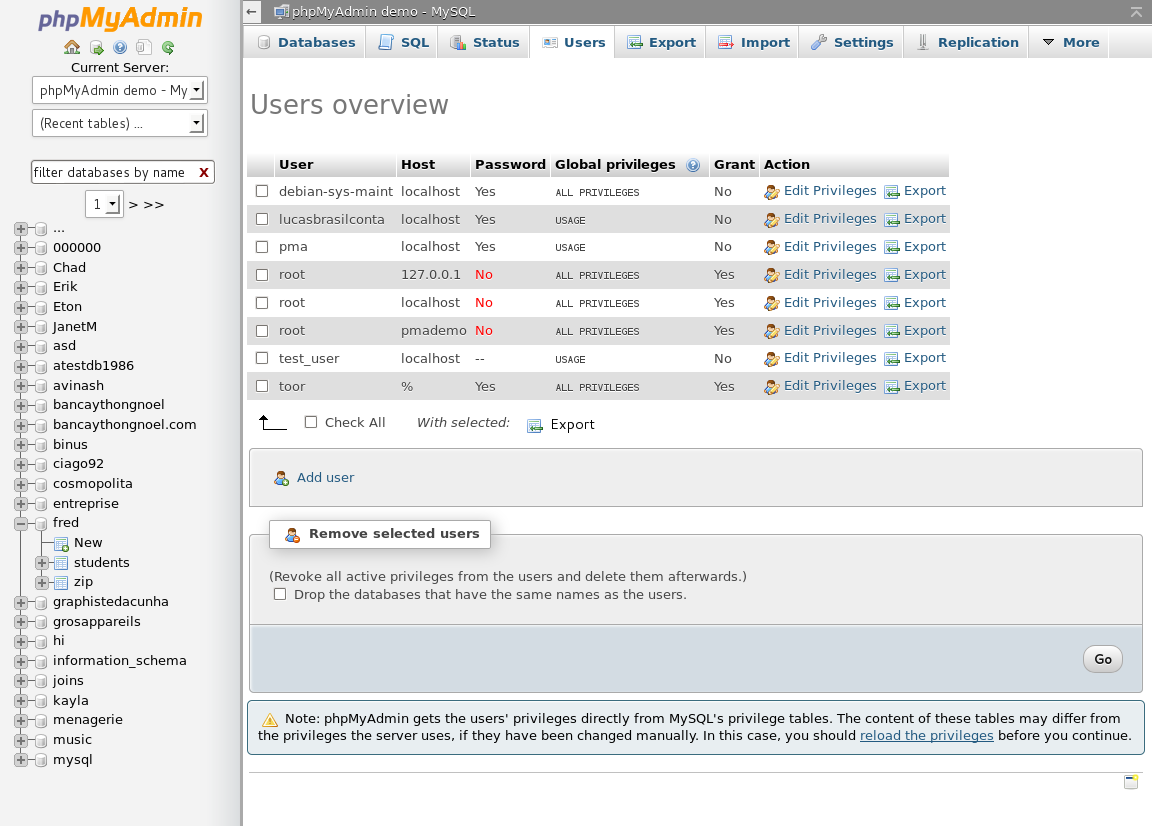
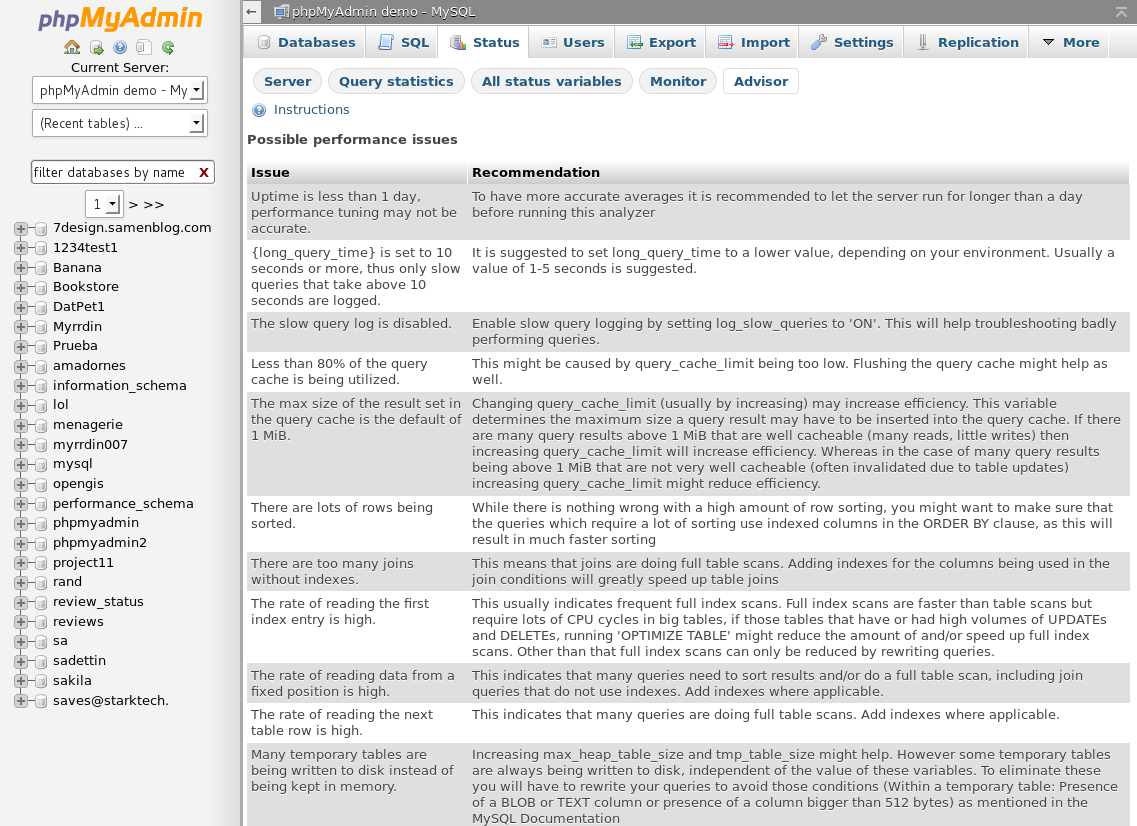
phpMyAdmin is a web administration panel for MySQL and MariaDB servers, written in PHP, for anyone who wants to manage databases from a browser instead of a terminal. In the interface you can create, alter and drop databases, tables, columns and indexes, run queries and save them as bookmarks (batch statements included), import data from CSV, XML, SQL or OpenDocument spreadsheets and export it as CSV, SQL, XML, PDF and more, edit MySQL accounts and privileges, build complex queries with Query-by-example, generate schema graphics, watch server status with a configuration advisor and track changes. Logins are real MySQL accounts passed straight to the server, with cookie, HTTP, config and signon modes, optional TOTP or FIDO U2F second factors, an optional login captcha and user-selectable themes. Running it yourself means unpacking a release into a web server document root, installing a distribution package, using Composer, or deploying the official phpMyAdmin Docker image, which is tuned through PMA_* environment variables and an optional config.user.inc.php volume. On the software side it expects a web server plus PHP at version 7.2.5 or above, and it manages MySQL or MariaDB from version 5.5 up. It is free software under the GPL-2.0 licence, maintained by volunteers and contractors under the Software Freedom Conservancy; the 5.2.3 release is current while a 6.0.0 development line runs on the demo.
phpMyAdmin alternatives
 MariaDBMariaDB server is a community developed fork of MySQL server. Started by core members of the original MySQL team, MariaDB actively works with outside developers to deliver the most featureful, stable, and sanely licensed open SQL server in the industry.CompareMariaDB with phpMyAdmin
 Joomla!Self-hosted, open-source CMS for building multilingual, SEO-ready business and community websites on PHP with MySQL, MariaDB or PostgreSQL.CompareJoomla! with phpMyAdmin
 openpanel-coOpenPanel is a self-hosted web hosting panel using rootless Podman for per-user isolation — an alternative to cPanel and Plesk.Compareopenpanel-co with phpMyAdmin
 Postfix AdminOpen-source, self-hosted web interface for administering Postfix mail servers: virtual domains, mailboxes, aliases, quotas, DKIM keys, TOTP logins and fetchmail.ComparePostfix Admin with phpMyAdmin
 phpBBSelf-hosted, open-source forum software written in PHP, with admin and moderator panels, styles, extensions, language packs, search indexes and CAPTCHA anti-spam.ComparephpBB with phpMyAdmin
 ScriptlogSelf-hosted, open-source PHP blog engine with REST API, themes, plugins, multi-language support, and GDPR tools — install in minutes on your own server.CompareScriptlog with phpMyAdmin
 MySQLMySQL Server, the world's most popular open source database, and MySQL Cluster, a real-time, open source transactional database.CompareMySQL with phpMyAdmin
 databasementDatabasement is a self-hosted, open-source database backup manager: register MySQL, PostgreSQL, MongoDB, Redis and more, schedule backups, and restore.Comparedatabasement with phpMyAdmin
Should you self-host phpMyAdmin?
phpMyAdmin scores 74/100 on selfhost.directory (how scoring works) and ranks #8 of 41 in Database Management. It has 7 975 GitHub stars, +29 in the last 30 days.
There was no stable release in the past 12 months, so check the repository's recent activity before you rely on it.
Setup is easy: most people get it running in one sitting. An official Docker image is available. It is GPL-2.0-licensed and written mostly in PHP.
Its closest alternative on selfhost.directory is supabase (90/100, 114 693 stars). It scores higher overall, so compare the two before you pick. See phpMyAdmin vs supabase side by side.
Features
- Arbitrary server login
- Data Import and Export
- GUI customization / themes
- Login CAPTCHA protection
- Multi-server administration
- Query-by-example
- Query history and console
- Schema diagrams
- Server maintenance and configuration advisor
- SQL execution and bookmarking
- Stored procedures, functions, events and triggers
- Theme Support
- Two-factor authentication
- User and privilege management
- Web-based database administration

FAQ
When using HTTP authentication, a user who logged out can not log in again in with the same nick - what to do?
This is a limitation of the HTTP authentication protocol; closing all open browser windows lets the user log in again.
How can I reduce the installed size of phpMyAdmin on disk?
Unused locales, themes, docs, setup, examples and some bundled vendor libraries can be deleted, though the docs warn this can confuse users when features go missing.
Why can't I display the structure of my table containing hundreds of columns?
The PHP memory_limit is too low; raise it in php.ini.
How can I prevent robots from accessing phpMyAdmin?
Add .htaccess rewrite rules that block known scanner and crawler user agents; it is easy to circumvent but stops at least some bots.
Can I use phpMyAdmin on a server on which Suhosin is enabled?
Yes, but Suhosin's default limits can break operations on tables with many columns, so request/post/get limits usually need raising.
Which Database versions does phpMyAdmin support?
MySQL 5.5 and newer and MariaDB 5.5 and newer are supported; older servers need older phpMyAdmin releases from the downloads page.
More in Database Management
 PowerSync ServiceSelf-hosted sync server that copies data from several backend databases into client-side SQLite with live streaming and offline-first support.
 pRESTOpen-source, self-hosted backend that turns a PostgreSQL or MySQL database into instant REST CRUD endpoints, custom SQL routes, JWT auth and a read-only MCP API.
 Redis CommanderSelf-hosted, open-source web app to view, edit and manage Redis databases across standalone, Sentinel and Cluster setups, with a browser Redis CLI and tree key view.
 RowySelf-hosted open-source low-code backend: manage Firestore data in an Airtable-like spreadsheet UI and build cloud functions, webhooks and automations from the browser.
 rushdbRushDB is a self-hosted graph+vector DB for AI agents unifying relationships, semantic search, and live schema in one API, replacing Redis+Pinecone+Neo4j.
 SaltcornSaltcorn is an open-source, self-hosted no-code app builder: design PostgreSQL tables, then build views, workflows and native mobile apps with drag-and-drop builders.
 self-hosted-livesync-serverSelf-hosted CouchDB server pre-configured with Caddy for automatic Let's Encrypt SSL and CORS support, designed for Obsidian's Self-hosted LiveSync plugin.
 sequinSelf-hosted CDC platform for PostgreSQL streaming changes to Kafka, Redis, Elasticsearch with exactly-once processing. Replaces complex tools like Debezium.
 shieldSHIELD is an open-source, self-hosted backup and restore solution protecting PostgreSQL, MySQL, MongoDB, Redis, Consul, and etcd with encrypted cloud storage.
 snaplakeSelf-hosted tool capturing PostgreSQL/MySQL snapshots as Parquet, queryable with DuckDB SQL. Features comparison, retention, S3 storage.
 sqlchatOpen-source, self-hosted chat-based SQL client that lets developers query and edit MySQL, PostgreSQL and MSSQL databases in plain language using OpenAI or Ollama.
 SQLPageFast SQL-only data application builder. Automatically build a UI on top of SQL queries.
0 comments