
Self-host Owncast
v0.3.0Run your own live broadcast server with built-in chat
curl -s https://owncast.online/install.sh | bash- Stars
- 11 648
- Ports
- 8080 (Owncast web server (viewer page and /admin)), 1935 (Inbound RTMP broadcast ingest)
- Requires
- Ffmpeg
owncast/owncast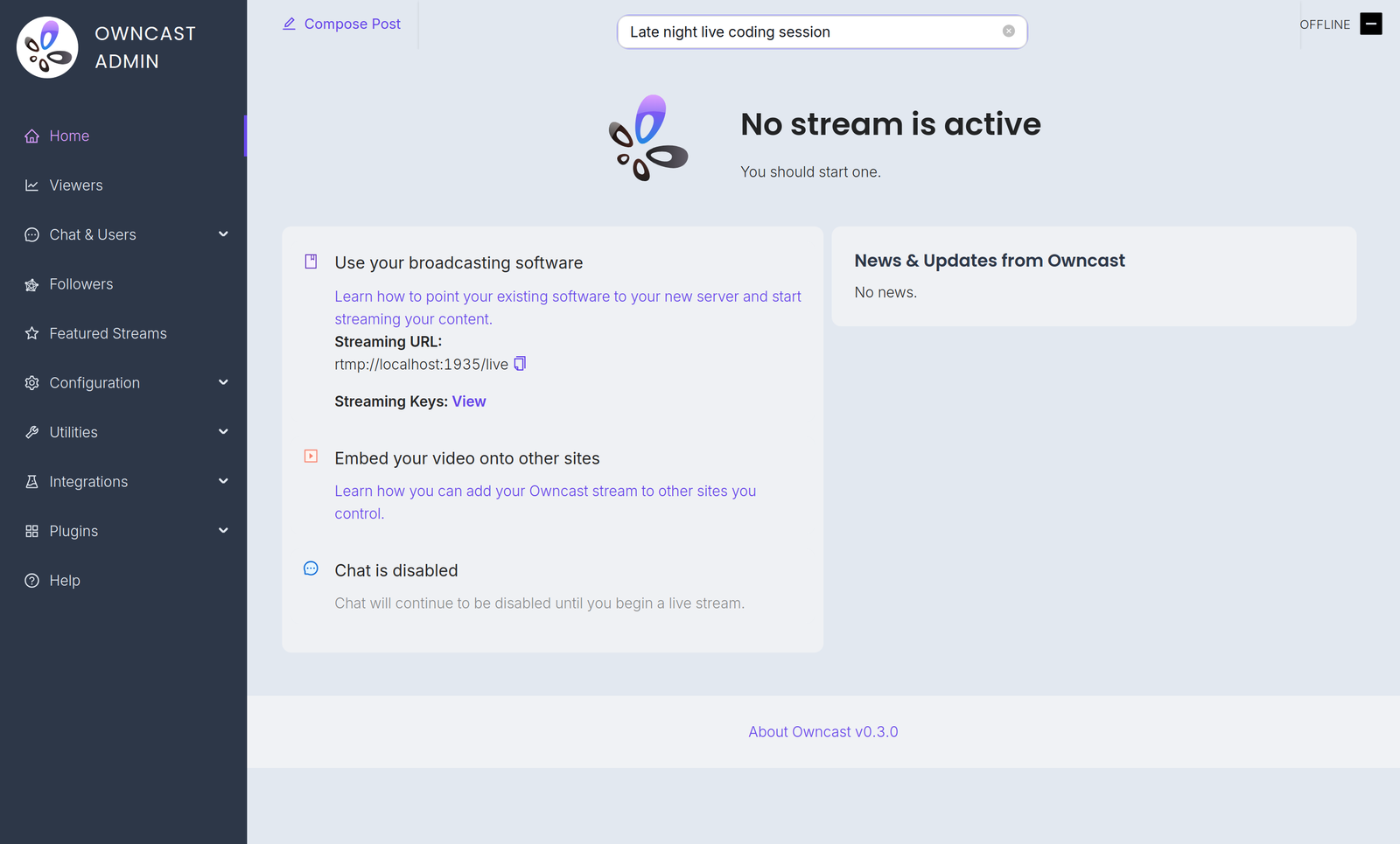
What is Owncast?
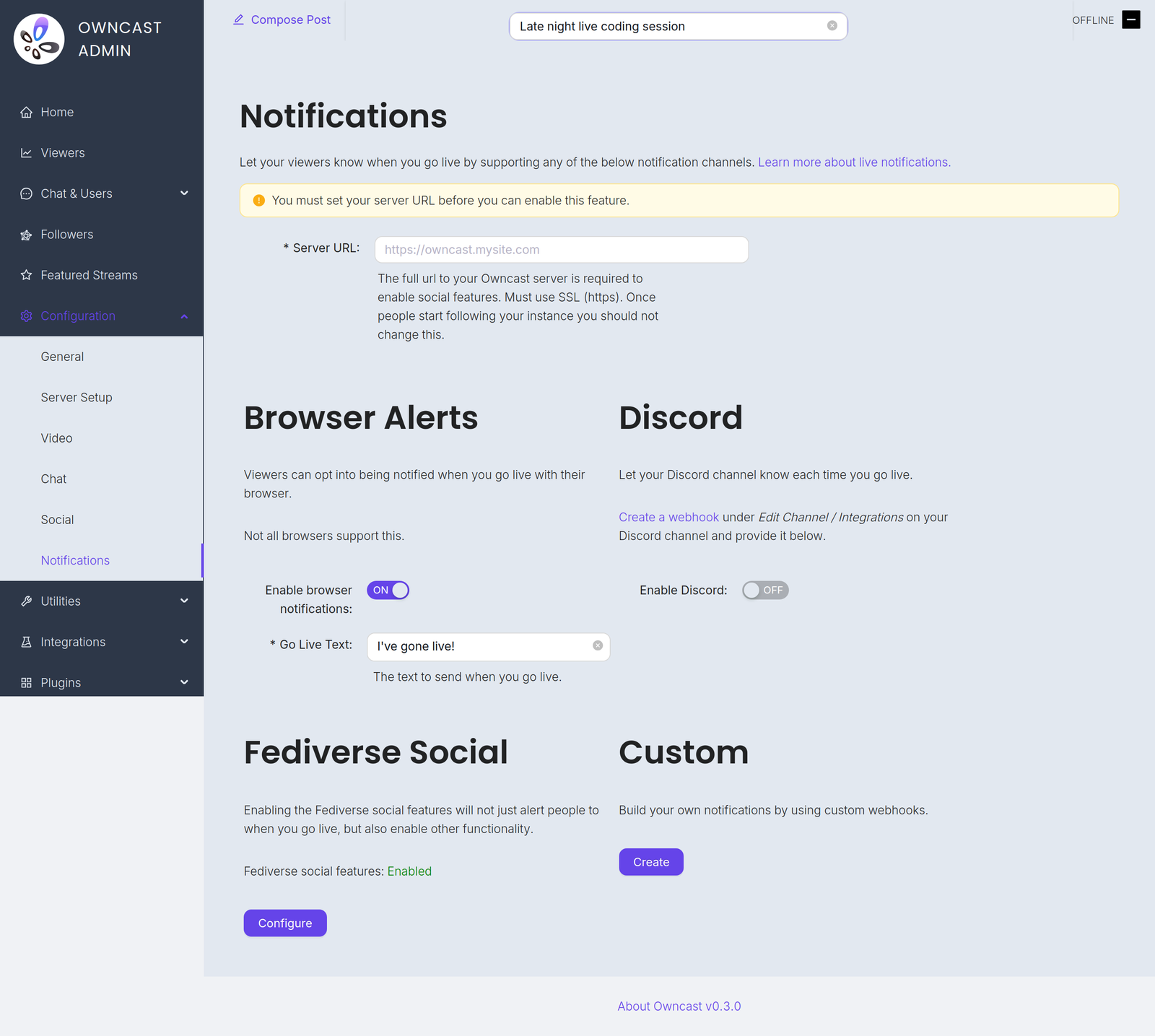
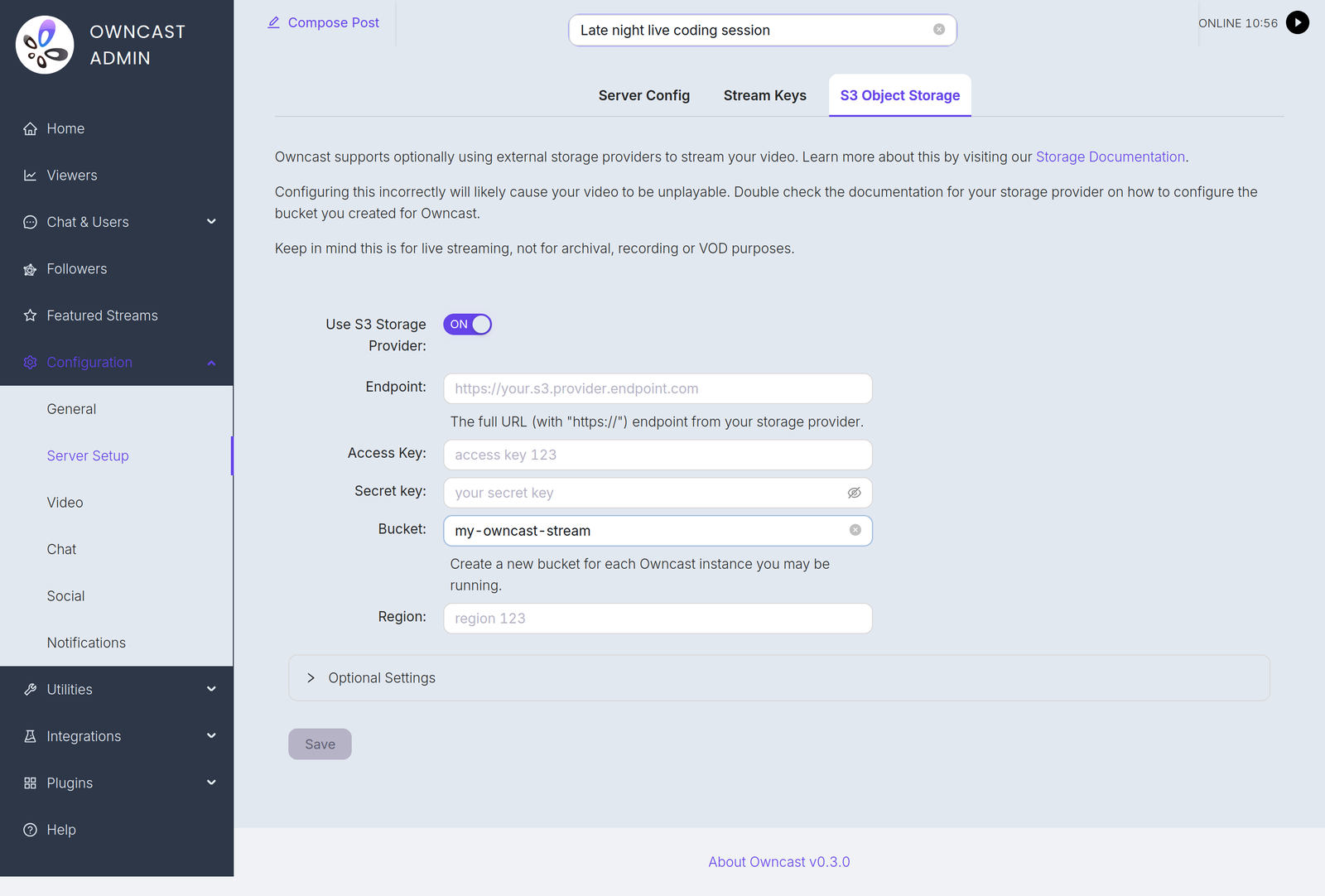
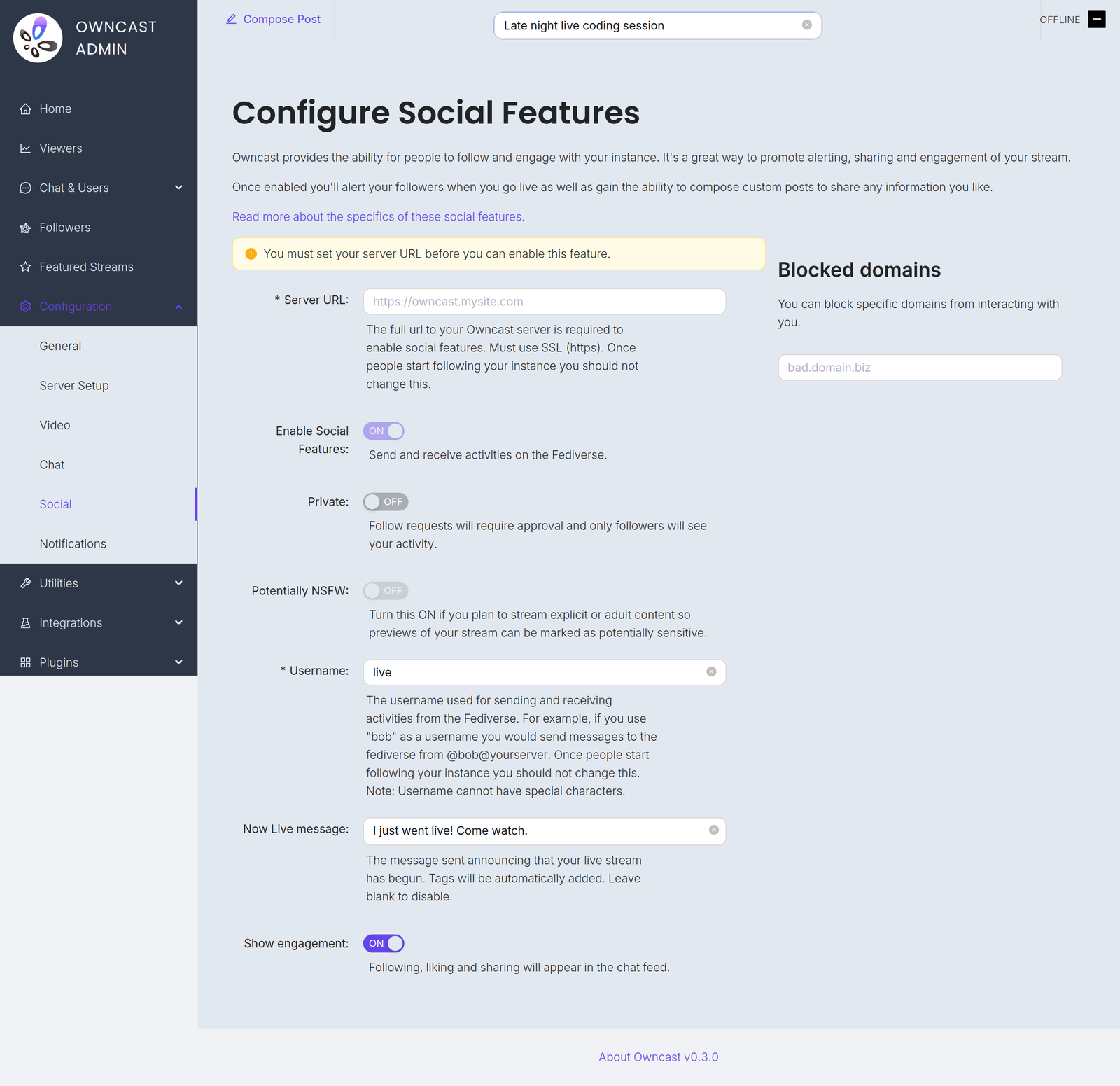
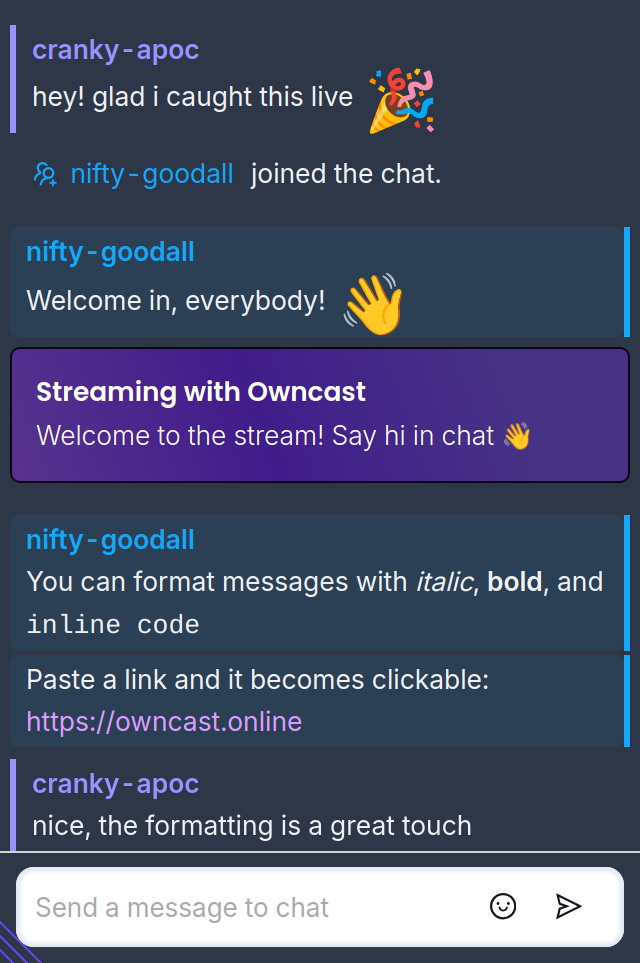
Owncast is a single-server broadcast platform you install on your own hardware, aimed at individual streamers, communities and organizations that want to own their live video. It ingests an RTMP feed from any common encoder such as OBS, Streamlabs or Restream, produces the output quality variants you configure, and serves a player page on your own domain with a chat system bundled in, so no external chat service is needed. Chat brings moderation tools, custom emoji, badges, and optional viewer sign-in through a Fediverse account or an IndieAuth URL. Thanks to ActivityPub federation, Mastodon and Pleroma users can follow your server and receive go-live posts, while their follows, likes and boosts are surfaced inside the message feed; alerts can additionally go out as browser push messages, to a Discord webhook, or to a webhook endpoint you write yourself. The /admin dashboard handles stream keys, ports, video settings, appearance (your own colors, CSS and JavaScript), plugins, external actions, and an optional S3-compatible bucket that takes video delivery off your box. Get it running via a one-line installer script, a release archive for 64-bit or ARM Linux and for macOS, or a container image; Raspberry Pi boards work with the arm64 and arm7 packages, but older ARMv6 models do not. ffmpeg must exist on the server, and there is no native Windows build, only a documented WSL2 route. Social features are off by default and need an HTTPS-reachable instance.
Owncast alternatives
 Broadcast BoxSelf-hosted WebRTC broadcast server for real-time video streaming. Replace Twitch/Youtube live streaming with sub-second latency via WHIP/WHEP protocols.CompareBroadcast Box with Owncast
 PeerTubeOpen-source, ActivityPub-federated video platform for self-hosted instances: WebRTC P2P streaming, live broadcasts, playlists and moderation tools.ComparePeerTube with Owncast
 RestreamerOpen-source, self-hosted live video streaming server with a web UI: ingest via RTMP or SRT, restream to YouTube, Twitch and Vimeo, and embed a player.CompareRestreamer with Owncast
 StremioSelf-hosted browser UI for the Stremio media center: browse addon catalogs, cast to TV, sync your library and Continue Watching with your account.CompareStremio with Owncast
 StreamFlowSelf-hosted web app for live streaming to YouTube, Facebook, and RTMP with video gallery, scheduling, and real-time monitoring.CompareStreamFlow with Owncast
 VDO.NinjaOpen-source browser-based WebRTC tool that pipes remote guests, phone cameras, and screen shares into OBS and other live-production software, with director control rooms.CompareVDO.Ninja with Owncast
 mirotalkbroMiroTalk BRO is a self-hosted, open-source WebRTC platform for one-to-many live streaming with P2P and SFU modes, built for webinars and events.Comparemirotalkbro with Owncast
 fastocloudSelf-hosted video streaming for OTT/IPTV/CCTV with live, VOD, transcoding, WebRTC. Community (GPL-3.0) via Docker/Linux; paid tiers add AI/ML, CDN, DRM.Comparefastocloud with Owncast
Should you self-host Owncast?
Owncast scores 72/100 on selfhost.directory (how scoring works) and ranks #1 of 4 in Live Streaming. It has 11 648 GitHub stars, +74 in the last 30 days.
It shipped 3 stable releases in the past year. The latest, v0.3.0, came out on 2 September 2026. New versions land roughly every 4 months.
Setup is easy: most people get it running in one sitting. An official Docker image is available. It is MIT-licensed and written mostly in Go.
Its closest alternative on selfhost.directory is Piik (70/100, 4 184 stars). Owncast scores higher overall. See Owncast vs Piik side by side.
Features
- Built-in live chat
- Chat moderation
- Custom branding and appearance
- Custom Emoji
- Embeddable player and chat components
- Fediverse federation (ActivityPub)Disabled by default and requires an HTTPS URL; quote posts need v0.3.0.
- Go-live notificationsSent 2 minutes after the stream starts; browser push needs a public HTTPS instance.
- Live video streaming (RTMP ingest)
- Plugin SystemRequires Owncast v0.3.0 or newer.
- Private / limited-audience streaming
- S3 object storage offloadFor live segments only, not a recording archive.
- Video transcoding and quality variantsTranscoding and playback compatibility is only assured for H.264 video and AAC audio.
- Viewer identity via FediAuthRequires Fediverse support enabled on the server.
- Web APIs
- Webhooks
Owncast README
Take control over your content and stream it yourself.
More in Live Streaming
- PeerTubeOpen-source, ActivityPub-federated video platform for self-hosted instances: WebRTC P2P streaming, live broadcasts, playlists and moderation tools.
 PiikFree, open-source screen sharing for private live streams with friends. Watch together in a browser or self-host Piik. 免费开源的私密屏幕共享,支持游戏直播、一起看电影与自部署。
- RestreamerOpen-source, self-hosted live video streaming server with a web UI: ingest via RTMP or SRT, restream to YouTube, Twitch and Vimeo, and embed a player.
 SRSOpen-source, self-hosted C++ media server for live video over RTMP, WebRTC, HLS, HTTP-FLV, SRT, DASH and GB28181, with Docker and Kubernetes deployment.
- VDO.NinjaOpen-source browser-based WebRTC tool that pipes remote guests, phone cameras, and screen shares into OBS and other live-production software, with director control rooms.
 asciinemaA self-hosted, open-source platform for hosting, sharing and live-streaming terminal session recordings, with full-text search, embeddable player and passwordless login.
 avideoSelf-hosted, open-source video platform for on-demand libraries and live broadcasts, with HLS delivery, an encoder, plugins, and paid monetization options.
 belabox-receiverSelf-hosted Docker receiver bundling srtla_rec, srt-live-server, and NOALBS to ingest SRT/SRTLA streams from BELABOX, Moblin, or IRL Pro for OBS/VLC playback.
 glimeshGlimesh.tv is a self-hosted, open-source live streaming platform built with Elixir and Phoenix that focuses on creator discoverability and community interaction.
 LineupLineup is a self-hosted, open-source .NET app that proxies HDHomeRun TV tuner streams and generates XMLTV guides for Jellyfin and Plex.
 livegoSelf-hosted, open-source live video streaming server written in pure Go that accepts RTMP pushes and replays them over HLS, HTTP-FLV and RTMP.
 MediaMTXOpen-source, self-hosted live media router that publishes, reads, proxies, records and replays streams over RTSP, WebRTC, SRT, RTMP, HLS and MoQ, as a single binary.
0 comments