
Self-host Neko
v3.2.0Self-hosted virtual browser with WebRTC streaming
- Stars
- 22 675
- CPU
- 4 cores
- RAM
- 3gb
- Ports
- 8080 (HTTP/WebSocket server), 52000 (WebRTC UDP ephemeral port range (52000-52100))
ghcr.io/m1k1o/neko/firefox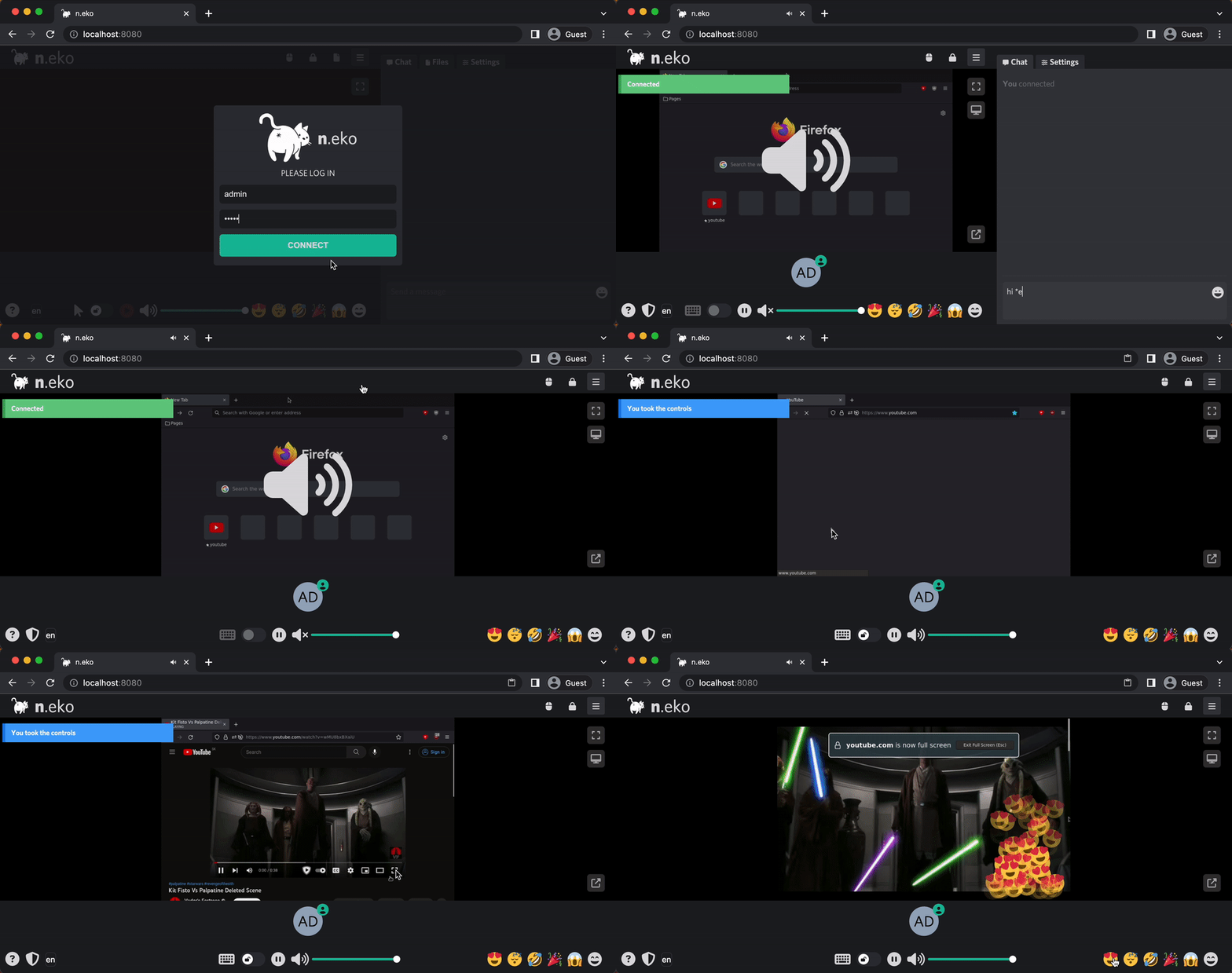
What is Neko?
n.eko runs a complete Linux desktop inside a Docker container and streams it to multiple users over WebRTC with under 300ms latency and synchronized audio. Multiple participants can share control of the session. It supports many browsers (Firefox, Chrome, Chromium, Brave, Edge, Vivaldi, Opera, Tor Browser, Waterfox), full desktop environments (XFCE, KDE), and apps like VLC and Remmina. Use cases include watch parties, interactive presentations, collaborative debugging, remote teaching, jump host for internal resources, persistent browser sessions, throwaway browsers for privacy, RTMP broadcasting to Twitch/YouTube, and automation with Playwright or Puppeteer. GPU acceleration works with NVIDIA CUDA, Intel VAAPI, and Raspberry Pi V4L2. Authentication options include built-in passwords, OAuth 2.0/OIDC, file-based users, and an object provider. Configuration uses environment variables, YAML/JSON/TOML files, or CLI arguments. Requires Docker and Docker Compose; recommended specs are 4+ CPU cores and 3-4GB RAM for 720p@30fps.
Neko alternatives
 VDO.NinjaOpen-source browser-based WebRTC tool that pipes remote guests, phone cameras, and screen shares into OBS and other live-production software, with director control rooms.CompareVDO.Ninja with Neko
 webtopUbuntu, Alpine, Arch, and Fedora based Webtop images, Linux in a web browser supporting popular desktop environments.Comparewebtop with Neko
 docker-webtopOpen-source, self-hosted Docker images running full Linux desktops (Alpine, Ubuntu, Fedora, Arch, Debian) in your browser via Selkies.Comparedocker-webtop with Neko
 WebCordSelf-hosted Docker container running the WebCord Discord client streamed to your browser via Selkies. Supports GPU acceleration, multi-arch, and optional basic auth.CompareWebCord with Neko
 firefoxOpen-source, self-hosted Docker container running the Firefox browser, streamed to any web browser or VNC client with audio, clipboard sync, file manager and terminal.Comparefirefox with Neko
 MikochiMikochi is a self-hosted, open-source remote file browser for servers and NAS that lets you browse, upload, download, rename, delete files, and stream media to VLC/mpv.CompareMikochi with Neko
 docker-chromiumSelf-hosted, open-source container that streams a full Chromium desktop to your browser via HTTPS on port 3001, with optional GPU acceleration and multi-arch support.Comparedocker-chromium with Neko
 sealskinSelf-hosted platform that runs desktop apps in isolated containers on your server and streams them to browsers and phones.Comparesealskin with Neko
All self-hosted alternatives to Giggl.app → All self-hosted alternatives to Hyperbeam → All self-hosted alternatives to hyperbeam API →
Should you self-host Neko?
Neko scores 78/100 on selfhost.directory (how scoring works) and ranks #3 of 22 in Remote Desktop. It has 22 675 GitHub stars, +207 in the last 30 days.
It shipped 4 stable releases in the past year. The latest, v3.2.0, came out on 15 October 2026. New versions land roughly every 2 months.
Setup is advanced: plan for several services and some ongoing maintenance. An official Docker image is available. It is Apache-2.0-licensed and written mostly in Go.
Its closest alternative on selfhost.directory is rustdesk (92/100, 129 283 stars). It scores higher overall, so compare the two before you pick. See Neko vs rustdesk side by side.
Features
- Additional applications
- Automated browser (Playwright/Puppeteer)
- Desktop environments
- GPU hardware accelerationGPU support may not work as expected; focus is on CPU images.
- Interactive presentations
- Jump host for internal resources
- Multi-participant control
- Multiple browser choices
- Multi-user collaborative browsing
- OAuth 2.0 / OpenID Connect authentication
- Persistent Browser Sessions
- RTMP live broadcasting
- Throwaway browser
- Watch parties
- WebRTC ultra-low latency streaming
Neko README

Welcome to Neko, a self-hosted virtual browser that runs in Docker and uses WebRTC technology. Neko is a powerful tool that allows you to run a fully-functional browser in a virtual environment, giving you the ability to access the internet securely and privately from anywhere. With Neko, you can browse the web, run applications, and perform other tasks just as you would on a regular browser, all within a secure and isolated environment. Whether you are a developer looking to test web applications, a privacy-conscious user seeking a secure browsing experience, or simply someone who wants to take advantage of the convenience and flexibility of a virtual browser, Neko is the perfect solution.
FAQ
Why am I unable to install extensions in the Neko browser?
The browser uses policies to restrict extension installation. Add extensions to the policy file or disable the policy.
Why does the clipboard button not show up?
When using HTTPS with a compatible Chromium-based browser supporting the Clipboard API, the native clipboard functionality is used instead of the button.
Can I use neko without Docker?
Yes, but not recommended. Neko is based on Debian with Xorg and PulseAudio. You can copy the binary from the Docker image and install GStreamer dependencies on a host with GUI/desktop manager.
How can I embed Neko into a web page without login prompt for viewers?
Use URL with credentials: http://<your-neko-server-ip>:8080/?usr=neko&pwd=neko and ensure iframe has allowfullscreen attribute.
How to enable debug mode?
Set NEKO_DEBUG=1 environment variable or log.level=debug in config. For GStreamer issues, set GST_DEBUG=3. For Pion WebRTC debugging, set PION_LOG_DEBUG=all.
More in Remote Desktop
 neko-roomsSelf-hosted room management system for n.eko collaborative browser, a rabb.it alternative that lets you create and manage virtual browser rooms via Docker.
 pdagentA Telegram bot you host yourself to control a Windows PC from anywhere, with AI automation, screen scraping, browser-based remote desktop, and developer tool hooks.
 reminalreminal is a self-hosted, open-source tool that streams windows, desktops, and terminals to any browser with end-to-end encryption and no open ports.
 Remmina (LinuxServer.io)Self-hosted Docker image for Remmina, a GTK remote desktop client supporting multiple protocols via HTTPS on port 3001 with optional GPU acceleration.
 RemotelySelf-hosted, open-source remote support and scripting server with a Blazor web UI, attended and unattended access, and a REST API for Windows and Linux devices.
 rustdeskRustDesk is a self-hosted, open-source remote desktop app for controlling computers across platforms with your own server infrastructure.
 RustDesk ServerSelf-hosted, open-source RustDesk backend: hbbs handles ID registration, rendezvous and signaling while hbbr relays sessions when direct connections fail.
- sealskinSelf-hosted platform that runs desktop apps in isolated containers on your server and streams them to browsers and phones.
 SunshineSelf-hosted, open-source game stream host for any Moonlight client, with GPU hardware encoding and a browser config UI on Linux, Windows, macOS and FreeBSD.
 tigervncHigh performance, multi-platform VNC client and server
 tlbxA self-hosted, open-source terminal multiplexer that runs shells and AI coding agents on your own hardware, reachable from any browser.
- WebCordSelf-hosted Docker container running the WebCord Discord client streamed to your browser via Selkies. Supports GPU acceleration, multi-arch, and optional basic auth.
0 comments