
Self-host Homebox
v0.27.1Fast Go-based home inventory and organization app
docker run -d --name homebox --restart unless-stopped --publish 3100:7745 --env TZ=Europe/Bucharest --env HBOX_AUTH_API_KEY_PEPPER=$(cat hbox.pepper) --volume /path/to/data/folder/:/data ghcr.io/sysadminsmedia/homebox:latest- Stars
- 7 791
- RAM
- less than 50MB idle memory usage for the whole container
- Port
- 7745 (Homebox web server inside the container/binary; the Docker examples publish it as host port 3100 (3100:7745))
ghcr.io/sysadminsmedia/homebox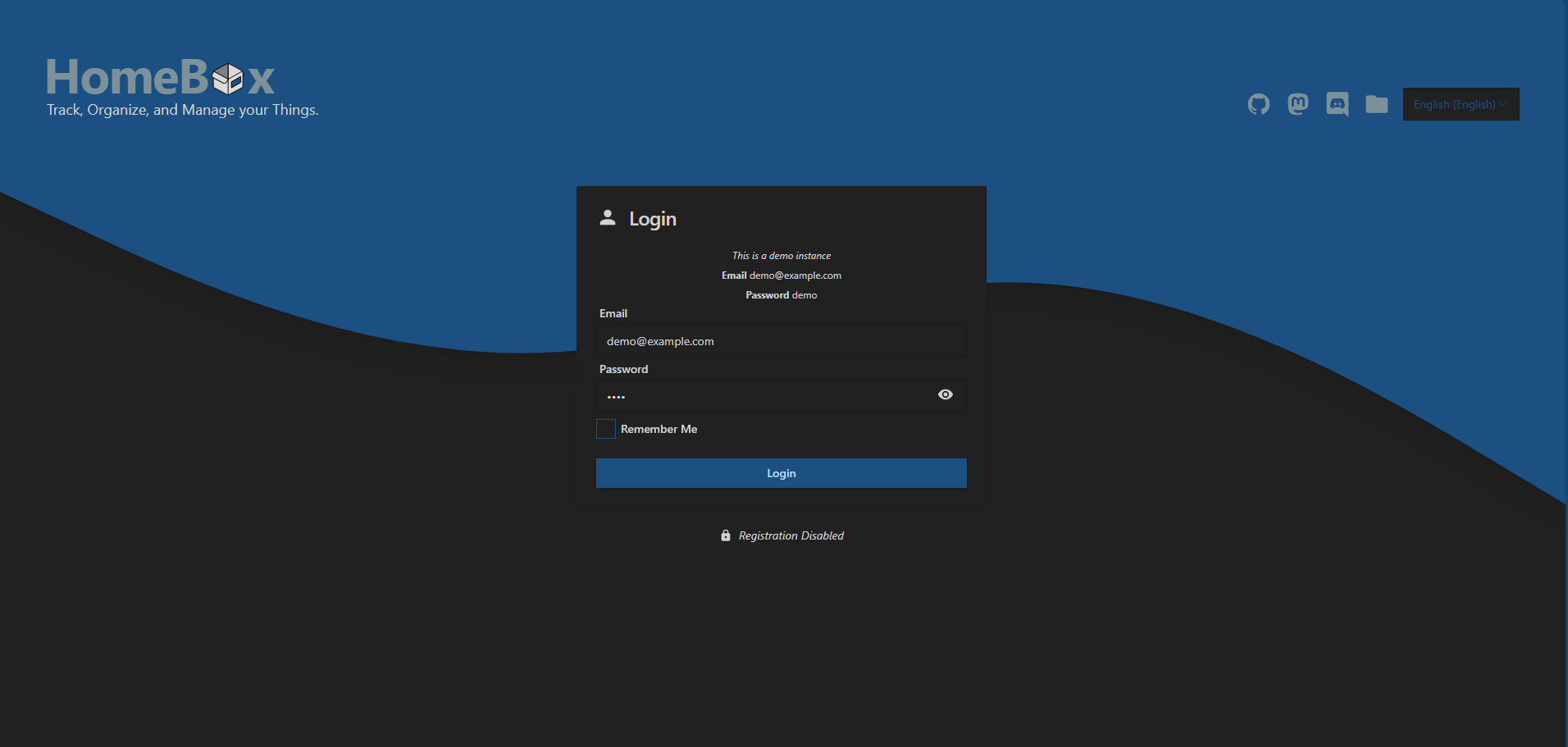
What is Homebox?
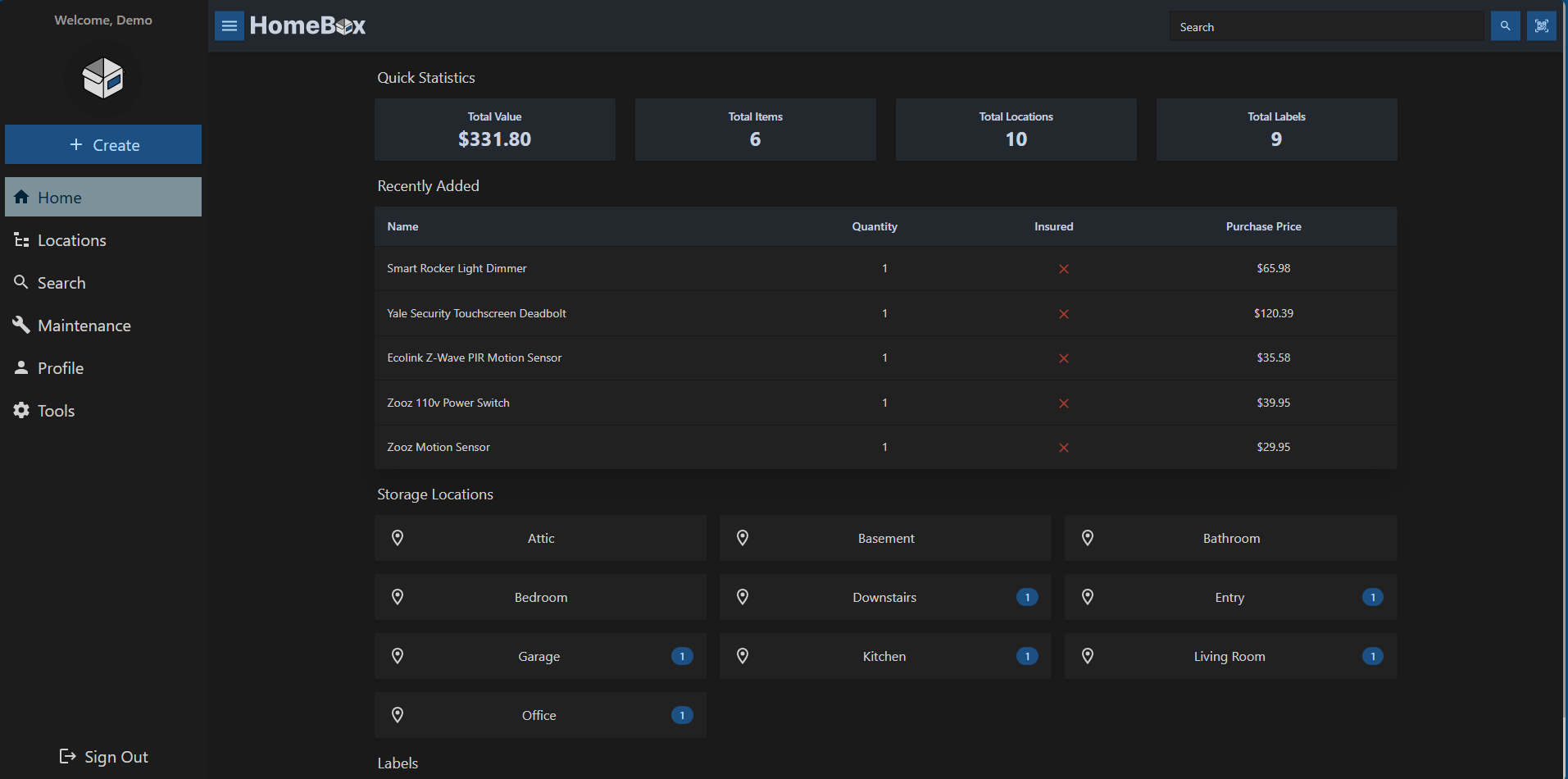
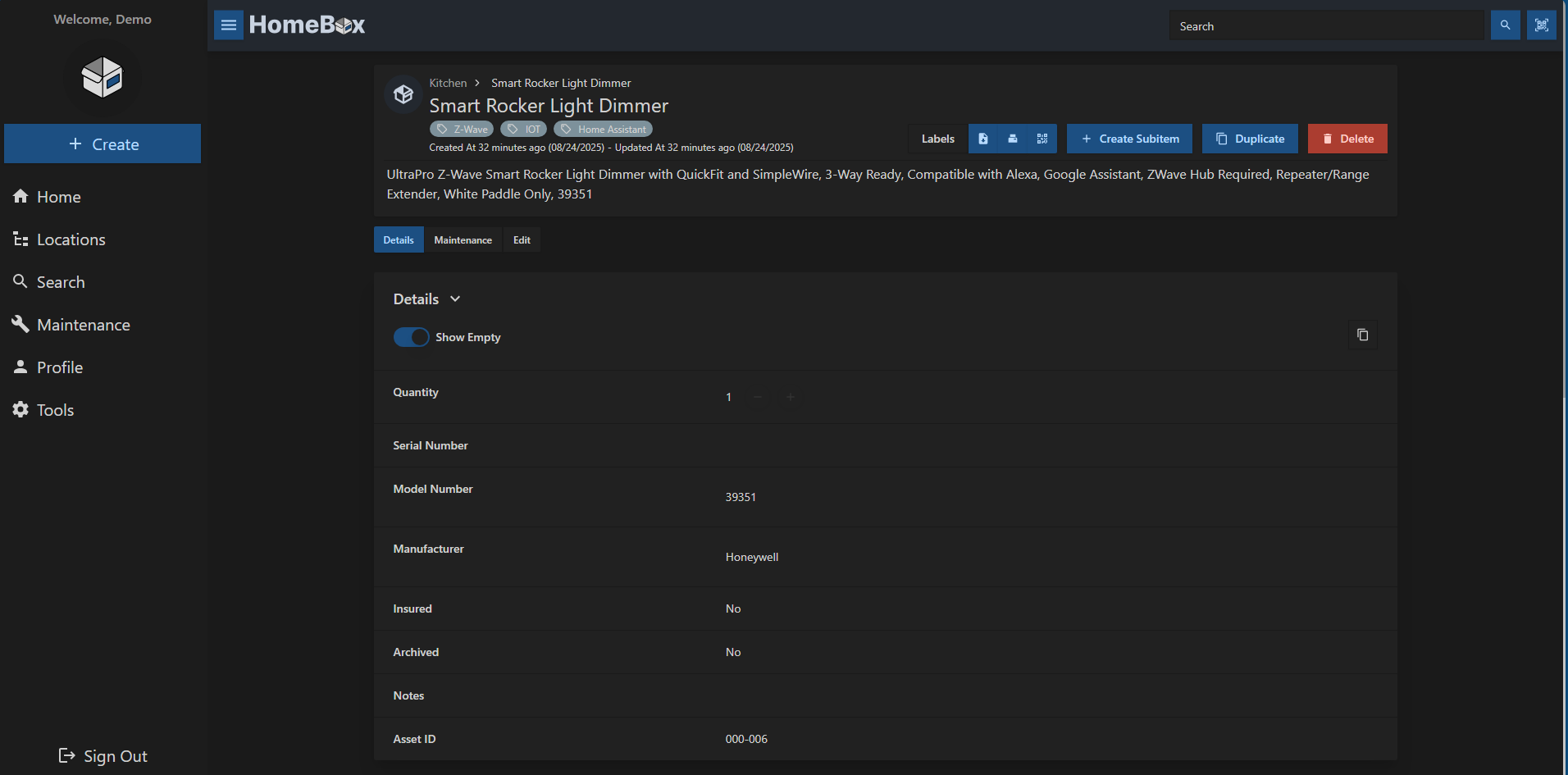
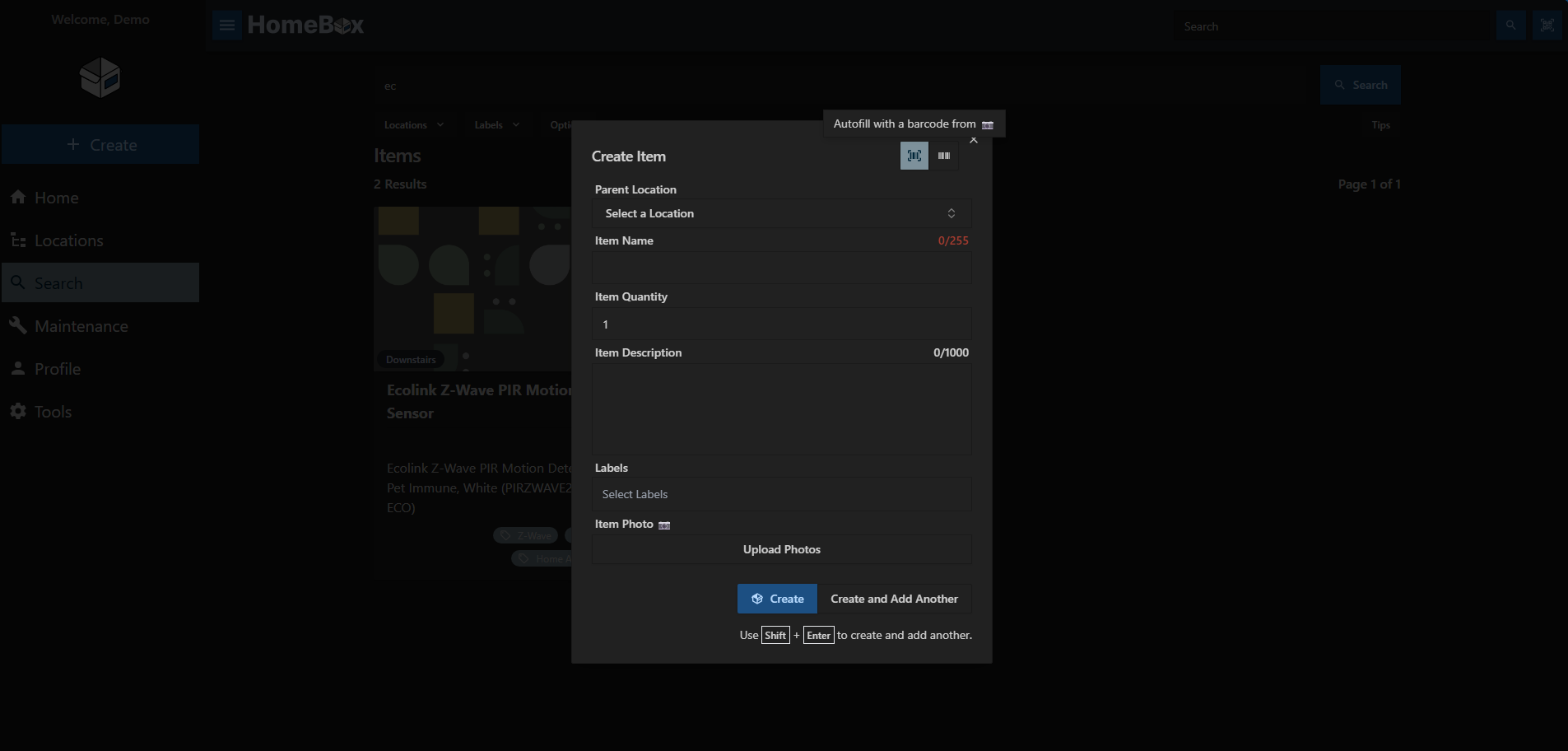
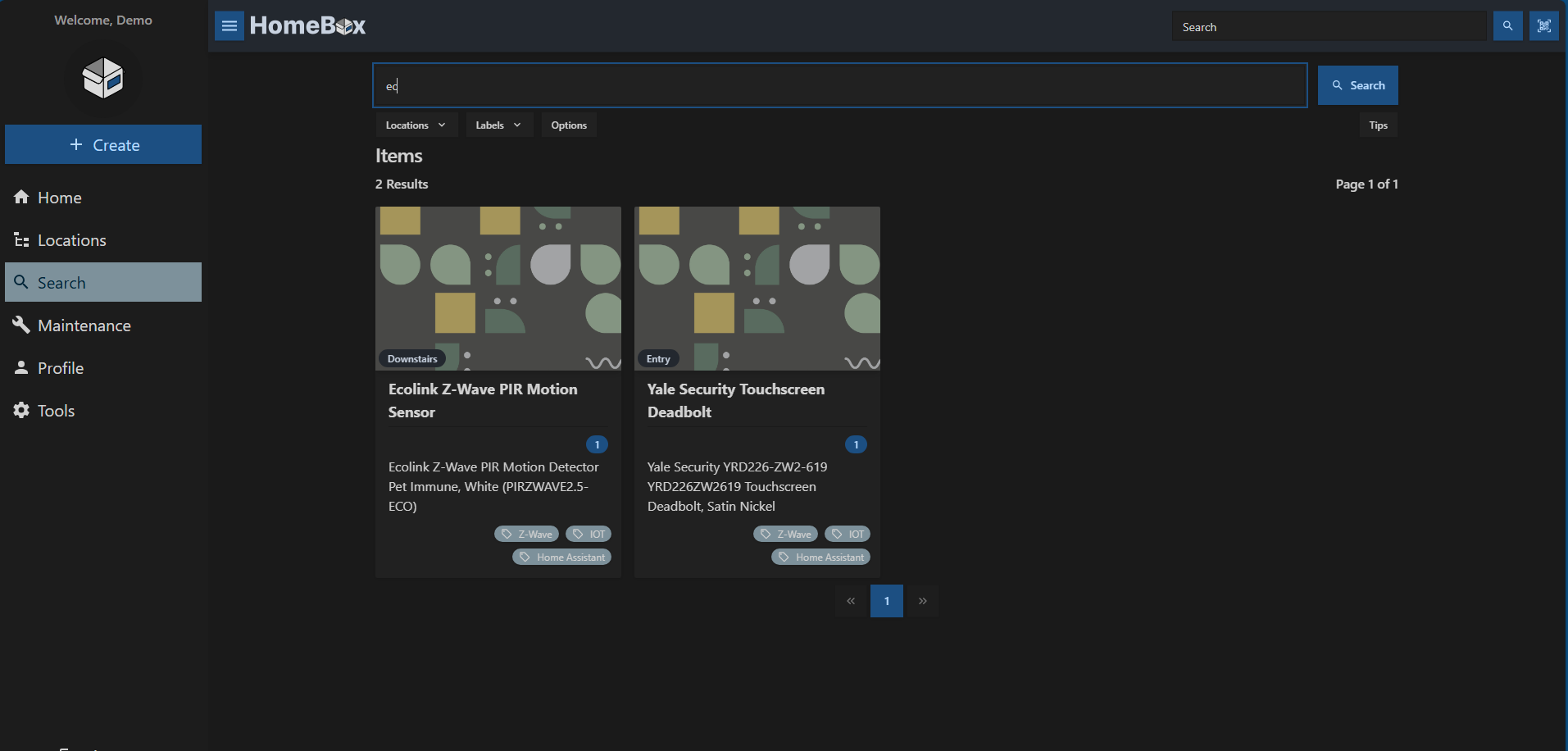
HomeBox is a home-inventory and organization web app for everyday users, continued by SysAdmins Media from the original project by hay-kot. Every entry can carry its own extra fields, pictures, serial numbers and an asset ID, sorted into a location tree, labels and reusable templates, while purchase records, upkeep schedules, manuals and warranties stay attached to the item; a full bill of materials can be exported. It is written in Go with a bundled web interface, and idle container memory stays under roughly 50MB, so modest hardware is enough. SQLite is the default database with PostgreSQL supported for bigger or horizontally scaled setups, and files can live on local disk, S3-compatible buckets, Google Cloud Storage or Azure Blob. Self-hosting means either a Docker container (plain, rootless or hardened distroless variants) or a release binary serving port 7745, tuned entirely through HBOX_ environment variables or matching CLI flags. The self-hosted build offers shared multi-collection setups for several people, OIDC sign-in, a complete REST API, CSV bulk import and export, notification notifiers driven by Shoutrrr, printable QR-code labels, optional Meilisearch for typo-tolerant searching and built-in health endpoints. No edition is paid — the site states it is free forever — though the team welcomes financial support, and basic system analytics are opt-in and off by default.
Homebox alternatives
 lab-dashSelf-hosted dashboard for managing homelab applications with customizable grid layout, service health checks, and PWA support.Comparelab-dash with Homebox
 dashwiseAn open-source, self-hosted homelab dashboard with built-in auth and OIDC SSO, widgets, link groups with uptime monitoring, RSS news and Spotlight-style search.Comparedashwise with Homebox
 folderhostA self-hosted, open-source cloud platform offering file sharing, real-time collaboration, and user management in a ~19MB binary as a lightweight Nextcloud alternativeComparefolderhost with Homebox
 HomelabARR CEA free, open-source dashboard for one-click deployment of 100+ self-hosted apps like Plex, Jellyfin, and Sonarr on your own Linux server via Docker Compose.CompareHomelabARR CE with Homebox
 AtticSelf-hosted home inventory app to catalog belongings with locations, categories, warranties, and automated imports from external databases.CompareAttic with Homebox
 DumbAssetsSelf-hosted, open-source tracker for your physical assets: components, serial numbers, warranties, maintenance events, photos and receipts, with Apprise alerts.CompareDumbAssets with Homebox
 yantrYantr is a self-hosted homelab app store running as a rootless Podman container alongside your Linux OS — no appliance, no root daemon, ~140 MB RAM at idle.Compareyantr with Homebox
 homescreen-heroSelf-hosted Plex companion automating homescreen rotation with smart groups, per-user targeting, and third-party list sync. Web dashboard with widgets and Plex tools.Comparehomescreen-hero with Homebox
All self-hosted alternatives to Spreadsheets → All self-hosted alternatives to Snipe-IT →
Should you self-host Homebox?
Homebox scores 74/100 on selfhost.directory (how scoring works) and ranks #1 of 11 in Inventory Management. It has 7 791 GitHub stars, +345 in the last 30 days.
It shipped 9 stable releases in the past year. The latest, v0.27.1, came out on 23 October 2026. New versions land roughly every 5 days.
Setup is easy: most people get it running in one sitting. An official Docker image is available. It is AGPL-3.0-licensed and written mostly in Go.
Its closest alternative on selfhost.directory is shelf.nu (62/100, 3 052 stars). Homebox scores higher overall. See Homebox vs shelf.nu side by side.
Features
- Bill of materials export
- Document and warranty tracking
- Image Upload
- Item inventory with custom fields and photos
- Item templates
- Labels and tags
- Location hierarchy
- Multi-user collections
- OIDC Single Sign-On
- Powerful search with filters
- Printable item labels
- Purchase and maintenance tracking
- QR codes
- REST API


More in Inventory Management
 HomeBox (SysAdminsMedia)A continuation of HomeBox the inventory and organization system built for the Home User
 InventreeSelf-hosted, open-source inventory management system for parts and stock: BOMs, build orders, purchasing and sales orders, barcodes, reports and a REST API.
 KoillectionSelf-hosted, open-source collection manager for tracking physical collections of all kinds, with custom metadata, tags, wishlists, loans and a REST API.
 LouezLouez is a self-hosted, open-source equipment rental platform for small businesses to manage inventory, reservations, and contracts with storefronts.
 MagentoSelf-hosted, open-source PHP ecommerce platform: storefront plus admin for catalog, orders and promotions. Installed with Composer on Linux against MariaDB, OpenSearch.
 MyCompanyFree ERP and CRM for small firms merging inventory, billing, production, sales, projects, HR and POS into one database.
 octofleetSelf-hosted, open-source endpoint management for Windows/Linux fleets with real-time inventory, vulnerability scanning, patch management, and remote access.
 openlinkerSelf-hosted, open-source e-commerce platform syncing orders, inventory, and listings across shops and marketplaces with shipping and invoicing integrations.
 Open QuarterMasterOpen QuarterMaster is a self-hosted, open-source inventory system with a modular Core API, Base Station frontend, and plugins for scalable tracking.
 Open Source POSSelf-hosted open-source point of sale web app in PHP/MySQL for retail: stock, sales register, invoicing, barcodes, reports, gift cards and multiuser permissions.
 openuem-consoleOpenUEM Console is the self-hosted, open-source web UI for managing IT assets, deploying software, and remote assistance across Windows, Linux, and macOS endpoints.
 Part-DBSelf-hosted, open-source inventory management for electronic components with multi-language support, barcode scanning, 2FA, SAML SSO, KiCad integration, AI extraction.
0 comments