Self-host CryptPad
2026.10.0Encrypted office suite for real-time collaboration
docker compose up -d- Stars
- 8 054
- CPU
- 2 CPUs
- RAM
- 2GB RAM
- Storage
- 20GB storage (depending on planned usage)
- Port
- 3000 (Built-in Node.js application server port (mapped 3000:3000 in the compose file))
cryptpad/cryptpad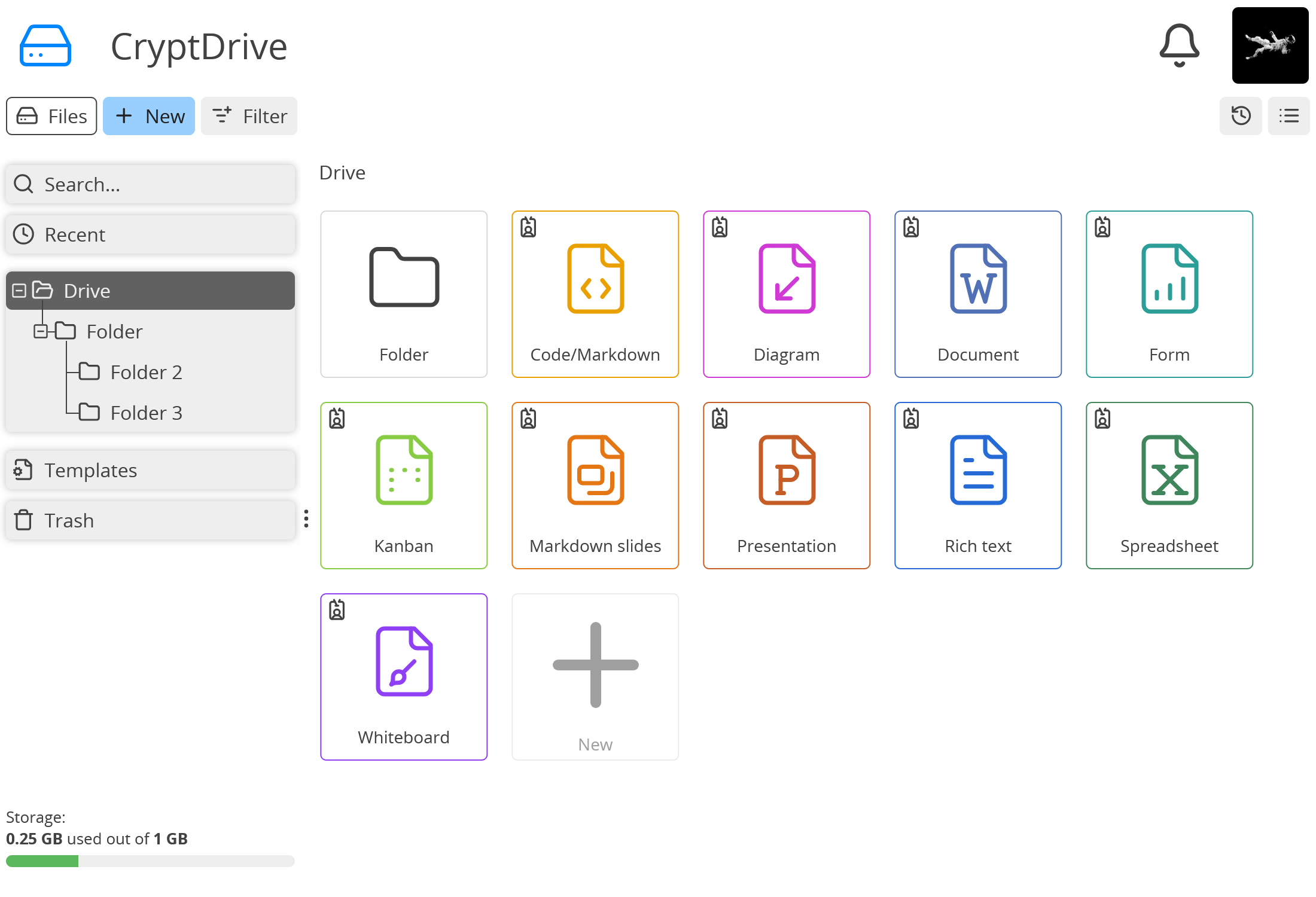
What is CryptPad?
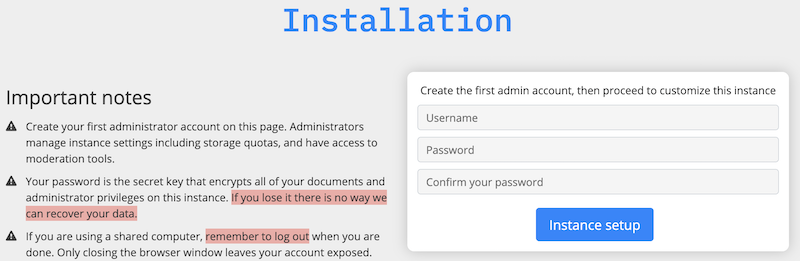
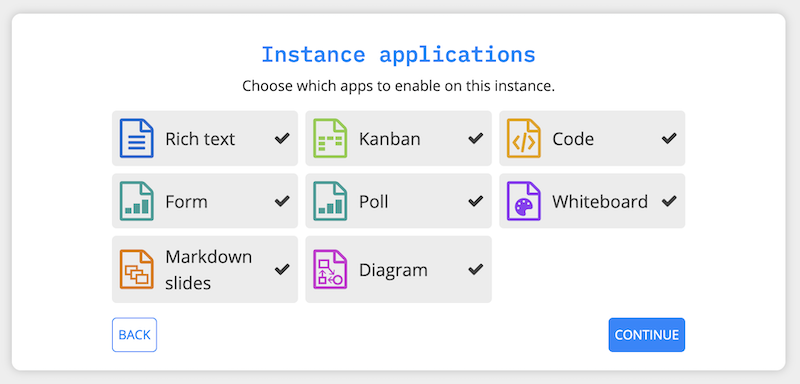
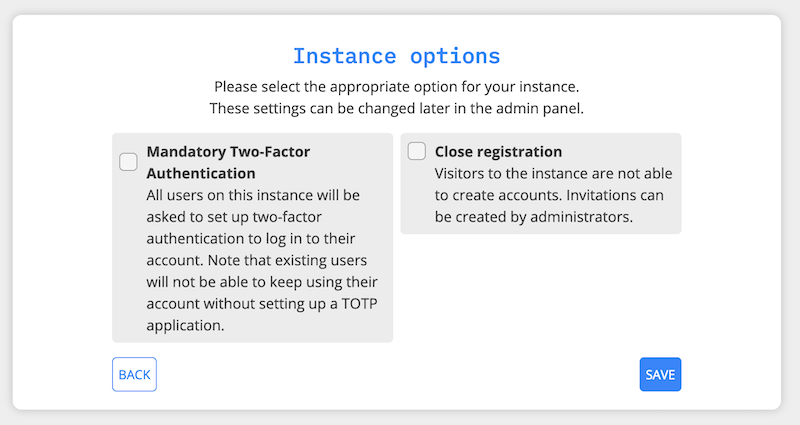
CryptPad is an open-source office suite that keeps user data private: every pad and uploaded file is encrypted client-side, so the server only ever stores ciphertext and even the administrator cannot read what people are writing. It is built around a real-time collaborative drive, with pads for text documents, spreadsheets, presentations, forms, kanban boards, Markdown and code notes, whiteboards and diagrams, plus shared links so people without an account can take part. Operators can brand the instance, close registration, force two-factor authentication, set per-user storage limits and monitor activity from a built-in administration panel. Self-hosting is documented as a Node.js install served through Nginx (git clone, npm ci, a config.js holding a main and a sandbox domain) or with official Docker images and a compose file; the OnlyOffice-based editors and an optional faster server-side crypto plugin are installed separately. A team at XWiki SAS maintains it under an AGPL licence, on roughly a three-month release cadence, funded by subscriptions on the flagship instance, paid support contracts and donations.
CryptPad alternatives
 cryptgeonSelf-hosted open-source service for encrypted notes and files that self-destruct after viewing, with client-side encryption so the server cannot read contents.Comparecryptgeon with CryptPad
 ClipCascadeOpen-source clipboard sync for Windows, macOS, Linux and Android: text, images and files relayed by a self-hosted server or peer-to-peer, end-to-end encrypted.CompareClipCascade with CryptPad
 etherpadAn open-source, self-hosted real-time collaborative document editor that attributes every keystroke to its author and keeps full revision history.Compareetherpad with CryptPad
 ONLYOFFICESelf-hosted, open-source online office suite: Document, Spreadsheet, Presentation, PDF and form editors with real-time collaborative editing and format conversion.CompareONLYOFFICE with CryptPad
 docmostSelf-hosted, open-source collaborative wiki with real-time editing, diagrams, AI features, and enterprise SSO as a Confluence/Notion alternative.Comparedocmost with CryptPad
 mainSelf-hosted pastebin alternative with browser encryption, VS Code–like editor, file sharing, whiteboard drawings, and peer connections.Comparemain with CryptPad
 PlikShareOpen-source self-hosted file sharing with unlimited users, multiple storage backends, three encryption modes, OIDC SSO, TOTP 2FA, sharing boxes, and MCP for AI agents.ComparePlikShare with CryptPad
 TeampassSelf-hosted, open-source team password vault on PHP/MySQL: folder and role access control, AES-256-GCM encryption, LDAP/OAuth2 SSO, TOTP and compliance reports.CompareTeampass with CryptPad
Should you self-host CryptPad?
CryptPad scores 71/100 on selfhost.directory (how scoring works) and ranks #2 of 6 in Office Suites. It has 8 054 GitHub stars, +65 in the last 30 days.
It shipped 7 stable releases in the past year. The latest, 2026.10.0, came out on 21 October 2026. New versions land roughly every 4 weeks.
Setup is advanced: plan for several services and some ongoing maintenance. An official Docker image is available. It is AGPL-3.0-licensed and written mostly in JavaScript.
Its closest alternative on selfhost.directory is ONLYOFFICE (72/100, 7 099 stars). It scores higher overall, so compare the two before you pick. See CryptPad vs ONLYOFFICE side by side.
Features
- Administration Panel
- Encrypted cloud drive
- End-to-end encryption
- Form Builder
- Guest access via shared links
- Instance diagnostics page
- Invitation links / closed registration
- Kanban Boards
- Multi-language interface
- Office document, spreadsheet and presentation editingOnlyOffice components are optional and installed separately
- Per-user storage quotas
- Real-time collaborative editing
- Rich text and code/Markdown pads
- Two-factor authentication
- Whiteboard and diagramming
CryptPad README
CryptPad is a collaboration suite that is end-to-end encrypted and open-source. It is designed to facilitate collaboration by synchronizing changes to documents in real time. Since all the user data is encrypted, in the event of a breach, attackers have no way of accessing the stored content. Furthermore, if the administrators do not modify the code, they and the service also cannot access any information about the users' content.

More in Office Suites
 EdenTextEdenText is a self-hosted, open-source web word processor running in the browser with no backend. Edits DOCX/ODT locally, exports PDF, supports advanced layout.
 Euro-Office Document ServerA self-hosted, open-source office document server forked from ONLYOFFICE, with real-time collaborative web editors, WOPI support and first-class Nextcloud integration.
 LibreOffice (LinuxServer.io)Self-hosted Docker container streaming LibreOffice to a browser via HTTPS using the Selkies platform.
 Nextcloud Office📑 Collabora Online for Nextcloud
- ONLYOFFICESelf-hosted, open-source online office suite: Document, Spreadsheet, Presentation, PDF and form editors with real-time collaborative editing and format conversion.
 seatsurfingSelf-hosted desk booking platform with interactive floor plans, approval workflows, Teams/Confluence integrations, and a PWA for mobile access.
 WPS OfficeSelf-hosted Docker container streaming WPS Office (Writer, Presentation, Spreadsheet, PDF) to a browser via HTTPS using LinuxServer.io's Selkies platform.
 collabora-onlineIssue tracker only. Active development is on Gerrit at https://gerrit.collaboraoffice.com/.
0 comments