
Self-host Coder
v2.29.27Governed cloud dev environments with native AI coding agents
curl -fsSL https://coder.com/install.sh | sh- Stars
- 17 378
- CPU
- 2 CPU cores
- RAM
- 4 GB
- Ports
- 3000 (Default HTTP address of the coder server when run as a standalone binary (http://localhost:3000)), 7080 (HTTP address used by the official Docker image in the published compose example (CODER_HTTP_ADDRESS 0.0.0.0:7080))
ghcr.io/coder/coder
What is Coder?
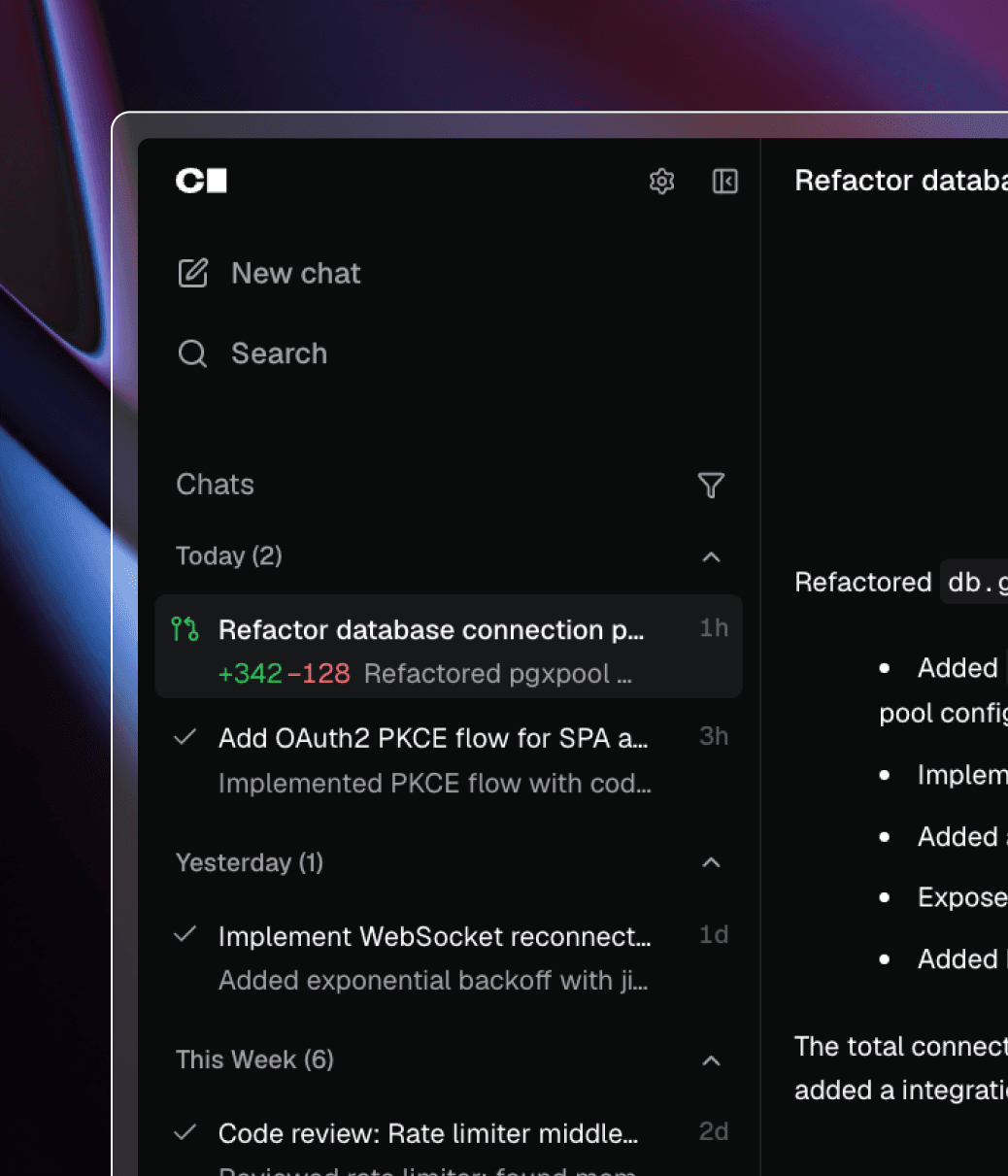
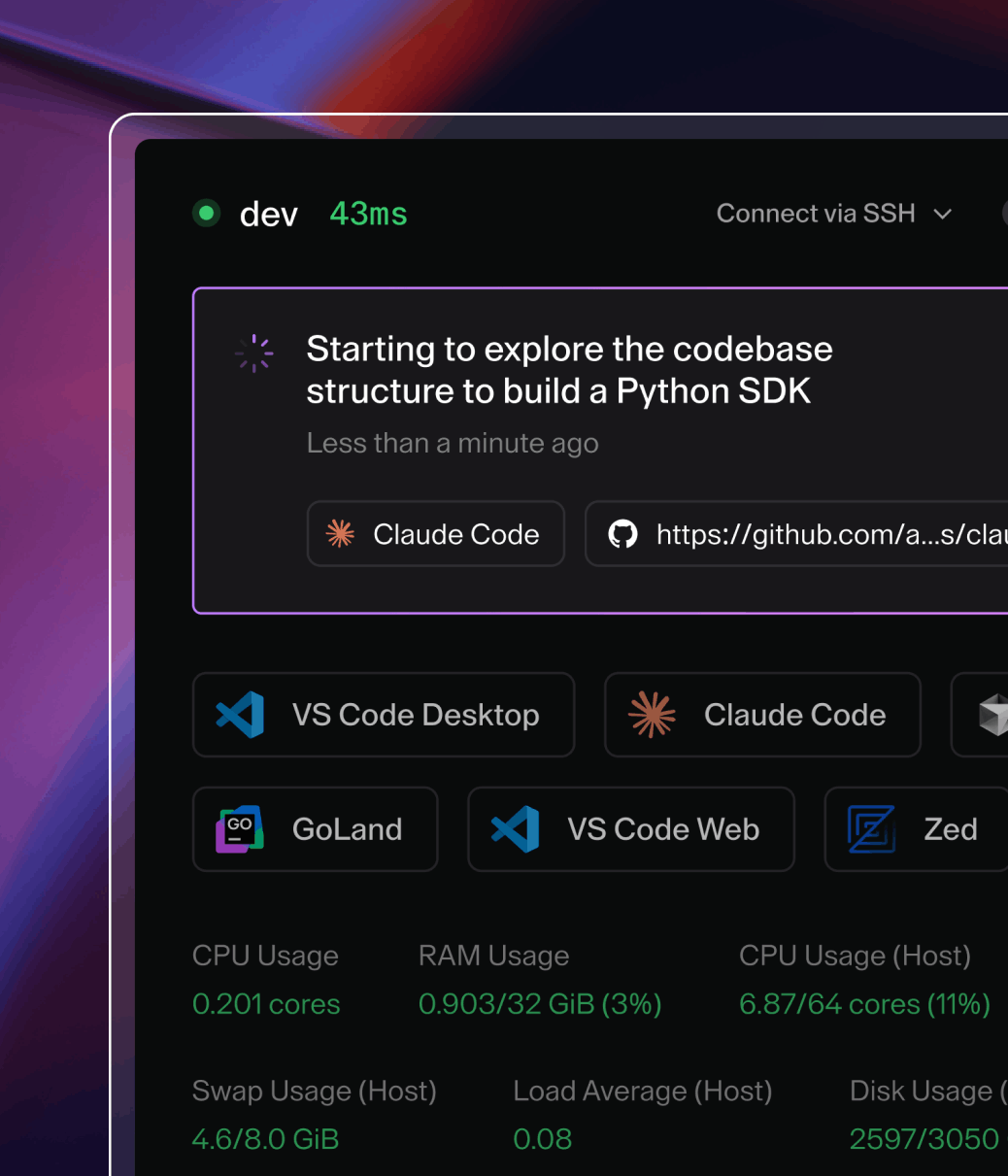
Coder lets teams spin up remote development machines and autonomous coding assistants on hardware they administer themselves. Each environment is described as code with Terraform and can target EC2 instances, Kubernetes pods or Docker containers; the platform tunnels connections over WireGuard and reclaims resources by powering down machines that sit unused. Its built-in agent keeps model credentials out of the environments, while the AI gateway applies budgets, identity and audit trails to LLM traffic. Installation options include a shell script, a container image on ghcr.io, or a Helm chart; production setups add Postgres 13 or newer, a public access URL and TLS termination through a reverse proxy. Workspaces and templates are unlimited in the free AGPL edition, whereas paid tiers gate high availability, multi-organization RBAC, more concurrent agents and SLA support.
Coder alternatives
 kandevSelf-hosted open-source platform to run and coordinate multiple AI coding agents with kanban boards, integrated workspace, and review gates.Comparekandev with Coder
 VicoaSelf-hosted, open-source AI orchestrator running 40+ coding agents in parallel across machines with web, mobile, and CLI access.CompareVicoa with Coder
 AizenAizen is a self-hosted AI coding agent as a single 34 MB Rust binary. Connects to any OpenAI-compatible endpoint, reads/edits code, runs tests, verifies work.CompareAizen with Coder
 pocketdevSelf-hosted CLI that provisions a Hetzner server on Tailscale and installs AI coding agents for mobile SSH/Mosh access. AGPL-3.0.Comparepocketdev with Coder
 claude-deckOpen-source, self-hosted workspace for tracking and steering coding agents on GitHub issues. Runs locally with no cloud account.Compareclaude-deck with Coder
 OpenAgentCoreOpenAgentCore lets you run AI coding agents like Codex and Claude Code on your own hardware using the OpenAI SDK, with your choice of models and sandboxes.CompareOpenAgentCore with Coder
 agenttierAgentTier is a self-hosted Kubernetes platform providing isolated sandboxes for AI agents and developers with browser terminals and gVisor isolation.Compareagenttier with Coder
 poolPool is a self-hosted AI coding agent for terminal and ACP-compatible editors, supporting Poolside Platform, OpenRouter, Ollama, and OpenAI-compatible APIs.Comparepool with Coder
Should you self-host Coder?
Coder scores 76/100 on selfhost.directory (how scoring works) and ranks #11 of 167 in Developer Tools. It has 17 378 GitHub stars, +458 in the last 30 days.
It shipped 86 stable releases in the past year. The latest, v2.37.11, came out on 10 November 2026.
Setup is moderate: expect some configuration beyond a single command. An official Docker image is available. It is AGPL-3.0-licensed and written mostly in Go.
Its closest alternative on selfhost.directory is openhands (87/100, 93 414 stars). It scores higher overall, so compare the two before you pick. See Coder vs openhands side by side.
Features
- AI gateway / centralized LLM governance
- Air-gapped deployment
- Audit Logging
- Automatic idle shutdown
- Bring-your-own model support
- Dev Containers support
- High availability and workspace proxiesPremium tier only.
- Multi-infrastructure provisioning
- Native AI coding agentsCommunity/Premium cap of 5 concurrent Coder Agents; unlimited in AI Premium.
- Prometheus Metrics
- Secure tunnel connectivity
- Terraform-defined environments
- User dotfiles personalization
- Web and desktop IDE access
Coder README




Coder is a self-hosted platform for cloud development environments and AI coding agents. Workspaces are defined with Terraform, connected through a secure Wireguard® tunnel, and automatically shut down when not used. Coder Agents runs a native AI coding agent whose loop executes in the control plane on your infrastructure, with no API keys in workspaces.
- Define cloud development environments in Terraform
- EC2 VMs, Kubernetes Pods, Docker Containers, etc.
- Automatically shutdown idle resources to save on costs
- Onboard developers in seconds instead of days
- Delegate coding work to AI agents on your infrastructure
- Bring any model (Anthropic, OpenAI, Google, Bedrock, self-hosted)
- No LLM credentials in workspaces, user identity on every action
- Centralized model governance, cost tracking, and audit logging
More in Developer Tools
 code-serverVS Code in the browser
 codesightUniversal AI context generator. Saves thousands of tokens per conversation in Claude Code, Cursor, Copilot, Codex, and more.
 CodeverSelf-hosted bookmarks & snippets manager for developers with Markdown, browser extensions, IDE plugins, and Keycloak auth via GitHub, Google, GitLab, StackOverflow.
 CodeVerdictA self-hosted platform for running programming tests with live rankings, penalty scoring, and instant code execution. Gives educators full control over assessments.
 CodeX.docsSelf-hosted, open-source docs app on Editor.js. Nested documents, static rendering, SEO URLs, responsive UI — no database required.
 Codex LB EnhancedSelf-hosted open-source gateway pooling ChatGPT accounts for Codex clients with transparent failover, session recovery, native quota headers, and a web dashboard.
 Codex MemoriesA self-hosted, open-source memory layer that lets OpenAI Codex remember project decisions locally via Git and SQLite, without any hosted vector database.
 CodinIT.devSelf-hosted open-source AI full-stack dev platform for building Node.js apps with code generation and 19+ AI providers.
 CodraCodra is a self-hosted, open-source AI code review engine on Cloudflare Workers that posts inline comments on GitHub PRs using configurable LLM providers.
 CodyncA free, open-source, self-hosted app that runs AI coding agents on your computer and lets you chat with them as persistent bots from any device.
 CogSendCogSend is a self-hosted, open-source social media scheduler running on Cloudflare. It lets you write once and post to five major networks without subscription fees.
 ColliePWASelf-hosted, open-source PWA that mirrors your Herdr, tmux or zellij agent panes on your phone, so Claude Code, Codex and OpenCode can be answered anywhere.
0 comments