
Self-host bookorbit
v3.7.0Ebook, audiobook, comic and PDF library with device sync
docker compose up -d- Stars
- 6 276
- CPU
- 1 core (2+ recommended)
- RAM
- 512 MB free (1 GB+ recommended)
- Storage
- Space for your book files + ~50 MB for the app
- Port
- 3000 (Web app HTTP listener (container PORT, published to host as APP_PORT:PORT))
- Requires
- PostgreSQL
ghcr.io/bookorbit/bookorbit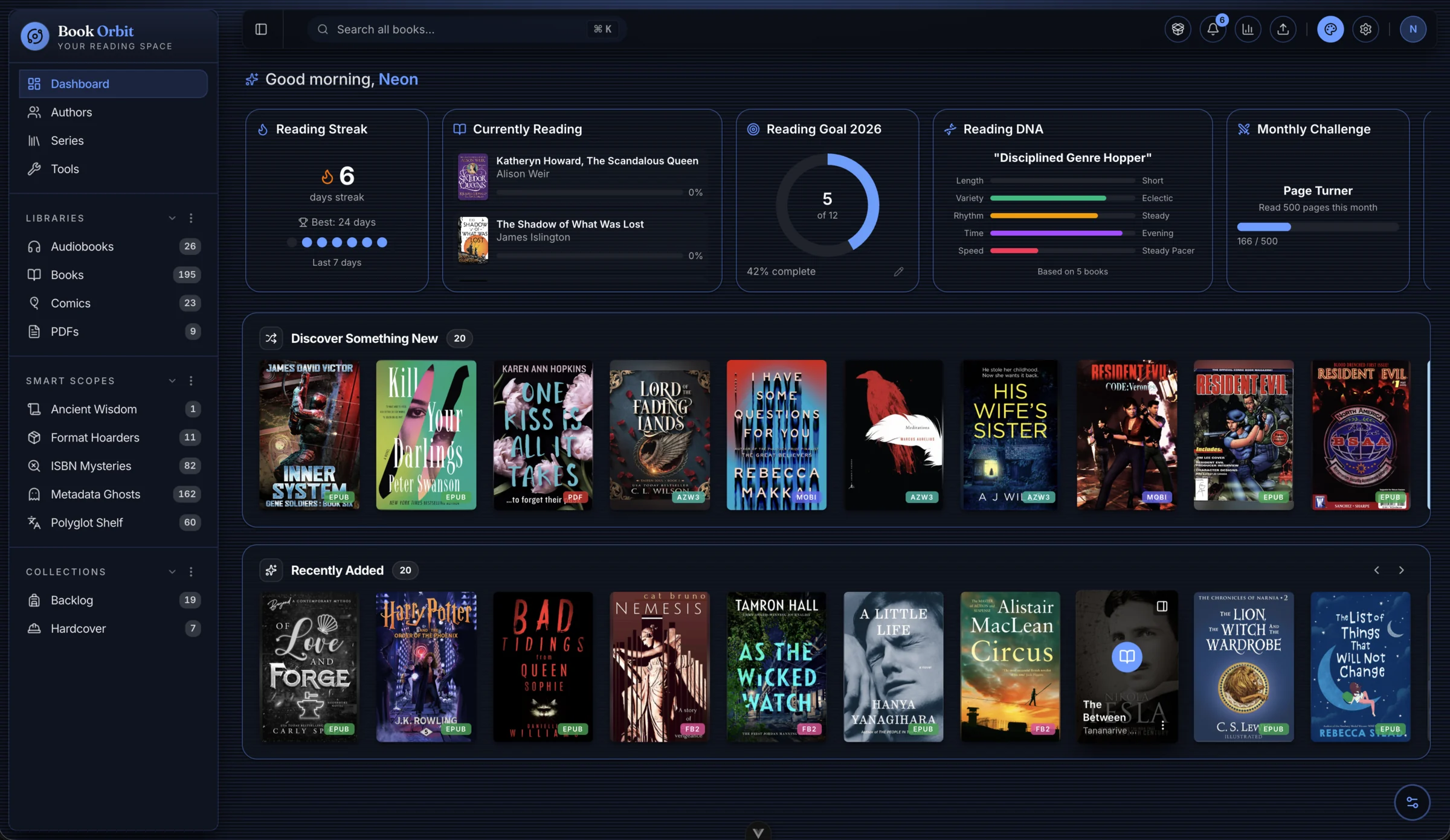

What is bookorbit?
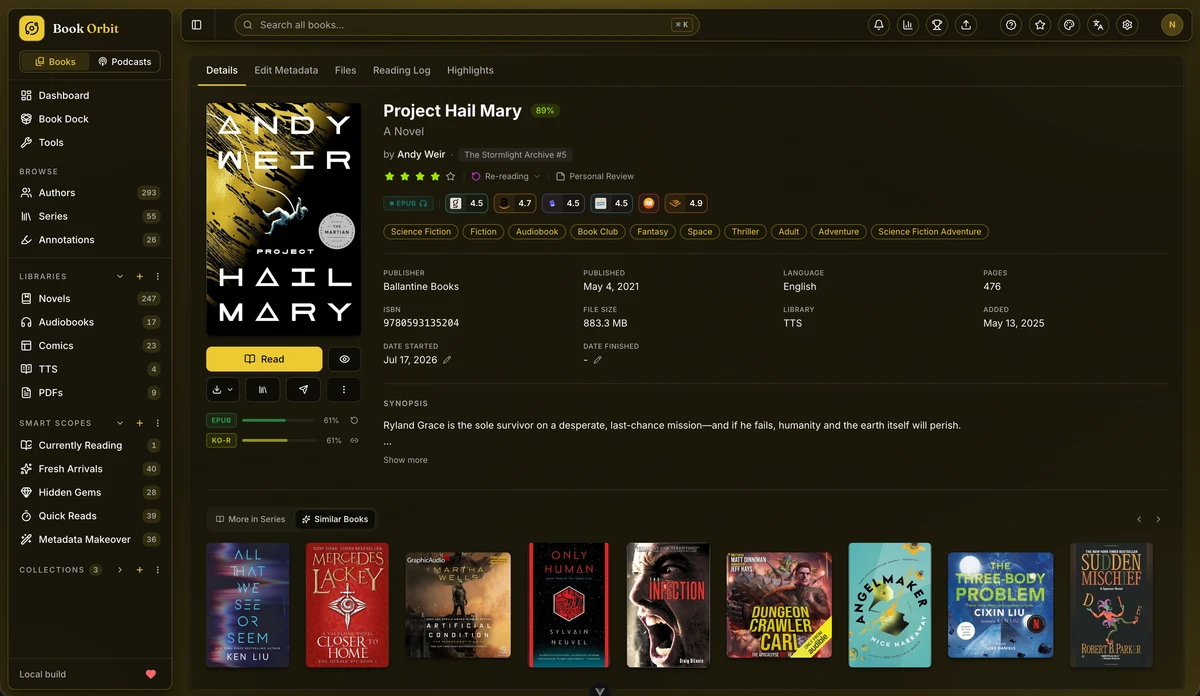
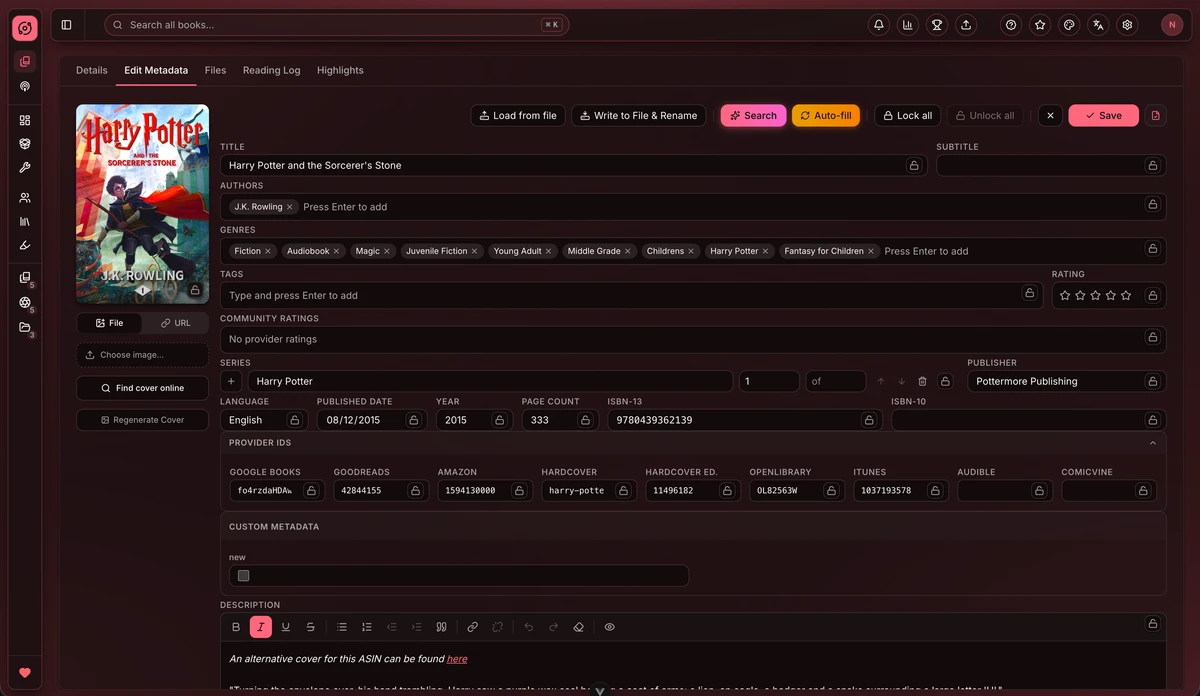
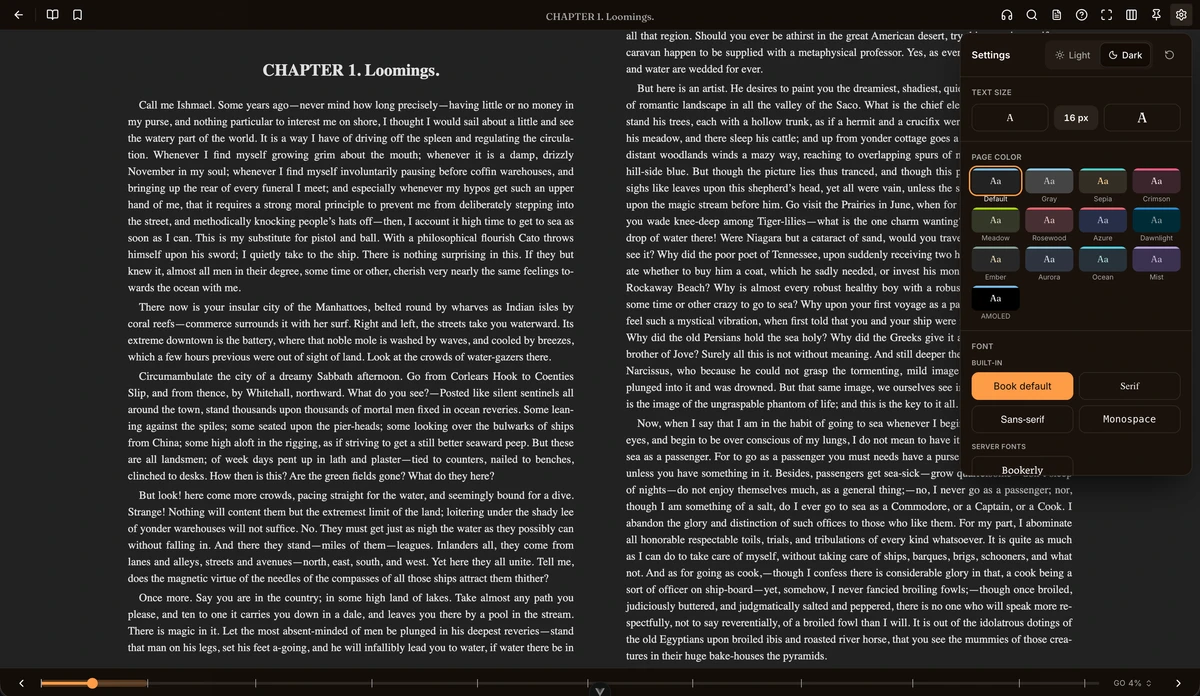
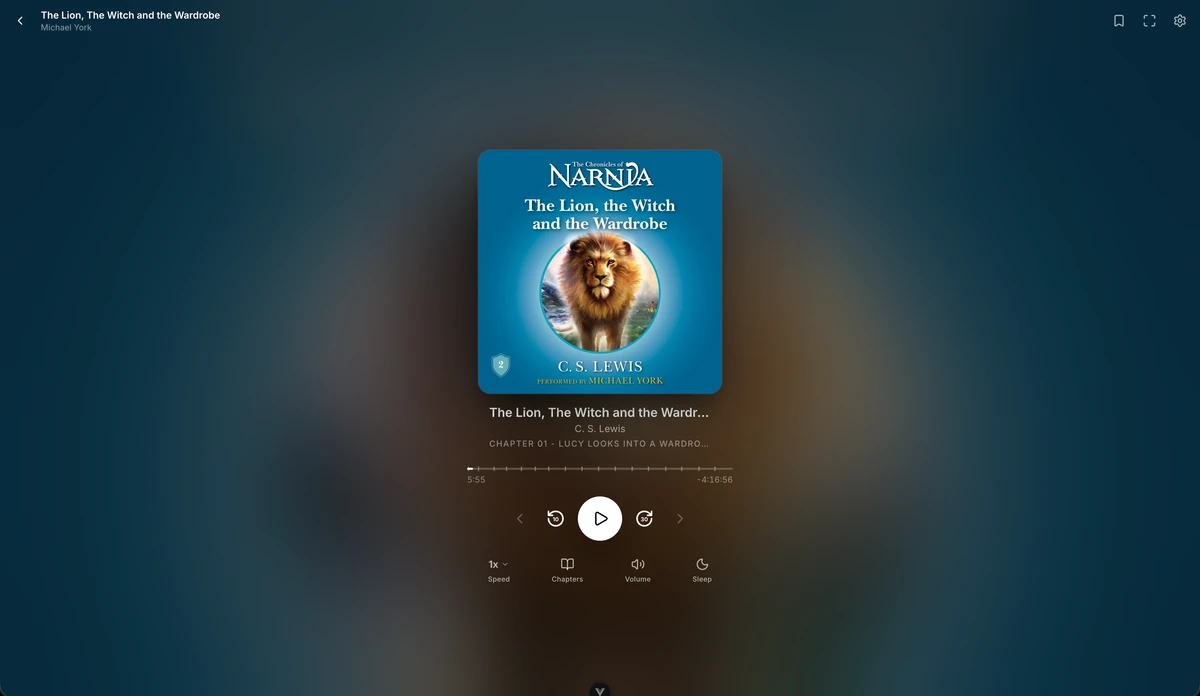
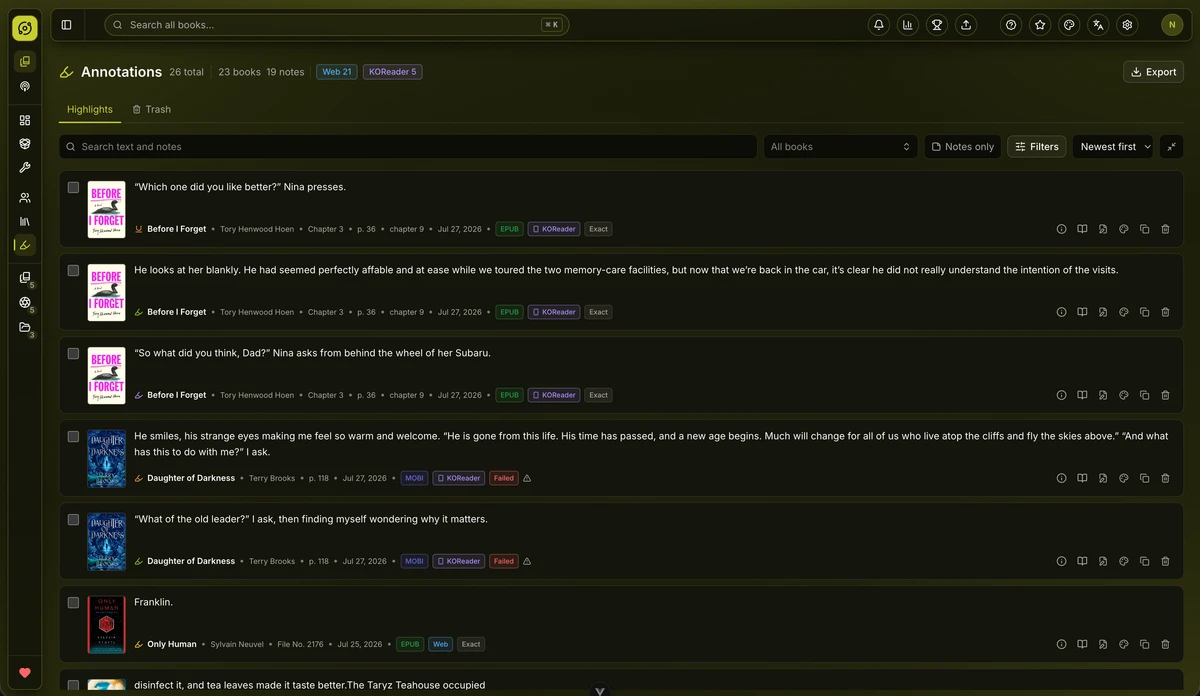
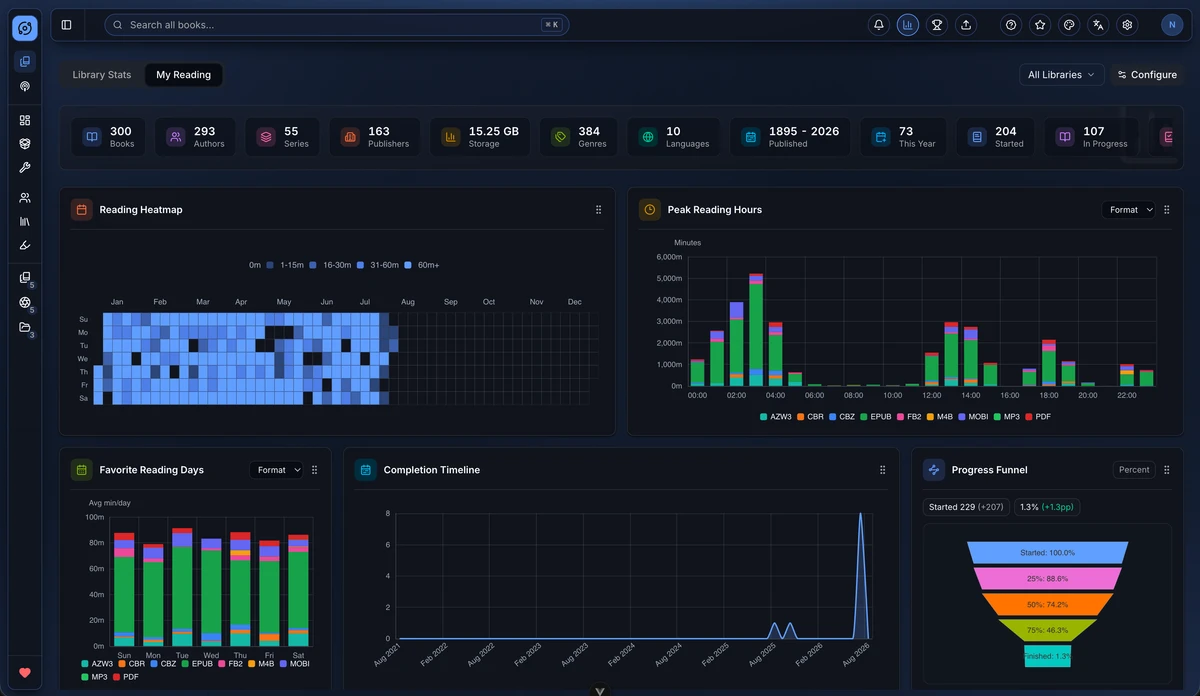
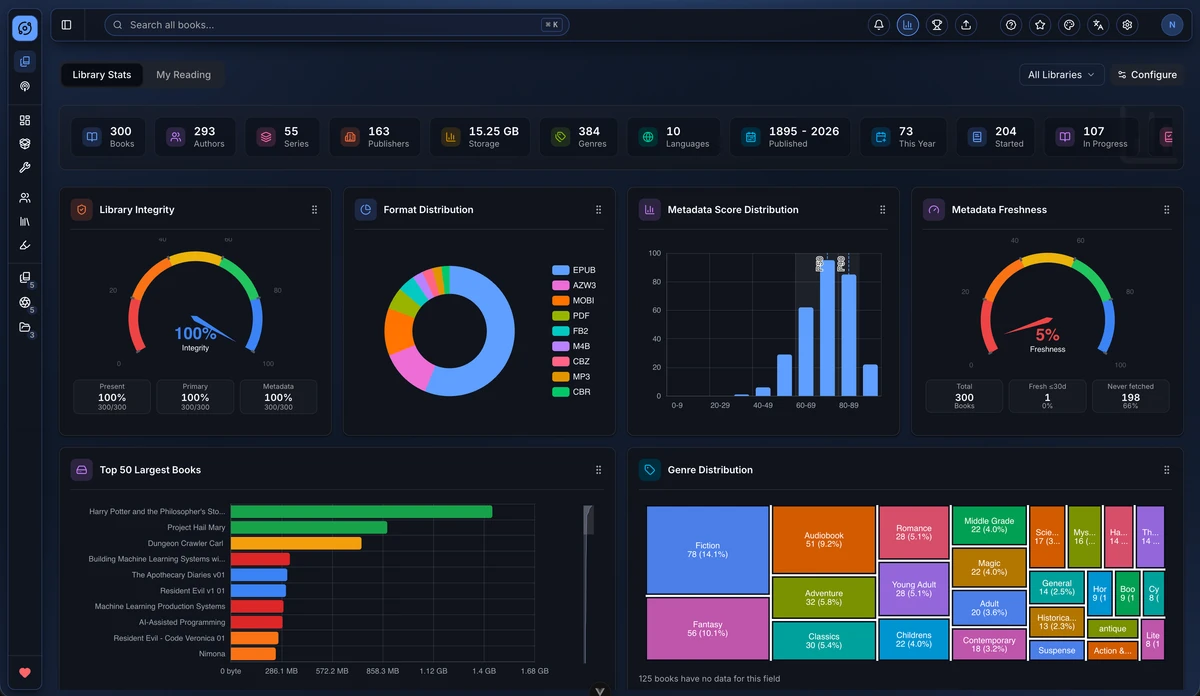
BookOrbit is a Docker-first platform that keeps your ebook, PDF, comic and audiobook files on your own server and lets you pick up reading wherever you are. It runs as one compose stack holding the app plus a PostgreSQL 18 (pgvector) container, with the web interface on port 3000; Unraid users get two Community Applications templates instead. Around the built-in web readers sit fourteen metadata catalog sources — Open Library, ComicVine, Audnexus, Libro.fm, Goodreads and others — with field-level merge rules and bulk editing, plus multiple libraries, collections, series, an author directory and rule-based Smart Scopes. Reading position, highlights and status sync bidirectionally between the web reader, Kobo hardware and KOReader, and a KOReader plugin adds an on-device catalog browser; results can also flow outward to Hardcover, Readwise and The StoryGraph. A private OPDS feed, Send-to-Kindle email delivery, drag-and-drop uploads and a Book Dock staging folder cover getting books in and out, while dashboards track streaks, heatmaps, yearly goals and 50+ achievements, with optional Kokoro text-to-speech. Several users can share an instance under per-library access control and granular permissions, with multi-provider OIDC sign-on (Authentik, Keycloak, Authelia), and it documents running behind an authenticating proxy such as Cloudflare Access or Authelia. A native iPhone and Apple Watch app connects to your server but needs v3.0.0 or later. Writable paths must live on a local filesystem — network shares and cloud mounts such as SMB, NFS or FUSE are unsupported — and Zenith sells managed hosting if you would rather not run Docker yourself.
bookorbit alternatives
 kompanionKOmpanion is a self-hosted, open-source backend for KOReader e-readers providing OPDS catalog, reading progress sync, and book statistics without a web reading interface.Comparekompanion with bookorbit
 BookHavenBookHaven is a self-hosted, open-source EPUB reader that scans your local ebook library for reading and management in a responsive web UI with OPDS support.CompareBookHaven with bookorbit
 shelfmarkOpen-source self-hosted web UI to search, request, and download ebooks and audiobooks from Prowlarr, Usenet, IRC, or direct sources, with multi-user requests.Compareshelfmark with bookorbit
 BookshelfSelf-hosted ebook library for EPUBs/PDFs with OPDS catalog for e-readers, browser readers, and multi-reader profiles. Runs on Cloudflare R2 or local filesystem.CompareBookshelf with bookorbit
 SakeSelf-hosted ebook library with web UI, KOReader sync, OPDS/WebDAV, and search from Anna's Archive, Open Library, Project Gutenberg.CompareSake with bookorbit
 Calibre Web AutomatedSelf-hosted ebook library with automated ingest, conversion, metadata, and KOReader sync. Combines Calibre-Web UI with Calibre power.CompareCalibre Web Automated with bookorbit
 OpenReaderA self-hosted open-source document reader that speaks EPUB, PDF, DOCX, text, and Markdown files aloud with word-level highlighting and audiobook export.CompareOpenReader with bookorbit
 KavitaSelf-hosted, open-source reading server that organizes and serves your comics, manga, ebook and PDF collection with built-in readers, OPDS and OIDC multi-user logins.CompareKavita with bookorbit
Should you self-host bookorbit?
bookorbit scores 74/100 on selfhost.directory (how scoring works) and ranks #1 of 12 in Book Management. It has 6 276 GitHub stars, +1 039 in the last 30 days.
It shipped 24 stable releases in the past year. The latest, v3.7.0, came out on 8 November 2026. New versions land roughly every 6 days.
Setup is easy: most people get it running in one sitting. An official Docker image is available. It is AGPL-3.0-licensed and written mostly in Typescript.
Its closest alternative on selfhost.directory is grimmory (69/100, 4 684 stars). bookorbit scores higher overall. See bookorbit vs grimmory side by side.
Features
- Annotations and highlights hub
- Bidirectional progress sync with Kobo and KOReader
- Book Dock automated ingestion
- Book requests via indexers and download clients
- Built-in readers for ebooks, PDFs, comics and audiobooks
- Metadata enrichment from many providers
- Multiple libraries
- Multi-user accounts with permissions
- OPDS Catalog
- Reading statistics, goals and achievements
- Send-to-Kindle email delivery
- Single sign-on via OIDC
- Smart scopes and collections
- Sync to Hardcover, The StoryGraph and Readwise
- Text-to-SpeechOpt-in via `--profile tts`; no host port published.
bookorbit README
Important
Android beta testers needed: The official BookOrbit Android app is in closed testing. Join the Google Play beta and stay enrolled for at least 14 days to help unlock its public release.

A self-hosted library and reading platform for ebooks, PDFs, audiobooks, and comics.

Overview • Live Demo • iOS & Apple Watch • Features • Quick Start • Managed Hosting • KOReader • Docs


