
Self-host apitable
v1.14.0-betaLow-code visual database with collaborative datasheets
- Stars
- 15 660
- Ports
- 80 (HTTP web entry point served by the gateway container), 443 (HTTPS on the gateway container)
- Requires
- Minio, MySQL, RabbitMQ, Redis
apitable/all-in-one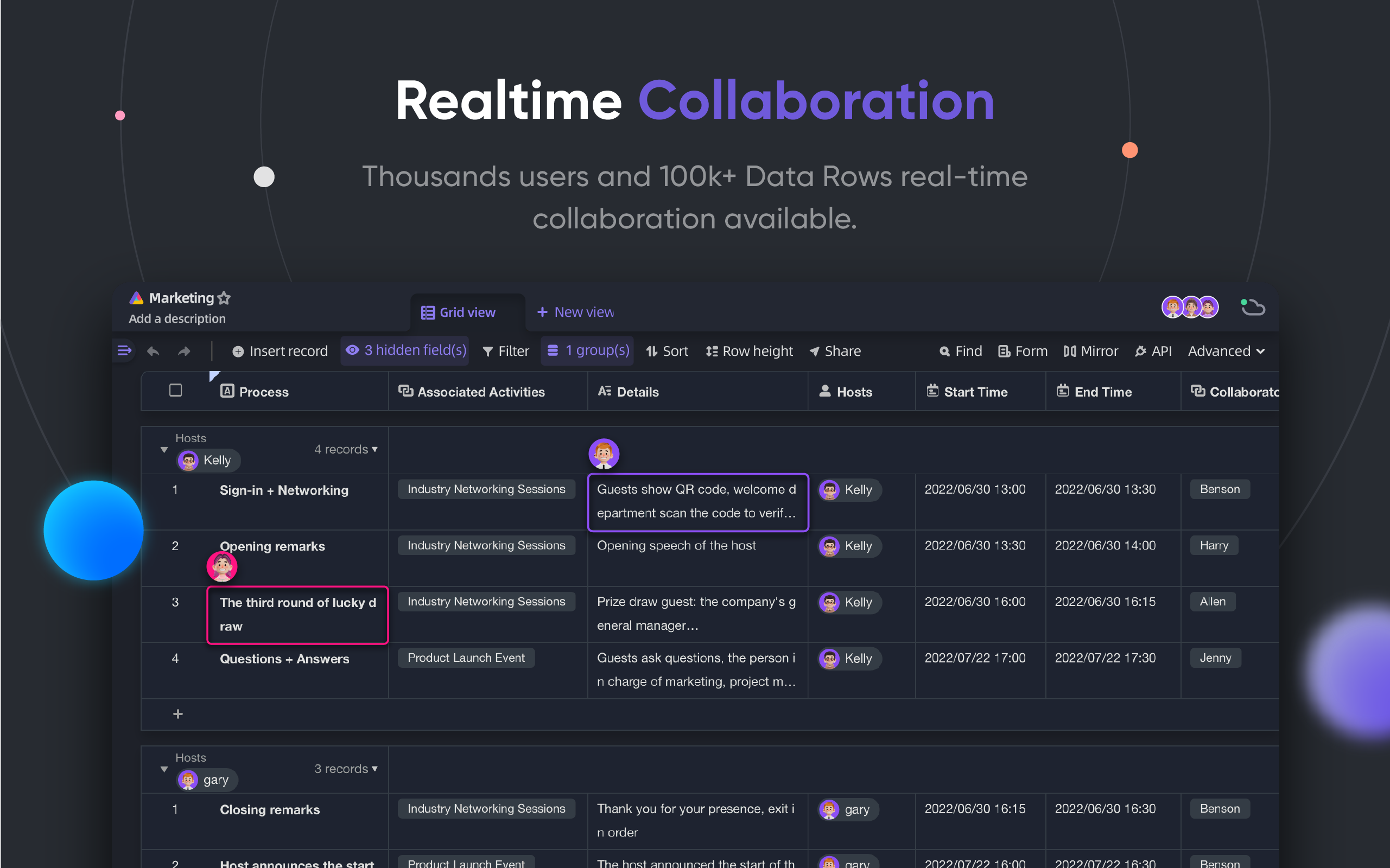

What is apitable?
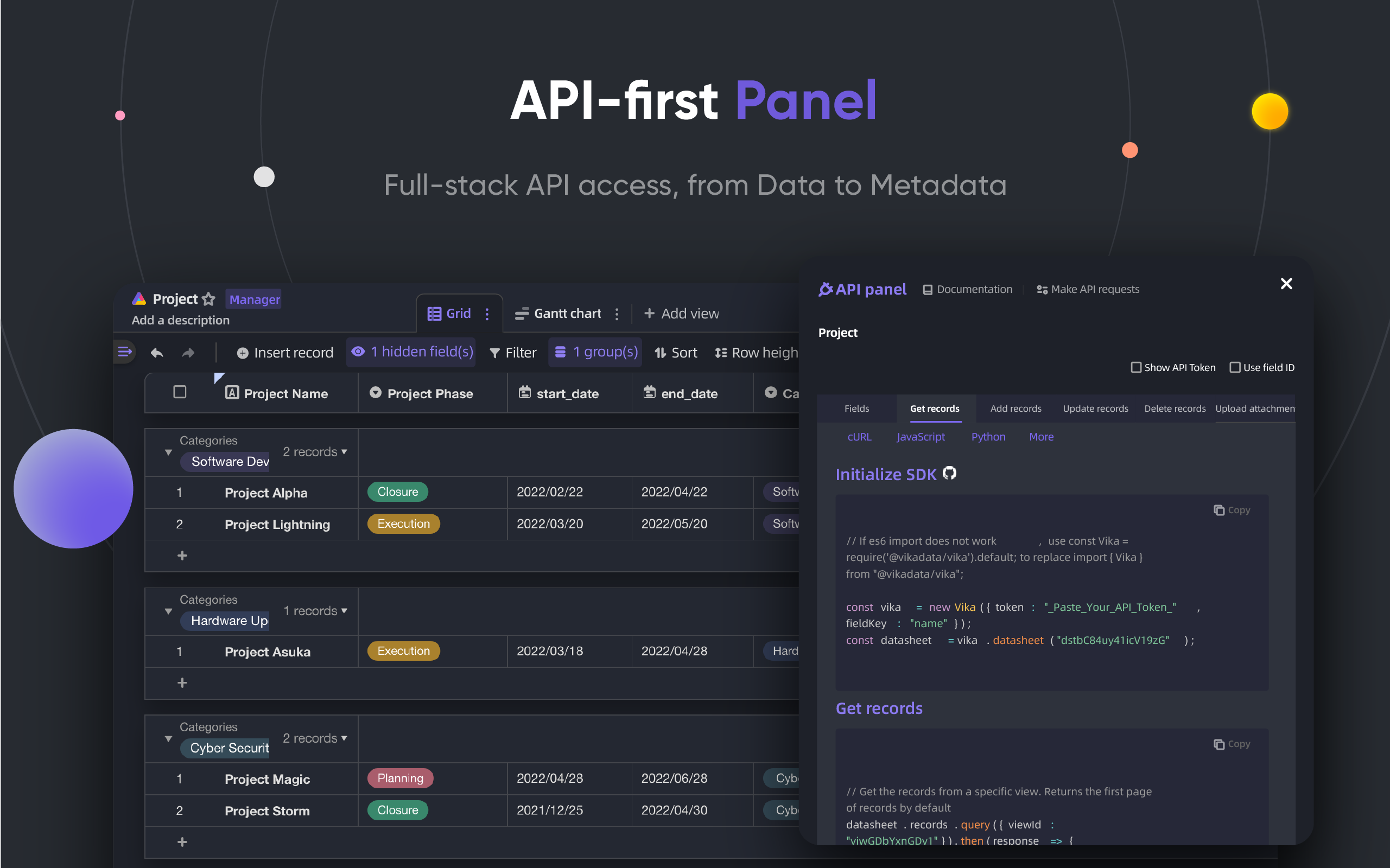
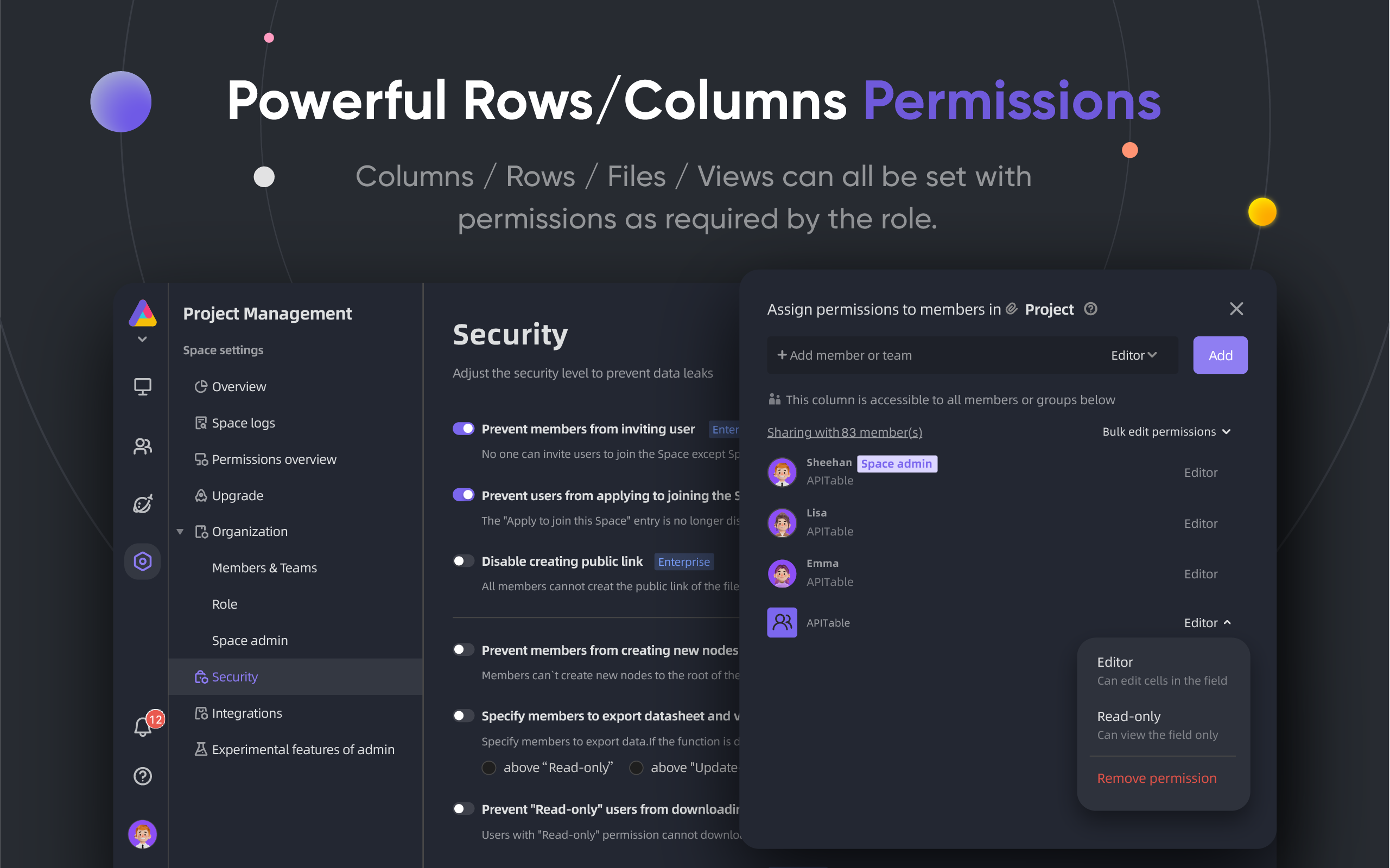
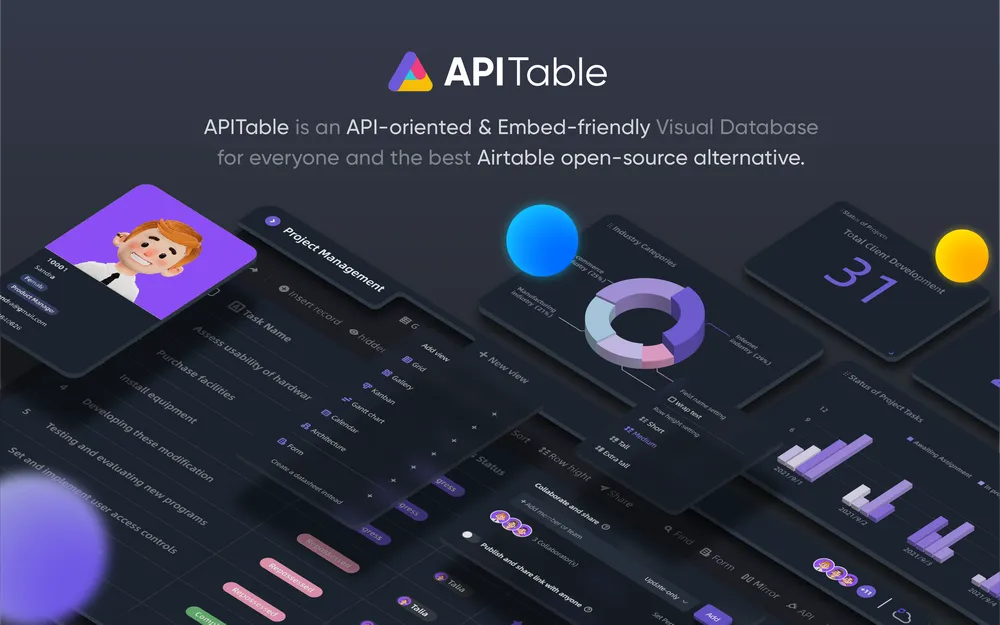
APITable is a low-code platform aimed at teams that want to assemble collaborative internal apps around a visual database, marketed as a free open-source Airtable substitute. Datasheets support simultaneous multi-user editing through operational transformation and scale past 100k rows, and each table can be shown as grid, gallery, mindmap, kanban, gantt or calendar. Tables link freely to one another inside workspace-based spaces, forms can be produced from a table in one click, pages are shareable and embeddable, and a built-in API panel exposes both data and metadata over REST, with a SQL-style query language (DQL) for lookups. Access control covers rows (via view mirrors), columns and folder hierarchies, plus team and organisation management. Extensibility comes from an open widget system with 20+ official widgets, custom field types, formulas, charts and automation robot actions, along with bundled templates and a BI dashboard. Self-hosting is a bash script that pulls a Docker Compose bundle running backend, web, room, databus and gateway containers next to MySQL, Redis, RabbitMQ and MinIO; a pm2-based all-in-one image exists for quick demos only. SAML, single sign-on, audit logs, database backup, data export and watermarks sit in the hosted/enterprise editions rather than the AGPL edition, native arm64 images are unfinished, and the project's public releases are still tagged beta.
apitable alternatives
 Kan.bnThe open source Trello alternative.CompareKan.bn with apitable
 It's a PlanOpen-source, self-hosted issue tracker where AI agents work alongside humans on shared boards. Replaces Linear, Jira, Plane with built-in AI, multiple views, initiatives.CompareIt's a Plan with apitable
 pneumaticworkflowSelf-hosted workflow platform with visual process design, AI template generation, task buckets, and API/Zapier integrations — Apache 2.0 licensed.Comparepneumaticworkflow with apitable
 AFFiNE Community EditionAFFiNE is a self-hosted, open-source knowledge base combining documents, whiteboards, and databases in one local-first workspace as a Notion and Miro alternative.CompareAFFiNE Community Edition with apitable
 airbyteAirbyte is a self-hosted data movement platform with hundreds of connectors for ELT pipelines and AI agents, deployable via Docker, Kubernetes, and abctl CLI.Compareairbyte with apitable
 AppwriteThe open-source cloud for agents & devs. Including Auth, Databases, Storage, Functions, Messaging, Hosting, Realtime, WAF and moreCompareAppwrite with apitable
 MachinaOSSelf-hosted open-source AI organisation with six specialised employees owning business functions end-to-end. Token budget, bring your own model keys.CompareMachinaOS with apitable
 docmostSelf-hosted, open-source collaborative wiki with real-time editing, diagrams, AI features, and enterprise SSO as a Confluence/Notion alternative.Comparedocmost with apitable
Should you self-host apitable?
apitable scores 65/100 on selfhost.directory (how scoring works) and ranks #4 of 17 in Low Code. It has 15 660 GitHub stars, +30 in the last 30 days.
There was no stable release in the past 12 months, so check the repository's recent activity before you rely on it.
Setup is moderate: expect some configuration beyond a single command. An official Docker image is available. It is AGPL-3.0-licensed and written mostly in Typescript.
Its closest alternative on selfhost.directory is nocodb (81/100, 65 453 stars). It scores higher overall, so compare the two before you pick. See apitable vs nocodb side by side.
Features
- Audit LogEnterprise/hosted only
- Auto-generated forms
- Automation robots
- BI dashboard
- Cross-table links
- Extensible widget system
- Multi-language Support
- Multiple view types
- Real-time collaborative editing
- REST API
- Row and column permissions
- Shareable and embeddable pages
- Single sign-on (SAML)Enterprise/hosted only
- Templates

More in Low Code
 AppsmithOpen-source low-code platform for self-hosted internal tools, admin panels and dashboards, deployed as one Docker container or via Helm with Git version control.
 budibaseOpen-source low-code platform for building AI agents, internal apps and automations; self-hosted via Docker, Compose, Kubernetes or Digital Ocean.
 canonic-self-hostedSelf-hosted low-code platform to build full-stack apps via Docker Compose with MongoDB and nginx proxy on port 9191, supporting Google OAuth.
 CortezaSelf-hosted, open-source low-code platform for building CRM, workflow and integration apps; an Apache-2.0 alternative to Salesforce that deploys via Docker.
 DropbaseSource-available, self-hosted low-code tool where AI generates Python app code for admin panels and internal tools; runs locally as Docker Compose services.
 FlowForgeConnect, Collect, Build, and Scale with FlowFuse
 FlowFuseSelf-hosted platform for building industrial applications at scale using Node-RED with AI-assisted development, team collaboration, and DevOps pipelines.
 GristA self-hosted, open-source relational spreadsheet with database-style columns, Python formulas, row-level access rules, forms and drag-and-drop dashboards.
 illa-builderSelf-hosted open-source low-code platform for internal tools: dashboards, CRUD apps, admin panels, with database/API connectors and scheduled or webhook automation.
 langflowLangflow is a self-hosted, open-source low-code platform for building AI agents and RAG workflows with a visual drag-and-drop interface.
 LowcoderOpen-source low-code platform for internal tools and customer apps with visual builder, 120+ components, 60+ data sources, and Docker self-hosting.
 LowdefyOpen-source, config-first stack for building internal tools, admin panels and dashboards in YAML, with databases, auth and RBAC built in.
0 comments